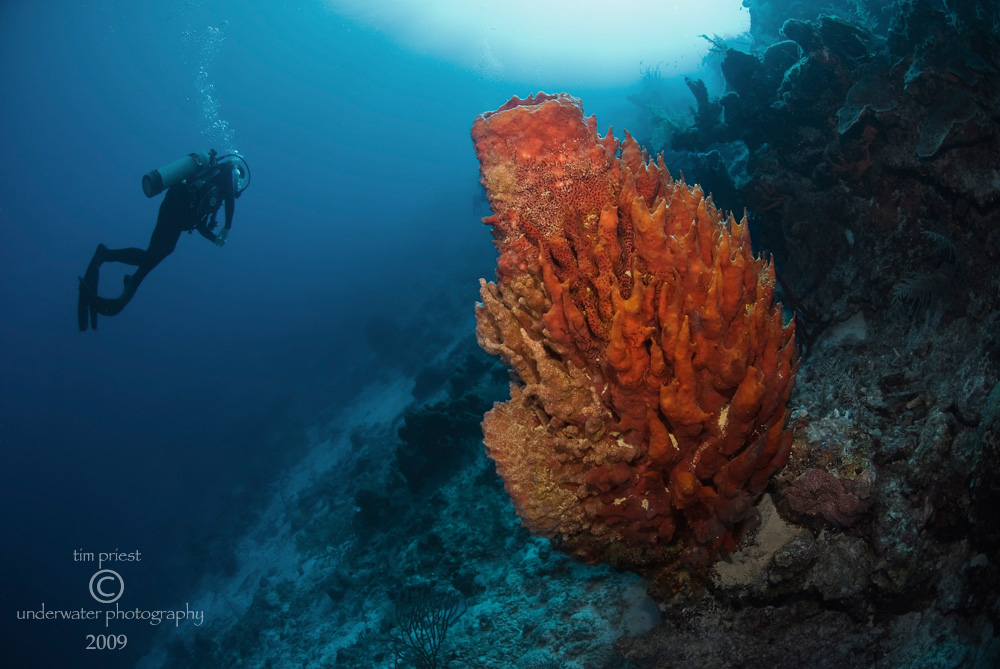
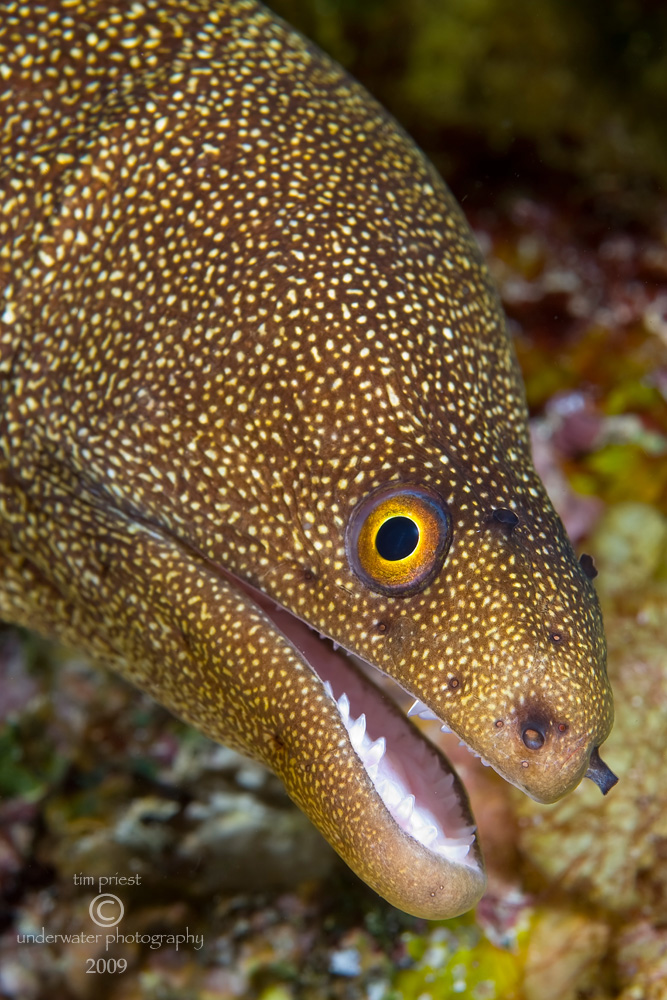
Belize Aggressor November. Right after hurricane, bad vis. Boat took on bad fuel, just a tough trip all around.
Still better diving than in the NY snow!
I should mention that the Aggressor fleet compensated us by giving a generous allowance to our next trip in April on the Cayman Aggressor. Very good of them, we think.
This slide show has music.
thanks for watching
Allan
Fun stuff Allan, I'll always have a soft spot for the beautiful walls around the outer islands in Belize. Thanks for sharing!
Cheers,
Steve
If the vis. was bad, it doesn't show: I thought that the vis. was OK when I dived from the Aggressor a couple of years ago, but I'm not sure that my pictures were any better...
Thanks for your images!
Tim
Fun stuff Allan, I'll always have a soft spot for the beautiful walls around the outer islands in Belize. Thanks for sharing!
Cheers,
Steve
Thanks Steve
You always seem to have a kind word to say about everyone's efforts and i hope I can meet you on some trip somewhere, someday.
Did you enjoy the music? For me, photos are very important, of course, but adding music (the correct music) gives a whole different dimension to the photos.
For example, Howard Halls' video that he did a few years ago that someone mentioned on wetpixel. As great as the video was, the impact was tripled with the music of that Alex fellow (made especially for the video)
Flicker and shutterbug etc don't give us that option.