



Just got back from participating in Alex's Digital Madness in Grand Cayman again this year. He had a week focused on creative techniques (ie trying new stuff) so I could not resist. Once again, another intensive week, but I feel that I came away with so much more in my portfolio. Cannot wait to get back in the water and taking pictures again soon.
I was able to try out some of the following during the week; off camera strobes (with and without fill light), snoot work with macro and CFWA, and fluorescence photography. I also have loaded a collection on my flickr site from the whole trip. http://www.flickr.com/photos/pammurph/sets...57629350760583/
I would love to get your thoughts and feedback on some of the stuff I worked on this trip.
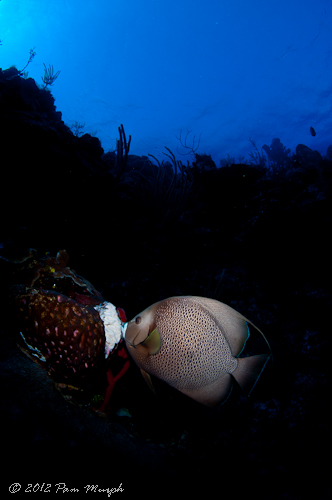
This is using a snoot with CFWA work. DS 161 strobe with snoot
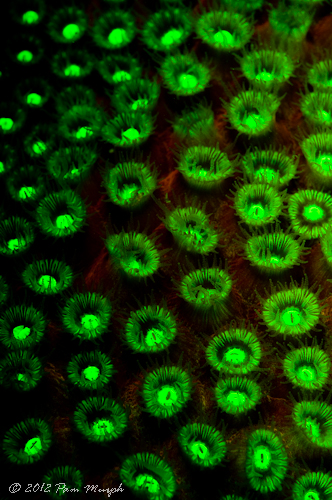
Fluorescence photography. This was very interesting. Did not realize the reef glowed like this. Very cool to do.
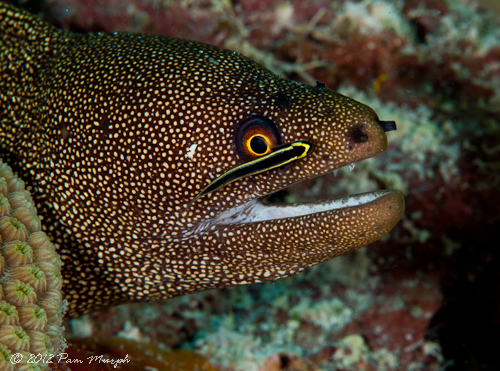
Snoot with maco - 105mm lens. DS 161 strobe with snoot
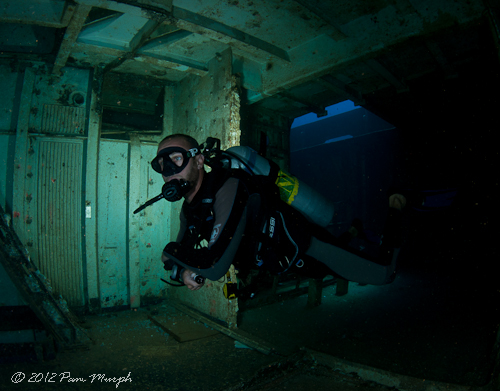
Off camera strobe work - strobe was attached to the back of the model's tank and then I used fill light. Taken inside the Kittiwake.
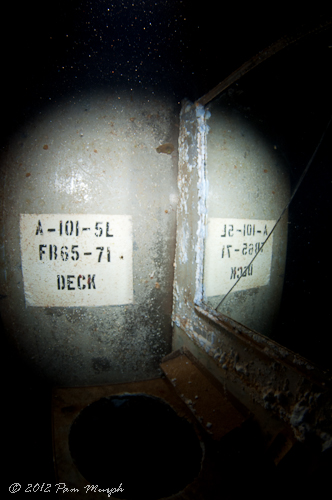
I really wanted to get some shots of the mirrors inside the Kittiwake, but doing this without my strobes showing in the picture was not easy, so I added a snoot to the setup and tried it.
Happ diving - DiverPam


