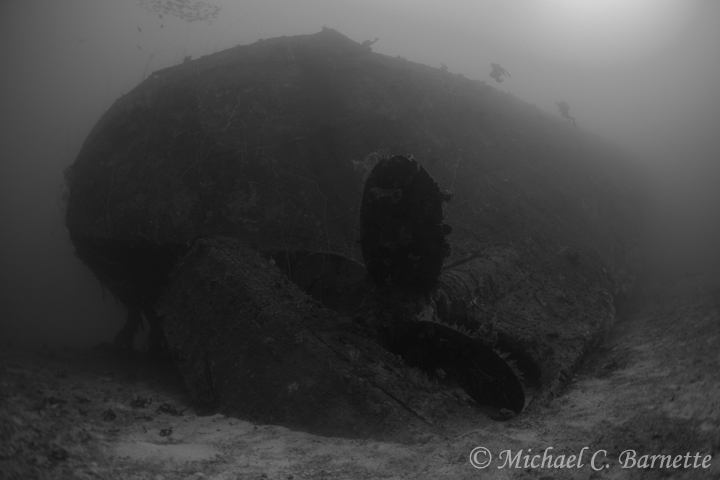
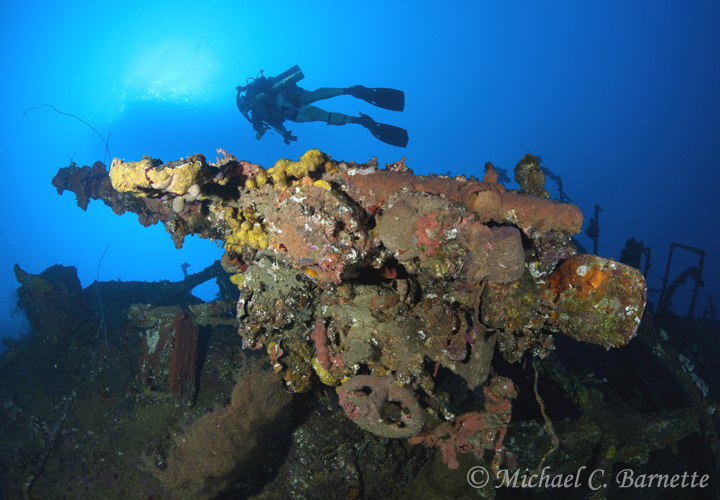
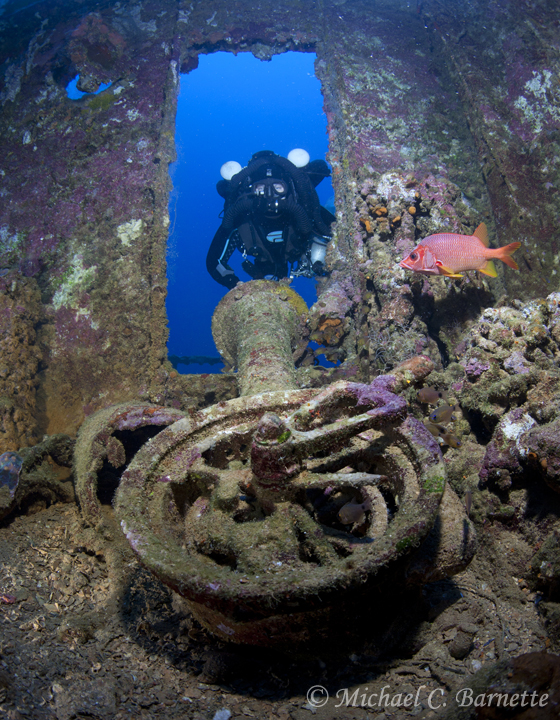
Just got back from another great week diving the spectacular wrecks in Chuuk aboard the ODYSSEY. Weather was a bit gloomy, but the diving was still top-shelf. This trip was spent exploring some of the deeper wrecks in the lagoon, such as the AIKOKU MARU, OITE, and NAGANO MARU. Below are a few shots from the trip...
Cheers,
Mike
A few more shots...
...and a few more....
Great shots, Mike. The first two are my favs! Thanks for posting.
Lee
they are deep wreck, no much coral , I like shallow water wreck with beautiful soft coral coverage :
they are deep wreck, no much coral , I like shallow water wreck with beautiful soft coral coverage :
It depends on personal preference, I prefer the deep wrecks.
I like seeing the massive props, and the other photo in your second post is pretty cool too. It's nice when the fish co-operate! Do you think the cloudy weather up top significantly impacted your available light/white balancing?
Love the shots, the first one is my favourite.
Well done.
Lee
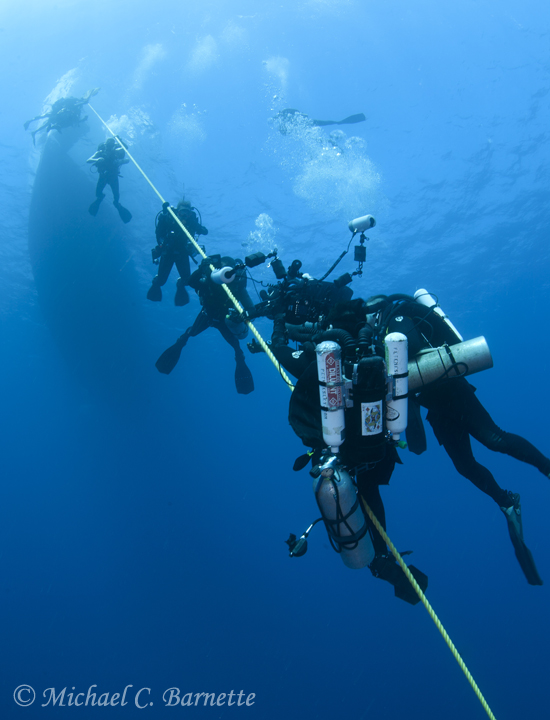
Haha, love the deco line shot, looks like a random heap of gear!
I myself am not that much into wrecks, I'm more of a critter guy, but the shots of a diver next to one of those enormous props is always awesome!
Looks like a nice trip!
-Morten
I had to laugh about the Decoline picture. Sort of been there :-)









.jpg.857dbbfbdc4d79d9c6ebf7b4ba96ed1b.jpg)

