Skip to content

Shooting Technique, Workflow and Editing / Archived topic

Lightroom Chromatic Aberration thread

Started by adamhanlon ·

  • 8Posts
  • 8Replies

Read-only discussion

Lightroom Chromatic Aberration thread

8 posts
  1. This is the placeholder for responses to the "beat Adobe's automatic CA removal process" post on the front page.


    Please try a few images with CA problem through the new process and if you manage to beat it, please try and post before/after type shots of the image.


    Alternatively, if you get amazing results with the new process, please post those too!


    Lastly, if you can beat it :); please admit defeat below too!

  2. I'm first!


    I've failed-I can't beat it!


    I'll keep trying though :)


    Adam

  3. I brought this up on the Adobe Forums a few days ago. The issue is with older lenses, where Adobe has not developed a profile, like the Nikon Micro D 105 and 60mm. I was able to develop a preset that worked really well in LR 1, 2 and 3. Because the sliders are different in LR4, your old presets may not give you the effect that you had in LR3. I found remaining fringing on the corners with the Auto correction. I'll see if I can post an example for you. The defringe doesn't help. Someone suggested using the new Moire adjustment brush...didn't work either.


    Cheers,

    Marli

  4. O.K.,

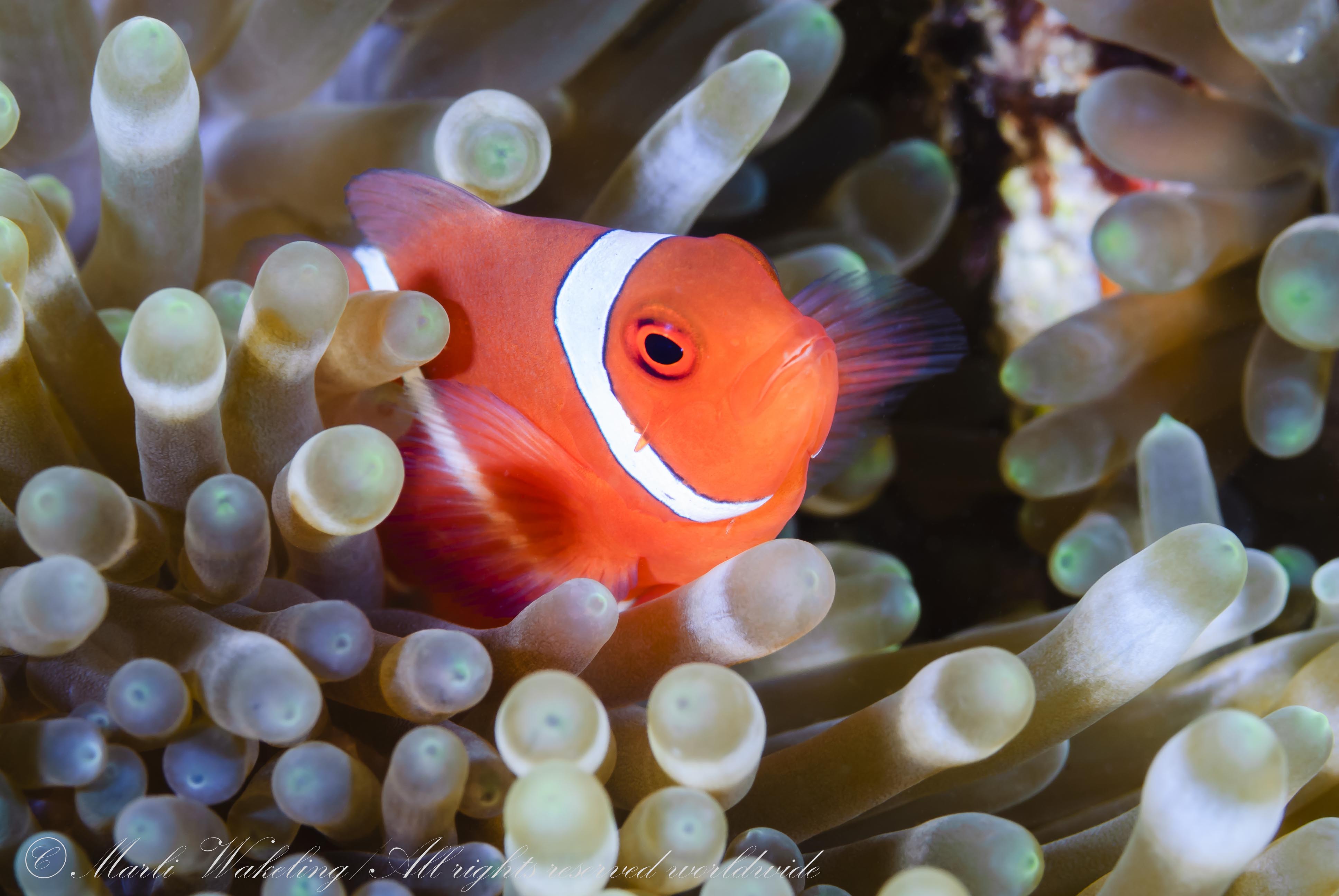
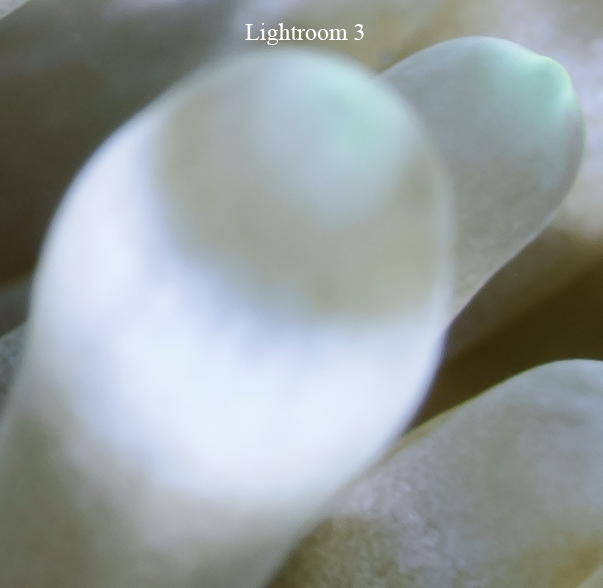
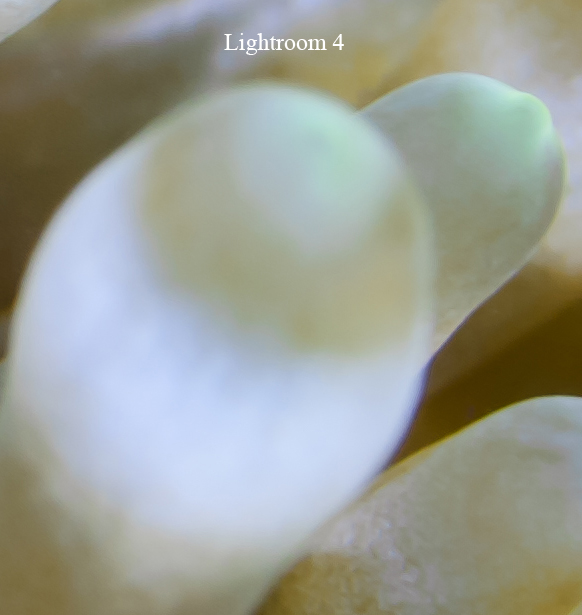
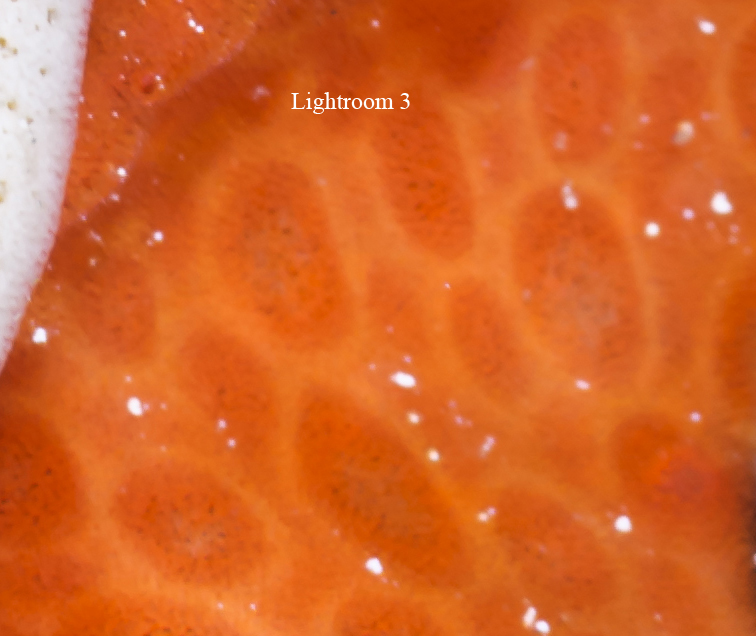
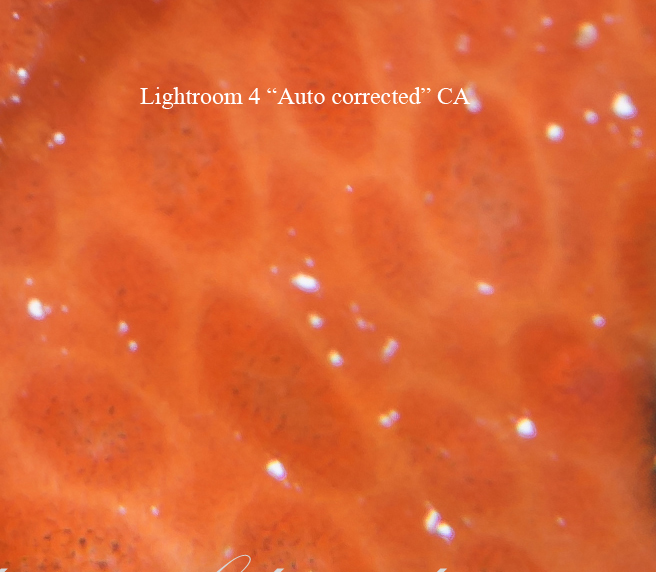
    Here is where my old settings beat LR4. Here is the photo that I was working on. I have included a crop done with LR 3 (there are no colour adjustments done on this one, just manual CA removal) and the LR 4 version with Auto CA removal. This was shot with a Nikon 105mm D lens. You can see the blue and yellow fringing (This is with defringe on) is still present between the anemone tentacles. I am not amused. The CA correction in Photoshop is lame, and reminds me of this new Auto correction.

    So, yes, I can absolutely beat this lousy Auto CA tool.


    Marli

    post-1116-1331348576.jpg

    post-1116-1331348595.jpg

    post-1116-1331348607.jpg

    Edited by scubamarli
  5. OK-this sounds promising!


    There is no profile for the Tokina 10-17mm on Nikon. There is a user generated profile for the lens with Canon


    I'm going to go back and have another peak at images with that lens.


    Adam

  6. wow, i have never tried to use the chromatic aberration tool... now it has its own thread! :)

  7. I made a try yesterday with a recent picture of a Diadem Sea urchin taken with my G12 and LR4.

    The new automatic function eliminated the slight blue borders without moving any slider and

    i felt surprised about the quality and accuracy the borders where eliminated.

    I will redo a test with another more extreme picture and post the results.

    Chris


    Update:

    I tried a older picture of a sea urchin taken with my old Fuji E900 and bad CA on the white spines. The automatic function of LR4 worked not really good and eliminated about 30% of the whole blue fringe. This frustrating result may drive that there is no lens profile for the Fuji E900 camera.

    Unfortunately i erased the LightRoom3 installation and installation program and to download it again bit approx. 500kb/sec here in Costa Rica would take a absurd amount of time.

    Edited by ChrigelKarrer
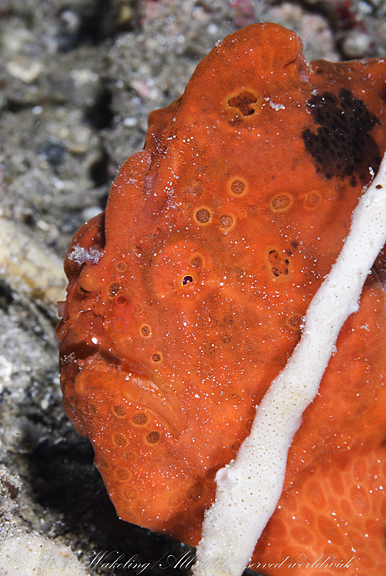
  8. I thought I would post another horrific "Auto Chromatic Aberration" job. This is a more typical shot that requires manual tweaking due to the highly reflective particles of sand near the corners. The result is simply unacceptable. Compare with a manually corrected version in LR3. I hate CA more than the average photographer, so this particularly irks me. I had plug in software ten years ago (called Flo's Undistort) that did a better job, but it won't run in today's 64 bit environment.


    By the way, Defringe is turned on in the LR4 version, not in the LR3 version. I am just so not amused by this.


    Marli

    post-1116-1331420064.jpg

    post-1116-1331420166.jpg

    post-1116-1331420180.jpg

Aquatica

Account

Navigation

Search

Search

Configure browser push notifications

Chrome (Android)
  1. Tap the lock icon next to the address bar.
  2. Tap Permissions → Notifications.
  3. Adjust your preference.
Chrome (Desktop)
  1. Click the padlock icon in the address bar.
  2. Select Site settings.
  3. Find Notifications and adjust your preference.