



Hera are some pictures from the Tulamben area in Bali. Comments are of course most welcome. More pictures can be seen on http://www.pbase.com/borneobent/bali
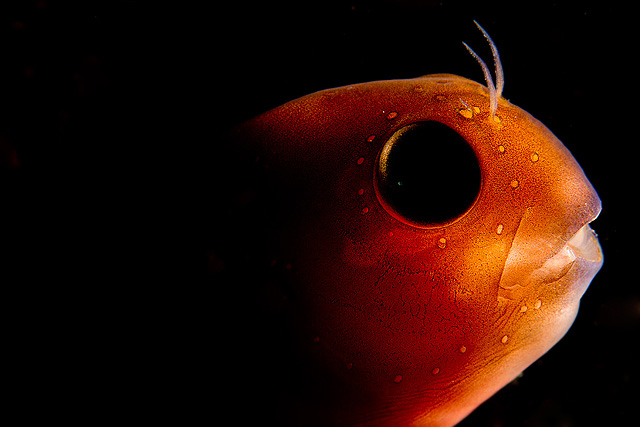
Backlit blennid
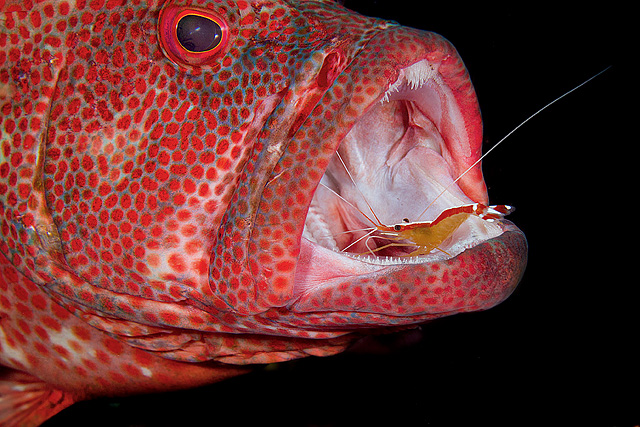
Grouper cleaning
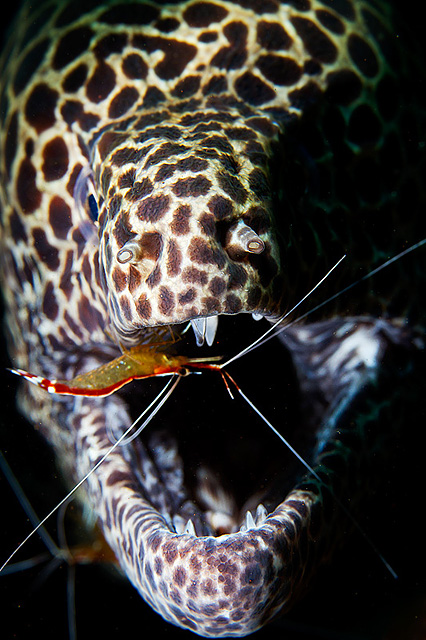
Spotted moray and cleaner
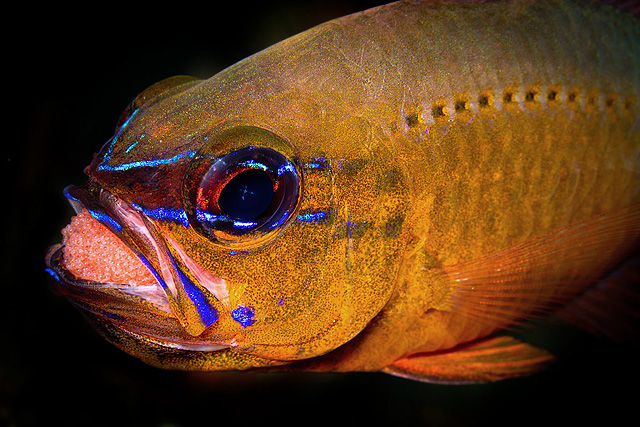
Cardinalfish with eggs
Read-only discussion
Hera are some pictures from the Tulamben area in Bali. Comments are of course most welcome. More pictures can be seen on http://www.pbase.com/borneobent/bali
Backlit blennid
Grouper cleaning
Spotted moray and cleaner
Cardinalfish with eggs
..... and a couple more
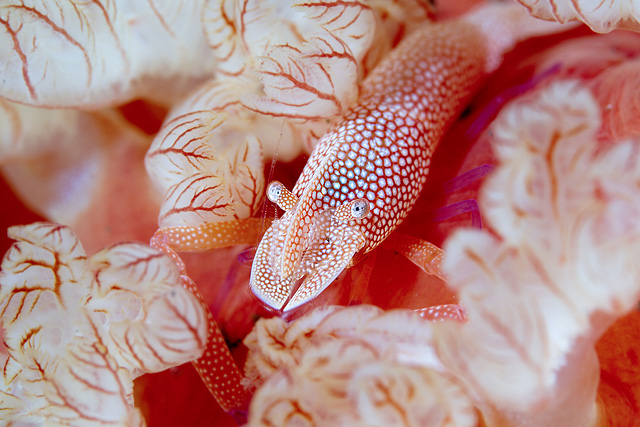
Emperor shrimp on spanish dancer
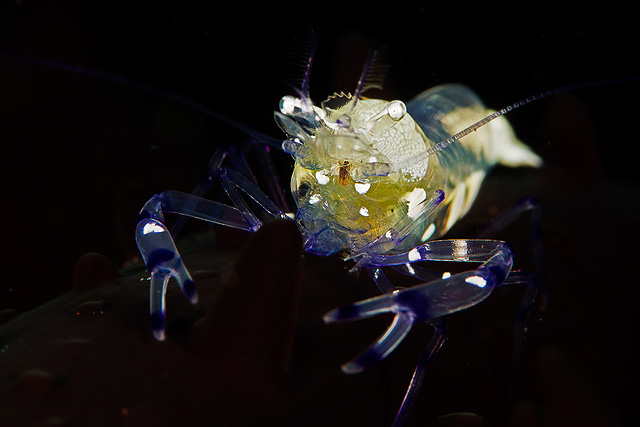
Shrimp on black anemone
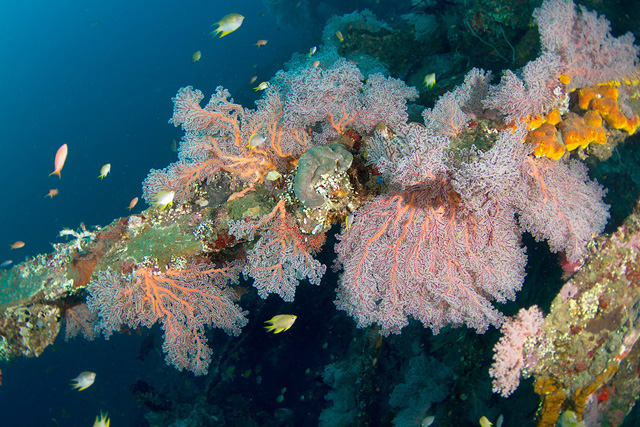
Lush growth on USAT Liberty
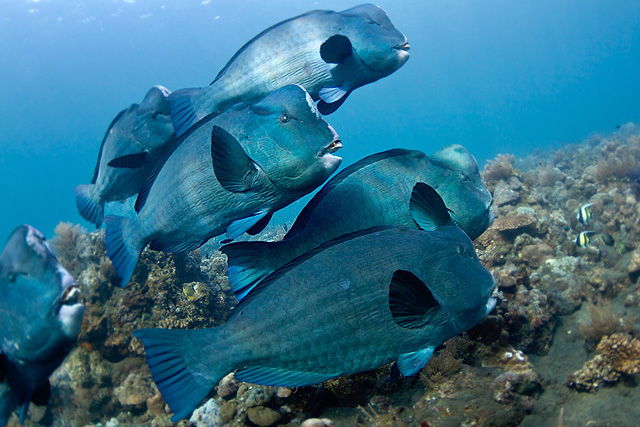
Bumpheads
Hey Bent have a question, did you use any diopters and just curious were the macro shots as is or cropped? ie cardinalfish and eggs. Great shots btw. Was there only last month.
Hey Bent have a question, did you use any diopters and just curious were the macro shots as is or cropped? ie cardinalfish and eggs. Great shots btw. Was there only last month.
As far as I recall the macros are as shot, and if I am wrong, at the most very minor crops. The shrimp on black anemone was with a Subsee as far as I recall, while the others were without diopters. The cardinal fish is most definitely without diopter, I doubt that I ever would be able to shoot them with a diopter. That particular shot took quite a while to get, as the eggs only rarely, and very quickly, are ventilated outside the mouth. To get everything lined up at that time in focus using a diopter is probably beyond me. Then again, that particular cardinal fish is pretty big, so I am quite far from 1:1 in that picture.Cheers Bent
Very nice! That first one is lovely, can you talk us through how you shot it please? I would think about bringing it back in the frame a little but very nice effect.
Very nice! That first one is lovely, can you talk us through how you shot it please? I would think about bringing it back in the frame a little but very nice effect.
There is a really cool competition winning picture around of silhouette of a blennid I saw a couple of years ago. I have wanted to try something similar for some time, but never found a good blennid for the shot. This blennid was big and very docile, so it was a good subject for the planned picture. However, it was very light in color, so I had to give up on the silhouette idea. I shot it more or less as I would have shot a profile picture, with a single strobe held on the opposite side of the head of the blennid, positioned around 45 degrees toward the fish. I did a couple of exposures with different strobe settings. On this one I liked the fish best and adjusted the blacks of the rest in post. Not much to it. I took it while being pretty bored waiting for some good cleaning action at a cleaning station. To be honest, the positioning was chosen in order not to copy the prior picture idea I mentioned above to blatantly, which might be a stretch. However, I kind of like that it is not the obvious way of positioning the blennid. In a publication, I think it would be pretty cool with some text behind the but I might be wrong, and I kind of regrett not shooting it in a number of versions.
It's very nice, you can easily move it backwards though in post processing
It's very nice, you can easily move it backwards though in post processing
Thanks, Alex. I will try to make such a version as well.
Nice shots! like the shrimp on the nudi
I really love the shrimp on the spanish dancer! Quite a beauty!

Terms of Use Privacy Policy Guidelines We have placed cookies on your device to help make this website better. You can adjust your cookie settings, otherwise we'll assume you're okay to continue.

A worldwide community for underwater imaging.
