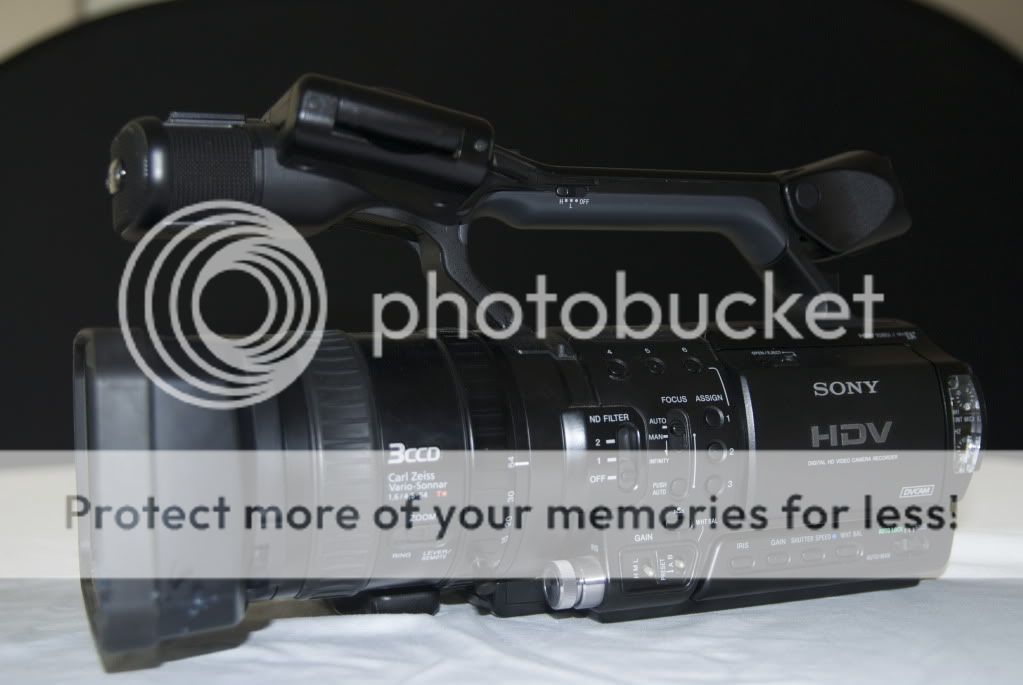
If you are an avid underwater videographer (or want to be) and ready to step it up a notch, grab this professional HD video system and get vivid color! Light & Motion designed a well balanced housing for the Sony Z1U including an easy one touch white balance system. The 3 chip camera allows you to capture rich detailed colors!
The complete kit includes:
-Sony Z1U Camcorder + all accessories and manuals/DVD
-Three 5-hour batteries + Two chargers
-Light & Motion Bluefin HD Housing
-one touch white balance
-two neutral density filter settings
-iris/gain controls
-4 internal buoyancy weights
-Easy slide camera tray
-flip red filter
-XIT 404 Top mount SunShade for easy monitor viewing
-spare o-ring and hand grip replacement kit
-Regular Zoom Port with flip macro lens
-Wide Angle Port with special flip macro lens
-XIT 404 flip +7 diopter for uber close macro
-Light & Motion Sunday 2000 Video Lights
-two 2000 Lumens video light heads
-two robotic arms that fit on the handles
-four video light batteries
-two battery pods with cable connectors
-three rapid chargers
-Amphibico white balancing and focus slate
-Extra port covers for all ports
-35 new, unopened Sony 60 minute high quality tapes
-Two extra camera lens covers
-Custom shipping and traveling foam molded to the shape of the housing and video lights.
Get Everything for $5,550.00 + Shipping
Please email Divadiver@msn.com