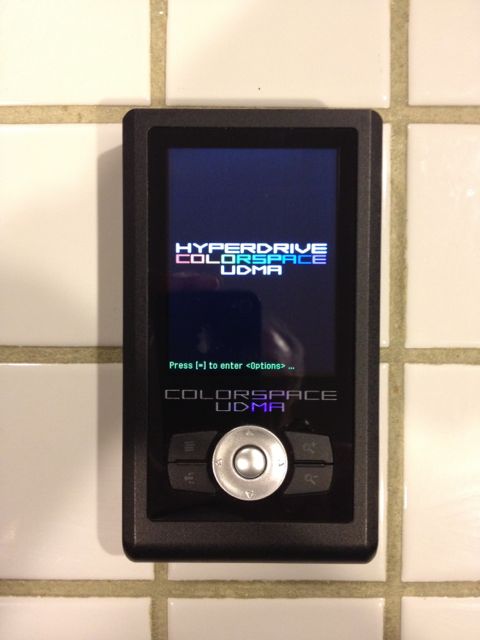
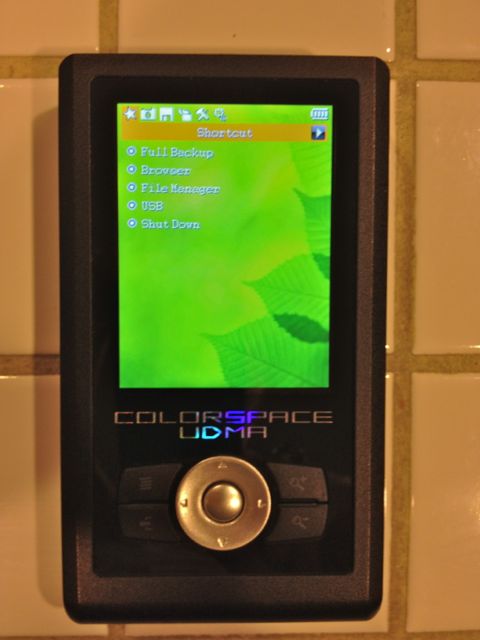
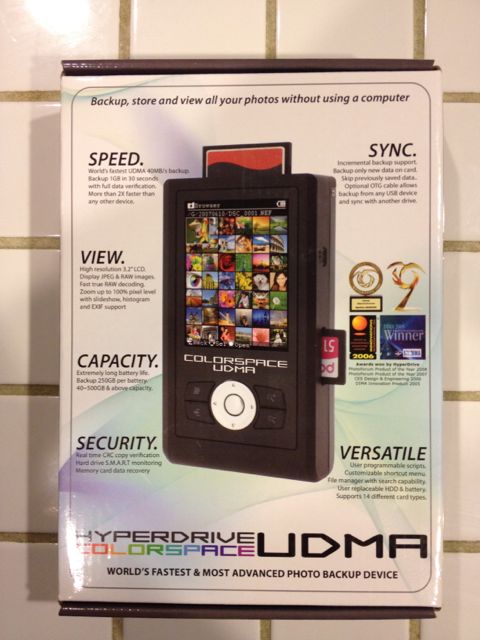
I've tried several portable LCD backup devices over the years and this is the one I've settled on. It's a Hyperdrive Colorspace UDMA. Advertised as the fastest and most advanced photo backup device on the market. It's been trouble-free and works as advertised. I'm selling it only because I had to switch to its sister product that is compatible with the iPad.
It has zillions of features, but the highlights are:
3.2" hi-res LCD. 500GB hard drive.
World's longest lasting rechargeable (and user-replaceable) battery - up to 250GB of data per charge.
Memory card data recovery/unformat/undelete with harddrive and memory card speed benchmark tools.
Full and incremental backup.
Copies data from card to device at about 40MB/s or 2GB a minute.
R/G/B/L histograms, EXIF data display, slideshow feature.
Works with virtually all RAW formats, and the firmware is upgradeable as new RAW formats come out.
Works with CF, SD, SDHC, MS, and many other card types. PC and Mac compatible.
Check out the full specs at the manufacturers web site -
http://www.hypershop.com/HyperDrive-COLORSPACE-UDMA-s/64.htm. It sells for $499 if you are lucky enough to catch them when they are in stock. Seems like they sell out almost as fast as they get them in.
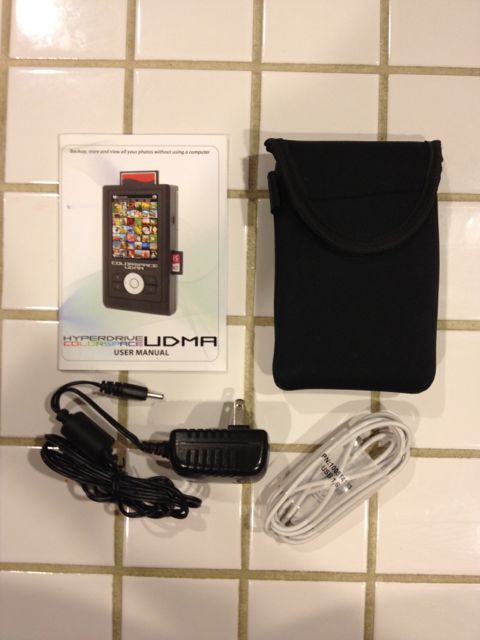
The drive is in like-new condition and comes with the original box, owners manual, neoprene carrying case, AC adapter, and USB cable.
Will take $325 for the kit.