Skip to content

Photography Gear and Technique / Archived topic

BS Kinetic announces LUT housing for Sony A77

Started by Drew ·

  • 5Posts
  • 5Replies

Read-only discussion

BS Kinetic announces LUT housing for Sony A77

5 posts
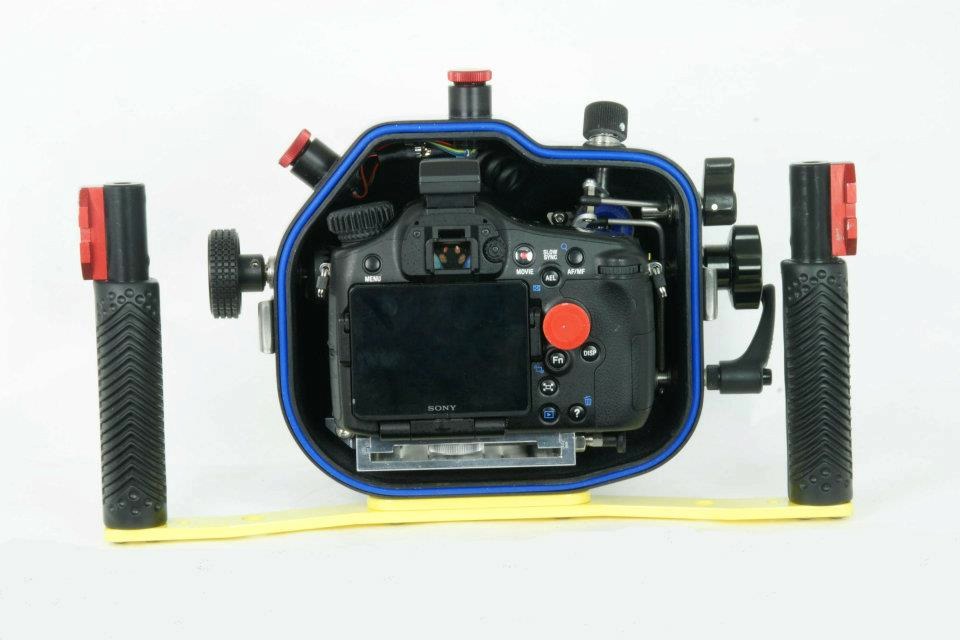
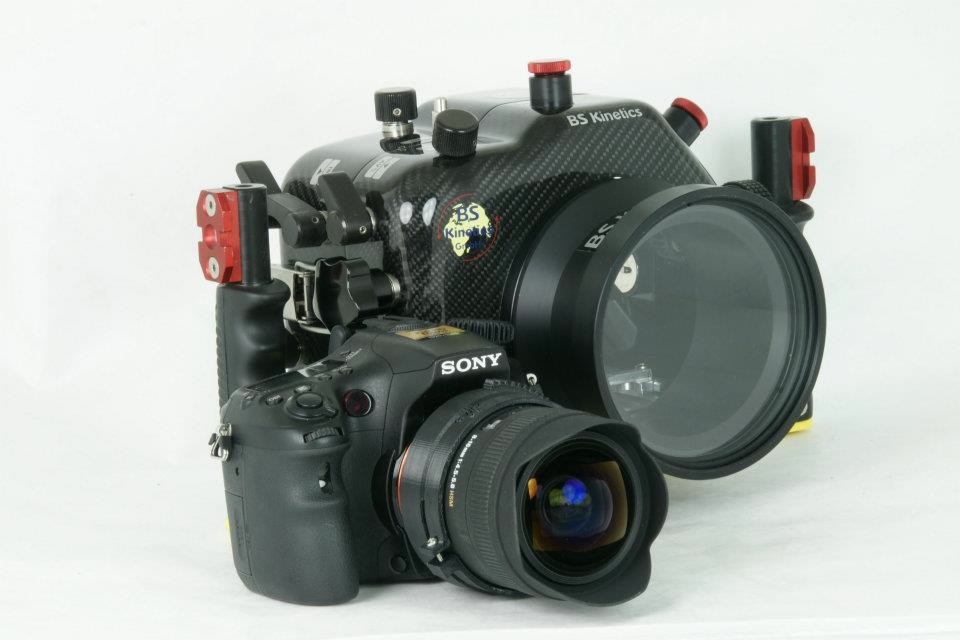
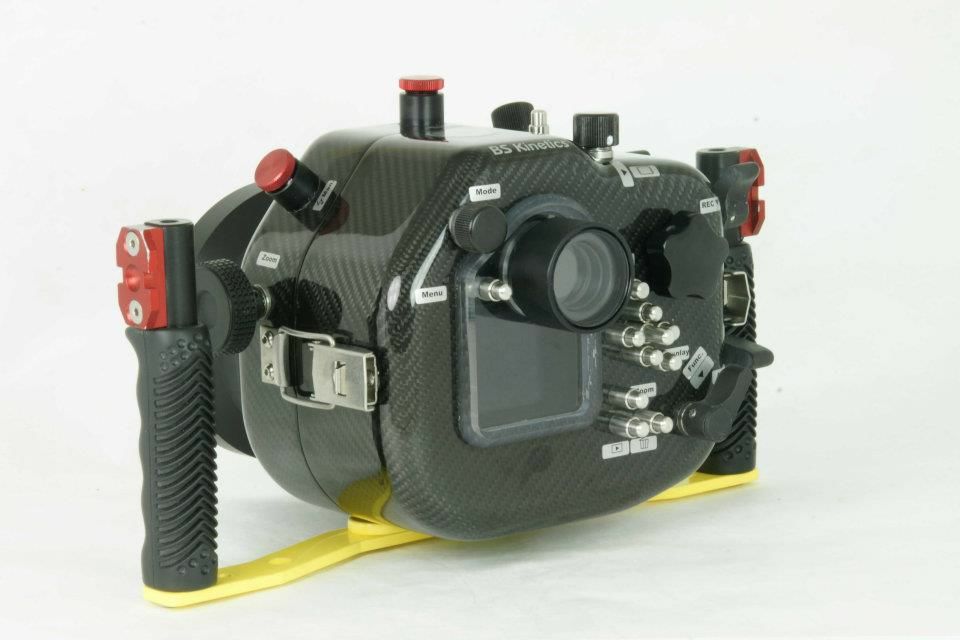
  1. BS Kinetic, the german housing manufacturer which uses carbon fiber for housings, has announced the LUT for the Sony A77.

    The housing will have 24 controls on the camera but details aren't online yet. Still for someone who wants 8fps RAW @ 24MB and not worried about ISO performance above 800, this is great news. 1080/60p video as well and all for $1400!


    post-1861-1338236633.jpg


    post-1861-1338236643.jpg


    post-1861-1338236654.jpg

  2. oh crap now the A77 upgrade is very, very (did I say "Very" yet???) tempting.....

  3. I'd check the dome port situation first.

  4. Good point. I've never (in surfing BSK's website) been able to figure out their port situation, period.


    What is available? Is their port compatible with 3rd parties of any kind? How about zoom gearing? etc. etc.


    Plus does their housing allow raising the internal flash for fiberoptic coupling? I see the images you linked indicate some sort of hotshoe mount - is their included TTL electronics or is the for manual triggering only?


    At my level of photography (poor) and frequency of diving (too rare), straying away from Ikelite just doesn't make sense. But then I really really like the A77 (it would fix the few flaws I see in my A55, and add a whole lot of useful features like focus peaking) and Ike ain't housing it....


  5. Well with the € hitting new lows, it's a good time to pick up all things european! :)


    You'll have to ask them the questions... I'm more interested in their FS700 housing. :D

WaterPixels Store

Account

Navigation

Search

Search

Configure browser push notifications

Chrome (Android)
  1. Tap the lock icon next to the address bar.
  2. Tap Permissions → Notifications.
  3. Adjust your preference.
Chrome (Desktop)
  1. Click the padlock icon in the address bar.
  2. Select Site settings.
  3. Find Notifications and adjust your preference.