Skip to content

Classifieds / Archived topic

FS: Inon 45° Viewfinder for Aquatica & Aquatica Macro Port

Started by Drew ·

  • 9Posts
  • 9Replies

Read-only discussion

FS: Inon 45° Viewfinder for Aquatica & Aquatica Macro Port

9 posts
  1. I have a couple of things I won't be using anymore:


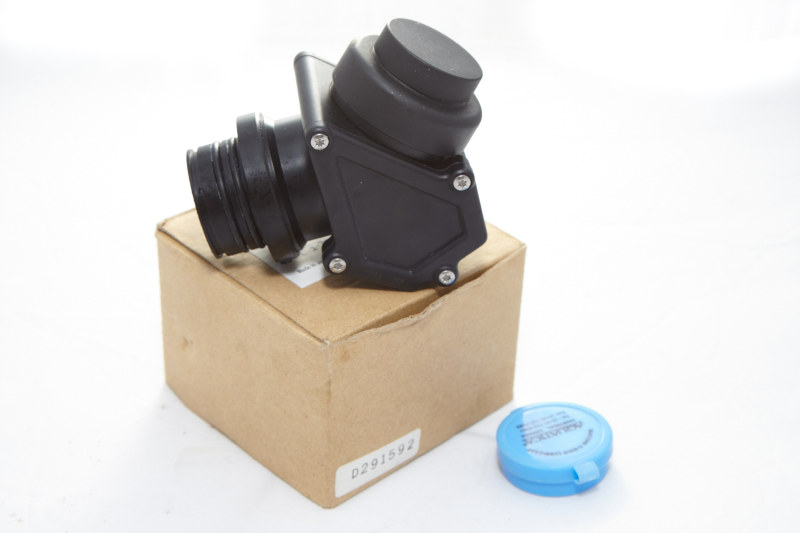
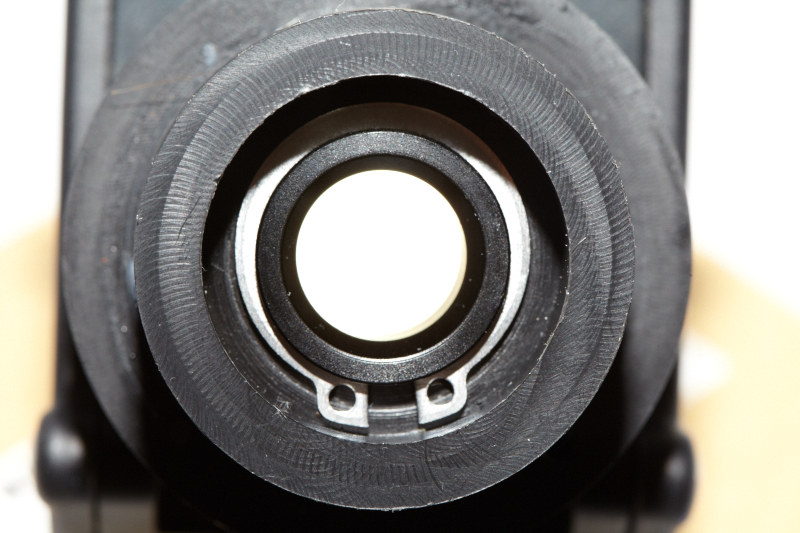
    01. Inon 45° Viewfinder modified to fit Aquatica from BackScatter: $700 obo

    1.5 years old. Used sparingly. Very good condition. One can also buy the adapter for another brand from Backscatter.


    post-1861-1338948463.jpg

    Comes in box with one silicon gel pack.


    post-1861-1338948473.jpg

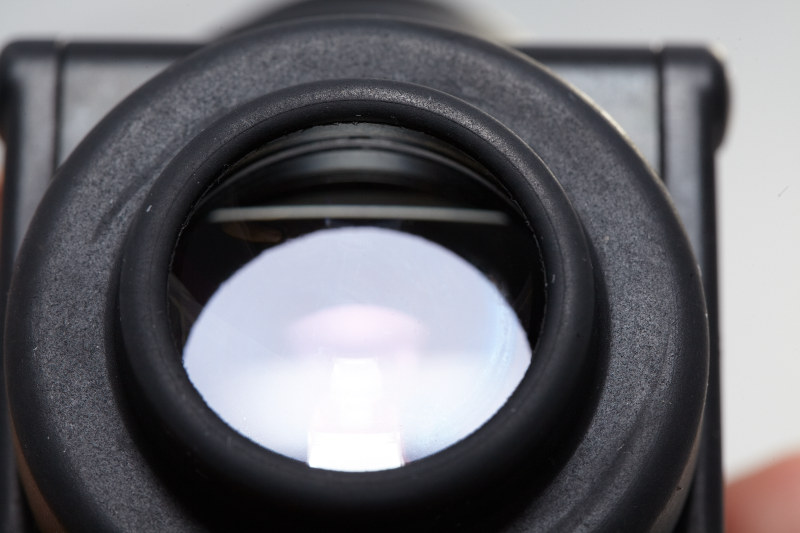
    Glass is blemish free


    post-1861-1338948482.jpg

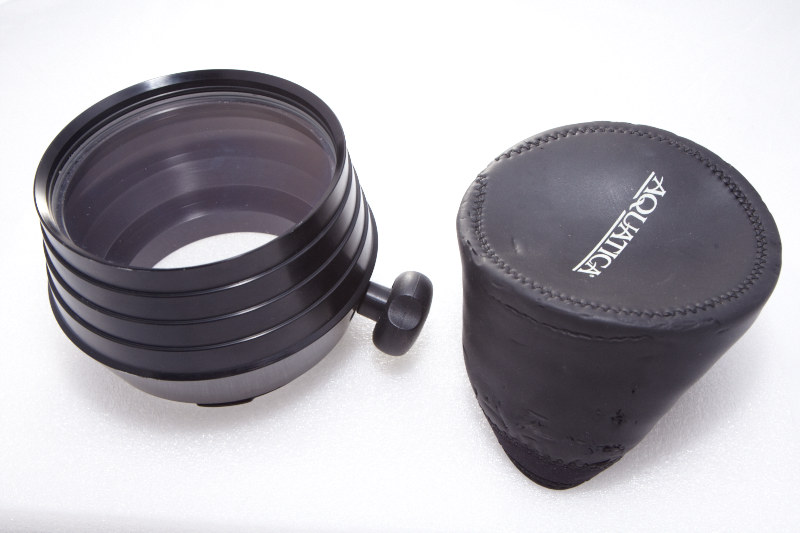
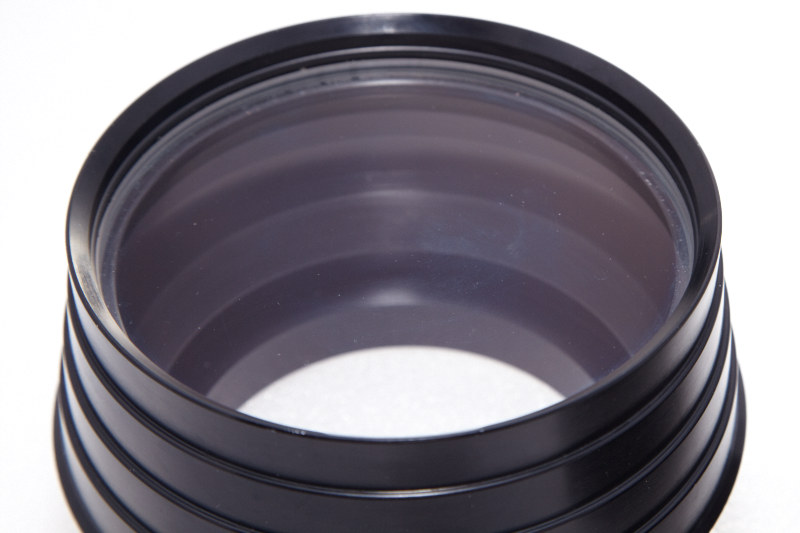
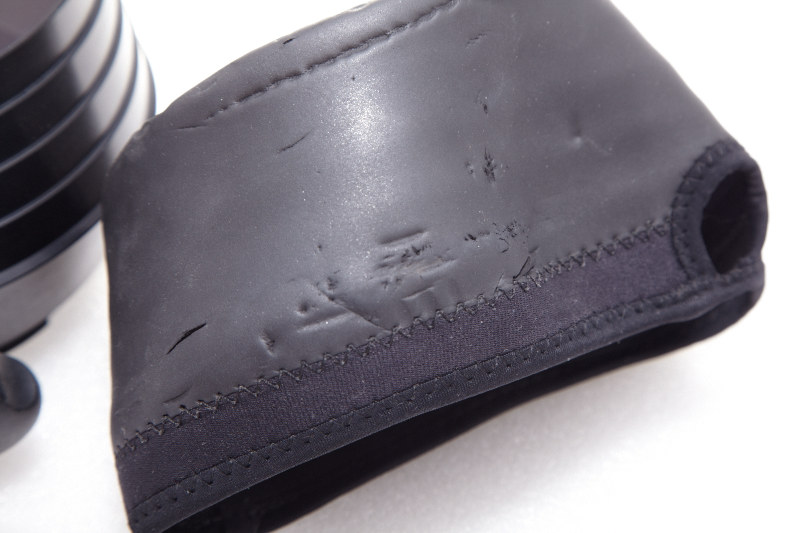
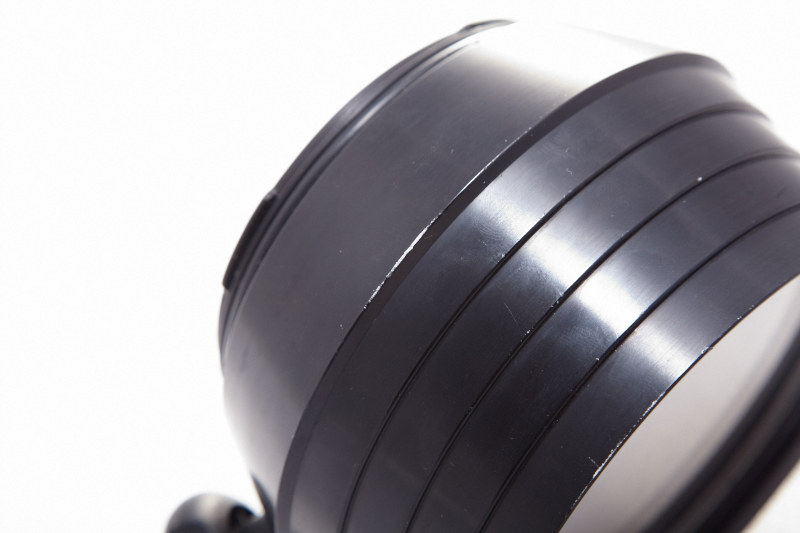
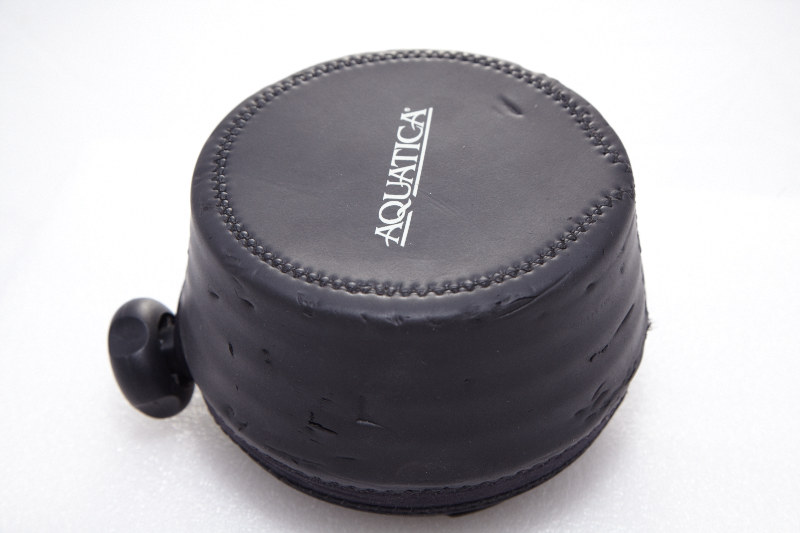
    02. Aquatica Macro Port 18426 with 18505 cover: $400 obo

    3 year old port. ITEM HAS BEEN SOLD


    post-1861-1338948491.jpg


    post-1861-1338948498.jpg

    Glass is blemish free.


    post-1861-1338948507.jpg

    Cover is well used.

    post-1861-1338948520.jpg

    One abrasion on the side


    post-1861-1338948526.jpg

    This is the package. Port and hood.


    Buyer pays shipping. Located in South East Asia, South Africa or US depending on when you buy.


    Will ship anywhere with Paypal address. Paypal only.


    Please use PM to contact or post here.

    Edited by Drew
  2. Hi Drew


    Do You still have the viewfinder for sale?


    My bests

    Bart

  3. Last buyer flaked. Everything still available.

  4. Still available.

  5. Hi Drew, Your two items are still available ?

  6. The viewfinder is available. Just sold the macro port.

  7. Is your viewfinder work perfecly with Aquatica Housing for 5D mark II ?

  8. I cannot compare it to Aquatica's own 45° viewfinder since I've never tried that one. But this adapted one works and one can see the viewfinder with all the shot settings. There's no diopter adjustment.

  9. This is a really old thread now, but is this viewfinder still available?

Fotosub Shop

Account

Navigation

Search

Search

Configure browser push notifications

Chrome (Android)
  1. Tap the lock icon next to the address bar.
  2. Tap Permissions → Notifications.
  3. Adjust your preference.
Chrome (Desktop)
  1. Click the padlock icon in the address bar.
  2. Select Site settings.
  3. Find Notifications and adjust your preference.