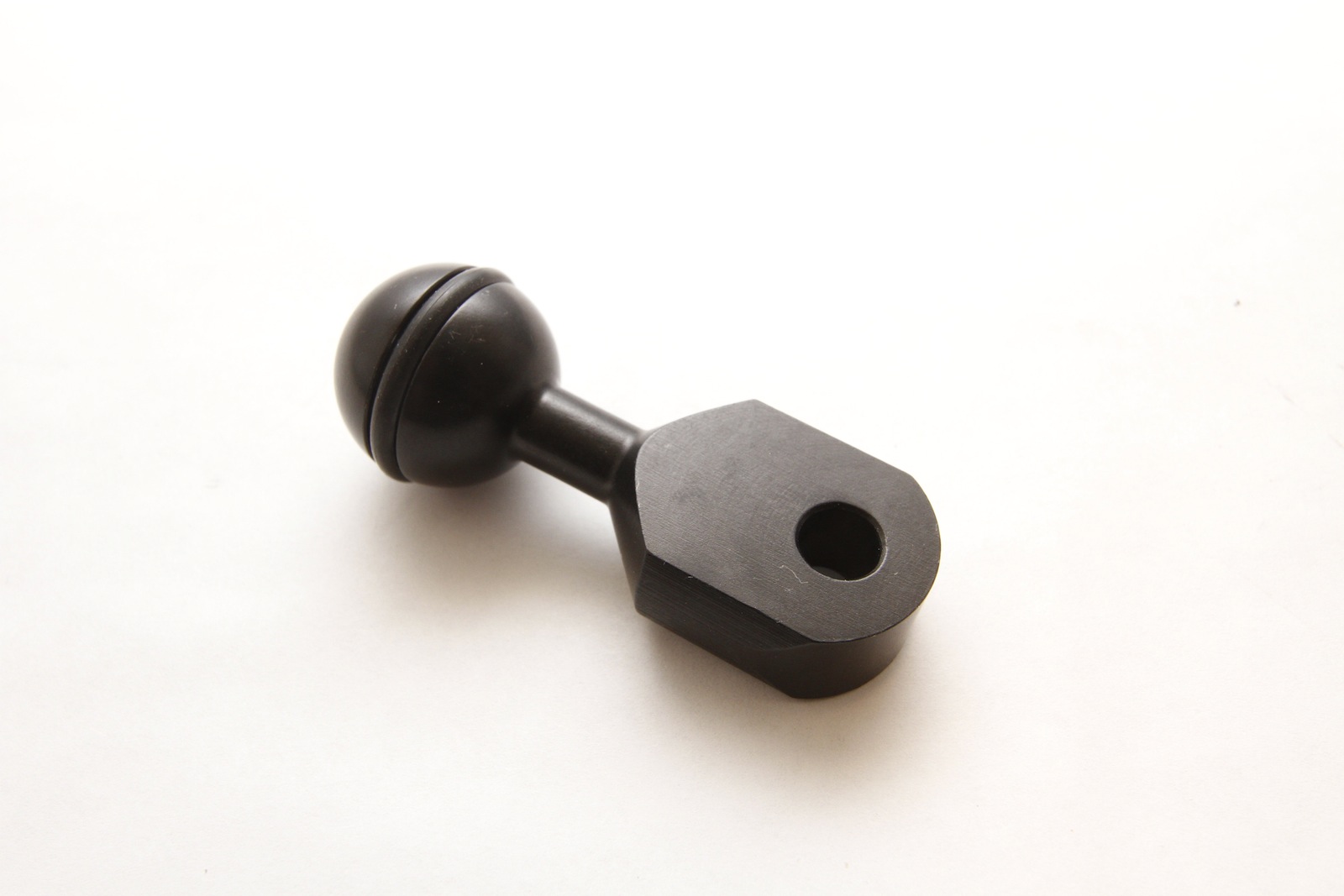
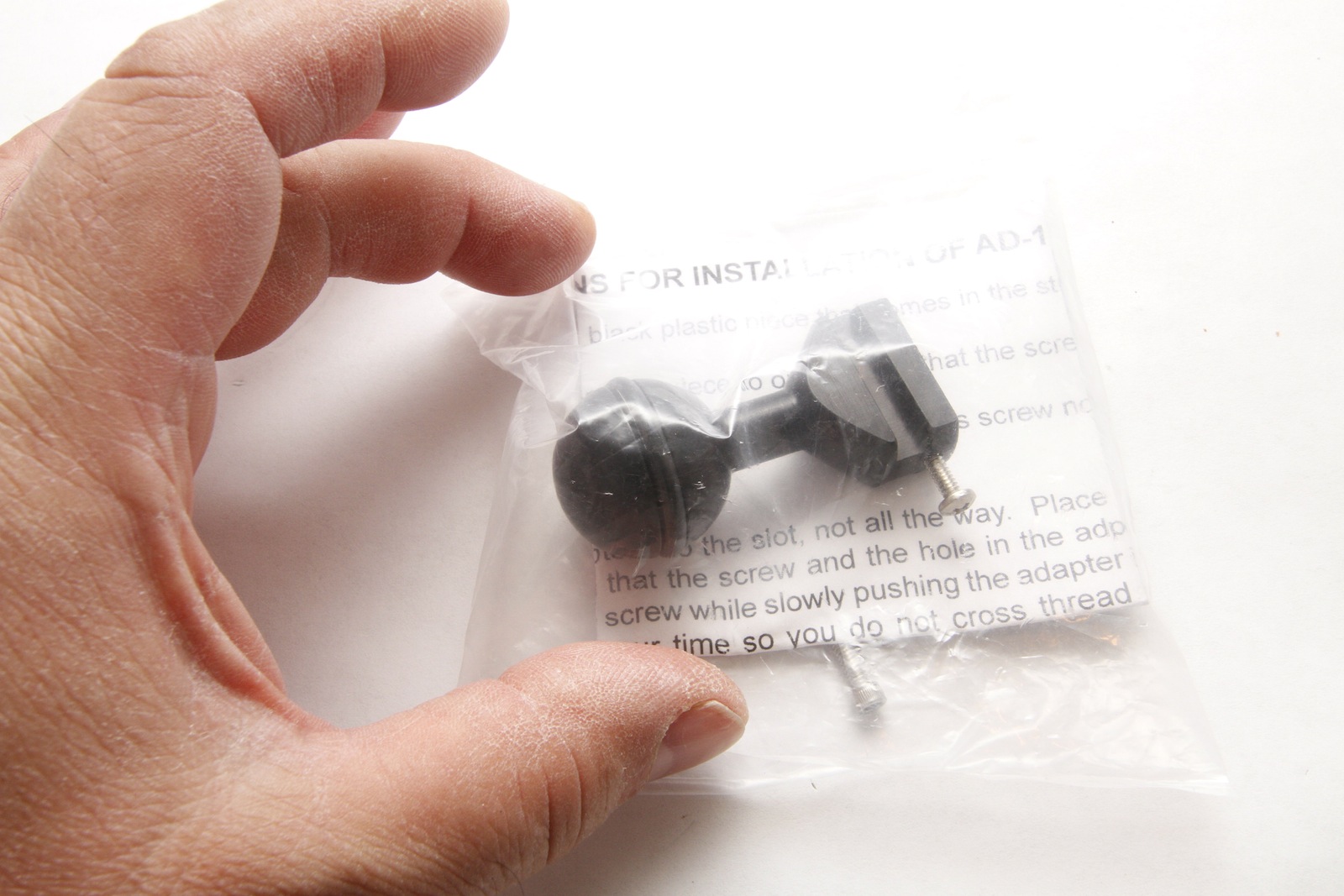
Two ULCS ball adapters for sale. See the photos.
The first one fits Ikelite strobes: DS-161, DS-160, DS-125, DS-51, etc. The small flat part goes into the strobe, and you get a ball for the strobe attachment point. This is ULCS AD-125 Adapter for Ikelite DS-160, DS-125, DS-51 Strobes
The second one is a flat part with a hole in it, and ball on the other side. I used these for Ikelite strobes -- the original Ikelite mount has a flat part to it along with a 3/8" bolt that goes through the Ikelite part, through this ball adapter, and then an Ikelite nut would tighten this. However, this was originally made to fit inside Sea & Sea strobes, which have two flat parts; the flat part on this adapter fits between the Sea and Sea flat parts. Note: the hole is too small for a 3/8" bolt but this can easily be drilled out by anyone with a drill press. This is ULCS AD-SS Adapter for Sea & Sea YS-Style Mounts
I am selling each ball adapter for $20. If you buy both, then the total cost for both is $35. Shipping in the 50 US states by USPS First Class or Priority Mail is free.
Shipping outside of the 50 US states will be additional and at buyer’s expense (at actual cost) and will be UPS Ground, Fedex Ground, or USPS Priority Mail (all of which give tracking of packages). If we conclude a deal, I'll give you a quote for shipping via one of the above methods.
If you are interested, please contact Norbert Wu at temp2_at_norbertwu.com. Please no phone calls. I am happy to entertain reasonable offers. I can accept credit cards, Paypal, money orders, and personal checks. Money orders and personal checks will have to clear my bank before the product is shipped; which can take up to three weeks.
Thanks!
Norb Wu