



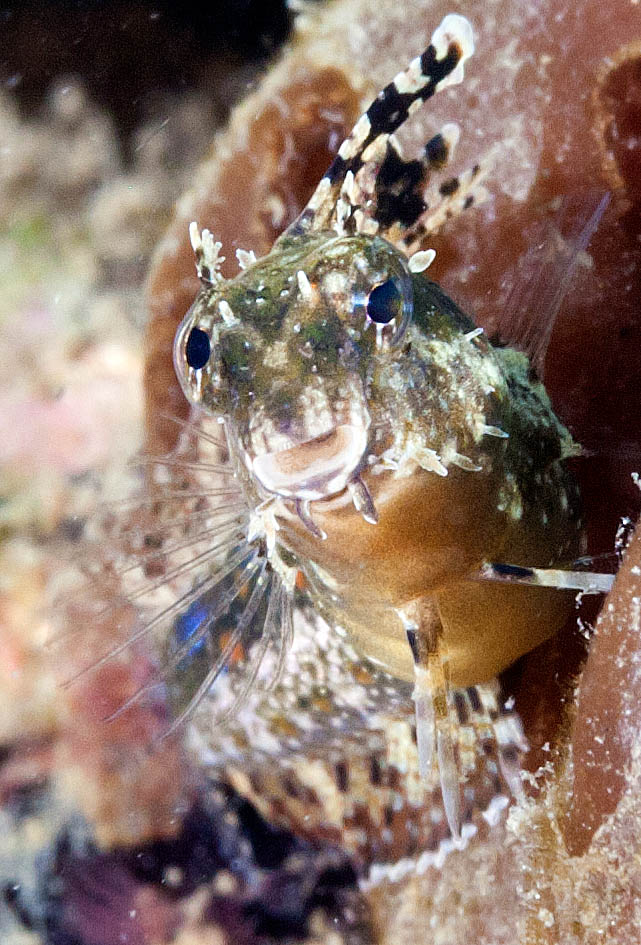
1 is a longshot - poor photo and a poor angle for an i.d.
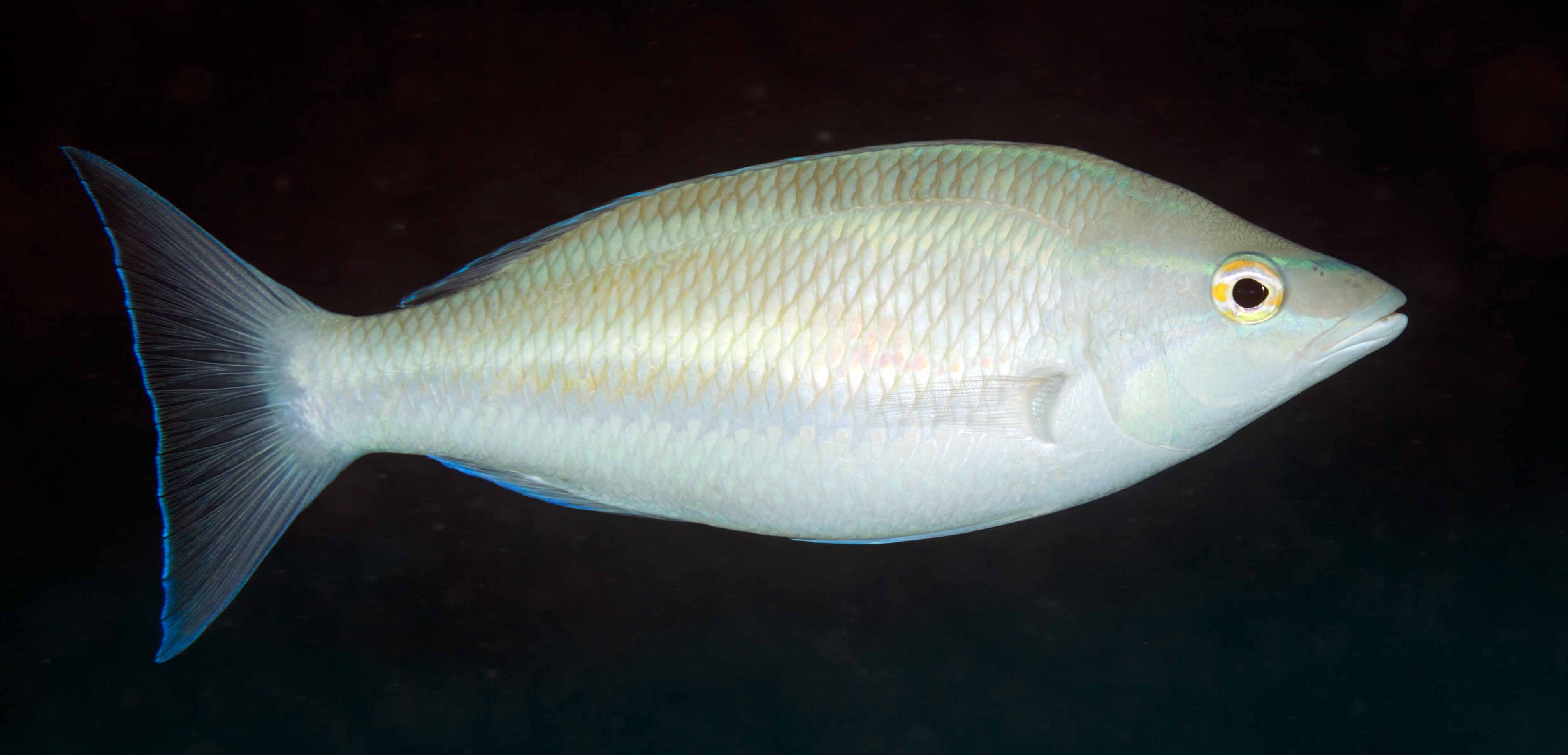
2 looks like a whiptail but the head is an odd shape
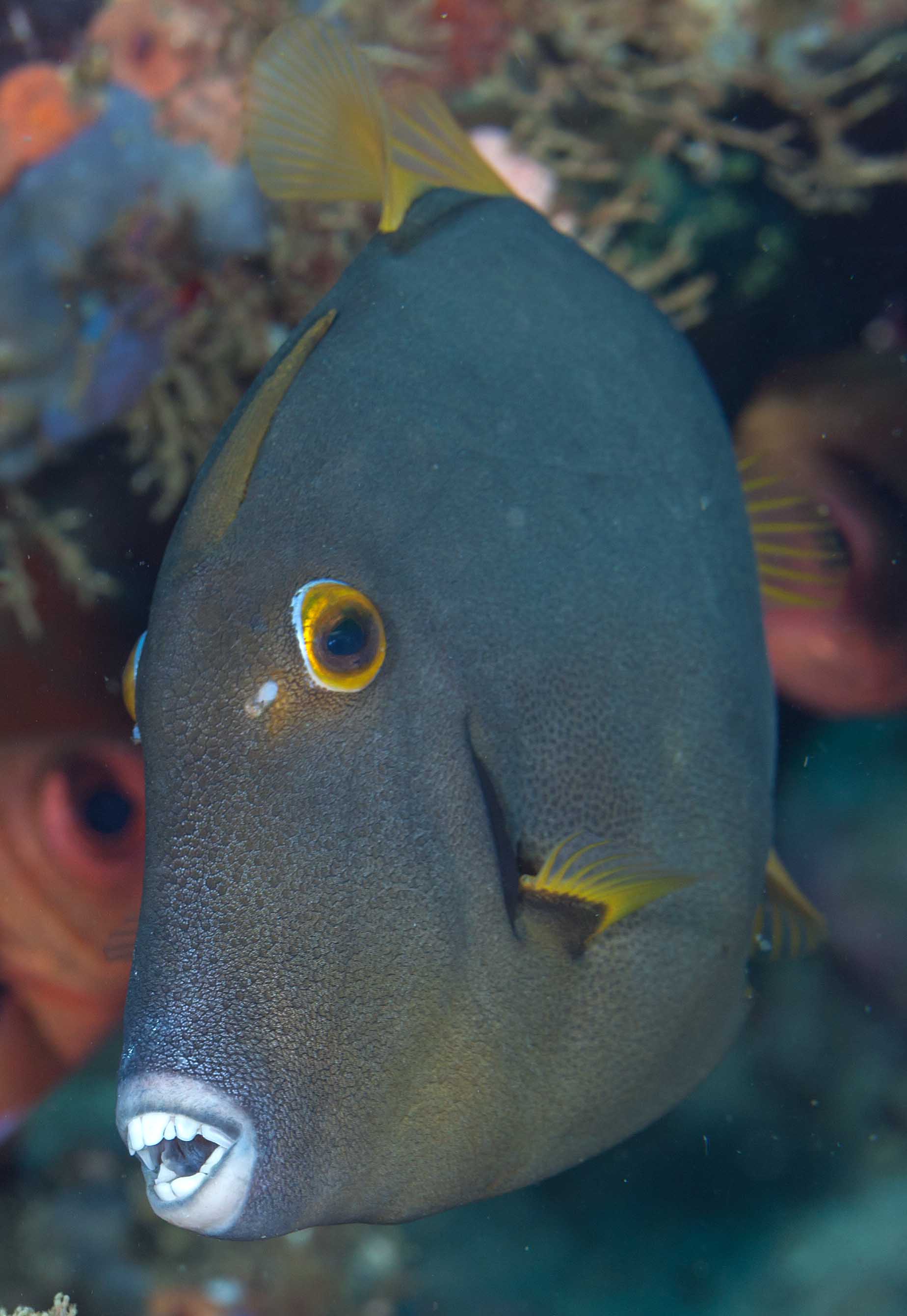
3 maybe a masked triggerfish (Sufflamen fraenatum) - that's all I can come up with anyway
Read-only discussion
1 is a longshot - poor photo and a poor angle for an i.d.
2 looks like a whiptail but the head is an odd shape
3 maybe a masked triggerfish (Sufflamen fraenatum) - that's all I can come up with anyway
Pretty sure that the first one is a Variable fang blenny.
Marli
3rd one is a filefish, Cantherhines dumerlii.
As for the second, I think this may a night shot, so the usual colouring may be faded. If it was a bit stronger, it matches the three stripe whiptail: Pentapodus trivittatus.
Here's a link to a prior thread:
Cheers,
Marli
Thanks to both of you for your help.
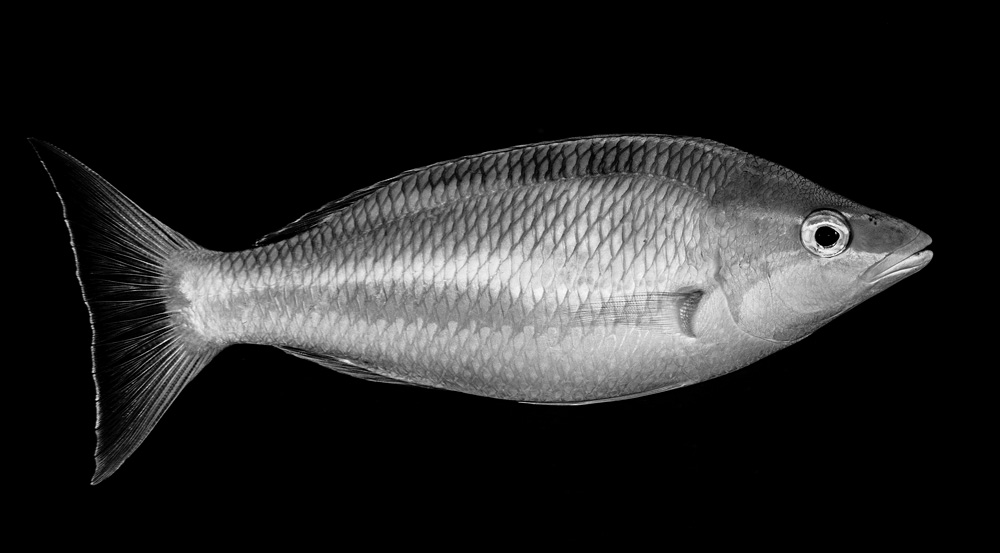
Marli - The "whiptail" was a daytime shot, 1355 hrs to be precise. However, I think you are correct. There is one photo on Fishbase with a head shape that is somewhat similar to this one and also taken in Indonesia (not sure if this is relevant) but not quite as steeply curved. Near enough anyway. The square tail on my photo is atypical and according to Fishbase there isn't a Pentapodus species with anything but a forked tail. However, it may just be the way the fish is moving its tail that makes it look square.
I played about with the pic in LR, boosting colours,saturation, contrast etc and it does reveal a hint of the normal skin pattern of P. trivittatus which is common in the area we were diving anyway. (See attached). So I am happy to go with that and thanks for your inspired suggestion.

Terms of Use Privacy Policy Guidelines We have placed cookies on your device to help make this website better. You can adjust your cookie settings, otherwise we'll assume you're okay to continue.

A worldwide community for underwater imaging.
