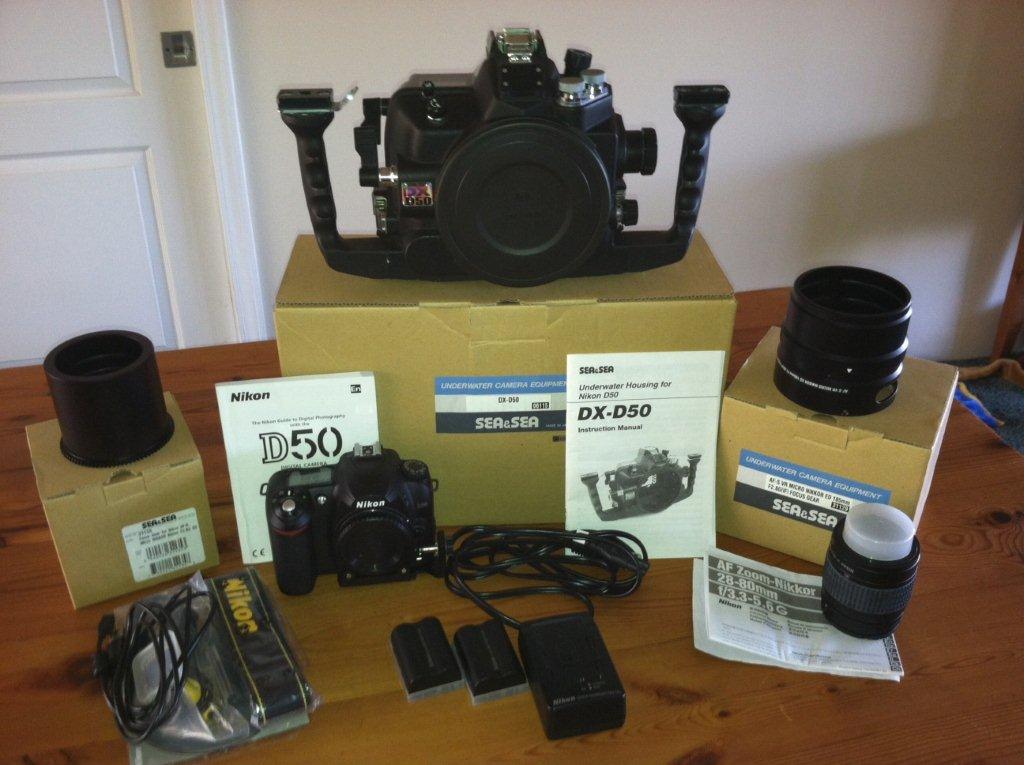
This set up is one of the smallest and lightest DSLR underwater housings. The camera fits into a custom-designed snug, contoured and super compact housing which gives this set up maximum maneuverability. Underwater, it handles like a dream and has taken MANY excellent, high quality photographs. This set up gives you the opportunity to shoot macro and wide angle and is a wonderful way to get into underwater DSLR photography! Priced to sell: original retail cost was about $5500. Offering it for $2250 OBO Includes:
Nikon D50 camera – 2 batteries, charger, camera strap, manual; 2G SD card
Sea & Sea DX 50 Housing – front housing cap, camera base/shoe for housing
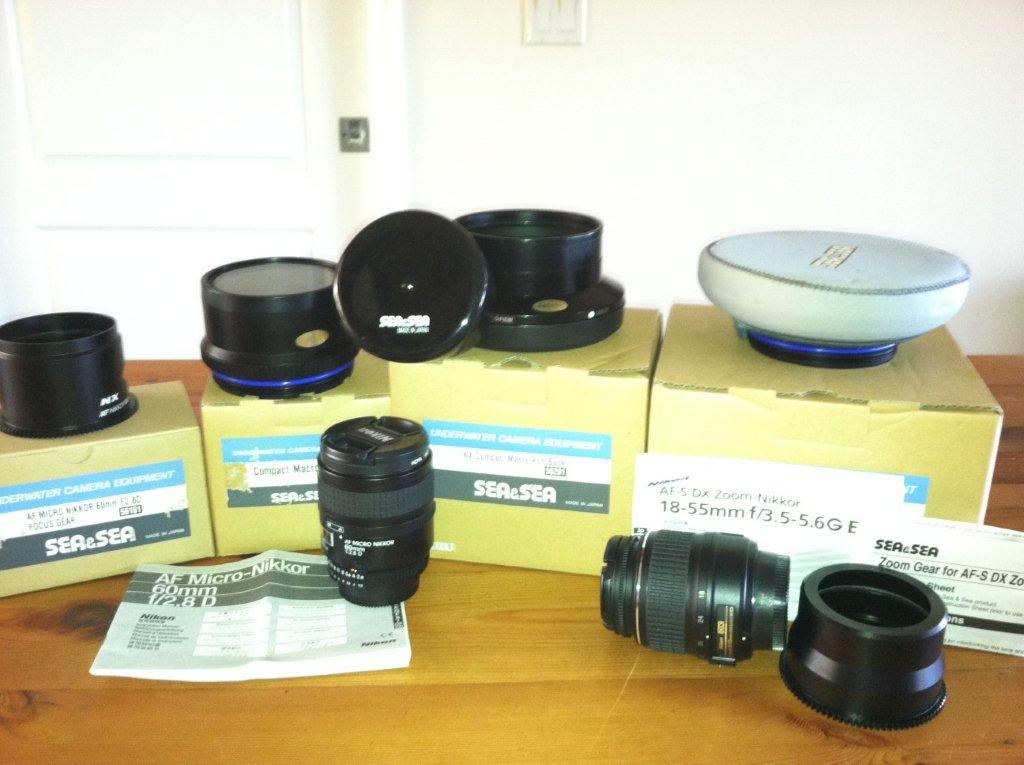
Sea & Sea Ports and Gears (with original boxes):
NX Compact Macro Port Base (needed w/ Macro and Compact Wide ports); extra o-ring
Compact Macro Port for 60mm lens with plastic cover
Focus gear for 60mm1:2.8 D lens (box)
Focus gear for Nikon AF-S 60mm F2.8 ED (Never used)
Compact Wide Port for 18-55mm lens w/ extra o-ring , neoprene cover & zoom gear
NX Fisheye Dome port w/ extension ring and zoom gear for 12-24mm lens (Minimally used)
Focus gear for 105mm lens (Never used)
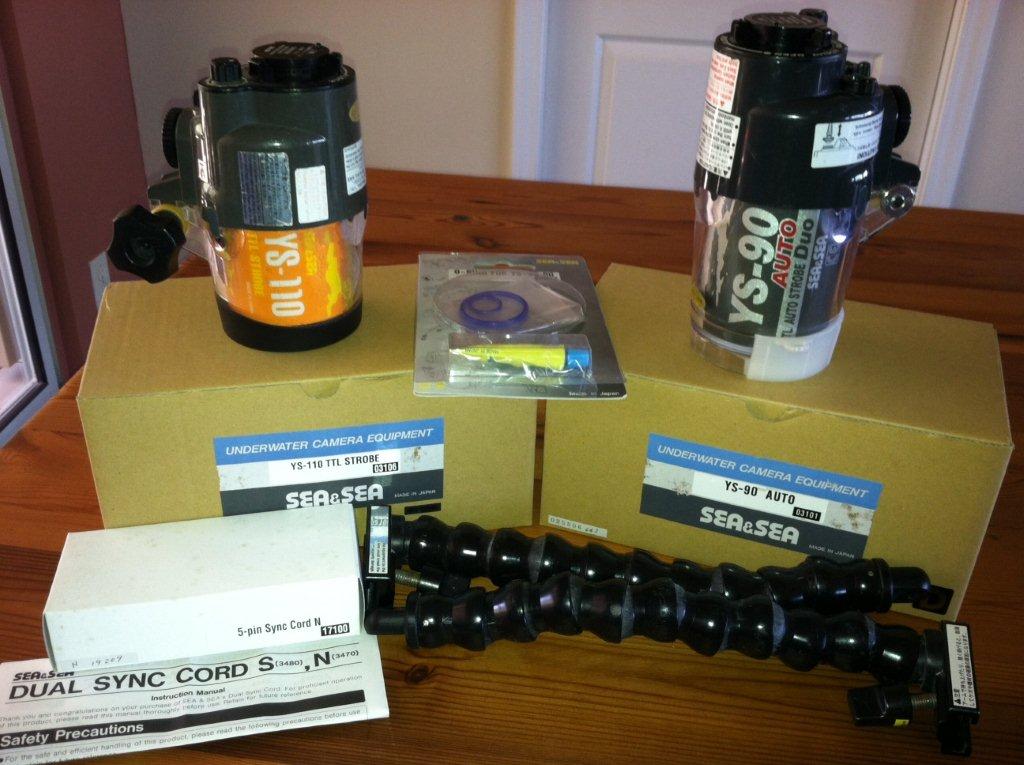
Strobes:
YS-90 w/ o-ring kit and additional o-ring for battery compartment
YS-110
Dual sync cord
2 Flexible arms
Nikon AF Nikkor Lenses with original paperwork, lens caps:
18-55mm
60mm 1:2.8D w/ UV filter
28-80mm w/ UV filter (fun little land lens thrown in!)