I am selling the following as a package ( http://www.ebay.co.uk/itm/271015923781 )
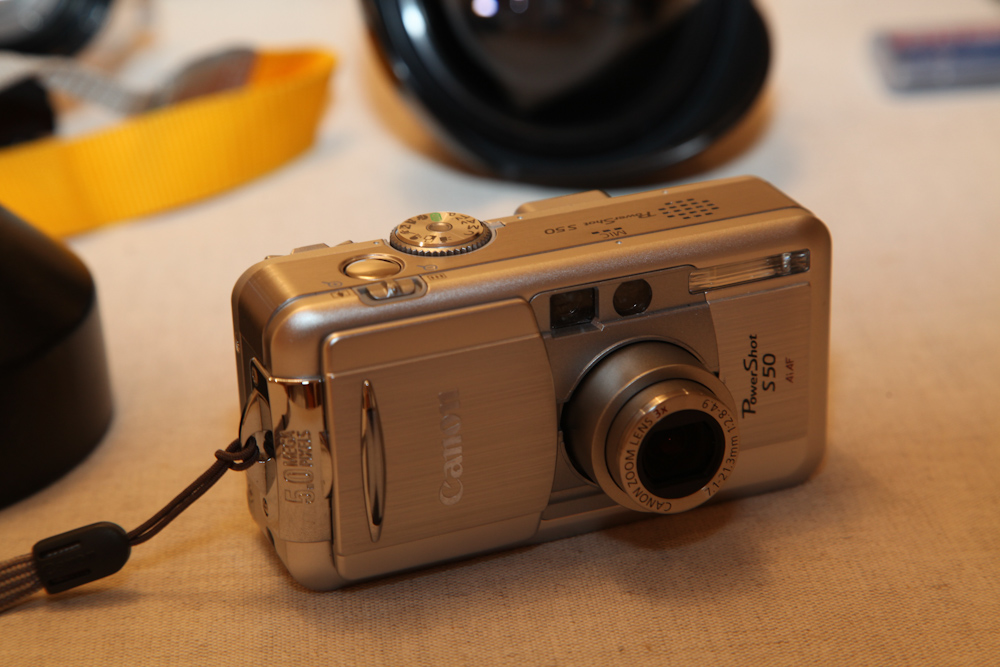
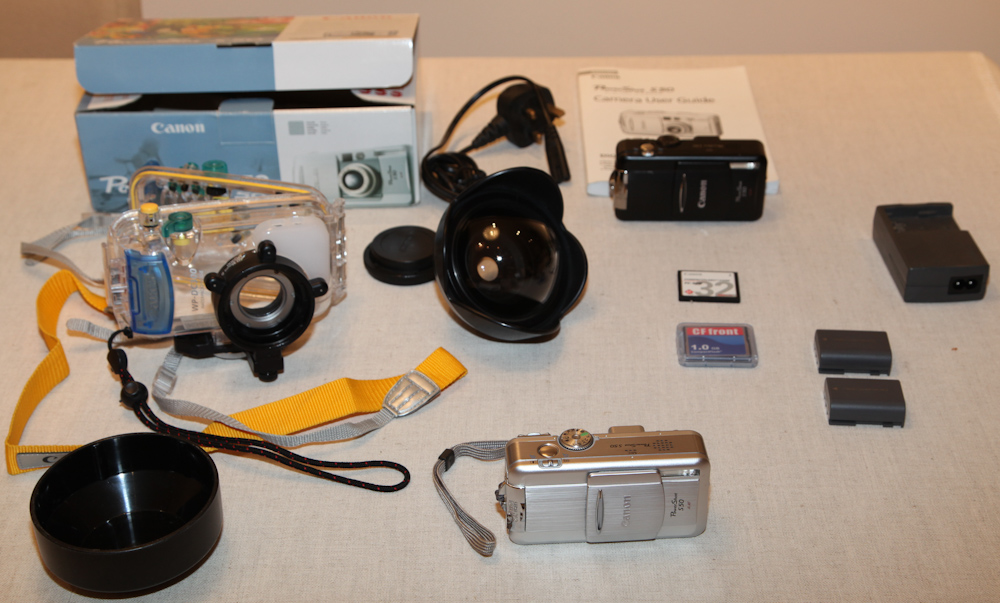
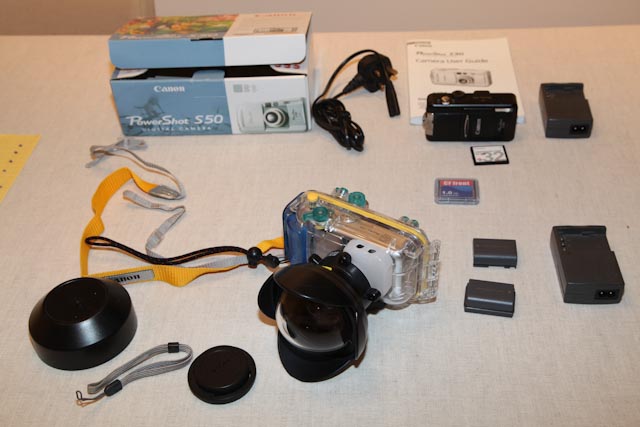
-One fully working Canon Powershot S50 Silver with the original box
http://www.canon.co..../PowerShot_S50/
-2 batteries: in case you need to replace it on the boat before diving
-Battery charger
-1 Go Compact flash card
-The original 32Mo Compact flash Card
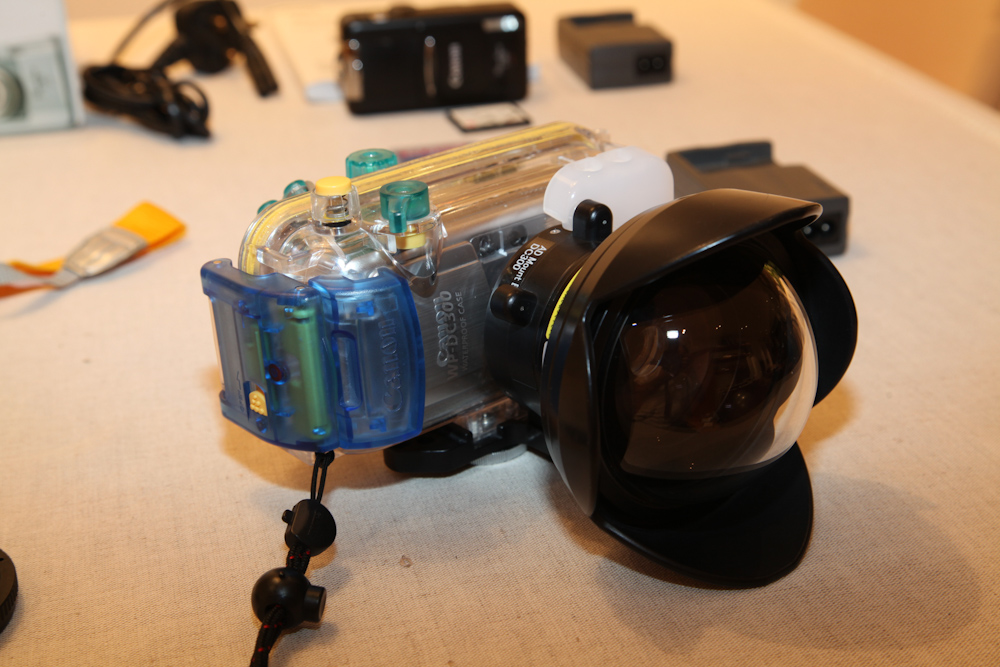
-Underwater Housing WP-DC300 in excellent condition
http://www.bhphotovi...er_Housing.html
-M67 Mount Base DC300 (in excellent condition) to fiit the fish eye lens on the underwater housing
http://www.inon.jp/p...compatible.html
-UFL-165AD Underwater Fisheye Conversion Lens in excellent condition
http://www.inon.jp/p...l165ad/top.html
Which is actually the most valuable item in the package: this item is sold at £409 by Camera underwater. This is also what MAKES the underwater pictures outstanding compare to a simple underwater housing without lens.
http://www.camerasun...er.co.uk/inonad
-A non-working Canon PowerShot S50 black that I kept in case I needed spare parts one day. (I could get you the original box if necessary)
EXAMPLES OF WHAT THE CAMERA CAN DO AS WELL AS MORE PICTURES FROM THE PACKAGE
http://antoine.thiba...free.fr/Camera/