I am selling the following as a package: http://www.ebay.co.uk/itm/271015932020
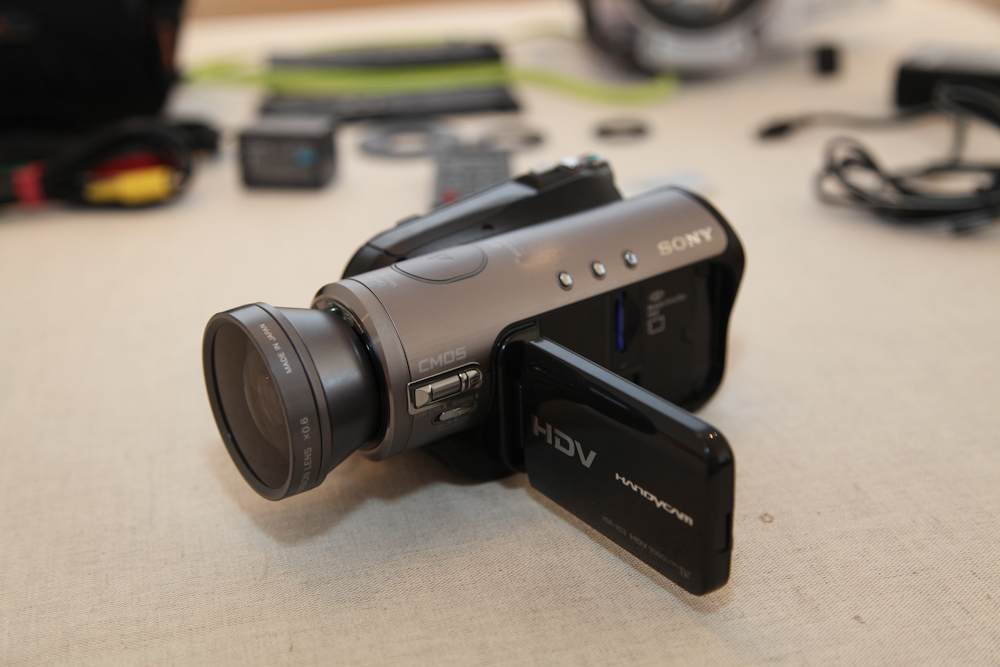
The ref of the Camcorder is HDR-HC3E, it is a high definition Camera: 1080i recording in HDV format. It has a Carl Zeiss optic, night shot… See all the characteristics on:
http://www.sony.co.u...dd-hdv/hdr-hc3e
More pictures on
http://antoine.thiba...e.fr/Camcorder/
The transfer of the HD movies into a computer is easy with free software like HDV Split (Windows). For Mac user there is other alternatives like iMovie, Adobe Onlocation etc… It would require a FireWire Cable.
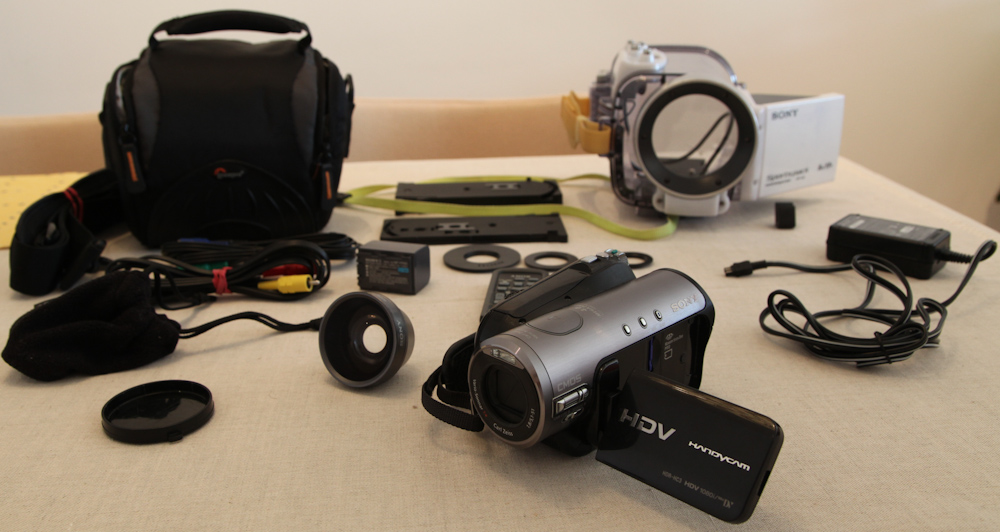
The Camcorder is sold as part of a package including the following items
-SONY Wide conversion lens x0.6 (VCL-0630X)
-2 batteries in good condition: NP-FP71 12.2Wh and NP-FP60 7.2Wh (initially provided with the Camcorder)
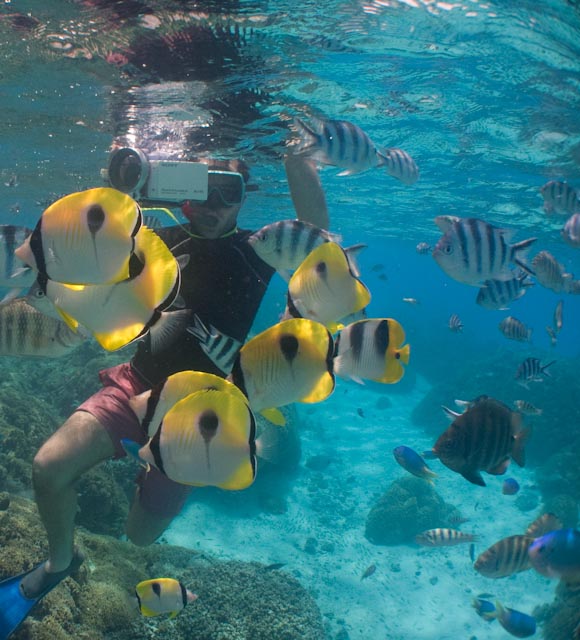
-Sony UNDERWATER HOUSING SPK-HCB: (Up to 5 meters): Great of Kayaking, Sailing, Snorleling etc… Still in use in the current Volvo ocean race by the onboard media crew.
-Different support provided to fit different types of Camcorders into the housing
-Different anti-sun rings
-Original Camcorder box available
-Lowepro bag in very good condition with a rain cover and a piece of fabric to clean the optical parts of the camera
-1Go Sony Memory Card
-Sony Card Convertor
-1 USD Cable to transfer the pictures
-Power Cable and 2 video cables, which initially came with the Camcorder
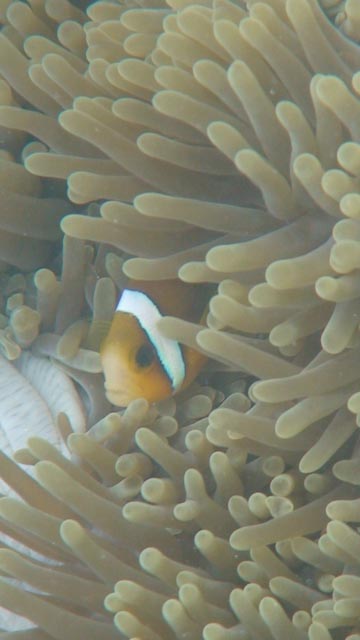
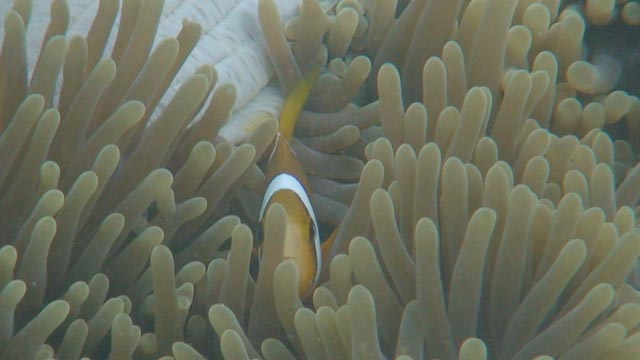
Examples of what the Camcorder can do: Download the 80Mo file BO_QSM_HD to have the version in higher definition on
The Camcorder is also able to take 4MP pictures
http://antoine.thiba...e.fr/Camcorder/