Skip to content

Classifieds / Archived topic

For Sale:2xINON Z-240+2xFlexyArms+Macro Snoot (Fiber Optic)

Started by OceanDefender ·

  • 2Posts
  • 2Replies

Read-only discussion

For Sale:2xINON Z-240+2xFlexyArms+Macro Snoot (Fiber Optic)

2 posts
  1. FOR SALE:

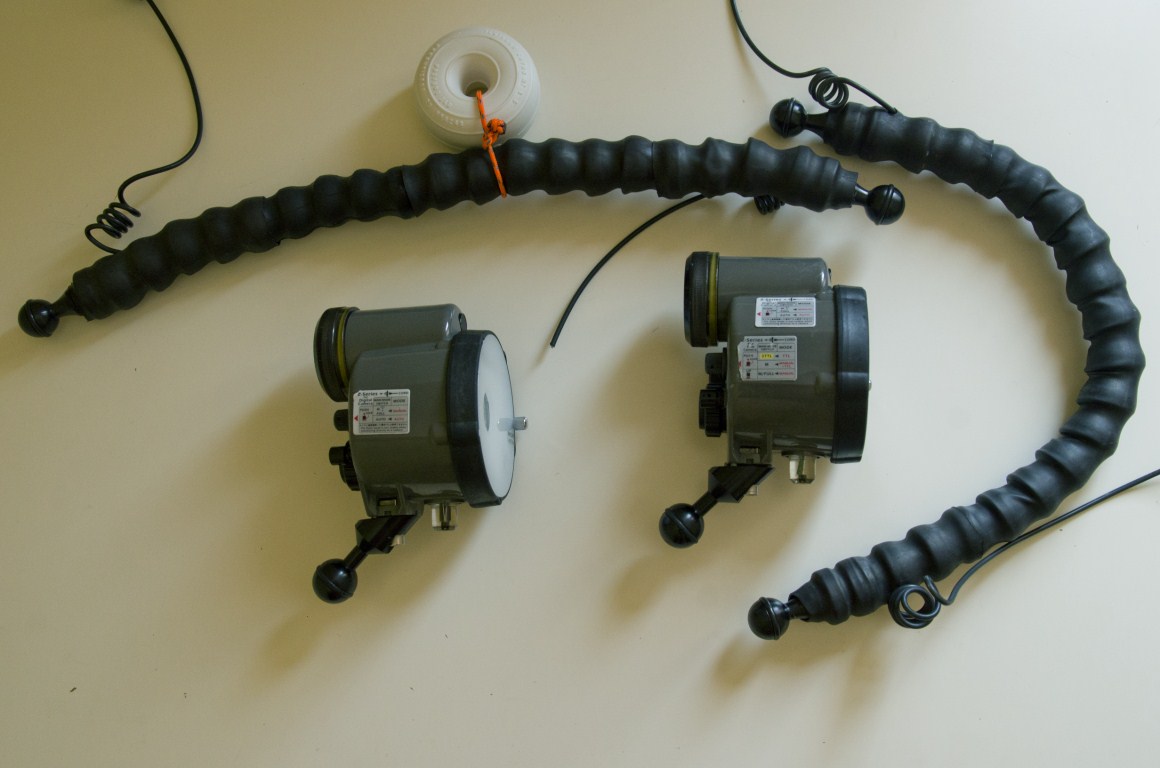
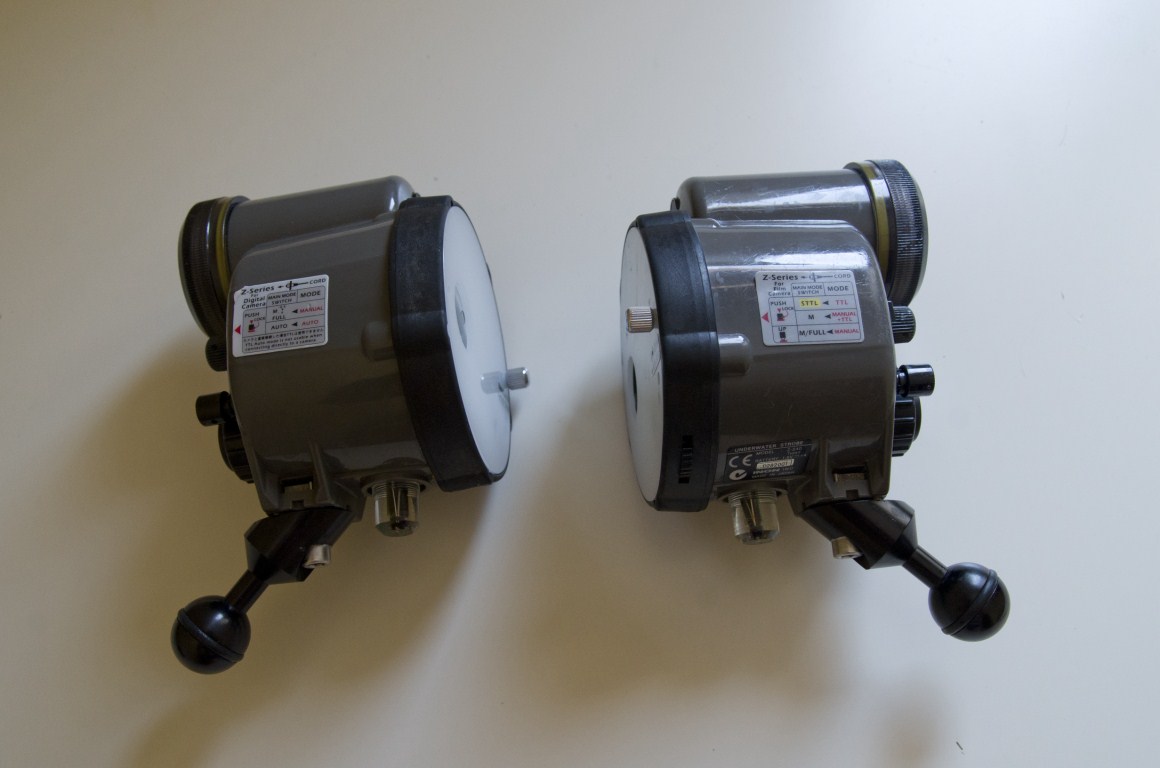
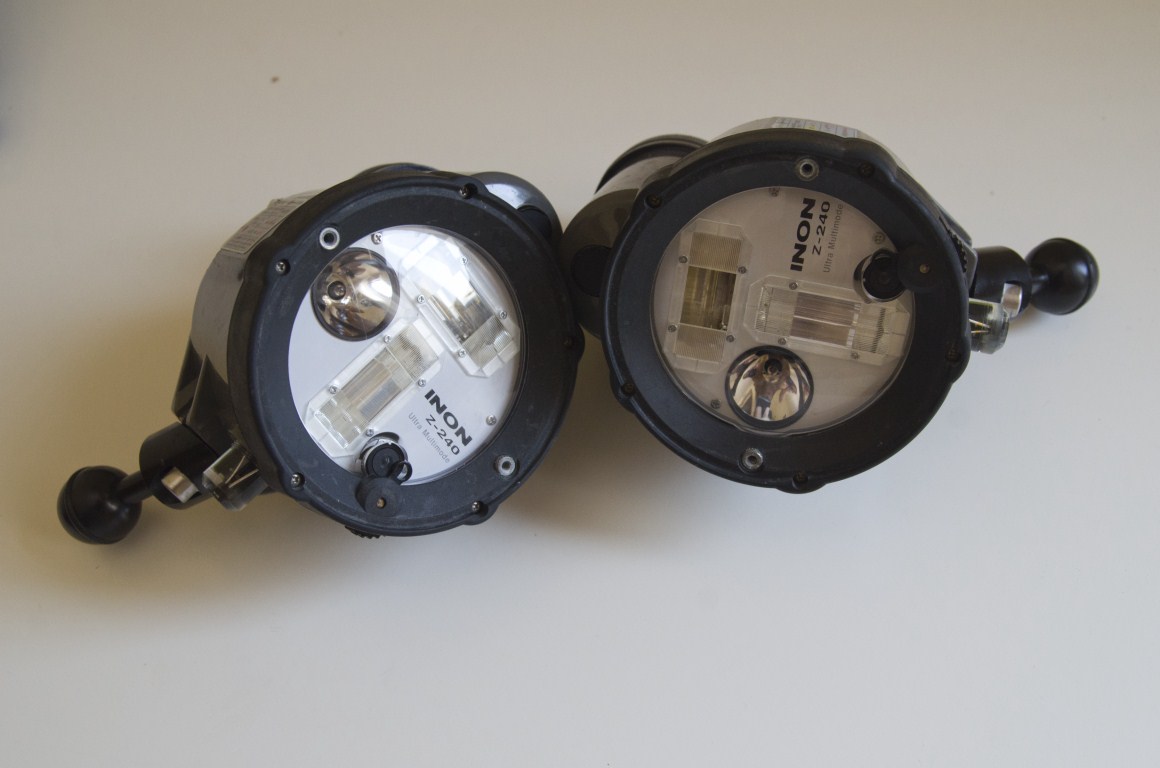
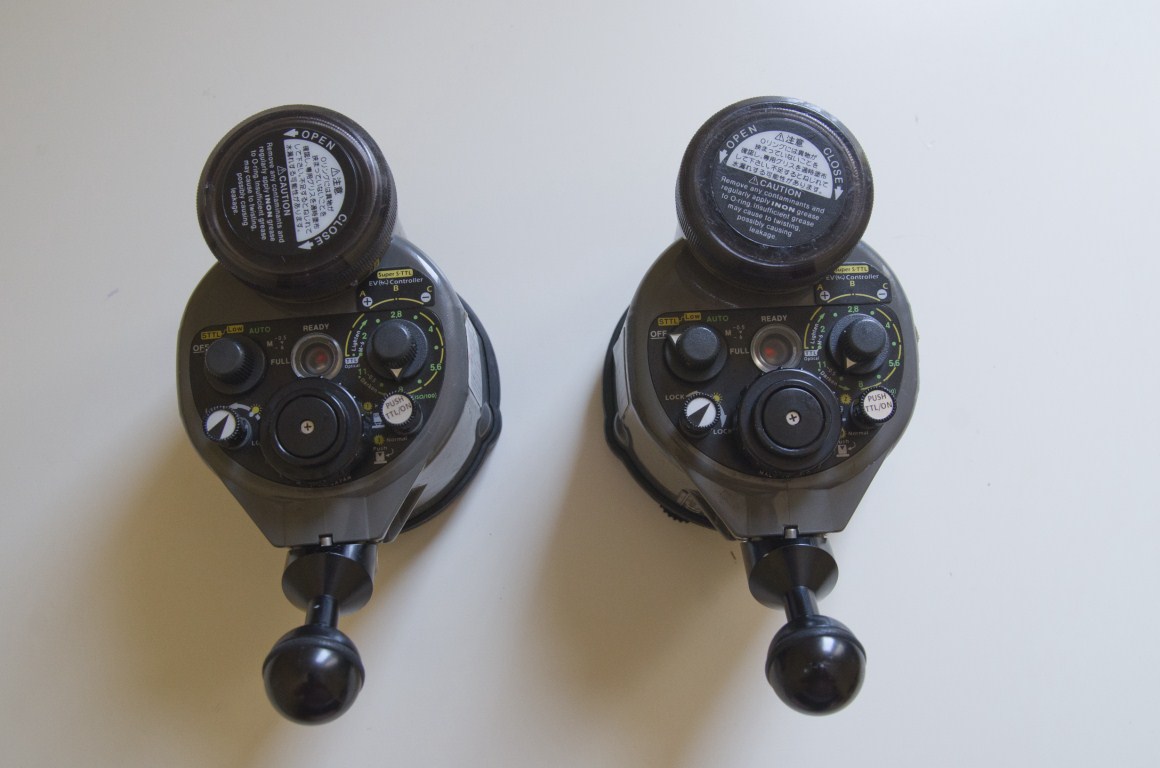
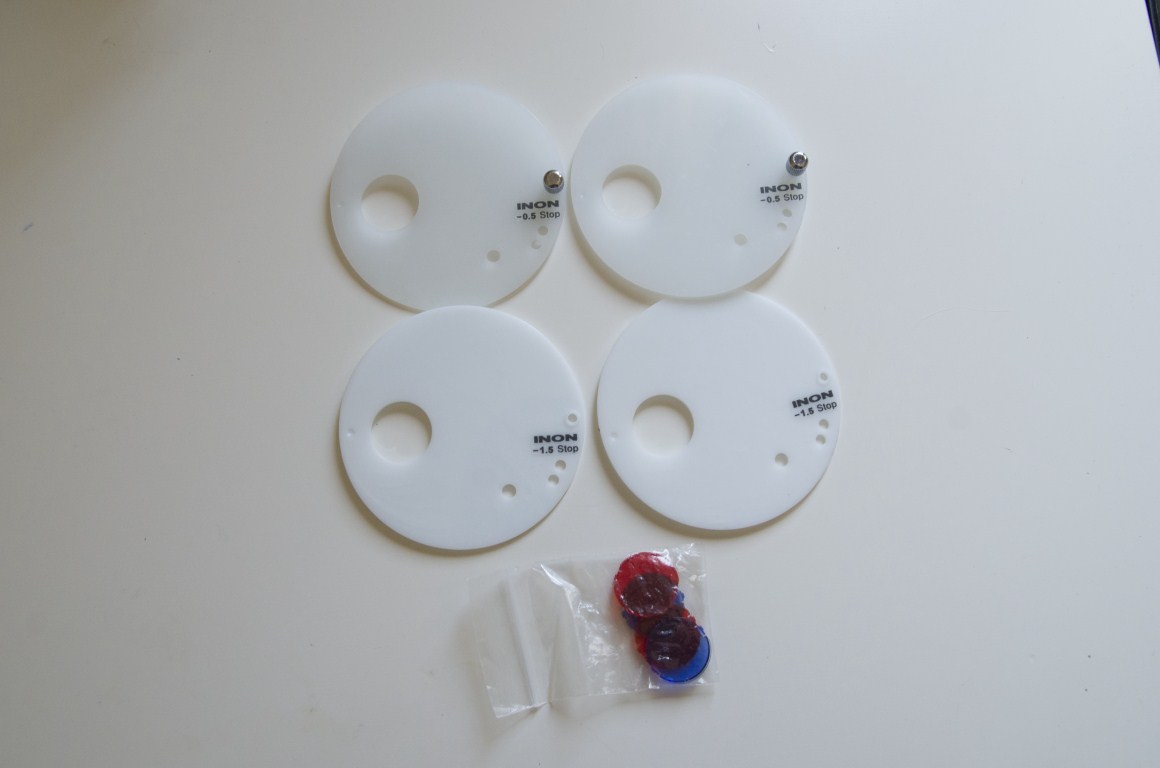
    - Two Flash Inon Z-240 (Type II). They come with two diffusers (-0.5 and -1.5) and filters (red and blue) for light. Also included two optical fiber connectors and adapters 25mm ball. (Used but very careful).

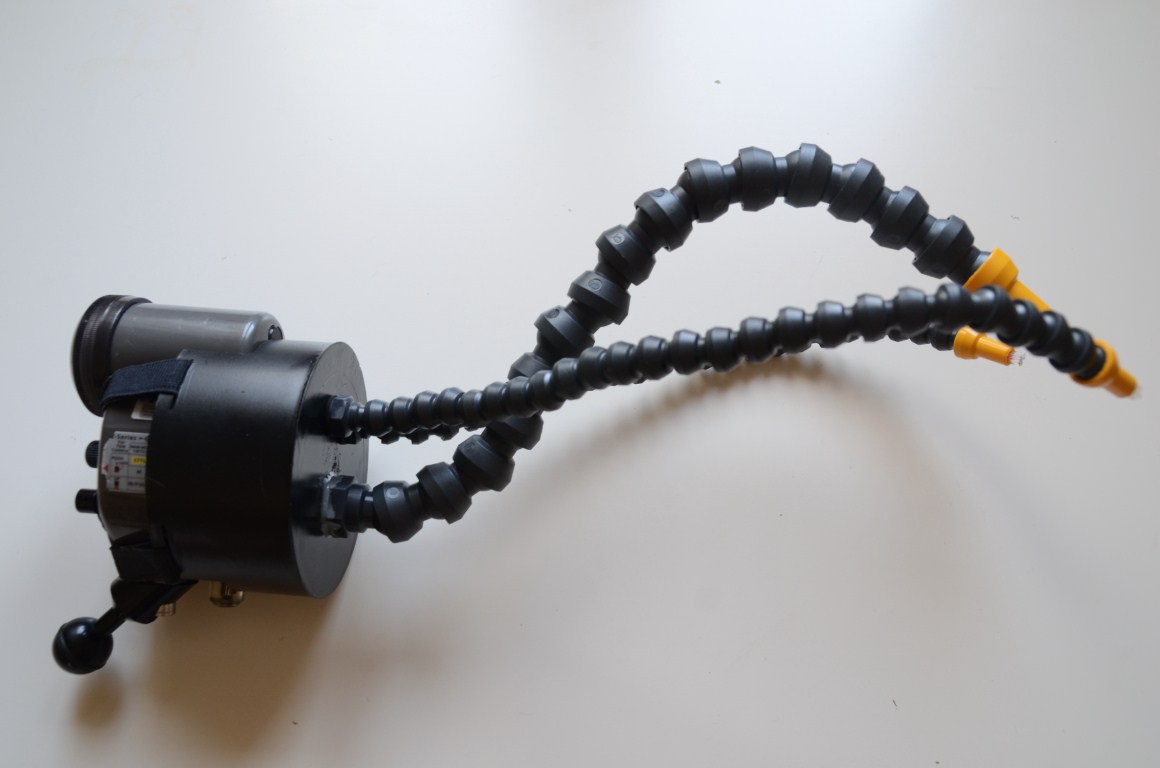
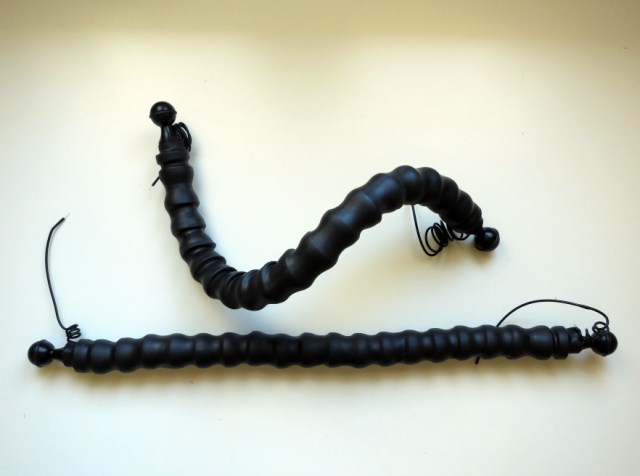
    - Two 55cm flexible arm with the optical fiber inside and rubber coated to give extra strength. Finished in 25mm ball (BRAND NEW).

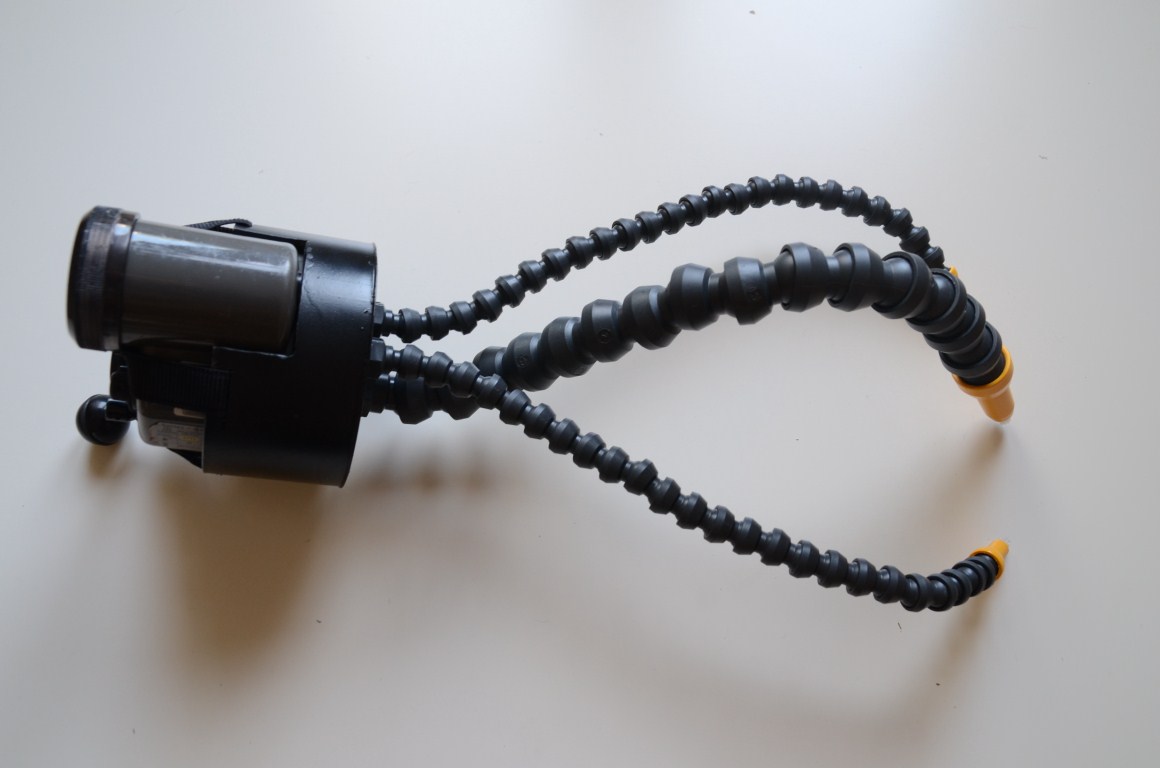
    - Snoot macro with three flexible arms and fiber optics to illuminate so focused on macro / xtrem macro. Easy to remove / put (BRAND NEW).

    SALES OPTIONS:

    - 1 x Flash Z-240 (with fiber connector adapter + 25mm ball adapter): 450 €

    - 2 x Flash Z-240 (with adapter connector + 25 mm ball adapter): 850 €

    - 1 x Flexible Arm: 60 €

    - 2 x Flexible Arm: 100 €

    - Snoot Macro: 130 €

    - ALL MATERIAL: 950 €


    post-36610-0-77917400-1342707770_thumb.jpgpost-36610-0-62078100-1342707774_thumb.jpgpost-36610-0-06245900-1342707778_thumb.jpgpost-36610-0-89242400-1342707781_thumb.jpgpost-36610-0-01977600-1342707785_thumb.jpgpost-36610-0-67834900-1342707788_thumb.jpgpost-36610-0-34818900-1342707791_thumb.jpgpost-36610-0-44179300-1342707793_thumb.jpg


    More info by private message,


    Thanks.

  2. Hi I want some more info please. eikojnz at telus.net

Isotta

Account

Navigation

Search

Search

Configure browser push notifications

Chrome (Android)
  1. Tap the lock icon next to the address bar.
  2. Tap Permissions → Notifications.
  3. Adjust your preference.
Chrome (Desktop)
  1. Click the padlock icon in the address bar.
  2. Select Site settings.
  3. Find Notifications and adjust your preference.