Skip to content

Classifieds / Archived topic

Aquatica 5DM II housing for sale

Started by Seafever ·

  • 6Posts
  • 6Replies

Read-only discussion

Aquatica 5DM II housing for sale

6 posts
  1. Hi there,


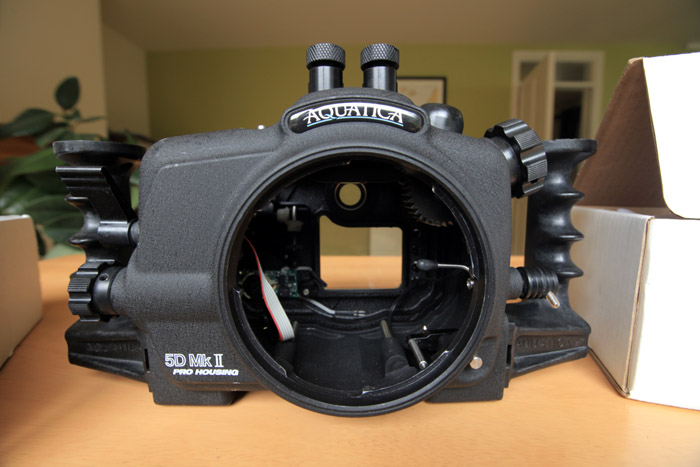
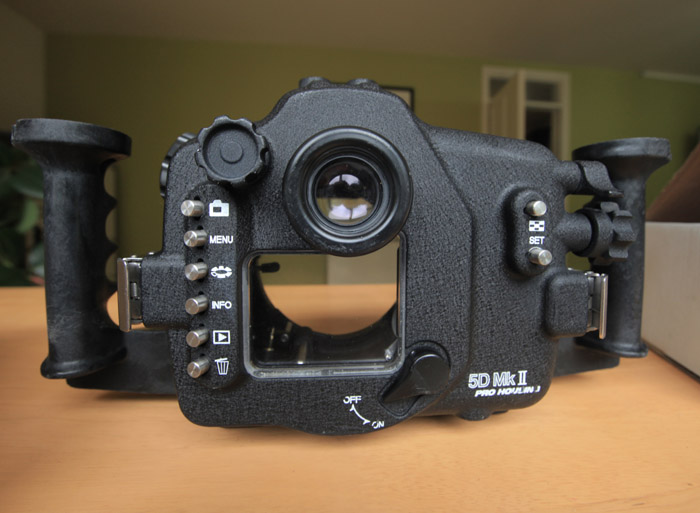
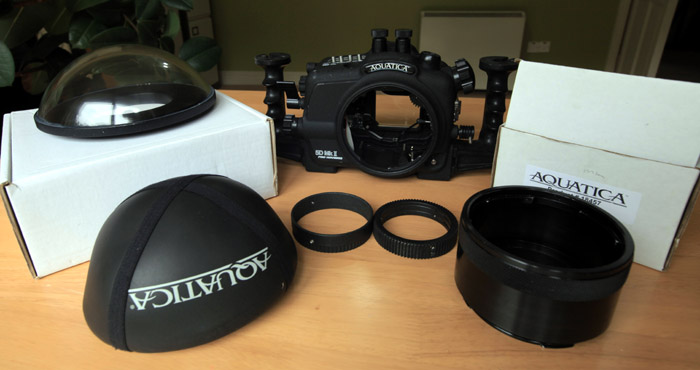
    I'm now selling my Aquatica housing for the Canon 5D Mark II. I have the following:


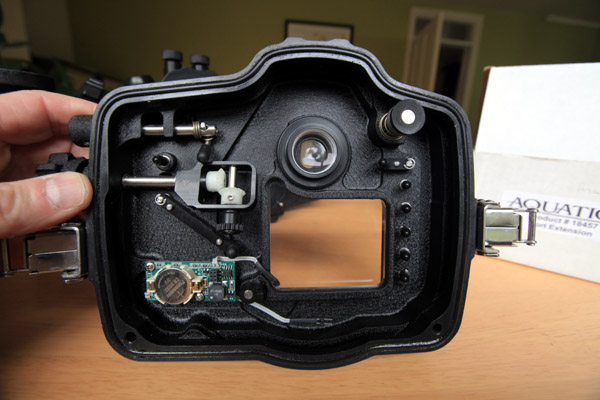
    Original Aquatica 5DMII housing with dual bulkhead & audio/visual alarm

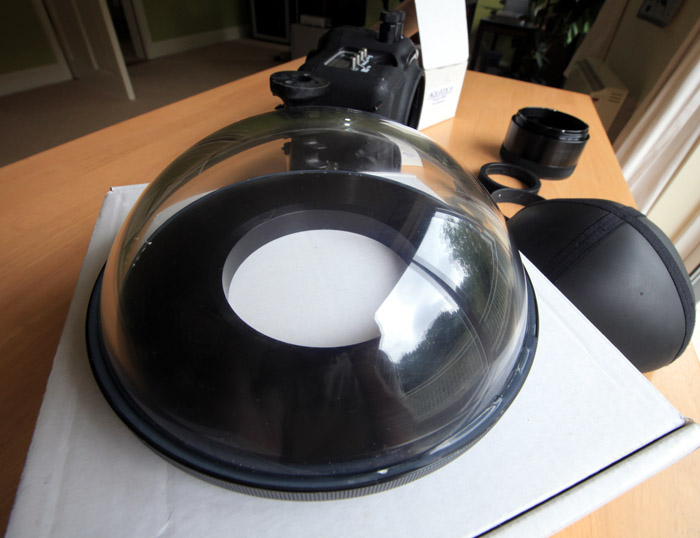
    Aquatica 8" acrylic dome port

    Aquatica extension ring for the Canon 16-35mm lens


    Zoom ring for the Canon 16-35mm lens

    I'll also include the zoom ring for the Canon 24-70mm lens (but I'm keeping the extension ring)

    O-ring kit


    The kit is in perfect working order. There are some surface scratches on the housing from normal wear & tear but nothing which affects the performance. I had a couple of scratches on the dome port but I fixed them with the Micro Mesh kit. See http://www.aquatica.ca/en/products_ports_18405.html


    Total original cost US$4,238, will sell for US$2,600 or Eur2,100.


    Many thanks

    Ken
    post-35757-0-84321700-1348153377_thumb.jpg

    post-35757-0-73212600-1348153386_thumb.jpg

    post-35757-0-50420500-1348153395_thumb.jpg

    post-35757-0-00224500-1348153404_thumb.jpg

    post-35757-0-92363400-1348153412_thumb.jpg

  2. Would you consider selling just the housing?


    Thanks,

    Dan

  3. Hi Dan,


    Yes, I might consider that if no one else buys the package as a whole. Can you make me an offer for the housing, original cost for the housing with dual bulk heads, audio alarm and o-ring kit was $3,200.


    Thanks

    Ken

  4. Hi Ken,

    I am interested in just the 8" dome port, if you are wiling to sell the items separately. Could you give me a price for the dome port alone? Please let me know what you think!

    Thanks!

    Courtney

  5. Hi Ken,


    I'm thinking $1900.00 plus shipping. Let me know if I'm in the ballpark.


    Thanks,

    Dan

  6. Hi Folks,


    Sorry the entire kit has now sold, thanks for your interest.


    Cheers

    Ken

AOI

Account

Navigation

Search

Search

Configure browser push notifications

Chrome (Android)
  1. Tap the lock icon next to the address bar.
  2. Tap Permissions → Notifications.
  3. Adjust your preference.
Chrome (Desktop)
  1. Click the padlock icon in the address bar.
  2. Select Site settings.
  3. Find Notifications and adjust your preference.