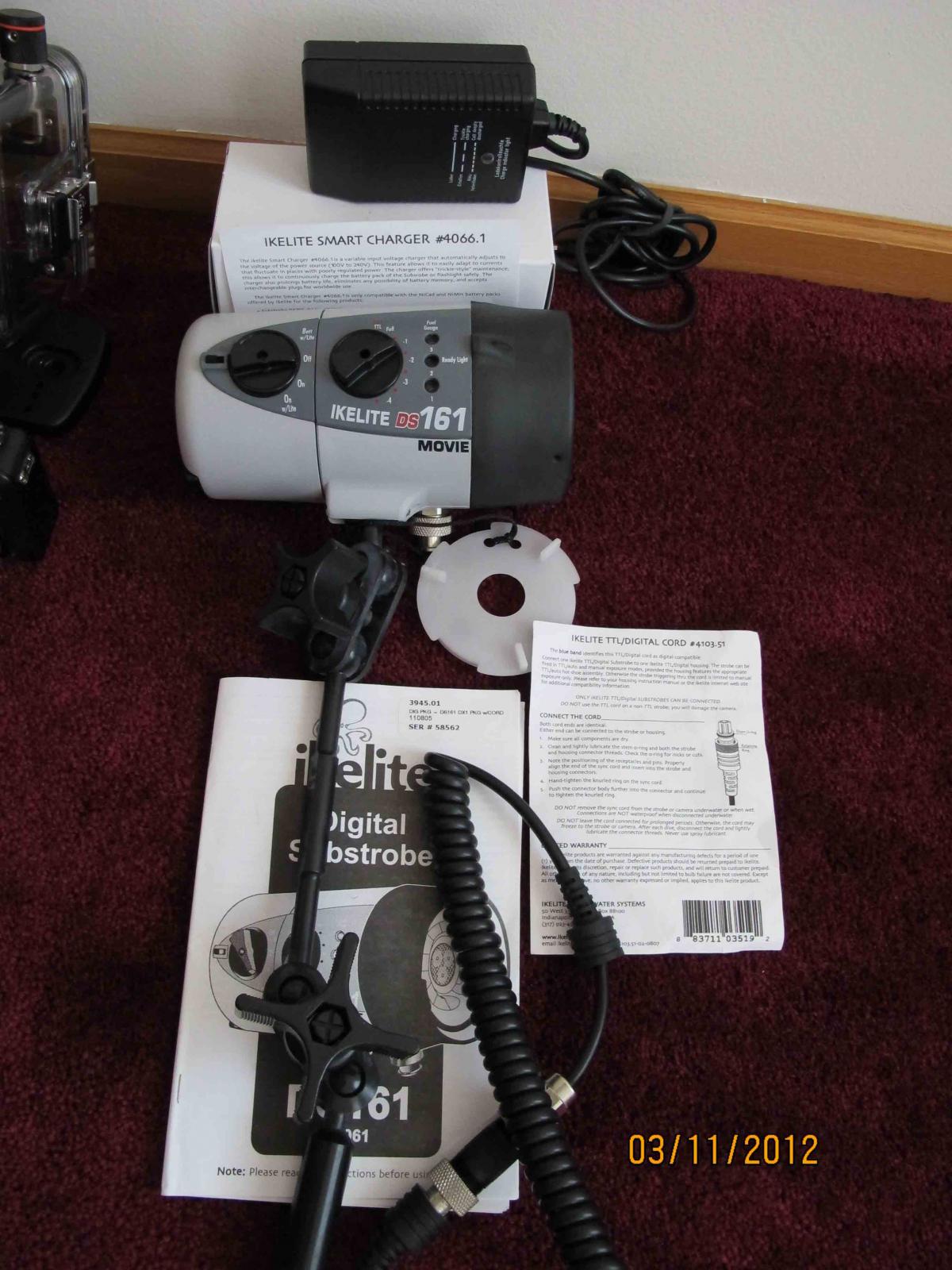
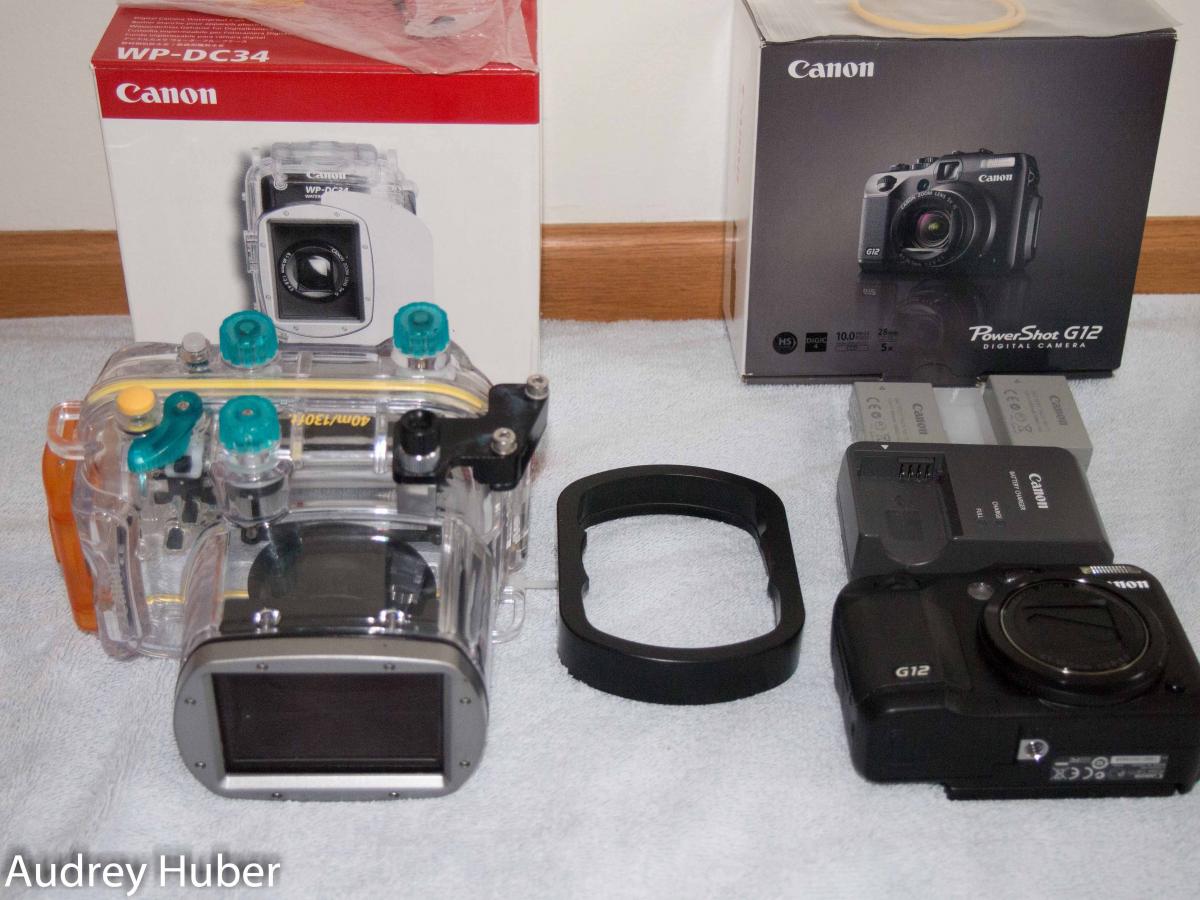
I am selling my Canon G12 setup and Ikelite strobes as I have upgraded my rig and have switched to Inon strobes - the camera, housing and strobes are in excellent condition - if you have questions or would like additional pictures please let me know. I have tried to include item numbers where possible so that you can find more specific information on the items. I accept Paypal.
Thanks for looking.
Audrey
G12 & Canon WP34 (sold as a set)
All of these items are in excellent condition - G12 Camera ($499), Canon housing - fine scratches on the back ($299), an extra genuine Canon battery ($70), new o-ring (in package) ($25), Inon Cap W54 Holder unit ($67), and 2 67mm adaptor ($100) are included. Original retail for all these items is over $1000 - asking $500 plus buyer pays shipping and insurance.
Ikelite DS161 strobe package (#3945.01 $1250) - this package includes the strobe (#4061 $950), smart charger (4066.1 $100), single Ikelite TTL cord (4103.51 $99.95) and Ikelite strobe ball and arm (4086.61 SA-100 $160)) asking $950 this strobe package is like new and has about only 40 dives on it - $300 or 24% discount) (www.ikelite.com)