



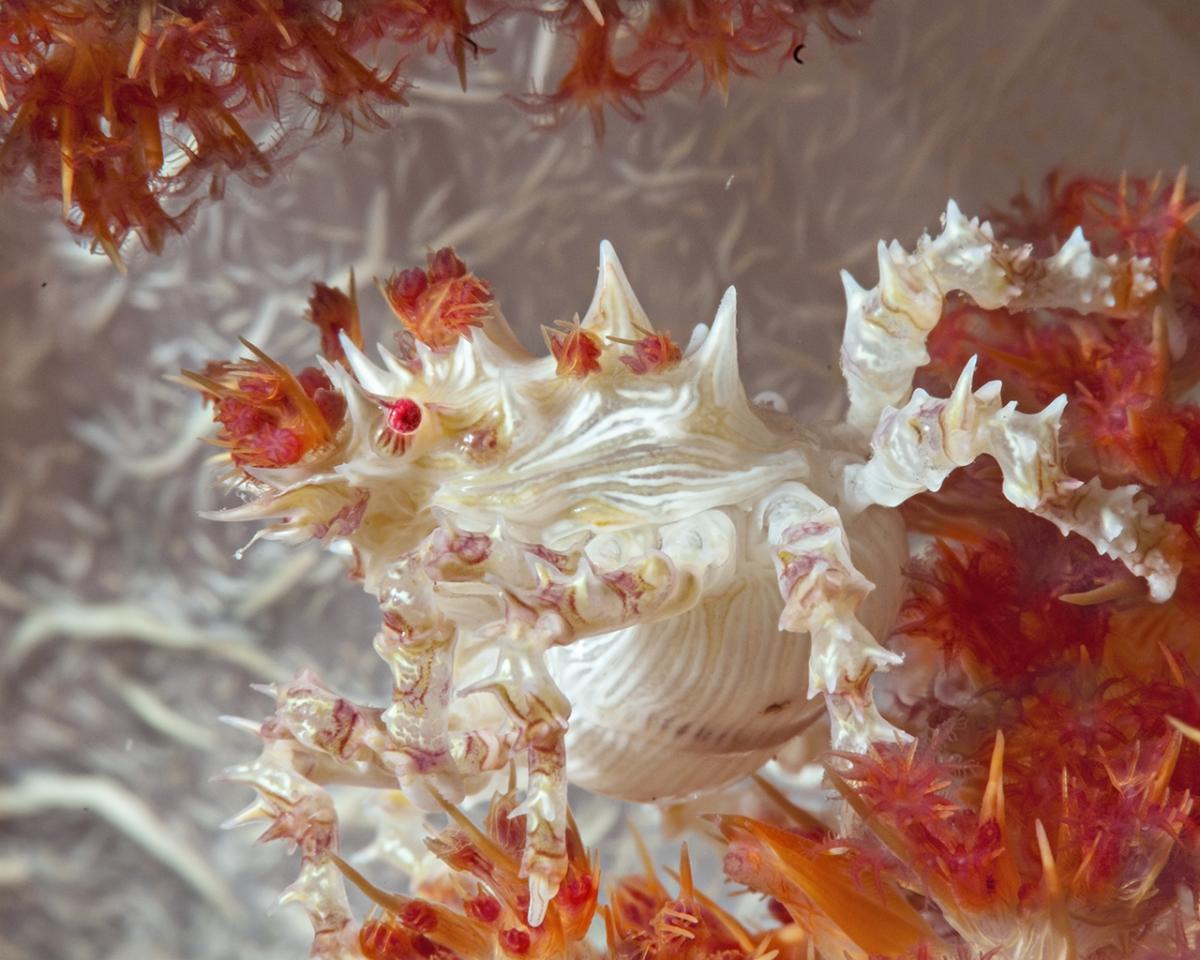
I have more pleasing shots of a soft coral crab mostly because of different coloring of the crab versus the coral but this is the highest magnification. Is this picture worth spending time in CS6 trying to make it more pleasing?
Regards
Read-only discussion
I have more pleasing shots of a soft coral crab mostly because of different coloring of the crab versus the coral but this is the highest magnification. Is this picture worth spending time in CS6 trying to make it more pleasing?
Regards
I'm not sure why nobody has replied to this yet but I can see a huge amount of potential in this photo. My fingers itch just thinking about the possibilities. I'm not a marine photographer (yet) but I do know my way around a camera, and PS and I will tell you that this photo has wall potential.
Yes. Btw nice !! :-)
I think every photo is tho .
Sendt fra Samsung Galaxy S2, via Tapatalk forum app.
Hard to say without seeing the raw file. Want to send it to me and I can take a stab at it? I'm happy to give it a try.
Sure is!
The white on white high key pattern is always a rewarding theme to work on especially when you have striking red/orangy colors available to enhance the high key. Every important feature looks sharp enough, there are no obvious 255 textureless areas, the composition looks rather interesting with a very good angle, unusual to get the belly of a candy crab (should even be better applying a vertical symetry, so that it looks the right).
Give it a little curve contrast for a color oomph and that should be fine.
I would also try a high pass filter, which is a way to get more contrast and sharpening without image destruction. Mask it and only apply the high pass to the crab. That can make the image really pop. Also in the raw converter, boost the highlights a tad to make the whites a tad whiter. This is all layer based so you can simply turn them off and/or adjust the fill or opacity to more pleasing levels.
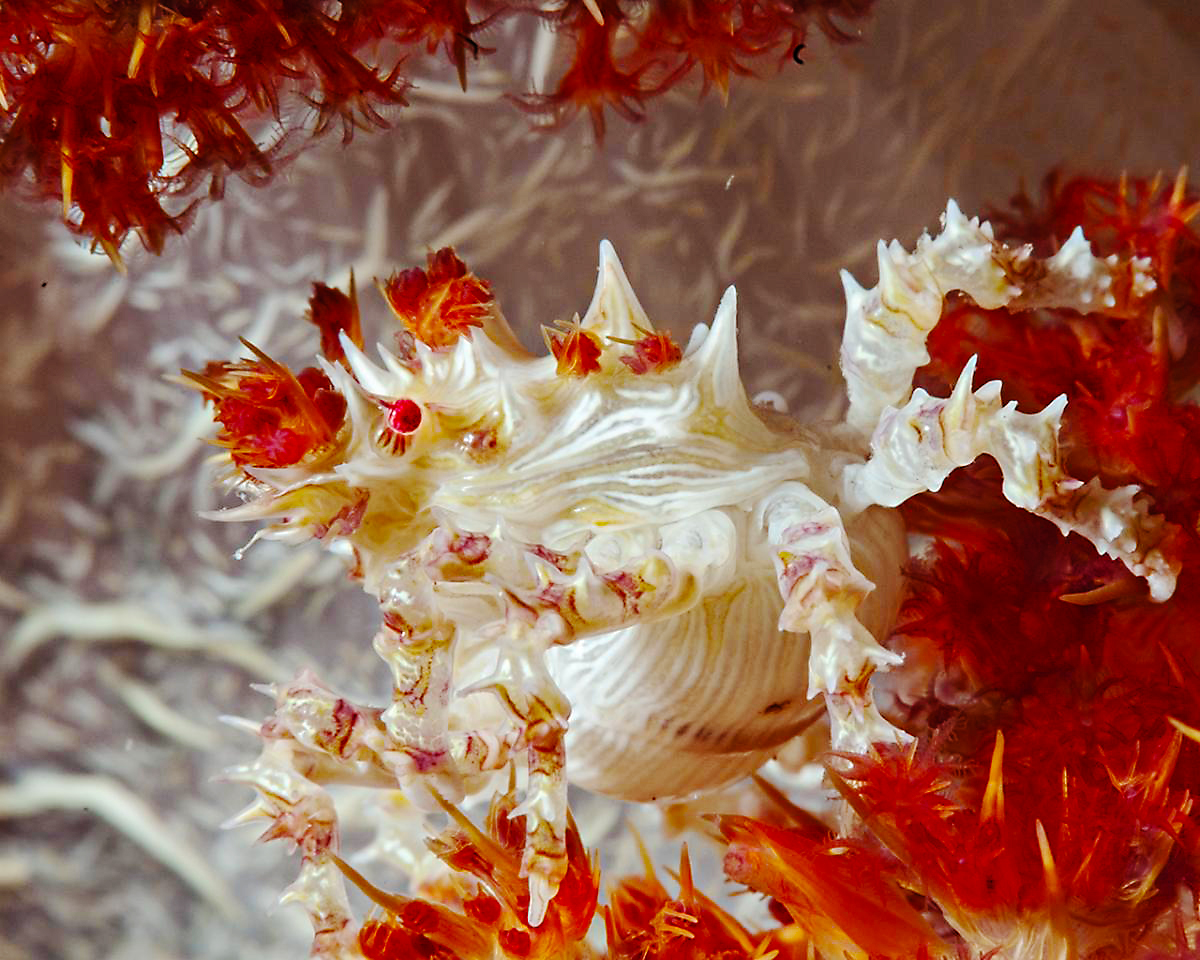
I spent a couple of minutes making rough adjustments: sharpening (unsharp masking), contrast (a sigmoid curve adjustment) and increased vibrance and saturation in Photoshop.
The composition cuts off some legs, there's only one eye visible and the right to left diagonal (red/white/red) bands don't work as well for me as a red border would have, but that's underwater photography: you always want a few more frames!
The shot is essentially the raw file converted to JPG. It was taken with a D-300, AF-105-VR plus a +5 subsee so the magnification is unusual. I like Td Priests enhancement of the colors.
TomR1

Terms of Use Privacy Policy Guidelines We have placed cookies on your device to help make this website better. You can adjust your cookie settings, otherwise we'll assume you're okay to continue.

A worldwide community for underwater imaging.
