



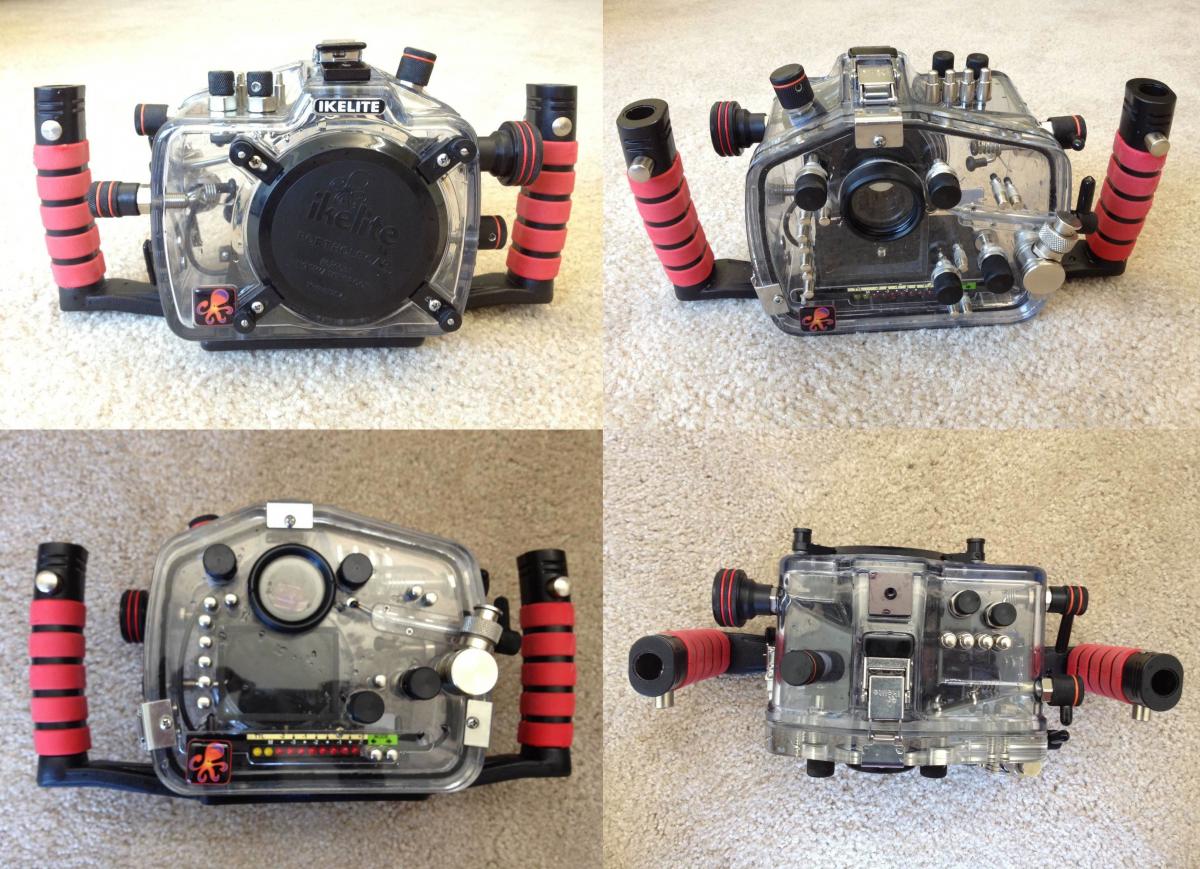
Ikelite underwater Housing for Canon EOS 7D with
IK5510.24 Port Body
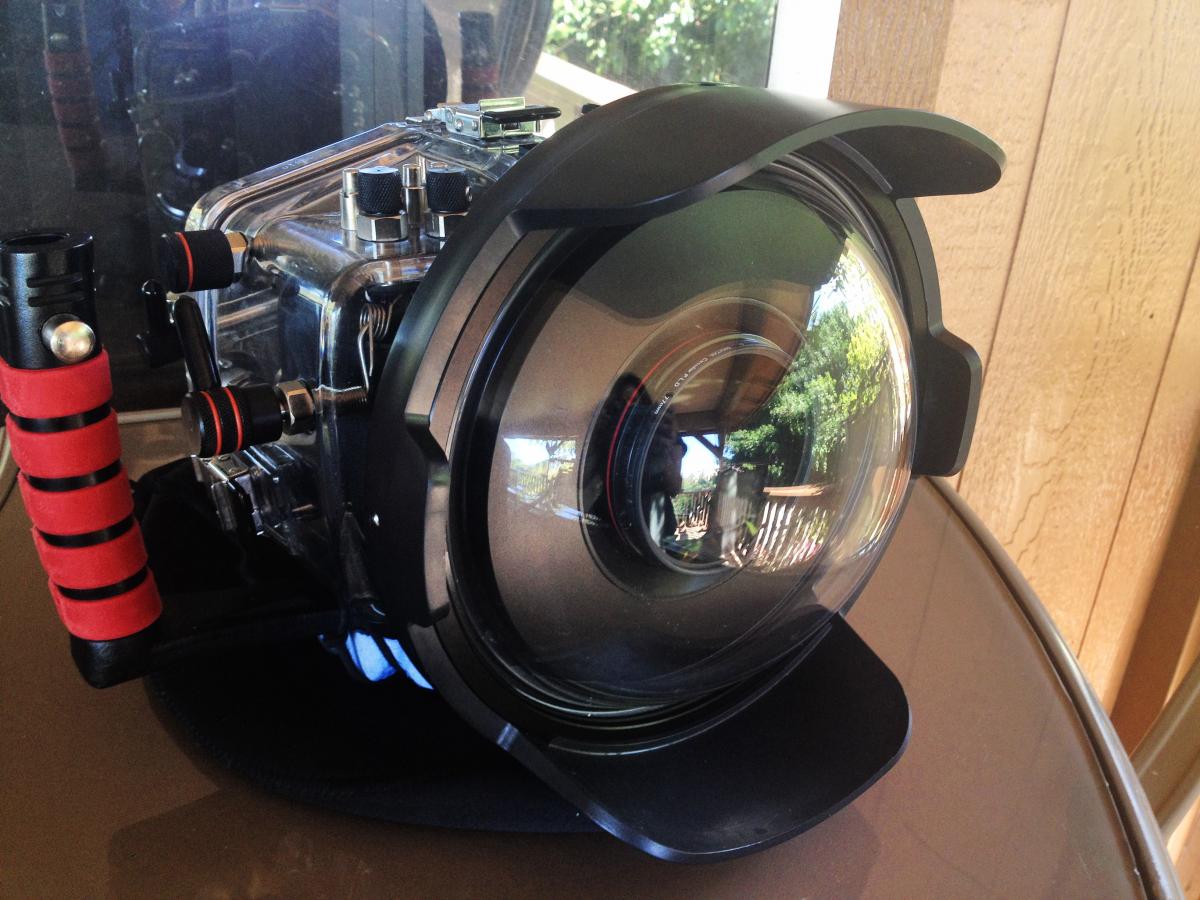
IK5510.45 8" Dome Port with Shade and Cover (In warranty) (http://www.ikelite.c...port_canon.html) here you can check which lenses fit this dome
Spare Silicone Lubricants
Spare O ring
2 x zoom rings
used only a handful of times, for surf photography. I also have all the spare parts the housing came with.
Excellent piece of kit.. can use nearly all the functions on the camera when in the housing, not like other housings that limit.
moving between sydney and goldcoast
$1450 ono
cost new $2100
below is the spec for the housing
http://www.ikelite.c...two/can_7d.html
Depth rating: 60m
Controls for all camera functions exceept multi-controller and flash pop-up. Extension lever on back panel gives ergonomic movie start/stop control.
Interchangeable port system.
Port is supplied separately.(Port choice depends on lens to be used).
Super-Eye long eye-relief viewfinder optic allows full frame viewing with diving mask. eTTL2 conversion circuitry provides full TTL operation with Ikelite DS-series substrobes. Two substrobes can be triggered using a dual sync cord.
Exposure compensation buttons on rear of housing gives ±2 EV control range in TTL mode, or 8 manual settings in ½ EV steps.
Non-Ikelite strobes can be used in manual mode only (with appropriate sync cord).
Dimensions SLR-DC: With tray: 13.25"w, 8"h, 6.5"d. Without tray: 9.5"w, 6.75" h, including knobs.
Weight: ~3.25Kg, 7.15lb without port. ~3.6Kg, 8lb with port.
Buoyancy: slightly negative (depending on port).
.jpg.857dbbfbdc4d79d9c6ebf7b4ba96ed1b.jpg)

