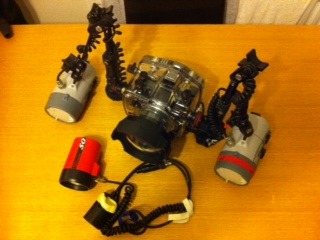
Hi all, I have a question regarding remote strobes. I have a Nikon D50 in a Ikelite housing with ds125 strobes. I bought a full immersion remote sensor the other year and I have attached it to a Ikelite sub strobe 50 I used to use on my trusty Nikonos.
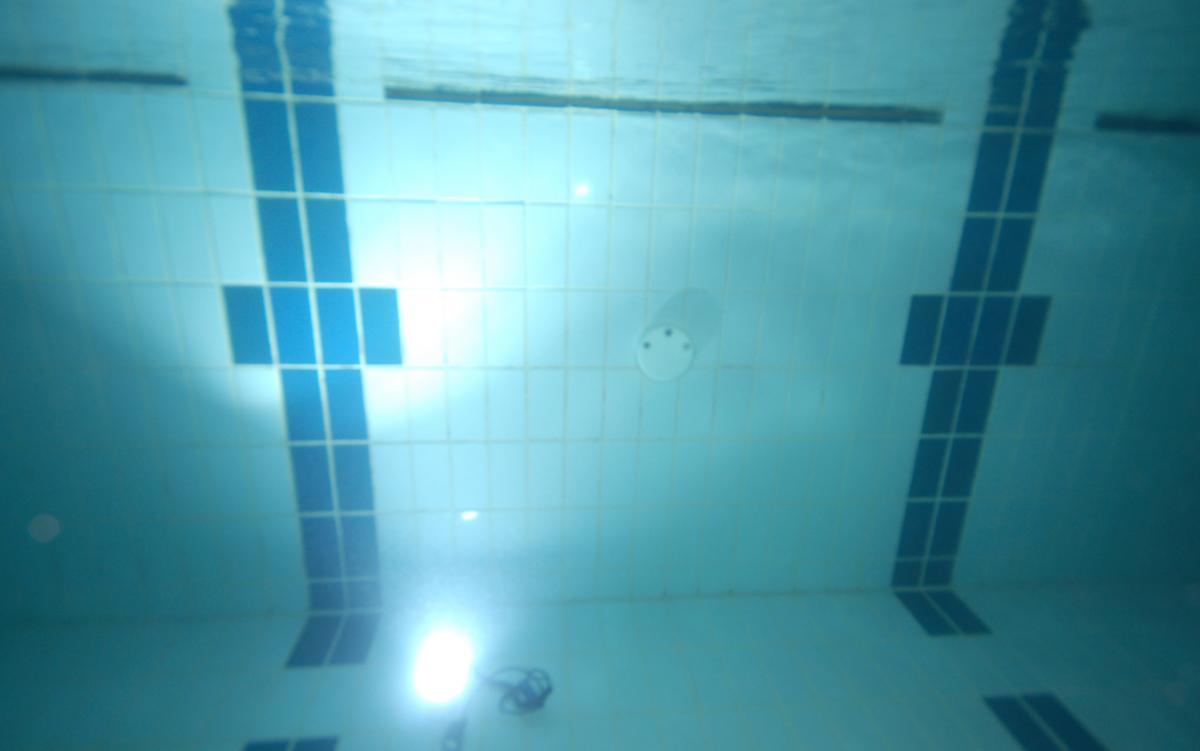
When I take a picture the strobes fire as does the remote strobe but the timing seems to be out and the flash from the remote strobe is not visible when I review the image.
My question is what settings do you all use when using remote strobes?
Thanks in advance.
Lee
Hi Lee,
It might be because you are firing the main (those attached to the housing) strobes in TTL mode. As you likely know, the TTL mode uses a pre-flash to attain its exposure setting (flash out-put) before the main flash intended to expose the frame. The pre-flash is something like 1/32 power of a full dump, but often enough to trigger (too early) a remote strobe on an optical sensor. There are two ways to get the slave to fire on in sync with the main strobes - fire the main strobes in manual mode, or switch the optical slave sensor to a setting that ignores the pre-flash.
I'm speaking from Canon/Ikelite experience, so if Nikon is that different, this may not help. Good luck!
Lee
Thanks for the info Lee, I did have the strobe working a couple of years ago but could not remermber the settings!!.
I had a good go over the last couple of weeks in the pool, but no joy.
I will have another go tonight (it is our club night).
Thanks
Lee
Jackpot! perhaps I should have read the manual!!
I know what I wanted but I just could not figure out how to do it; I now know to get from TTL to Manual I need to press and hold the two mode buttons at the bottom left of the camera!