The gear below is all in excellent shape - I am selling as I am upgrading to the EM5. Please let me know if you have any questions or would like additional pictures.
Thanks for looking - Audrey
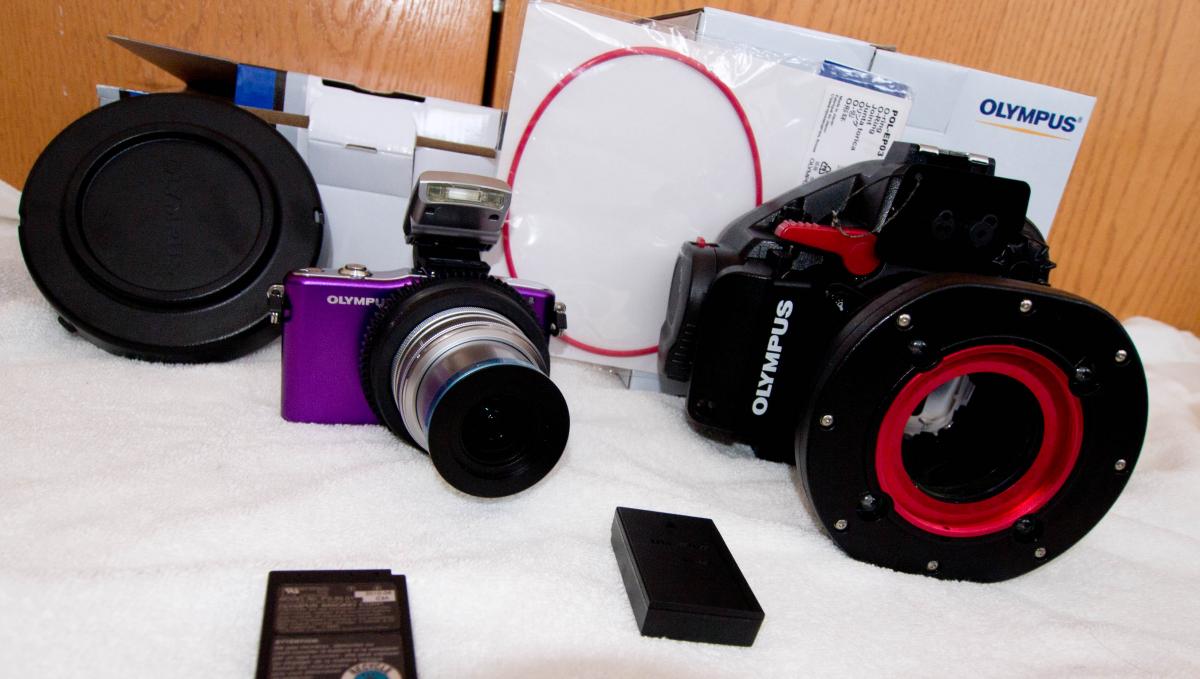
FOR SALE: OLYMPUS E-PM1 & PT-EP06L
Lightly used Olympus E-PM1 ($400) and Olympus UW housing (PT-EP06L) ($800). The camera comes with the 14-42 mm kit lens. The 'twinkle' lights on the housing do NOT work - otherwise the housing is in excellent condition. Also included:
Extra genuine Olympus battery ($50)
The zoom gear and shade ring for the configuration ($45)
Extra (new) housing O-ring ($20)
Olympus Port cover
Original new price over $1,300 - $600 plus shipping and insurance
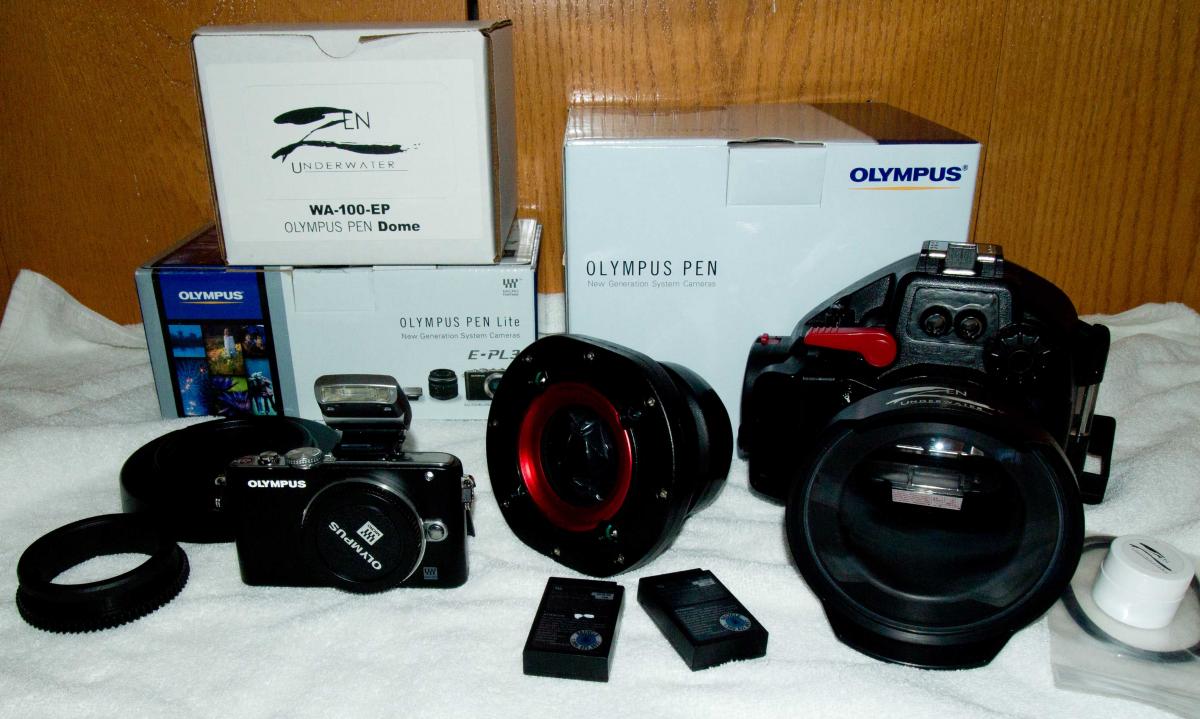
FOR SALE: OLYMPUS E-PL3, PT-EP05L & ZEN PORT (WA-100-EP)
Lightly used Olympus E-PL3, PT-EP05L ($800) and Zen Port ($500). The camera does NOT come with any lens - body only. The housing and Zen Port are in excellent shape. The housing has the flash clear area painted black so the light is through the strobe optical plugs - which means the light blocking shield (preventing backscatter) is not needed. Also included:
Extra genuine Olympus battery ($50)
A zoom gear that is compatible with 9-18mm Olympus lens (PPZR-EP02) ($45)
Extra (new) O-ring for the Zen Port ($20)
Olympus Port cover
Original new price over $1,700 - $1,000 plus shipping and insurance