



Hello
I wish to by a Seacam housing for nikon D200
please contact me at
info(at)fotolounge.ch
Thanks
Read-only discussion
Hello
I wish to by a Seacam housing for nikon D200
please contact me at
info(at)fotolounge.ch
Thanks
I have a Subal D200 I'm about to sell, I've sent you an email
regards
Mike
Hi,
email sent as I have a Seacam D200 and accesories available.
BR
Pedro
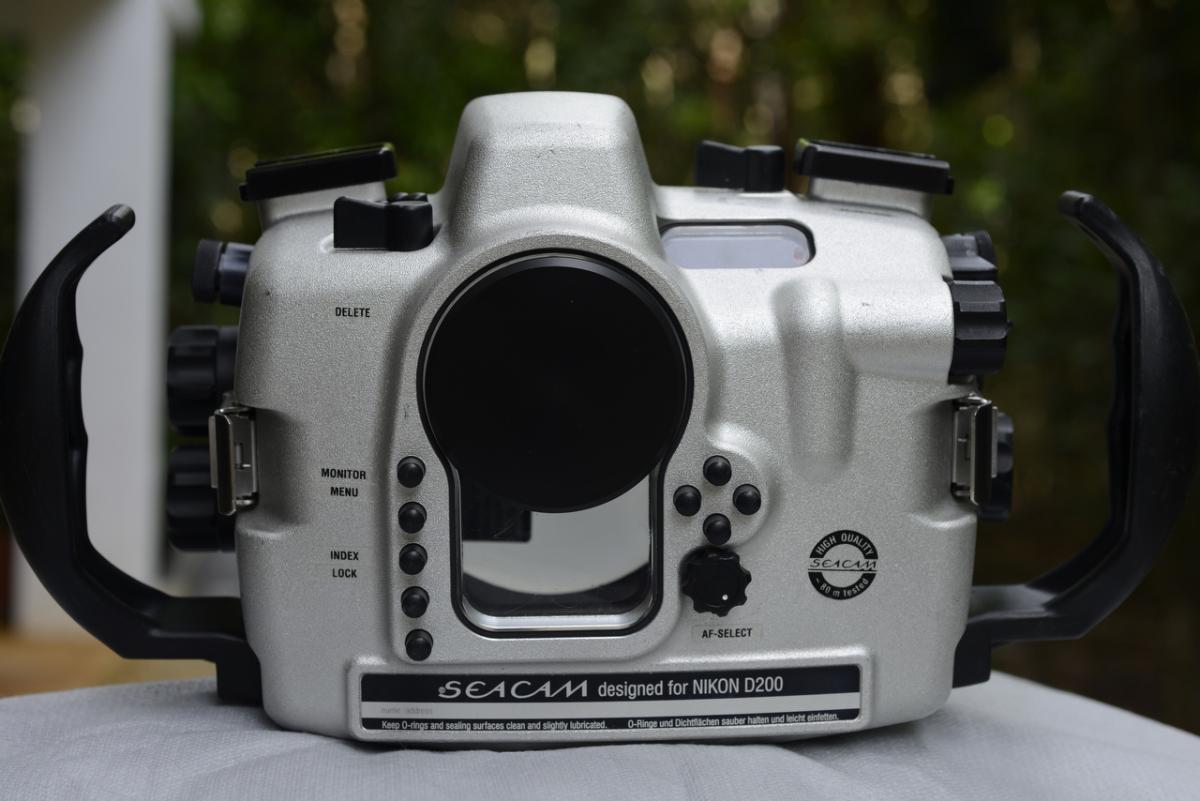
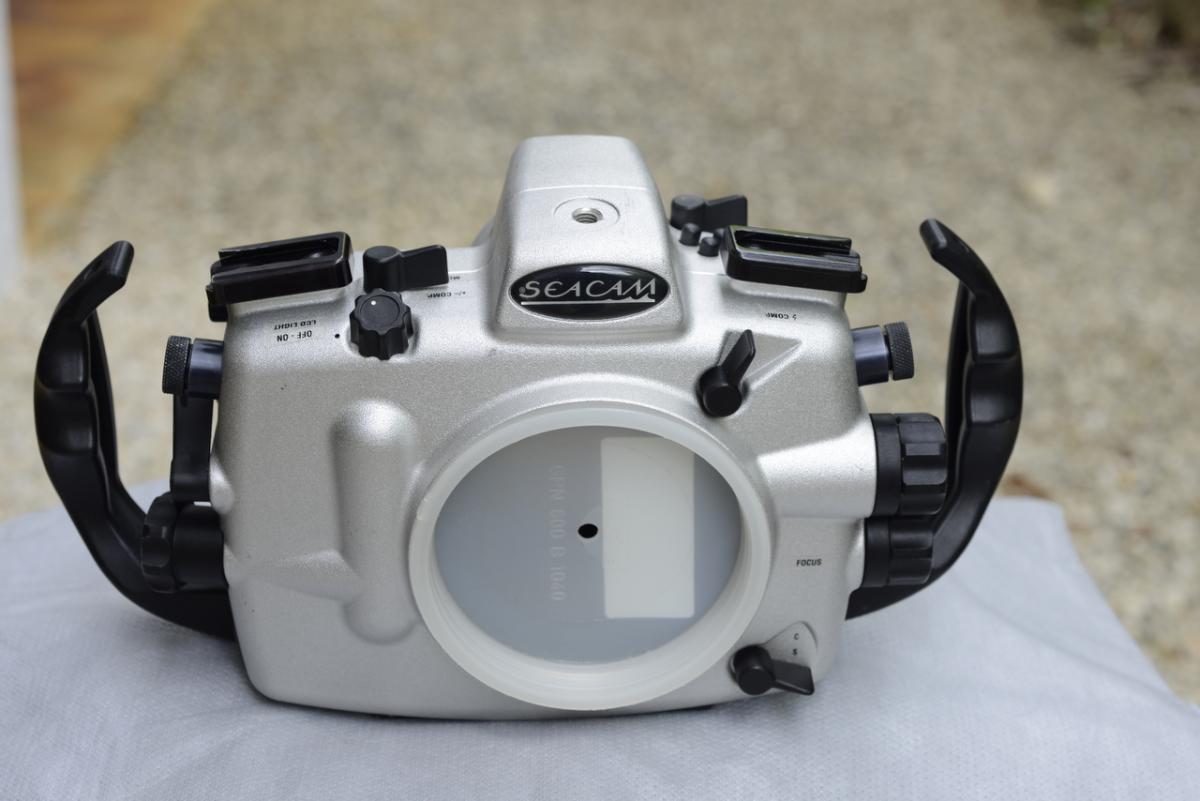
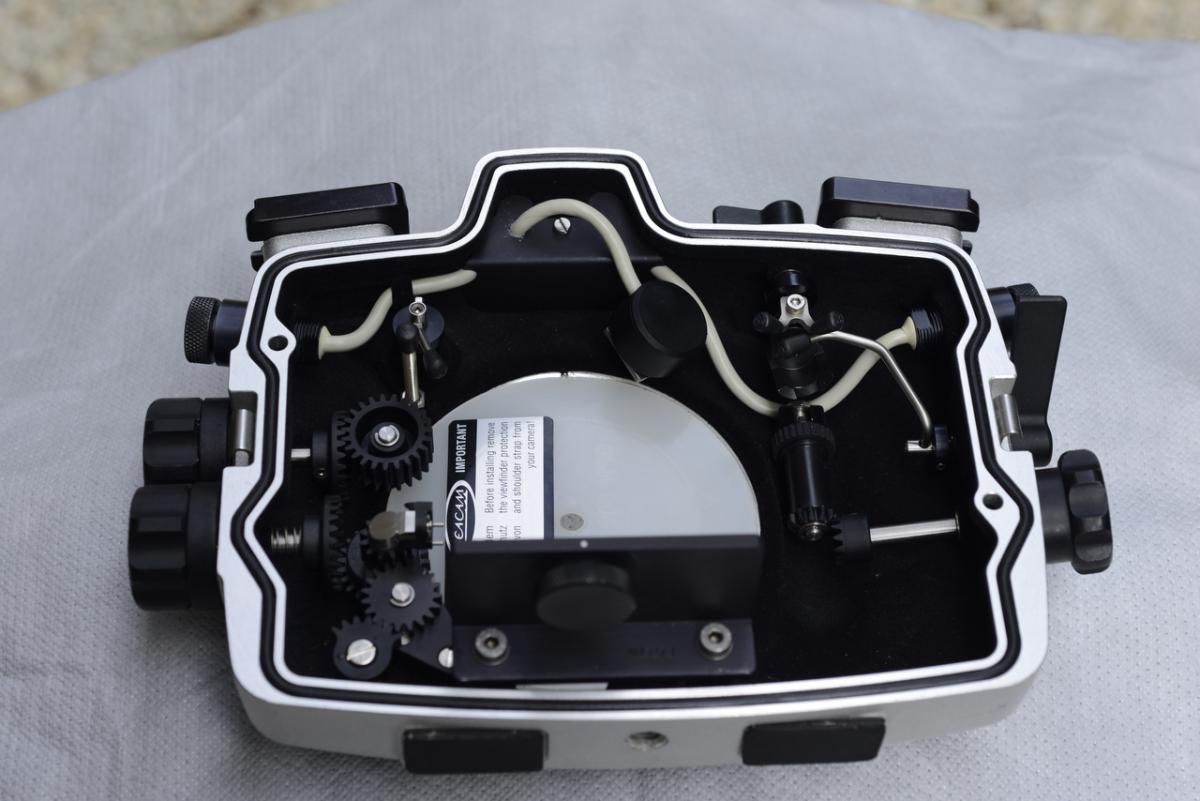
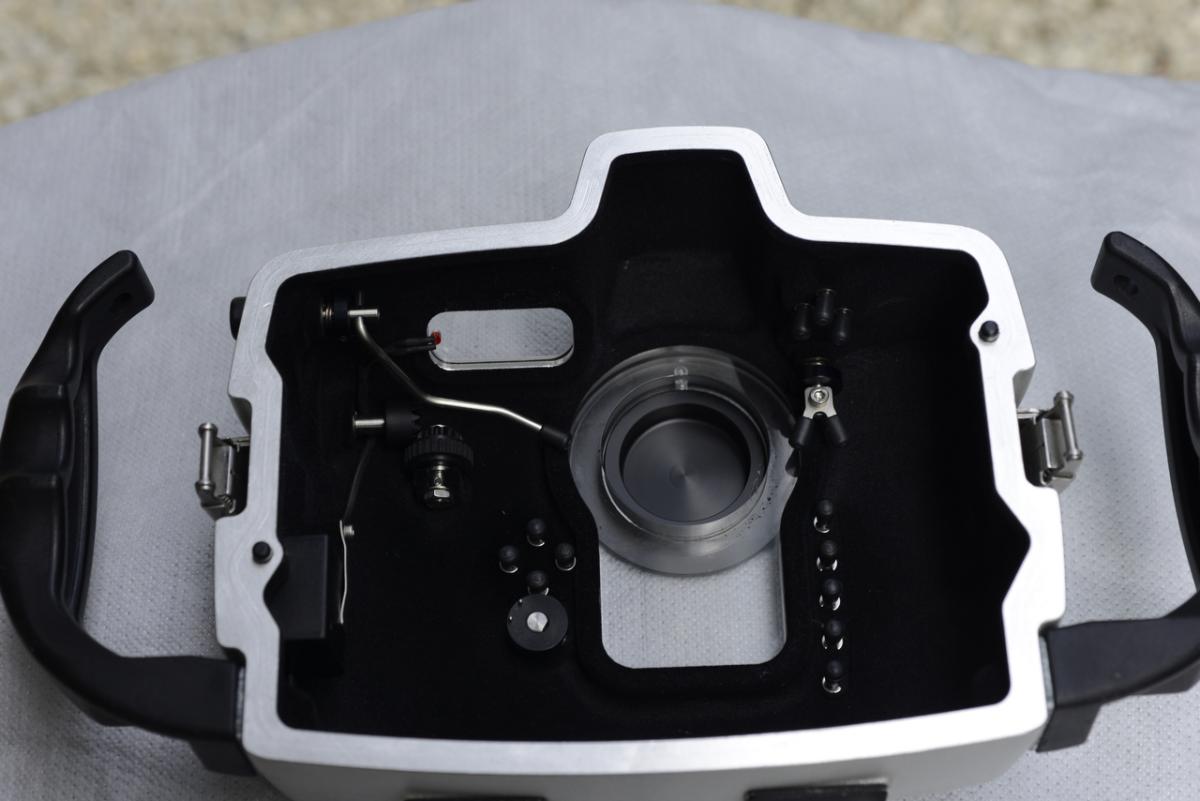
I am selling my complete SEACAM Silver underwater camera system. The system includes a Nikon D200 camera, 60 mm Nikon AF Micro-Nikkor lens, SEACAM zoom and focus gears, and SEACAM P105 Port. The SEACAM housing was built with dual bulkhead strobe ports, and a moisture alarm.
The SEACAM Silver underwater camera housings are simply the best available on the market. They feature fully usable camera controls and large user-friendly Pro viewfinder. The SEACAM Housing alone would cost $6000, combined with the P105 port ($350), D200 ($500 used), and Nikon 60mm ($500). The Focus and Zoom gears retail for $230 each.
Attached are a few pictures of the housing. I can send you some pictures of the camera and lens if you want. All are in excellent condition.
Mike
I will sell the complete system for $2500
For me Snowdive is not a serious wetpixler. I sent him a PM and an Email to his address over 2 weeks ago. No answer until now.
If somebody isn't intersted in an offer one could be at least as polite to sent an Email that one isn't interested.
just my 2 cents
By the way Snowdive the housing is sold. 
Never heard from him either.

Terms of Use Privacy Policy Guidelines We have placed cookies on your device to help make this website better. You can adjust your cookie settings, otherwise we'll assume you're okay to continue.

A worldwide community for underwater imaging.
