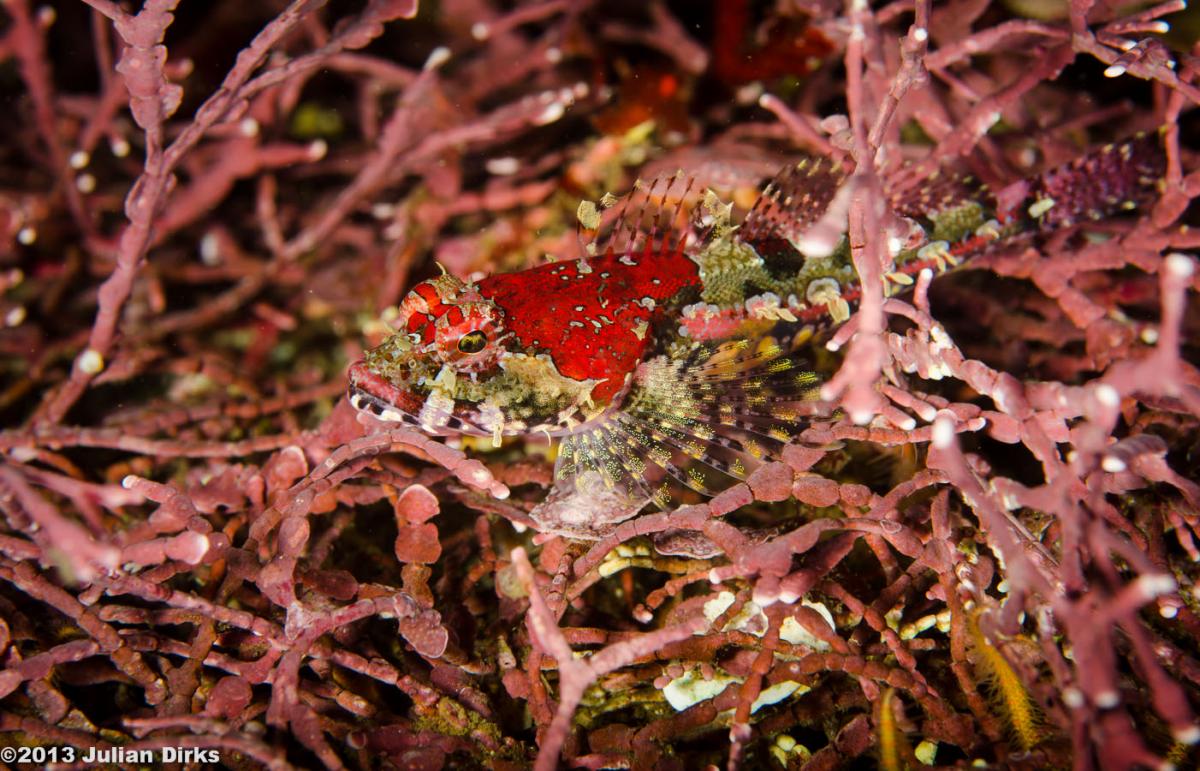
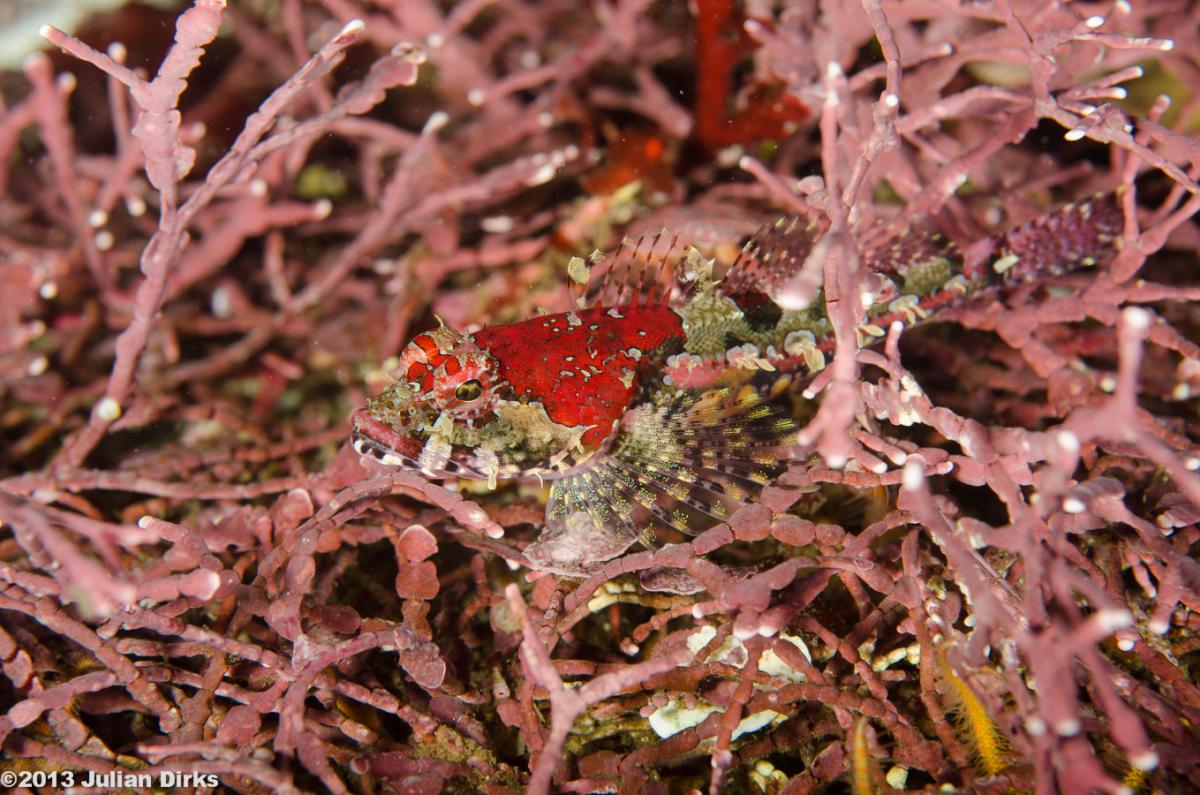
Hi. I took this at Pt Lobos (California) last weekend. I'd like some advice on how to process this image to get the best out of it - I got a nice close up but I want one that shows the environment he (or she) was sitting in. I quite like it but it doesn't quite feel right and I've beenmucking around with it and not getting far Maybe the lighting is just not right to start with? Any pointers of any kind much appreciated. I've attached the original and my current preferred edit. Thanks.
Just personal taste. Maybe trimming some of the the far left and bottom would help the subject to stands out. blacken a bit of the background and add highlights may help a bit too
Hi Julian,
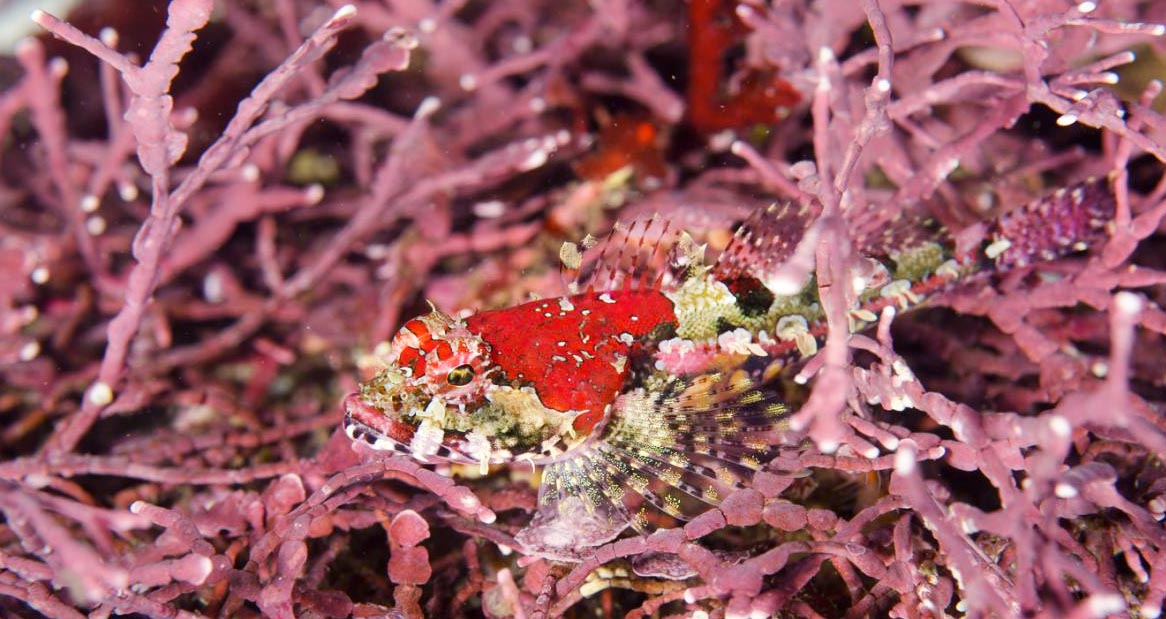
Good capture. The color balance looks a little off. The coralline isn't pink on my monitor. I changed it a tad with a color balance layer for the pink algae and then another one for the sculpin. I also would use your dodge and burn tools to help make the sculpin pop and stand out from the coralline like I did here. Their coloration, as you probably know, is meant to be cryptic, meaning they are pinkish like the algae in order to blend in with it and hide from predators. So separating it from the algae is important. I would also consider cropping. I cropped the bottom because the in-focus coralline competes with the in-focus fish. The bokeh helps separate the fish from the coralline so as a judge in a competition I would consider that aspect. It also helps with the rule of the thirds, not having the head right in the middle of the image. I also applied a levels layer and a slight brightness and contrast layer.
My eye wanders around this image too much and the lighter coralline branches lead it off the page. A health dose of 'fist' (vignette) will probably give the subject more punch no matter how you crop or colour balance it.
Thanks for the input. I just got back to New Zealand so will apply your suggestions once I get caught up at home.
Thanks for taking the time to adjust the image Kelpfish - definately an improvement over my attempts. I got some good close ups but the wider shot was an after thought. I guess the lesson is to spend a bit more time with composition and DOF and it would have been all the better.





.jpg.857dbbfbdc4d79d9c6ebf7b4ba96ed1b.jpg)

