Hi all!
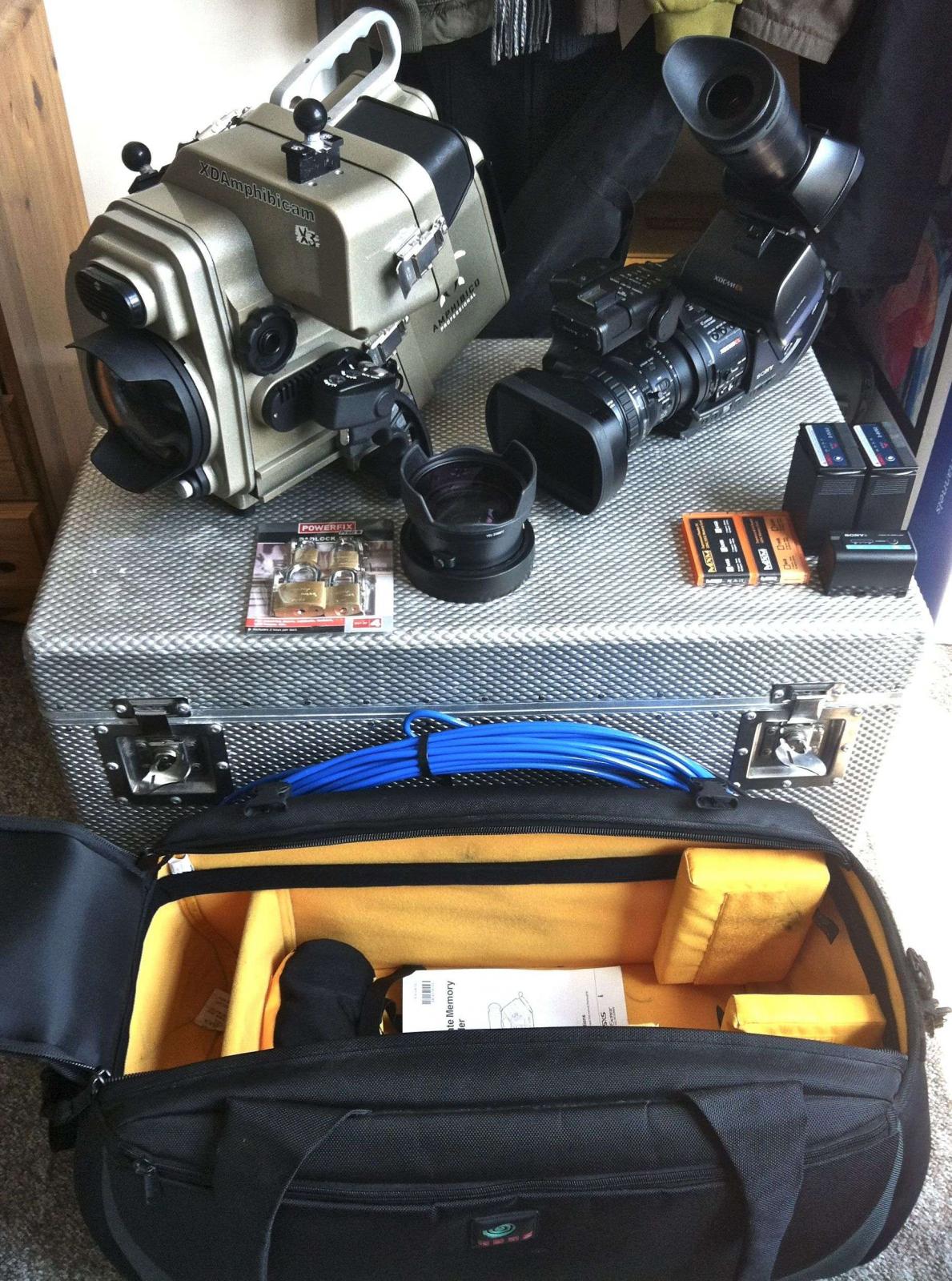
For sale I have my Sony EX3 & Amphibico XD Underwater Housing.
All items have been maintained to the highest of standards and remain in excellent working condition. Selling as im upgrading to a a larger film censor camera.
The kit also offer great hire opportunity. I have on several occasions hired it to pinewood studios underwater tank for commercial shoots.
Ideally UK buyers, but can ship abroad for serious buyers. This will cost extra though.
The item is listed on ebay, but please contact me before you purchase, any questions are welcome!
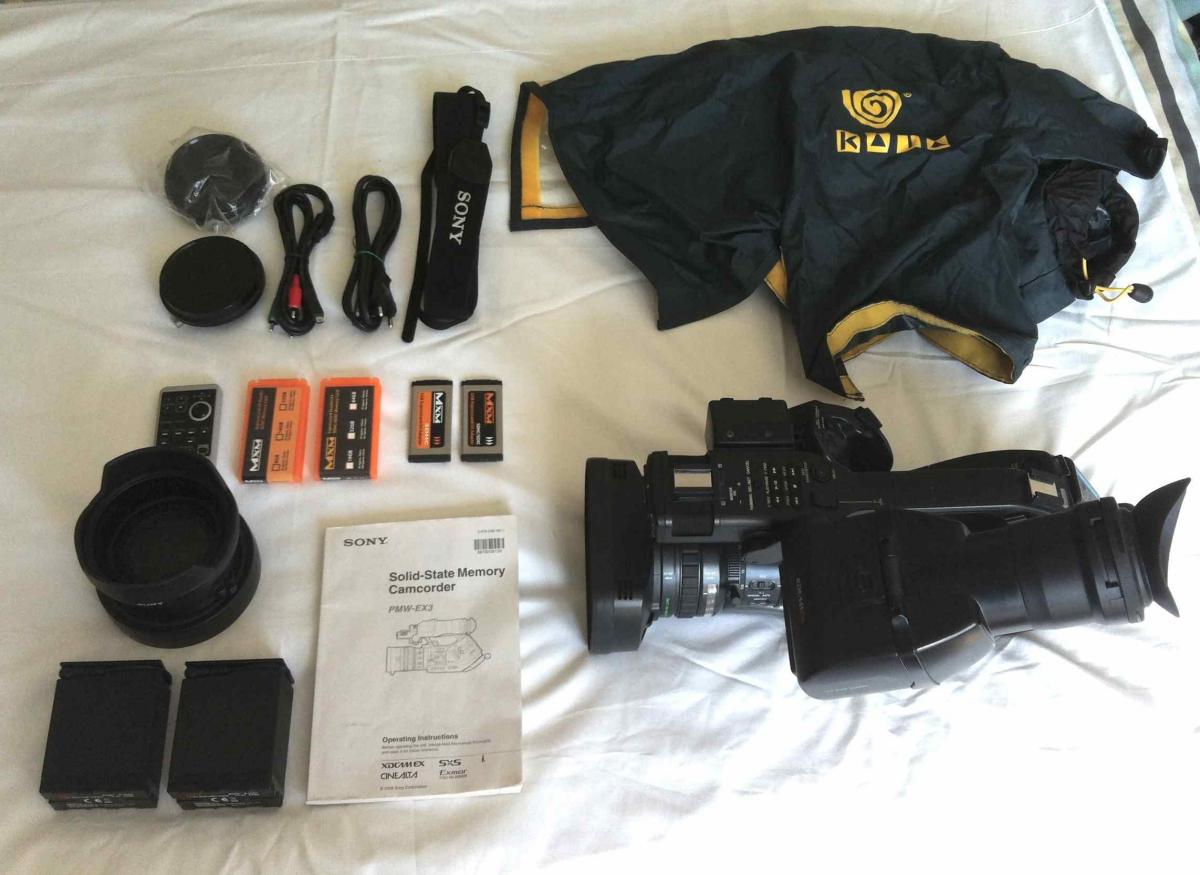
Here is what is included in the EX3 Bag
· Sony EX3 Camera
· 2 x MxM SDHC/SDXC Transcend 32GB Cards
· 2x SWIT S-8U62Batteries
· 1 x Sony BP-U30 Battery
· Sony BC-U1 AC Adaptor/Charger & Adaptor Lead
· KATA CRC-12 Camera Rain Cover
· Sony Remote
· Sony EX3 operating Manual
· Fujion Rear Lens Cap
· Sony EX3 Shoulder Strap
· Sony VCL-EX0877 Wide Angle Converter lens
· Kata CC-197 Camcorder Case
AMPHIBICO HOUSING
Fully functional and excellent condition
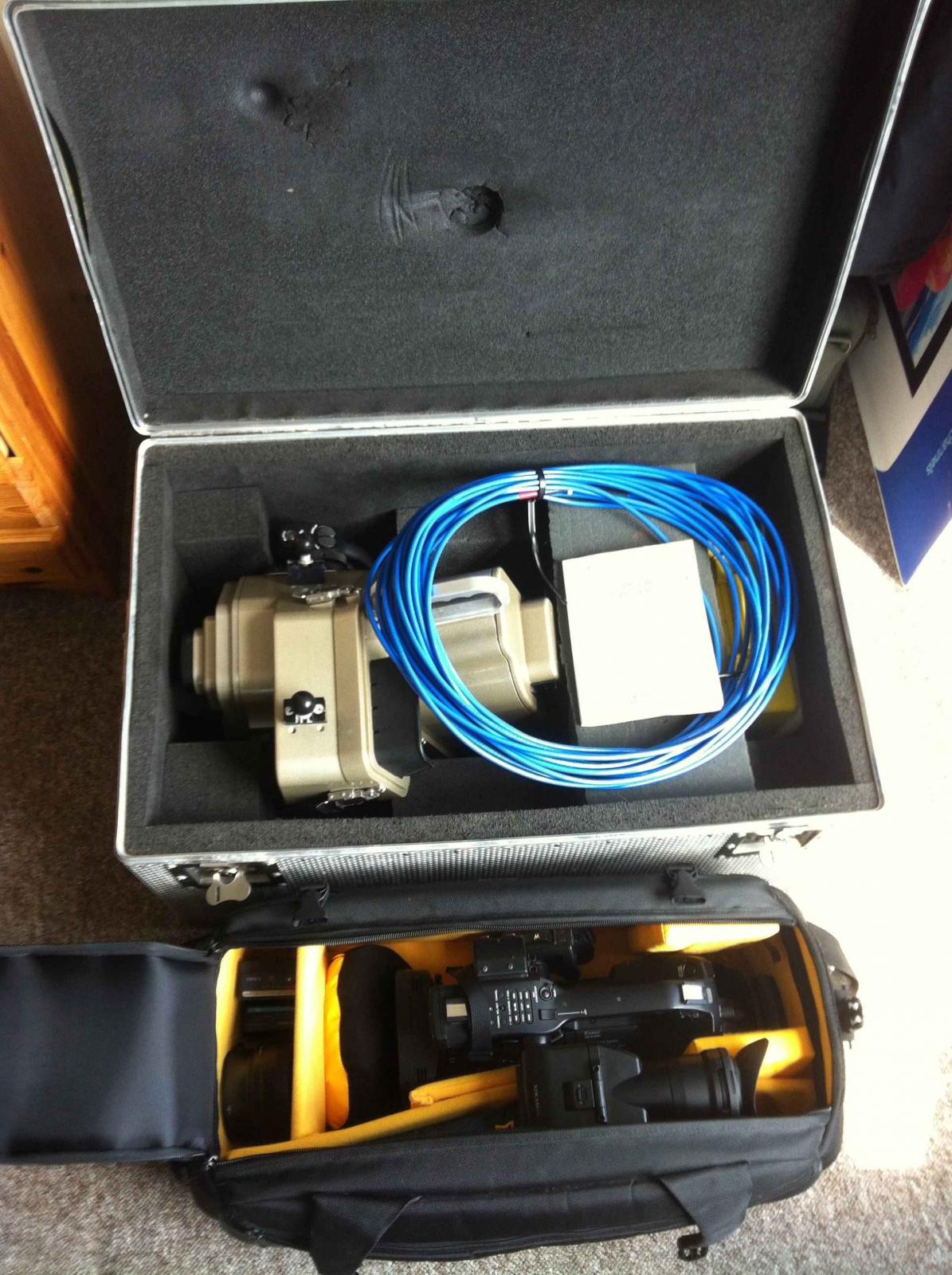
The Underwater Housing is secured in its own loackable customized heavy duty pelicase. Inside it includes a 20m HD/SD BNC cable to allow a monitor feed on the surface (particularly helpful on a commercial shoot or when the director is breathing down your neck!).
Also inside is a smaller, yellow case with tools. This includes additional the user manual, weights,spare o-rings, and lubricant. An underwater back focusing slate and colourchart is also included.
http://www.ebay.co.uk/itm/111064502548?ssPageName=STRK:MESELX:IT&_trksid=p3984.m1555.l2649