This worm was encountered during a night dive at the Teluk Maya dive site near the Wakatobi Resort about 7PM early in the month of May 2013. Depth was around 40 ft.
The length of the worm was about four feet. Its width was 3/4" to 1". It had an extended single-point "head" end and was definitely attracted to the lights.
I guess it's not an Annelid because it did not appear to be segmented plus it seems to have a distinct front and rear end???
There appeared to be rows of cilia or hairs down each side.
Anyone seen this one? If so, please add a comment!
I've showed this clip to lots of folks including a couple of marine biologists. No one seems to be able to ID it...
Wow, that's a very interesting critter. No idea what it might be though.
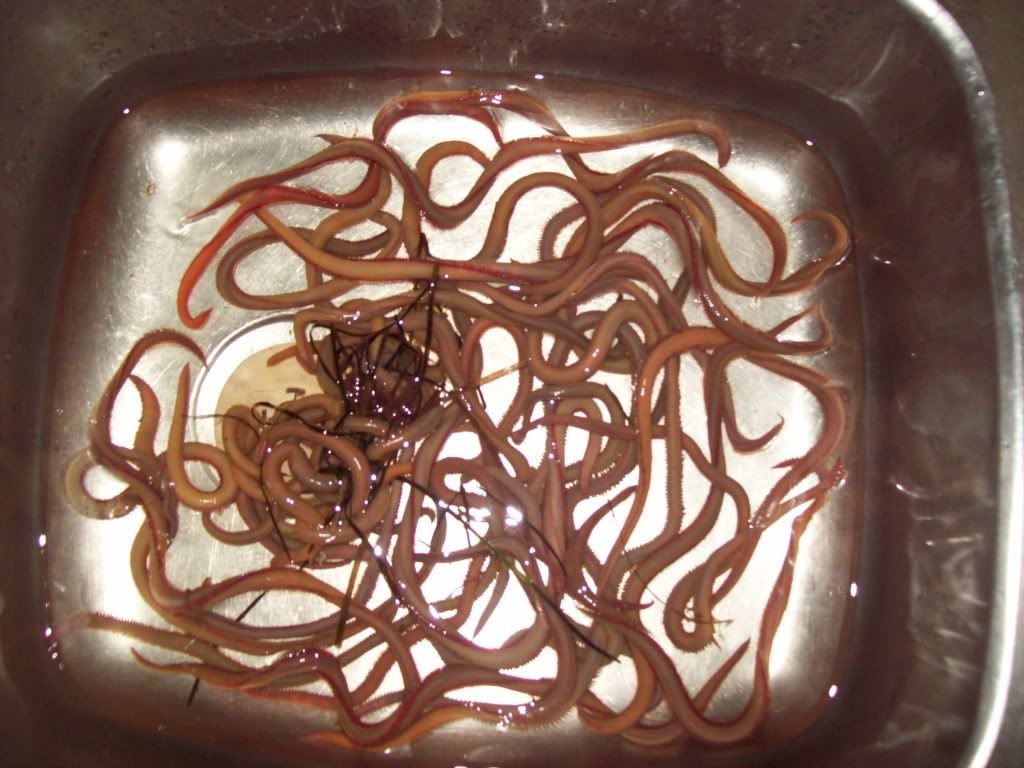
Fantastic video (of course I always love any & all worm vids). :-)) It is a polychaete - those lateral rows of hairs are the bristles that give the group their latin name (poly = many, chaete = bristle) & common name (bristle worms). It's just that it's moving too fast for the annulations to show. I'm pretty certain it's family Glyceridae, genus Glycera. Some species do swarm to spawn. They're called bloodworms & in south Australia, around Adelaide, there's an annual bloodworm run where fishermen go out at night to catch as many as possible. They preserve the worms for use as bait throughout the year.