Skip to content

Classifieds / Archived topic

For Sale subtronic Gamma

Started by thachecker ·

  • 6Posts
  • 6Replies

Read-only discussion

For Sale subtronic Gamma

6 posts
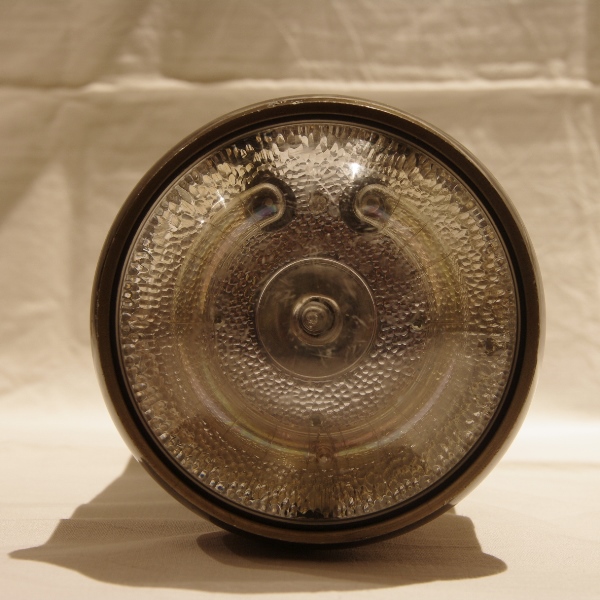
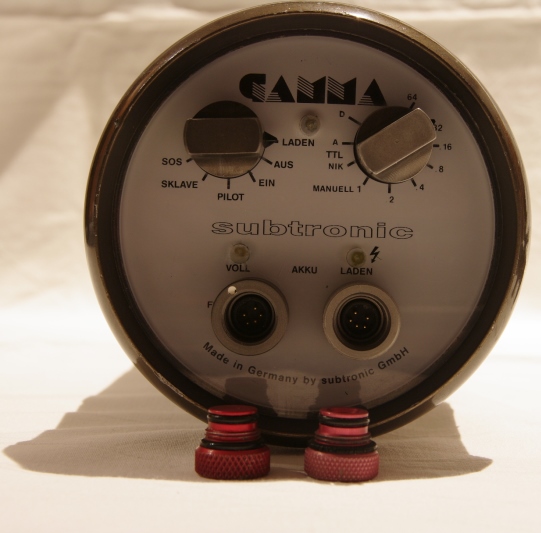
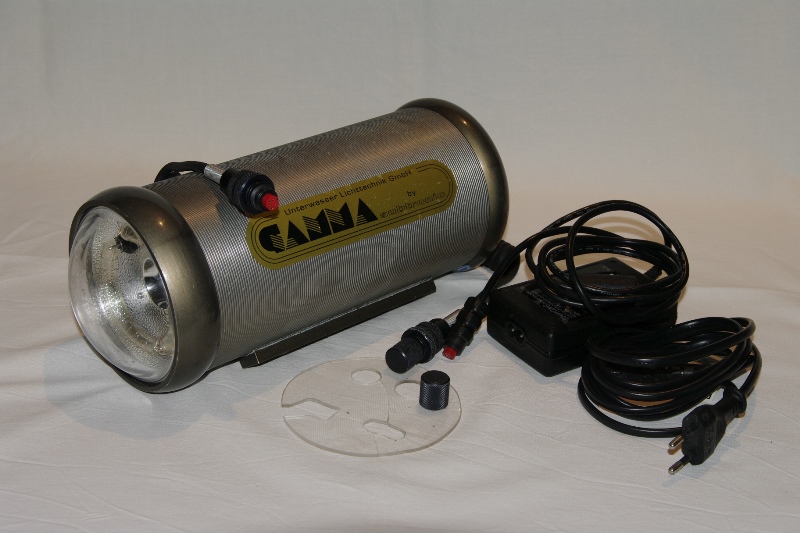
  1. Selling my subtronic gamma strobe


    In May 2011 subtronic build in a new NiMH battery and a new reflector.

    In October 2011 subtronic build in a new flash tube.

    I still got all papers of the repairs and could send them with the strobe.


    Sending it with a Nikonos-5 cable and a charger.


    The item is located in Germany.

    Would sell it for 500,- Euros + shipping costs.


    If you have any questions ... just write me a message


    Cheers

    Nils
    post-22693-0-25884100-1369836631_thumb.jpg

    post-22693-0-66723700-1369836638_thumb.jpg

    post-22693-0-60504700-1369836644_thumb.jpg

  2. Hello,


    Can you give a description of this strobe? How many flash with a charge at full power, number guide, dimensions.....


    And is it compatible with digital ittl?


    Thanks


    Thomas

  3. Hi Thomas,


    dimensions (diameter x length): 115 x 280 mm

    weight: 2100 g


    guide number: the subtronic gamma has 20 @ 270WS


    Flashes at full power: also good question ... I guess it's about 150.

    As I wrote, the battery was changed in May 2011 after that I tooked the gamma to 2 holidays and did some lake shootings.

    I didn't use it that much.


    And it has NO digital TLL ... only analog.

    But maybe subtronic can upgrade it.


    Hope I could answer all your questions


    Cheers

    Nils

    Edited by thachecker
  4. Hi,


    Thanks for your answers.


    I will try to contact subtronic about the upgrade and i will contact you later.


    Thomas

  5. Hi, Still for sale? Stefpanis@hotmail.com

  6. Sorry, but the strobe is SOLD

Nauticam

Account

Navigation

Search

Search

Configure browser push notifications

Chrome (Android)
  1. Tap the lock icon next to the address bar.
  2. Tap Permissions → Notifications.
  3. Adjust your preference.
Chrome (Desktop)
  1. Click the padlock icon in the address bar.
  2. Select Site settings.
  3. Find Notifications and adjust your preference.