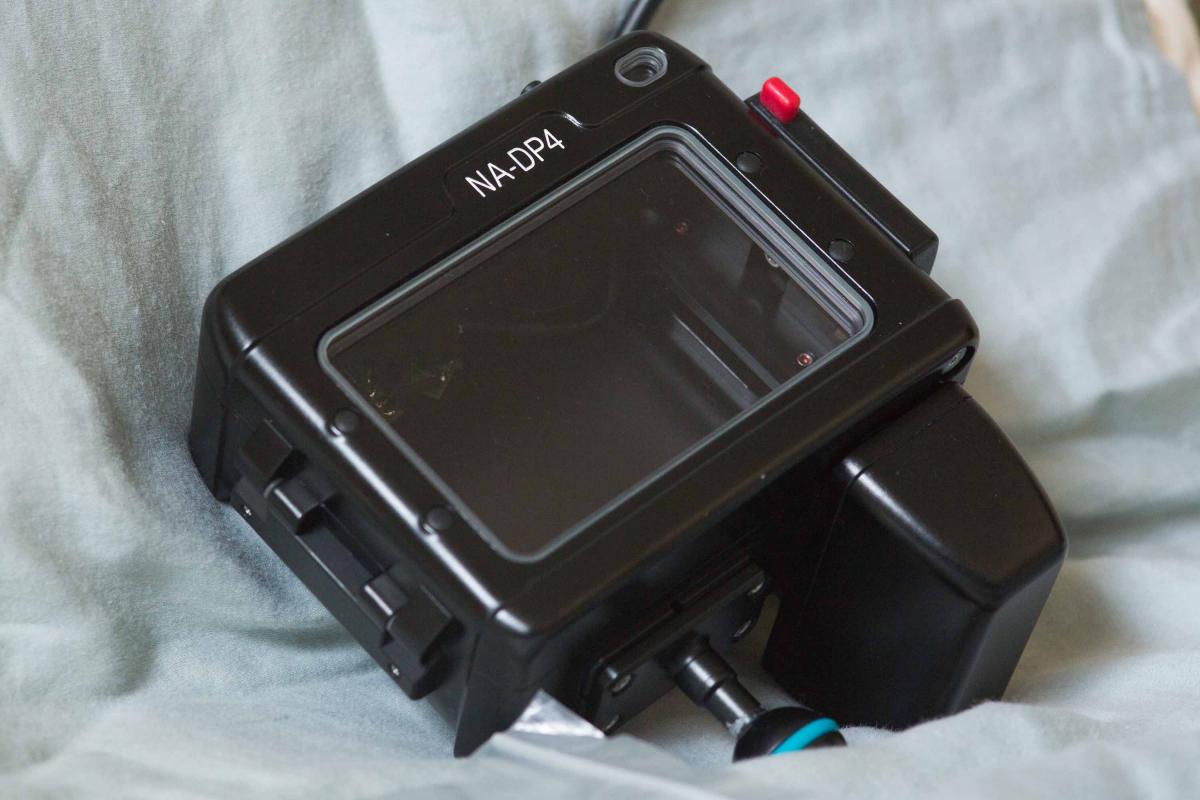
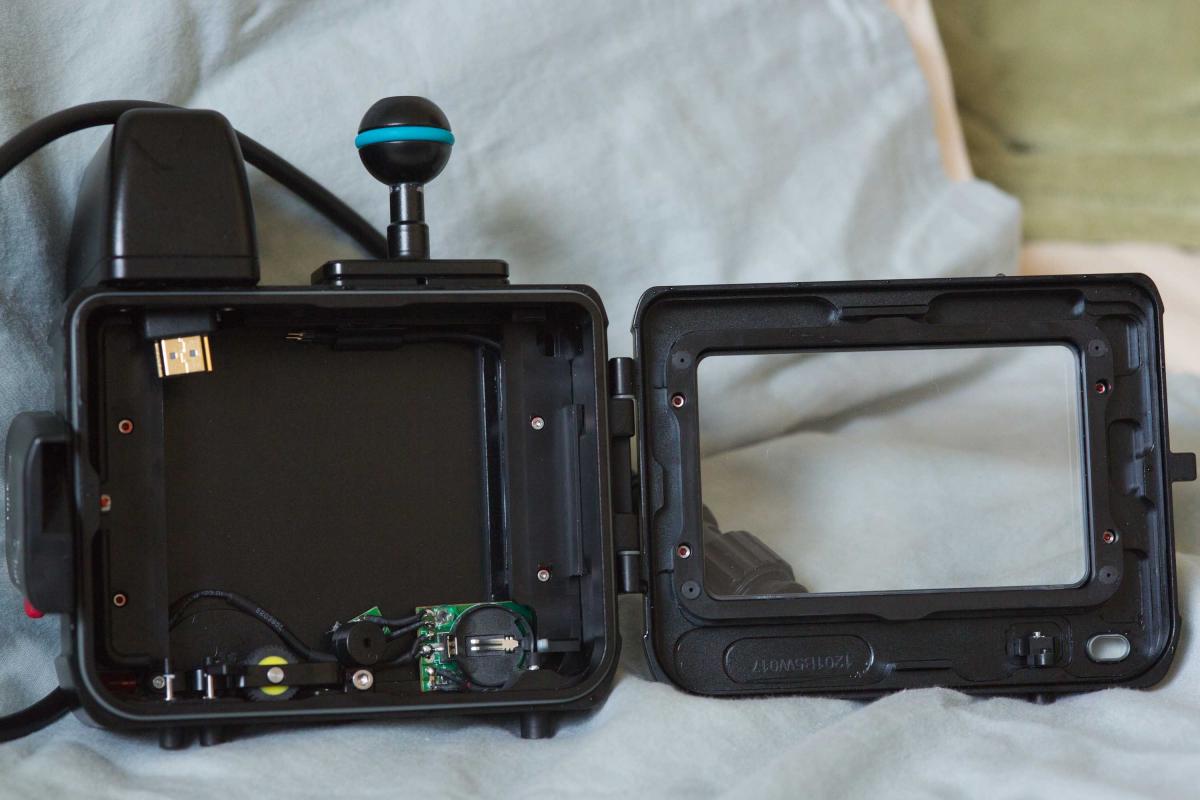
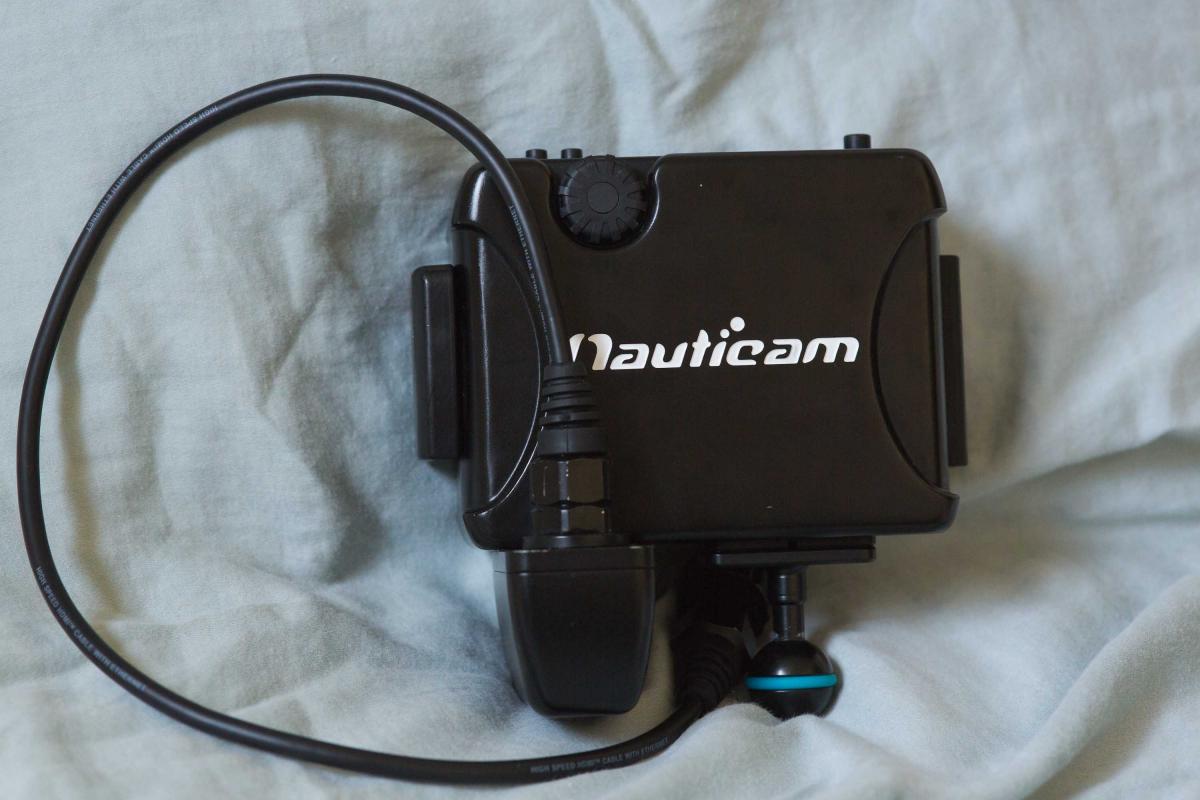
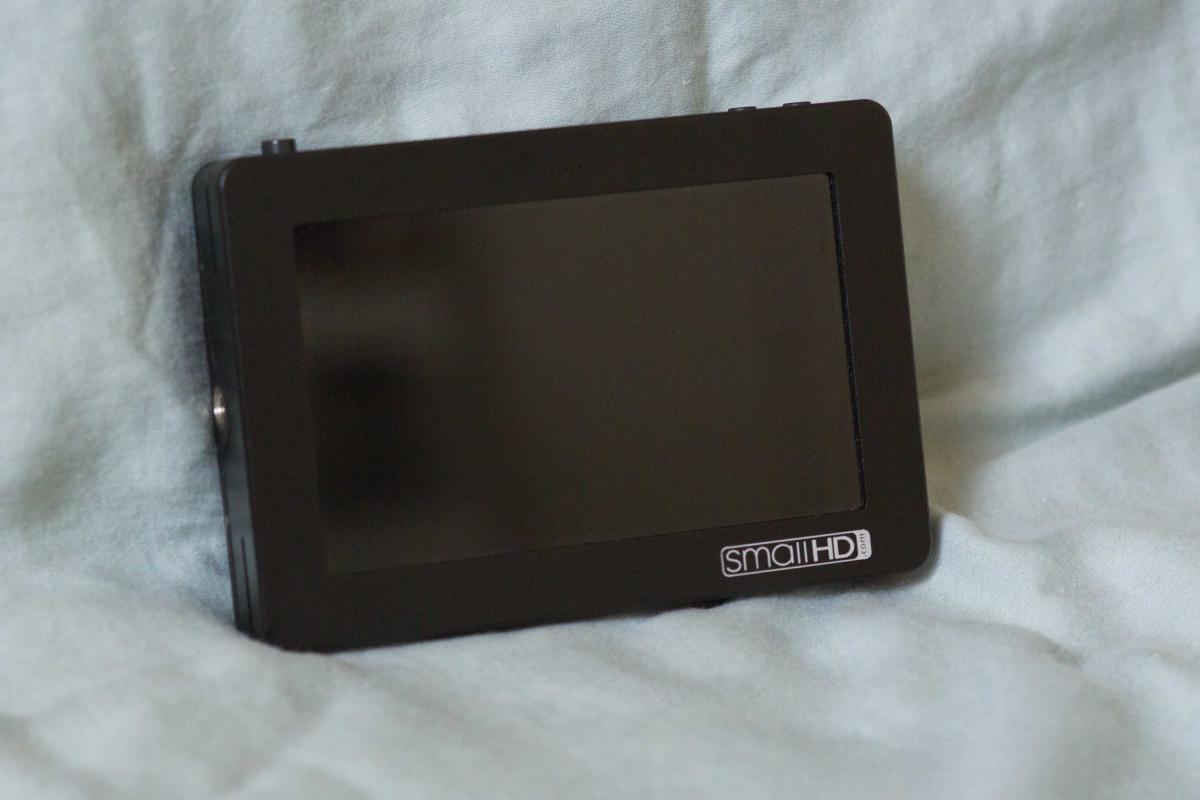
I've got a gently-used Nauticam NA-DP4 housing and SmallHD DP4 monitor up for sale. This is a perfect combo for enhancing your DSLR video, giving you the flexibility of positioning your monitor on top of your housing facing any direction, and a large monitor to help you get proper exposure and focus every time. Compatible with most Nauticam housings: http://www.nauticam.com/product.asp?id=151
A review of the monitor/housing combo can be found here: http://wetpixel.com/articles/review-smallhd-monitor-in-nauticam-na-dp4-housing
My pair have seen around 25 dives, and have been babied throughout. There are a few extremely minor, cosmetic paint dings, mainly on the back of the housing, and some paint wear around the neck of the ball-head where it mounts to my triple-clamp. Happy to provide detail photos of the wear for a serious buyer. The monitor itself has never been used outside of the housing, so it's in pristine condition.
Comes with the following:
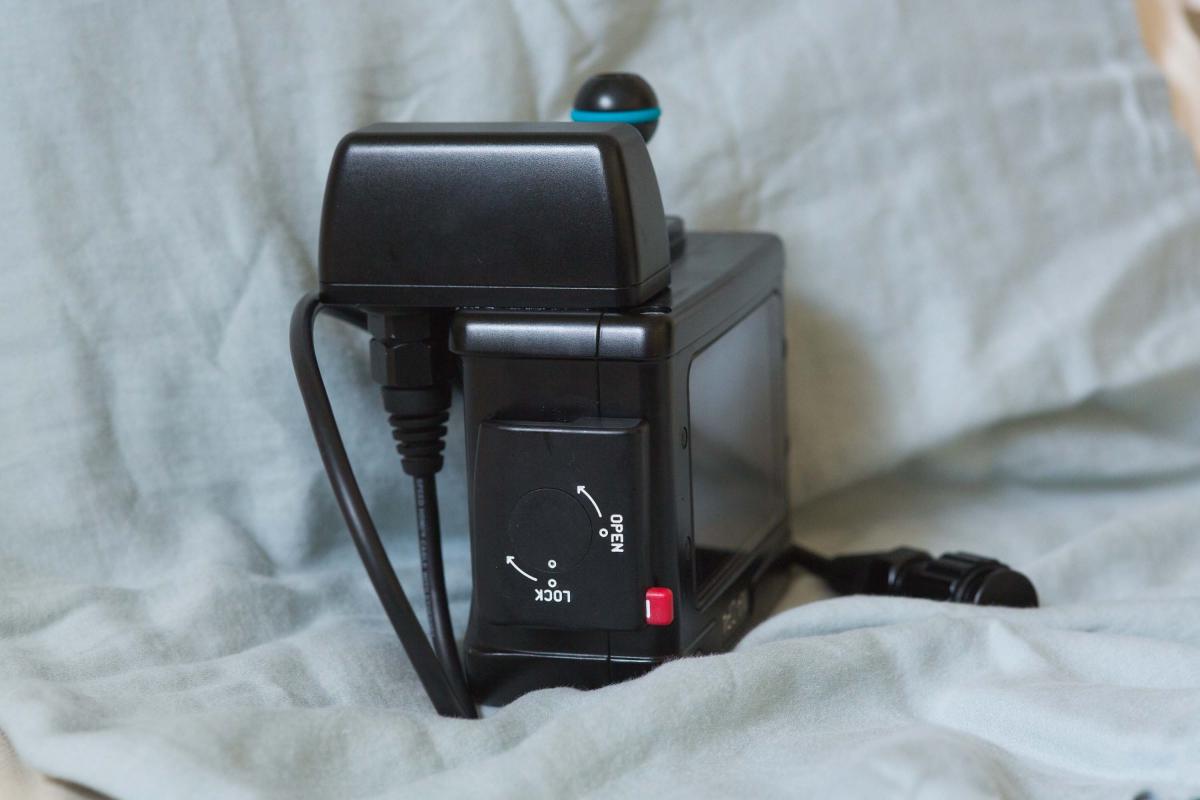
Nauticam NA-DP4 housing
Nauticam HDMI Bulkhead
Caps for bulkhead and housing HDMI cord (when not attached)
Leak detector battery (unused)
Spare O-ring
3 different lengths of mini-HDMI to HDMI cables for use inside housing
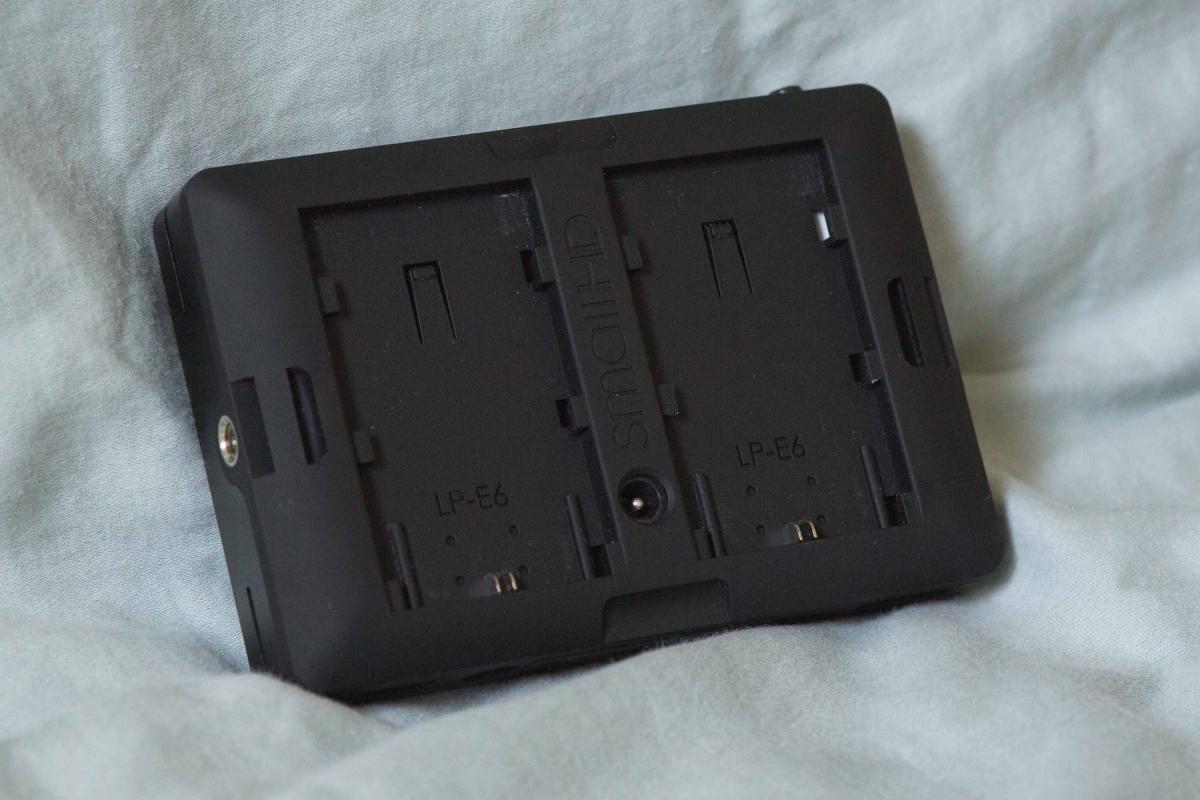
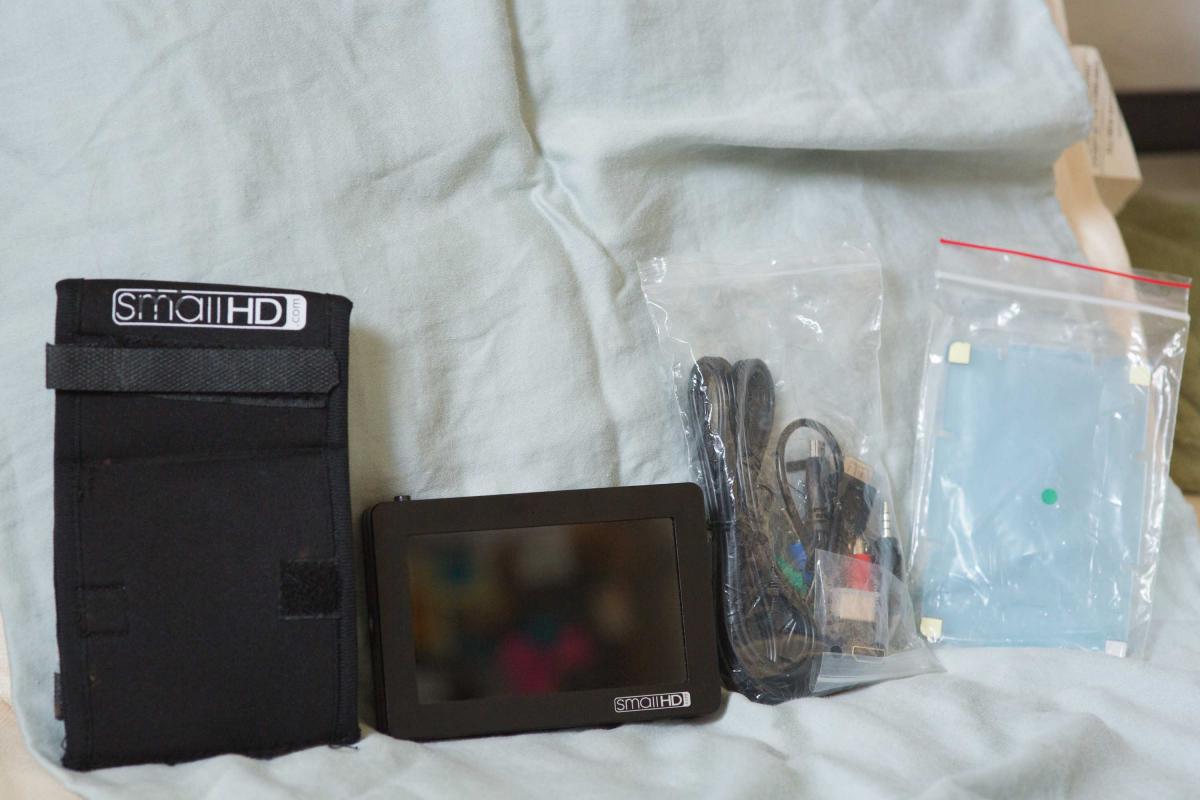
SmallHD monitor (with Canon LP-E6 backplate)
Dry HDMI cable for use with DSLR on land
Hotshoe ballhead mount for use with DSLR on land
Screen protector (unused)
Component out cables (unopened/unused)
Well-used Small-HD monitor hood (I used this more than I used the monitor itself, so it's the one piece of this kit that actually shows a fair bit of wear)
Sorry, no original boxes.
Asking $1450 for the pair, but I'm open to reasonable offers. You pay 3% PayPal fees, I pay shipping.