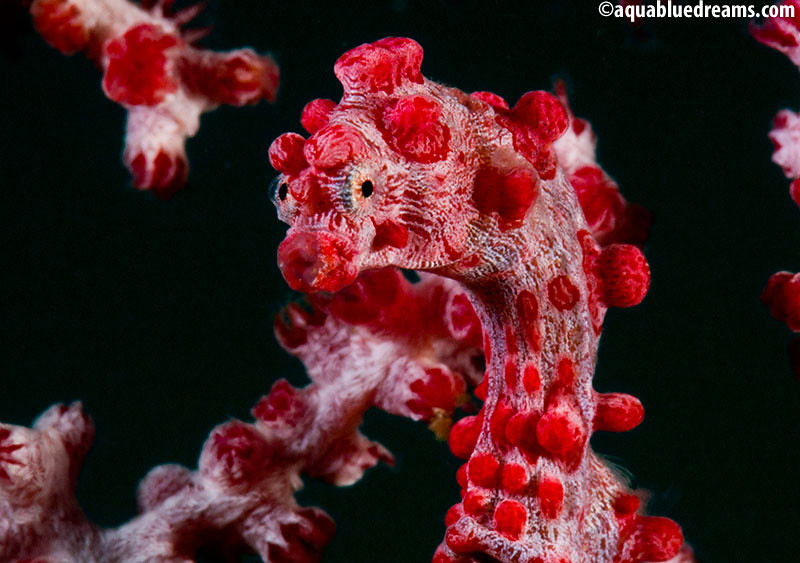
Lembeh, OMD, Oly 60mm, Subsea +10, homemade snoot...
Started by NWDiver ·
5Posts
5Replies
Read-only discussion
Lembeh, OMD, Oly 60mm, Subsea +10, homemade snoot...
5 posts
Had a great time in Lembeh. Kasawari is a fantastic resort that really knows how to cater to photographers. So the tried and true Hardware store snoot, most of the time did not have the piece of 3/4" pipe, so maybe wa/macro/snoot??? Little to no cropping, some sharpening and healing and thats about it.
Had three of these guys on one dive
">
">
">
">
$8 of fun
">
60mm w/Subsea +10, no crop
">
Great macro shots, well done
Great shots and I like your home made snoots - I have made my own as well - 2 sets one set has a 50mm opening and the other set has a 40mm and I used them for different situations.
Karl
Amazing shots, keep up the good work
Appreciate the input. Here a few more.
A little WA from Bunaken Sony RX100
">
">
Another Example OMD, Oly 60mm, Subsea +10, No Crop