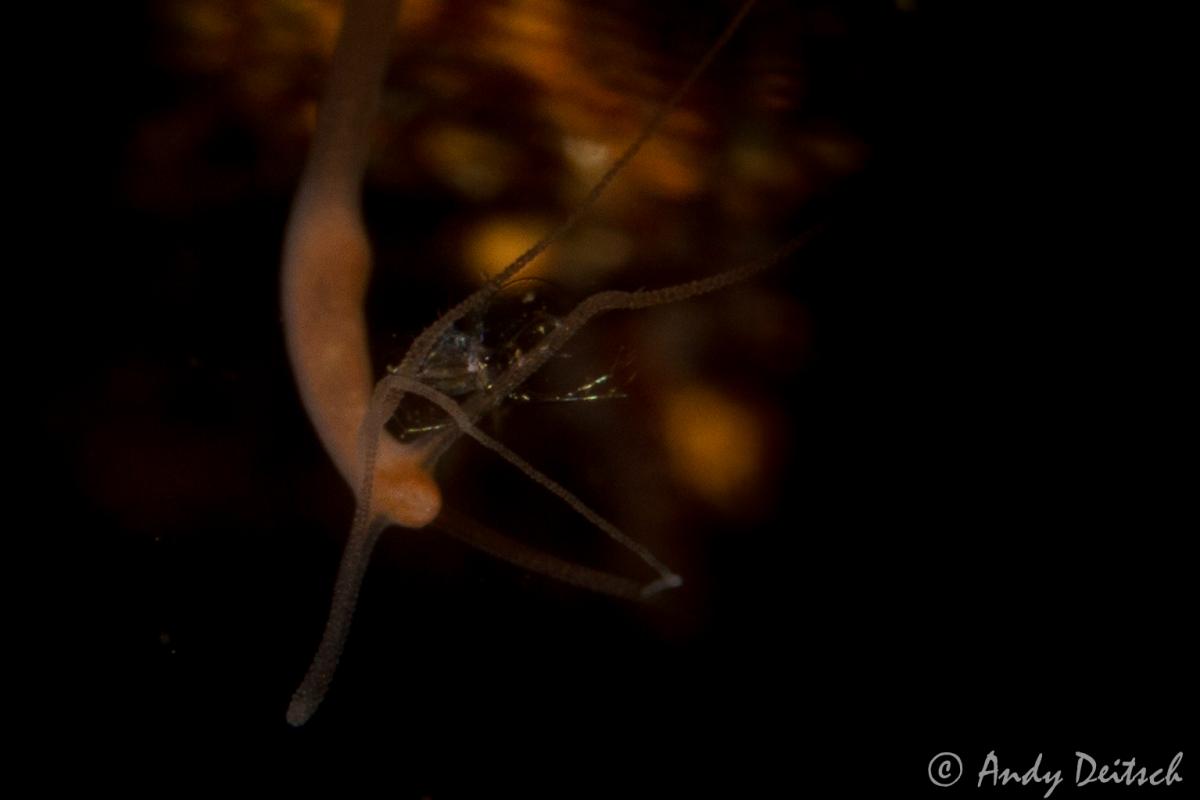
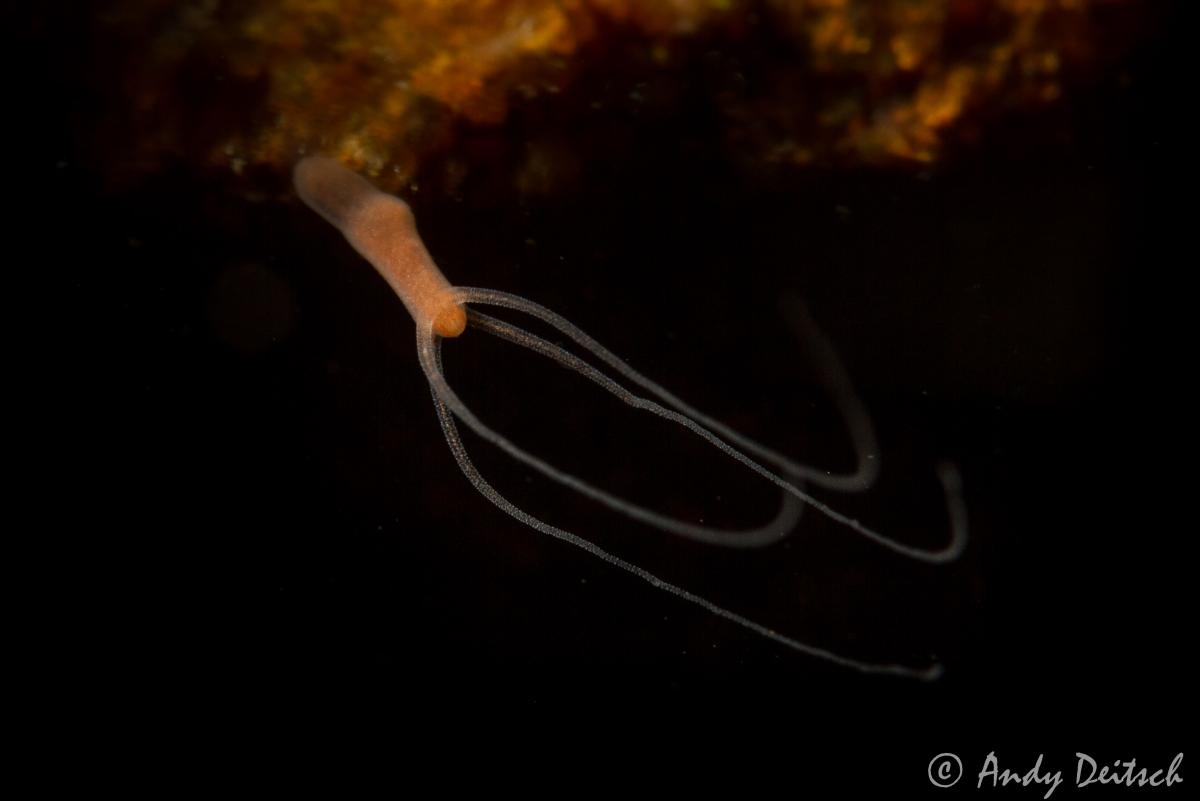
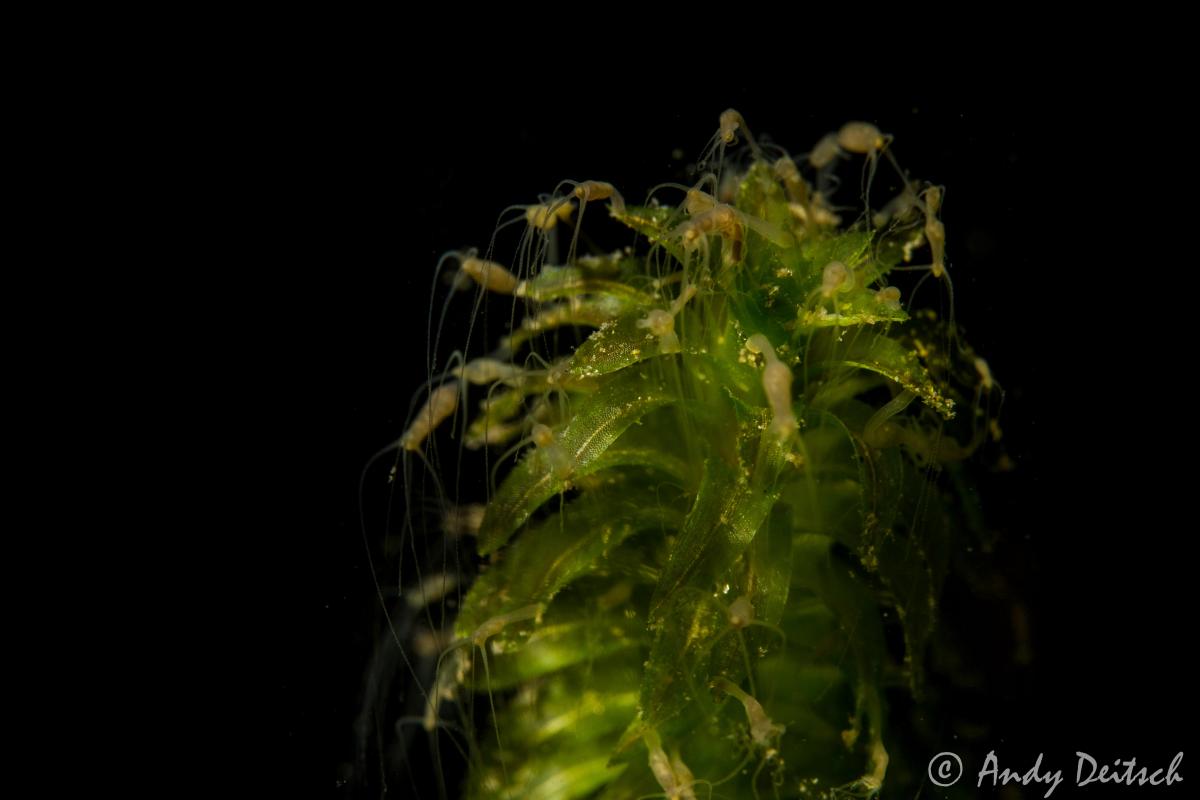
I built myself a homemade snoot and took it out for a test run in a local lake here in upstate NY. I noticed on a previous dive when photographing snails that what look like anemone's attach themselves to the snails shell and figured these would be a good use for my snoot practice. After processing the images, I discovered that one of the anemone's had a crustacean of some sort on it. Does anyone know what these are? The anemone's themselves are very small barely visible with my naked eye. Only looking through my viewfinder with a 60mm lens and +5 Subsea could I see anything.
The first image is cropped significantly so you can see the shrimp. The other two show the anemone alone and also a collection of them on a piece of vegetation. Any help identifying these would be appreciated.
Hi Andy,
The "anemone" is a freshwater cnidarian called Hydra - a common organism in North American freshwater environments (usually lentic, or slow moving, water bodies). The crustacean is not clear enough in the photo for me to guess at. Sorry!
Lee
That's pretty cool, I may have to take my macro lens out for a look. We have tons of snails here in Michigan too. Good practice for when I can get into the ocean somewhere.
thanks Lee.
Paul, once you see them, you'll see them attached to everything. I found them on snails, rocks, and vegetation.