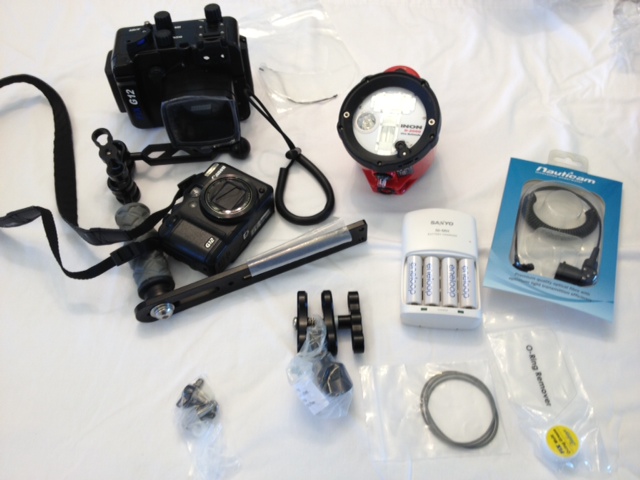
My parents received a complete underwater photography package as a gift from a well-meaning Aunt who thought they'd get into scuba diving. It never happened, and now they have all this great equipment lying around. The only thing they have used is the G12 itself--on land! None of the underwater components have been used at all. Included in the package is:
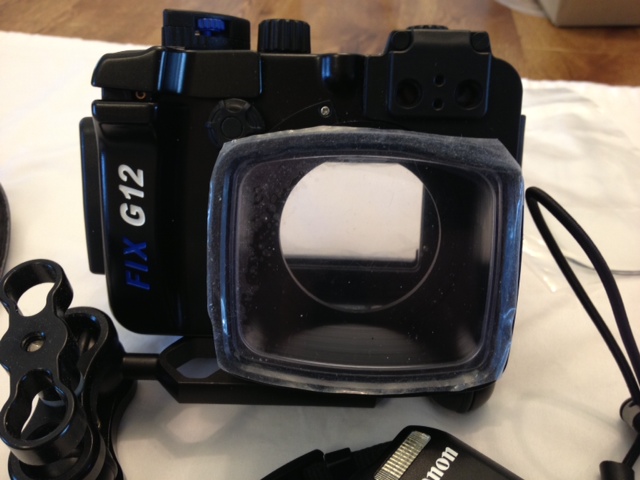
Fisheye FIX Housing with standard port for Canon G12
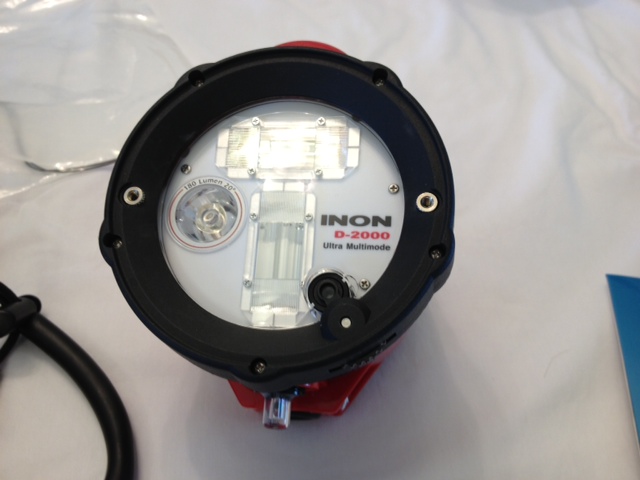
Inon D-2000 strobe
Nauticam - Sea & Sea to Inon Strobe Fiber Optic Cable
Ultralight Tray for Ikelight Compact
Ultralight Handle w/ Ball
Ultralight 5" double ball arm
Ultralight New Style Clamp (15 degree side movement)
Ultralight Inon Strobe Adapter
Sanyo Eneloop Universal Charger
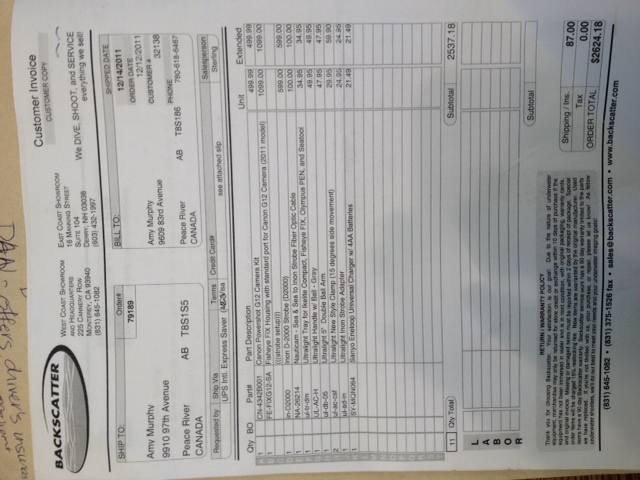
All equipment was purchased new from Backscatter, in Monterey, CA. A copy of the invoice can be emailed, if interested. The package, including the G12, retailed for 2,537.00. Asking $1700, including the G12 camera (in excellent used condition), or $1400 without the G12 (my parents have finally gotten used to the buttons!). Camera located in Alberta, Canada, but will ship. If interested, please contact Melissa @ tesche.melissa[at]gmail.com.