



Olympus E620 DSLR and underwater housing for sale. Well cared for, rinsed after every dive and soaked at the end of each dive trip. Never flooded. Comes with lots of extras. All you need to go dive. Rated to 40 meters. Retail new this is over $10,000 worth of gear. Asking $3500 OBO. Shipping depends on your location. Camera is in San Diego, CA. Email area51abductee@cox.net if interested
Included in package are:
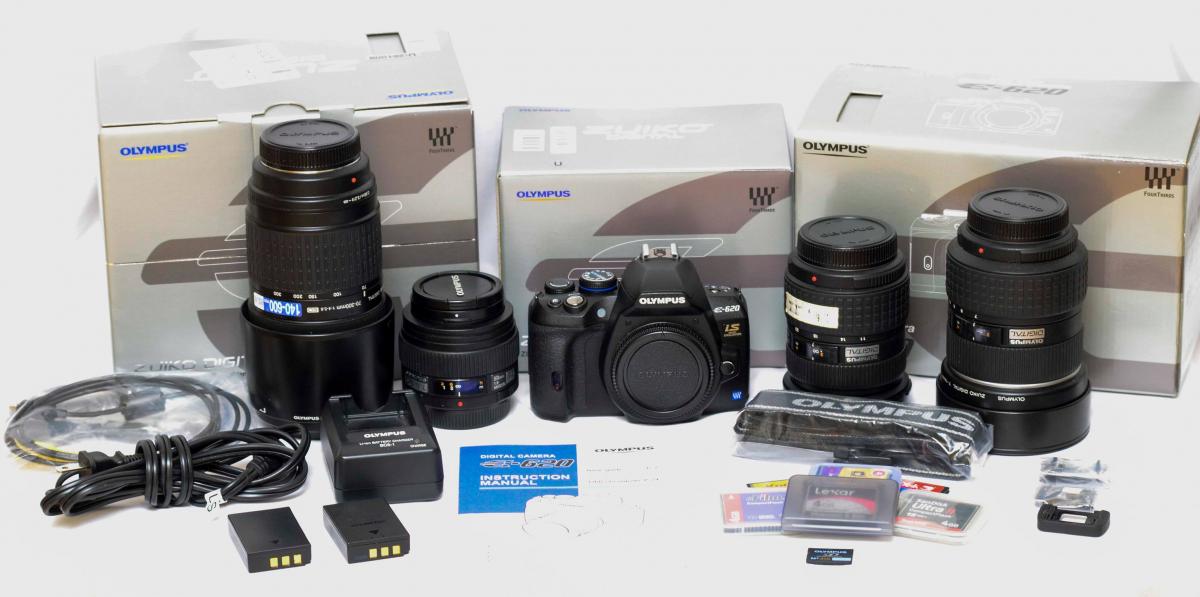
E620 camera body
50 mm macro lens
11-22 mm lens
7-14 mm lens
70-300 mm lens
two batteries
charger
three 4 GB compact flash memory cards
three 512 MB compact flash memory cards
one 2 GB XD memory card
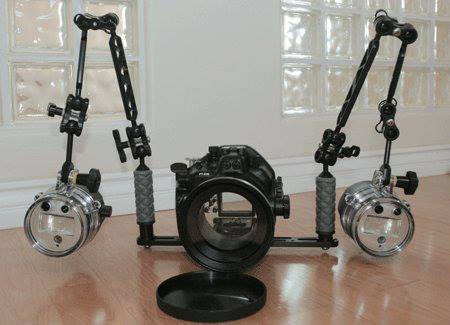
PT-E06 housing
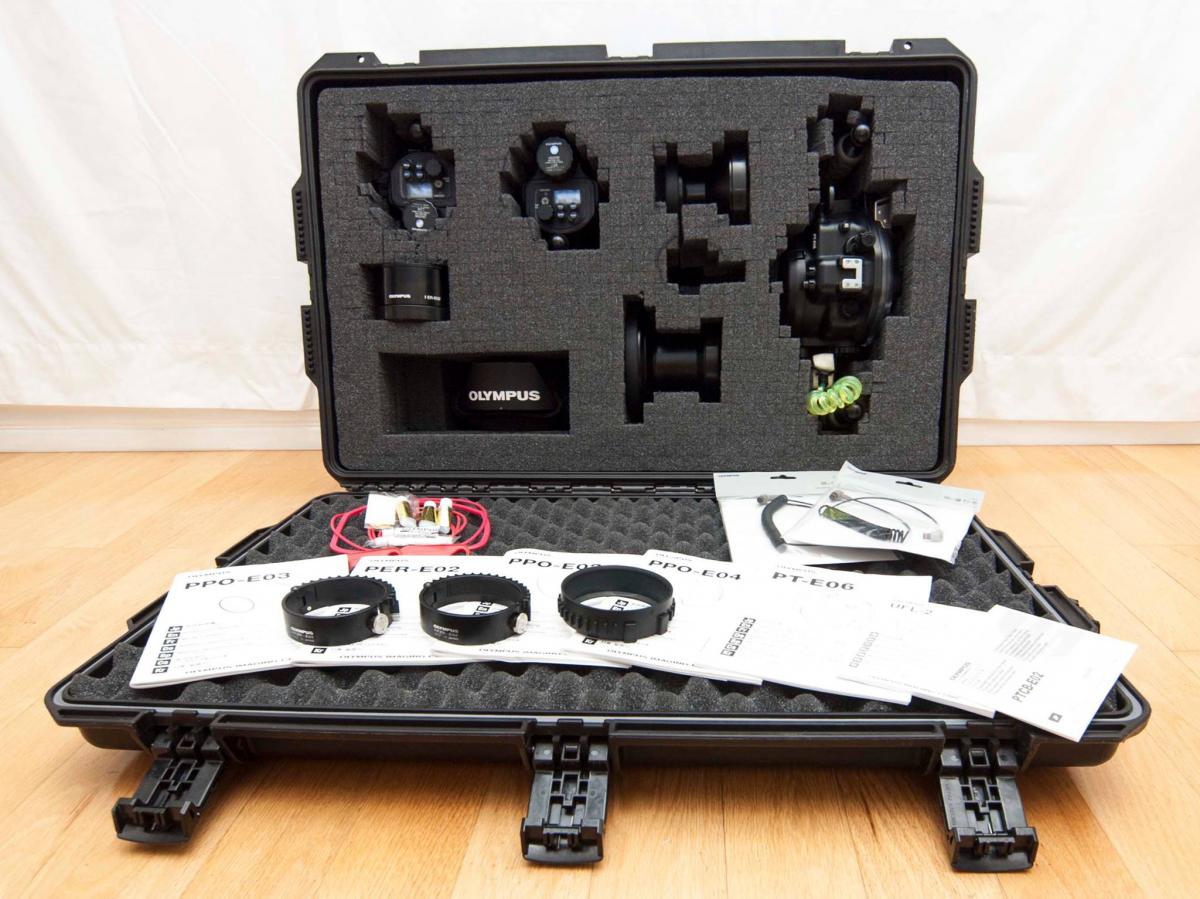
PPO-E02 flat port and PPZR-E02 zoom ring compatible with the 14-54mm and 11-22 mm lenses
PPO-E03 flat port and PPZR-E03 focus ring compatible with 50mm lens
PPO-E04 dome port with PER-E02 extension ring and PPZR-E04 zoom ring compatible with 7-14 mm or 8 mm lenses
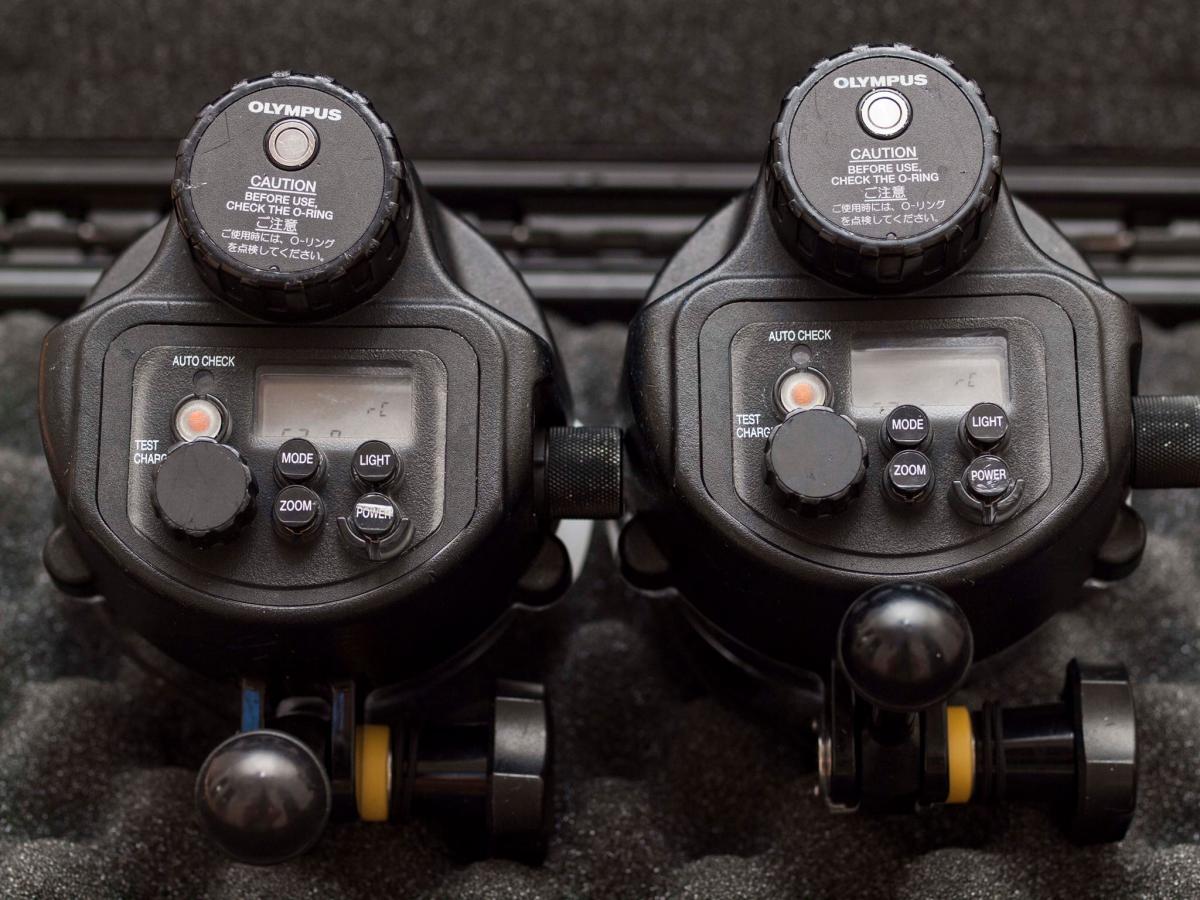
two UFL-2 strobes
two PTCB-E02 fiber optic cables
two diffusers for strobes
all operators manuals in English
Ultralight tray and strobe arms
iM2950 Storm Case with custom cut foam insert for all underwater gear
Included in package are:
E620 camera body
50 mm macro lens
11-22 mm lens
7-14 mm lens
70-300 mm lens
two batteries
charger
three 4 GB compact flash memory cards
three 512 MB compact flash memory cards
one 2 GB XD memory card
PT-E06 housing
PPO-E02 flat port and PPZR-E02 zoom ring compatible with the 14-54mm and 11-22 mm lenses
PPO-E03 flat port and PPZR-E03 focus ring compatible with 50mm lens
PPO-E04 dome port with PER-E02 extension ring and PPZR-E04 zoom ring compatible with 7-14 mm or 8 mm lenses
two UFL-2 strobes
two PTCB-E02 fiber optic cables
two diffusers for strobes
all operators manuals in English
Ultralight tray and strobe arms
iM2950 Storm Case with custom cut foam insert for all underwater gear
Full disclosure there is a small scratch on the dome port, see picture.
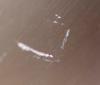
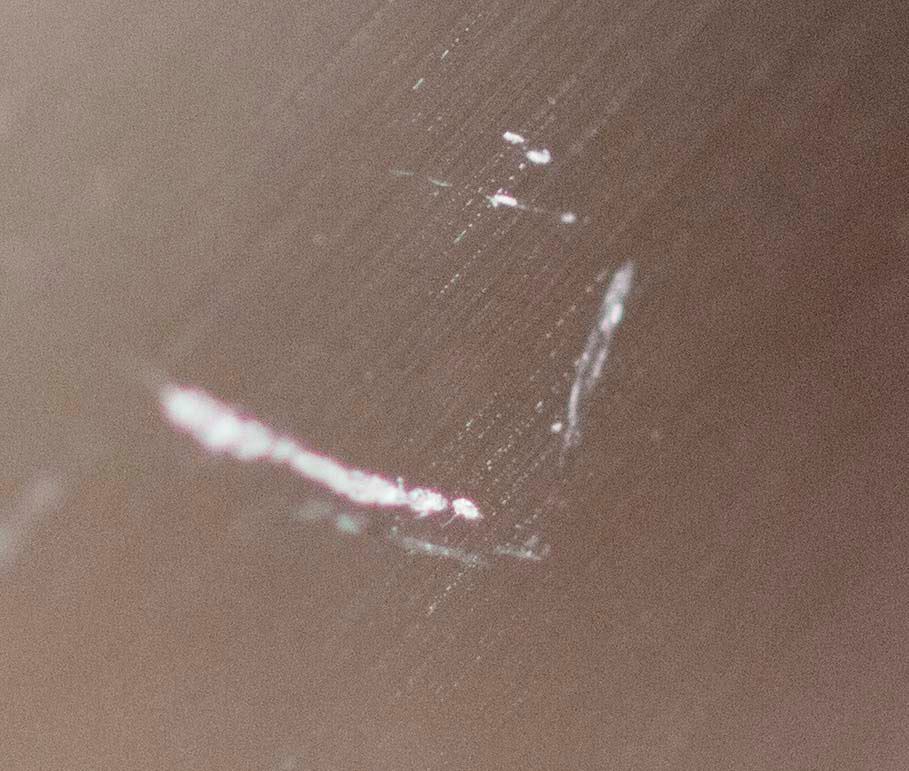
This does not show on images obtained underwater


