Skip to content

Lights, Strobes, and Lighting Technique / Archived topic

Strobe Diffusers

Started by RodW ·

  • 7Posts
  • 7Replies

Read-only discussion

Strobe Diffusers

7 posts
  1. Anybody have experience with the CM Diffusers by AquaTerraImagery?


    I use Inon Z240 and often wonder if I may achieve better Edge (no pun intended Martin) lighting with a convex diffuser?


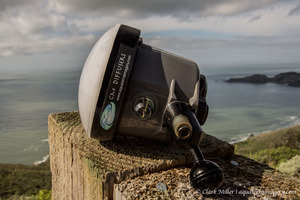
    Inon only manufacture the flat diffusers, but I have just discovered the CM Diffuser at http://cmdiffusers.bigcartel.com


    post-38200-0-56863500-1378860318_thumb.jpg

    Any thoughts would be appreciated...


    Cheers

    Rod.


  2. I am also very interested to see how this diffuser works! Anybody tested them yet?


    Thank you

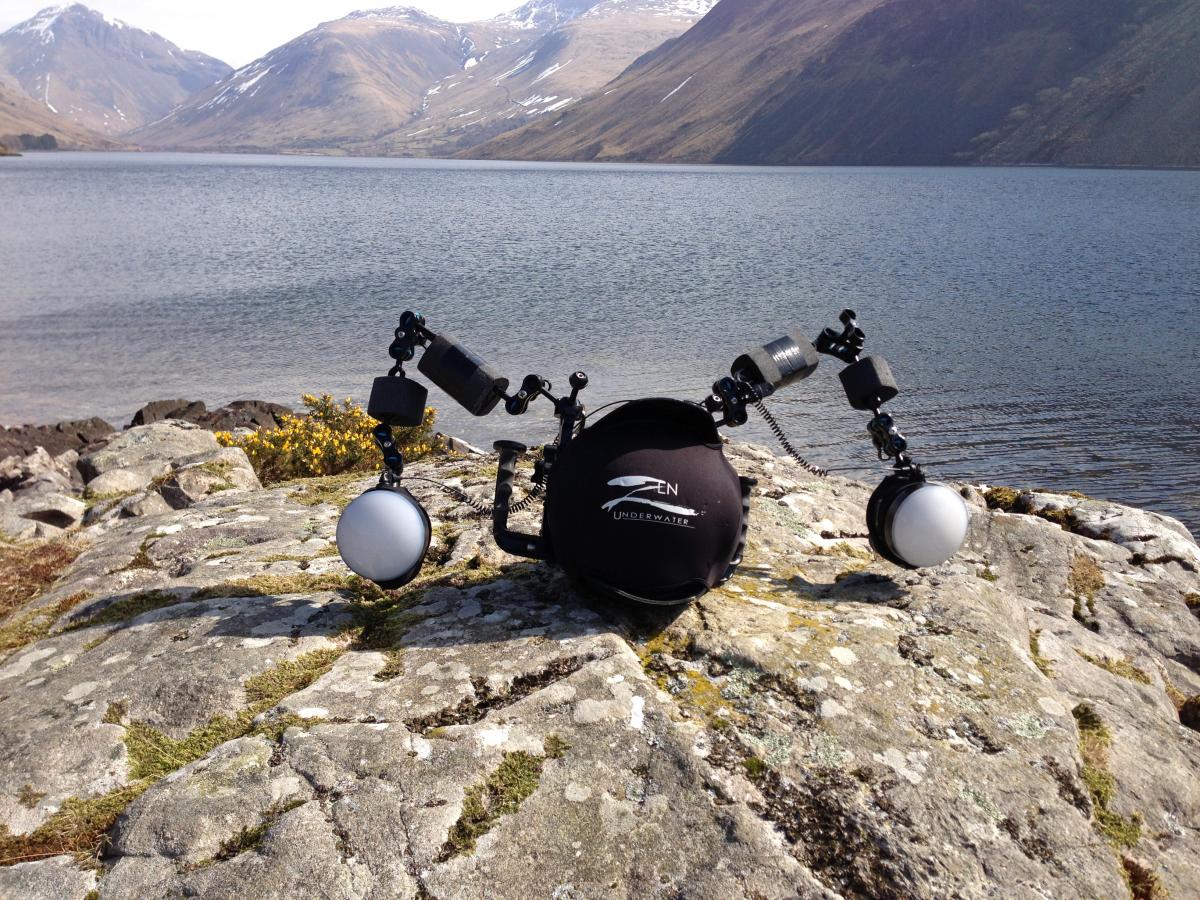
  3. 130413-untitled-0059.jpg


    I've been using the wide-angle versions for the past few months, and will be taking the macro ones with me to Lembeh on the Wetpixel Macro Workshop next month.

    I use them on my z240s

    I plan to do a more formal review at some point, but quick thoughts are that they produce a very soft, even light field. Standard diffusers can be quite harsh. They also cool the strobes down (to around 4600-4800°K) which I find is more pleasing.

    They seem very robust.

    Adam

    Edited by adamhanlon
  4. Thanks Adam


    Appreciate the feedback...

    Think I might try them....

    Cheers

    Rod.

  5. I can't see any vent holes in the on-line pix (too low res). Is trapped air bubbling away an issue when diving with them?

  6. HI Tom,


    Not in my experience, there is space around the sealing edges for air to escape (on my Z240s at least).


    Adam

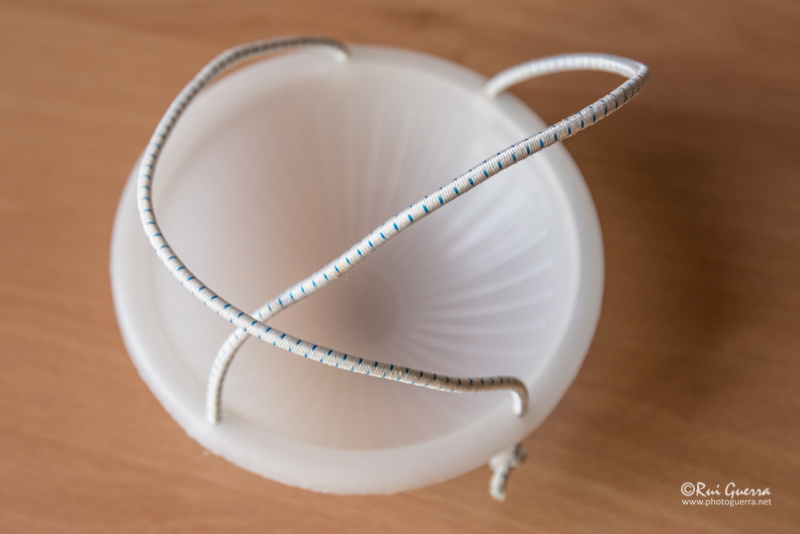
  7. I use another kind of difusers made for land strobes, but they are the right size for Z-240 too. It's the Lightsphere. They work very well and gives a softer edge lighting. I just secure them to the Inons with a pair of bungees (see picture).


     

    See: http://www.garyfongestore.com/featured-products/inverted-dome.html


    They are also a lot cheaper!


    Cheers,

    post-7140-0-91373000-1380219437_thumb.jpg

Sea & Sea

Account

Navigation

Search

Search

Configure browser push notifications

Chrome (Android)
  1. Tap the lock icon next to the address bar.
  2. Tap Permissions → Notifications.
  3. Adjust your preference.
Chrome (Desktop)
  1. Click the padlock icon in the address bar.
  2. Select Site settings.
  3. Find Notifications and adjust your preference.