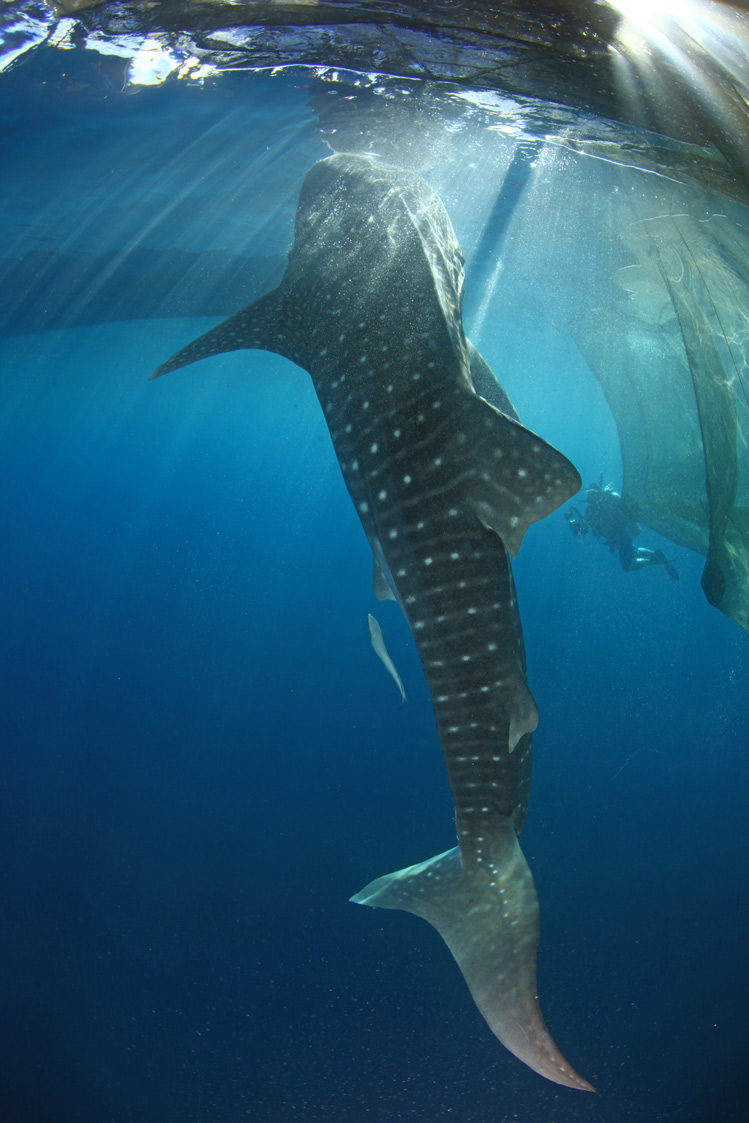
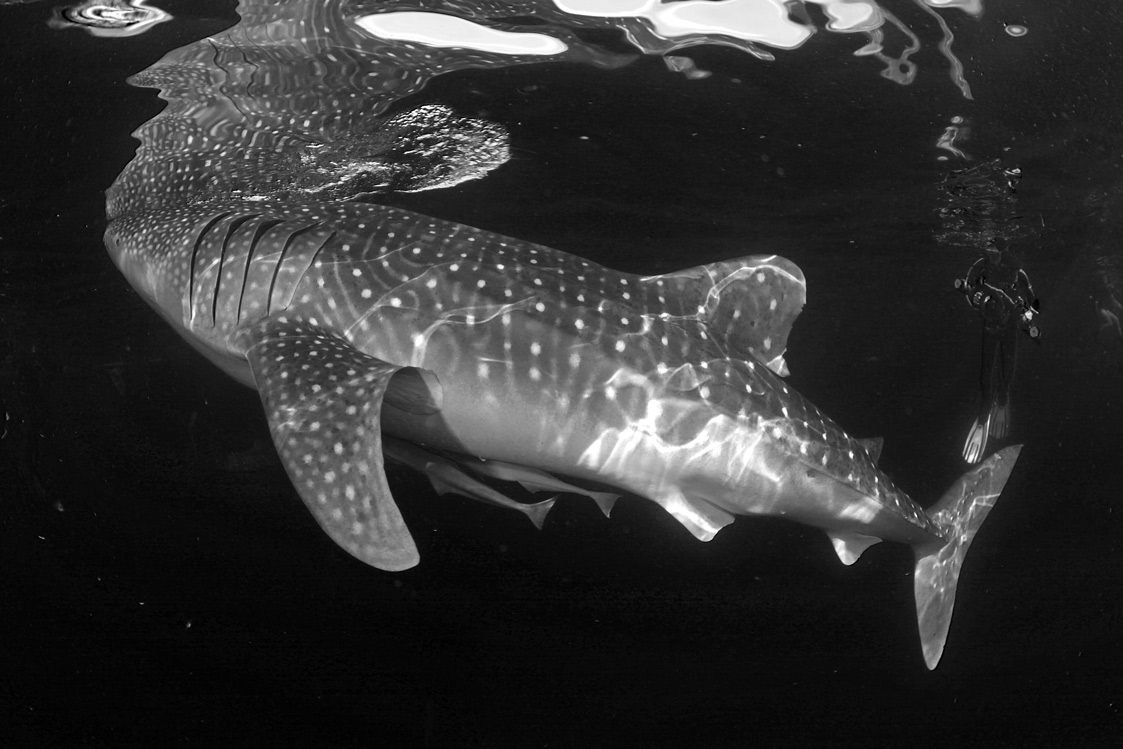
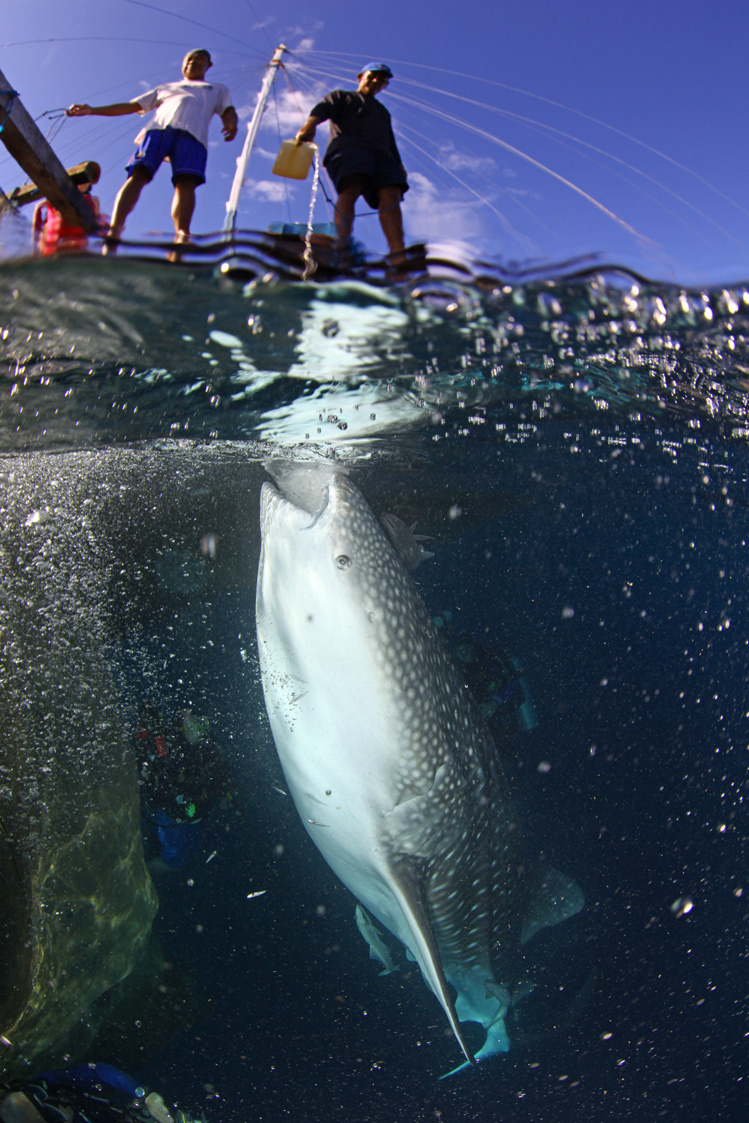
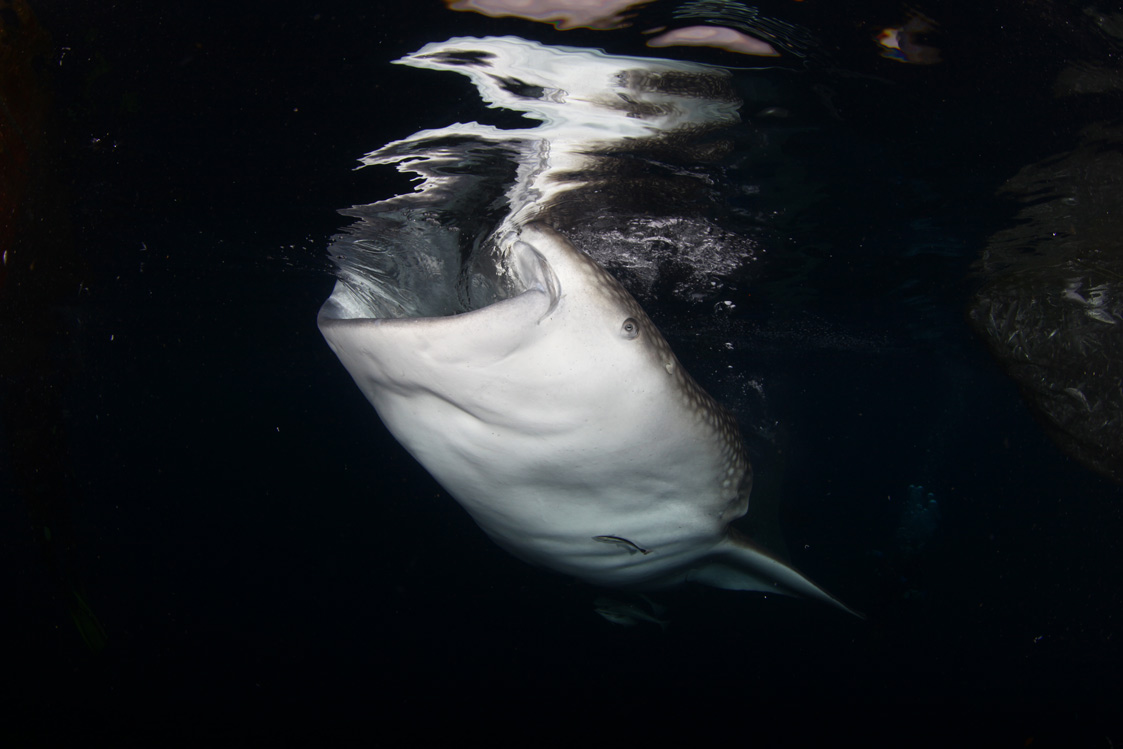
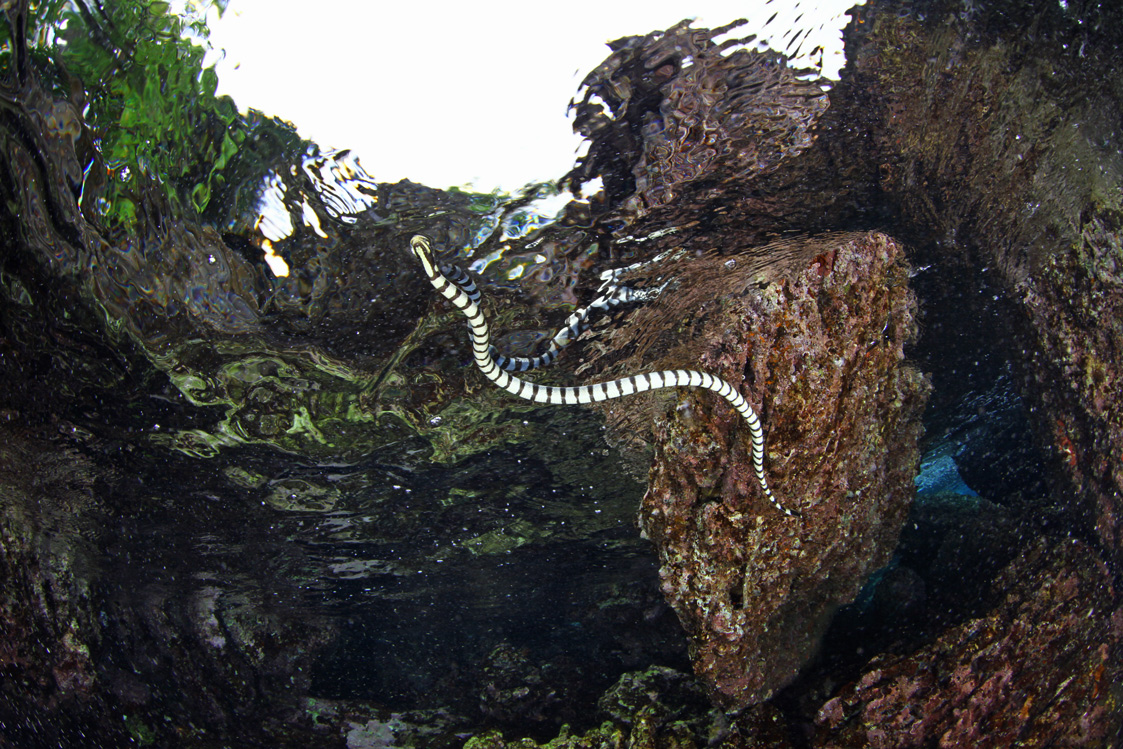
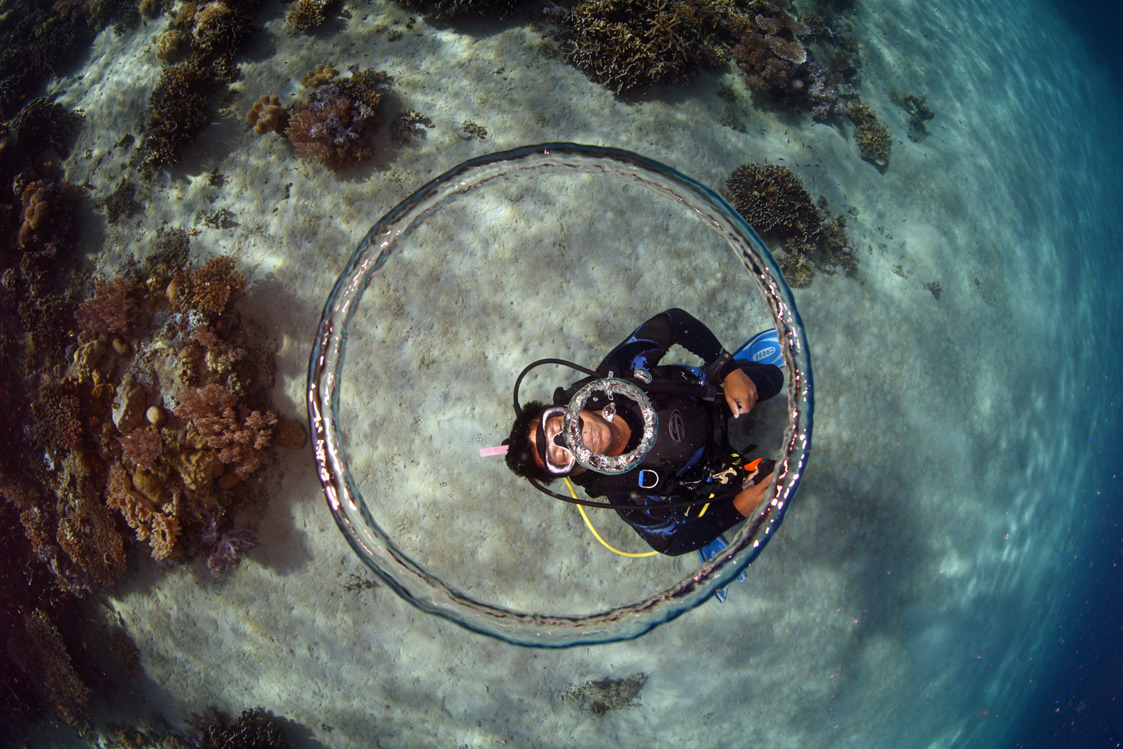
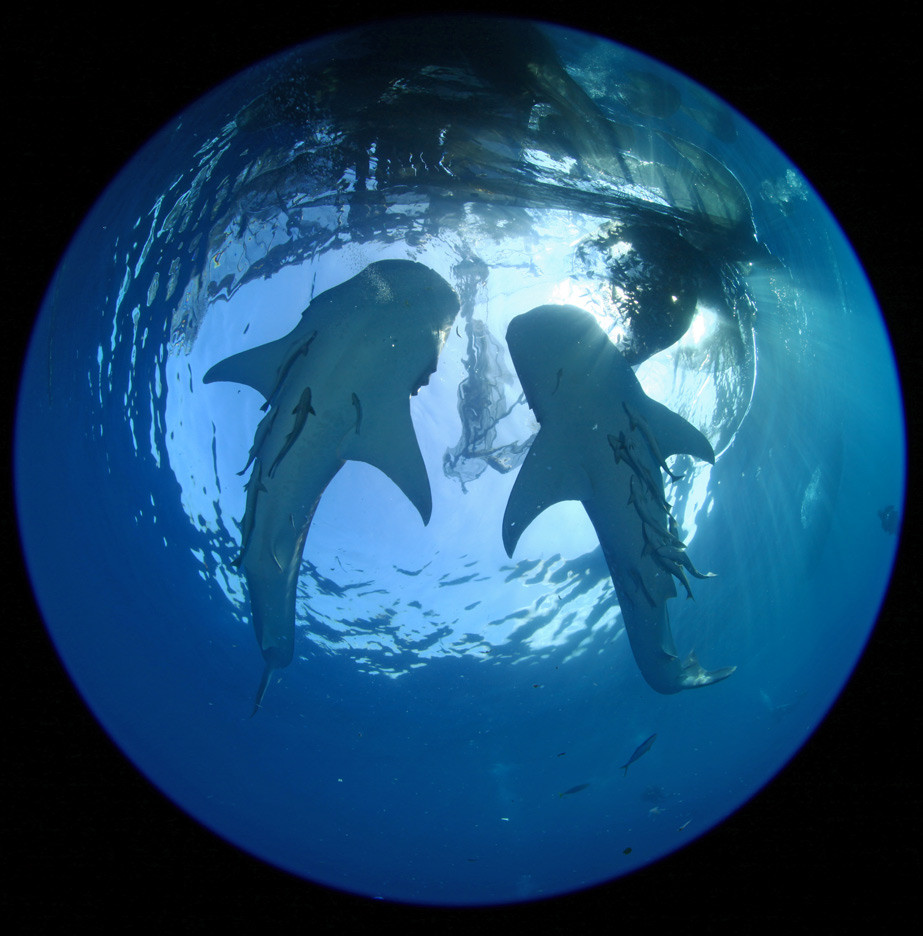
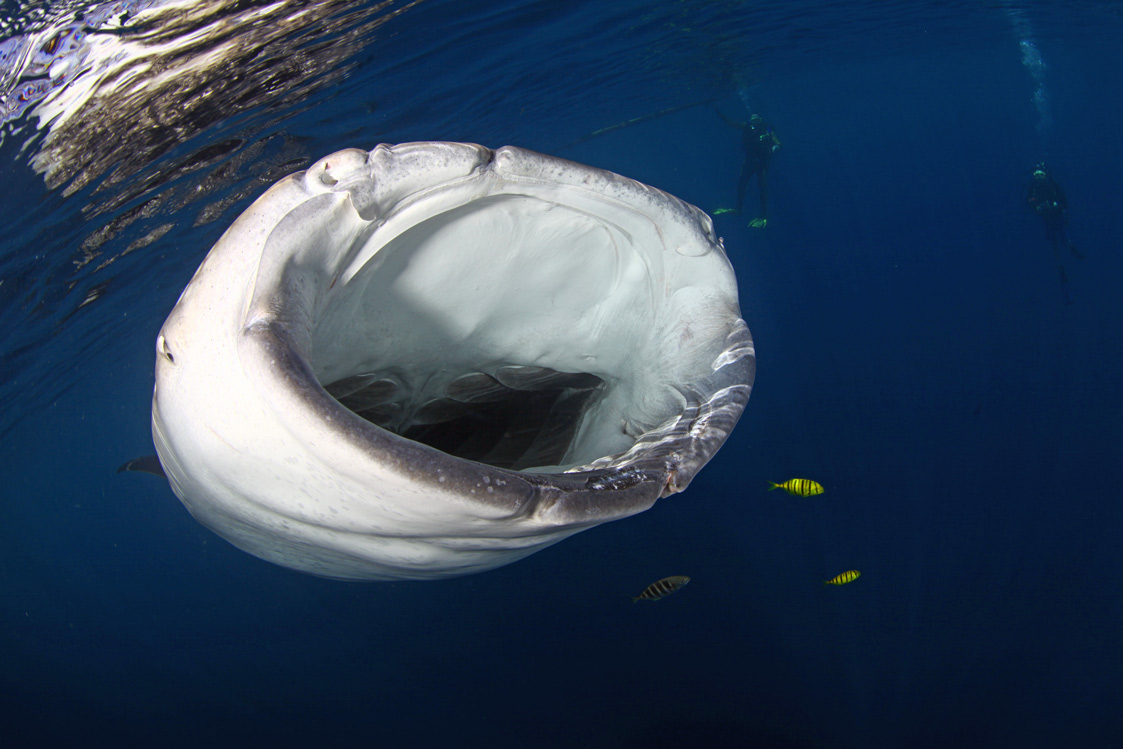
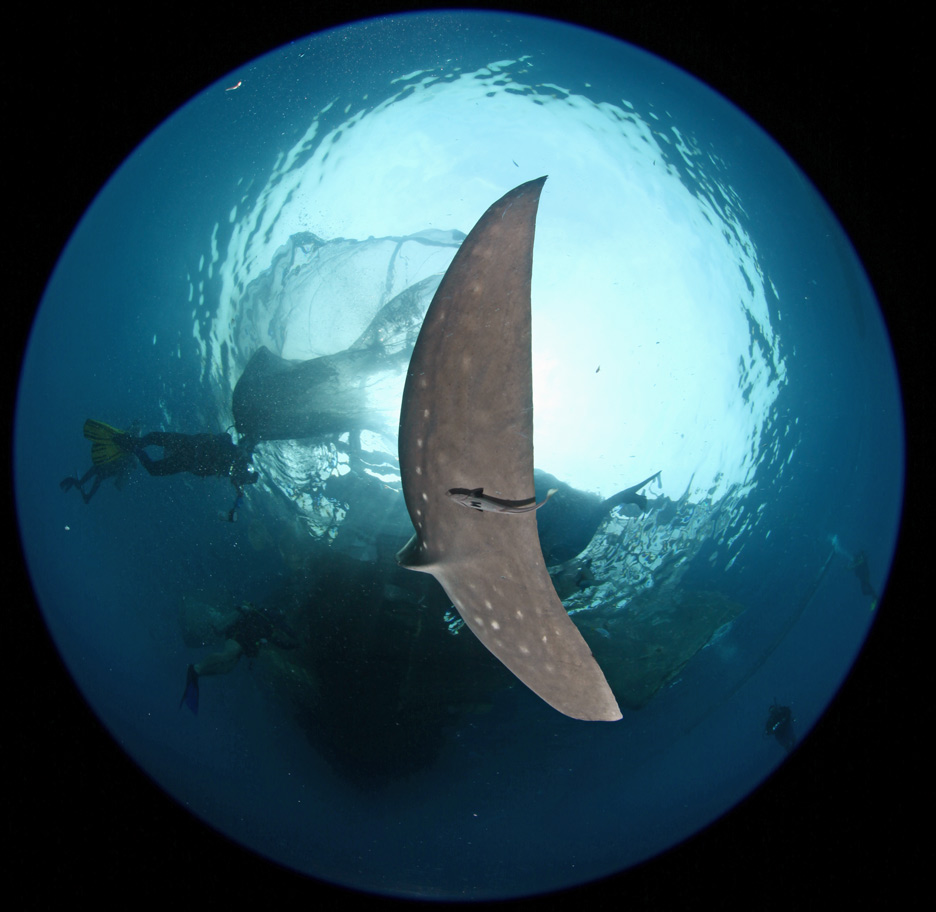
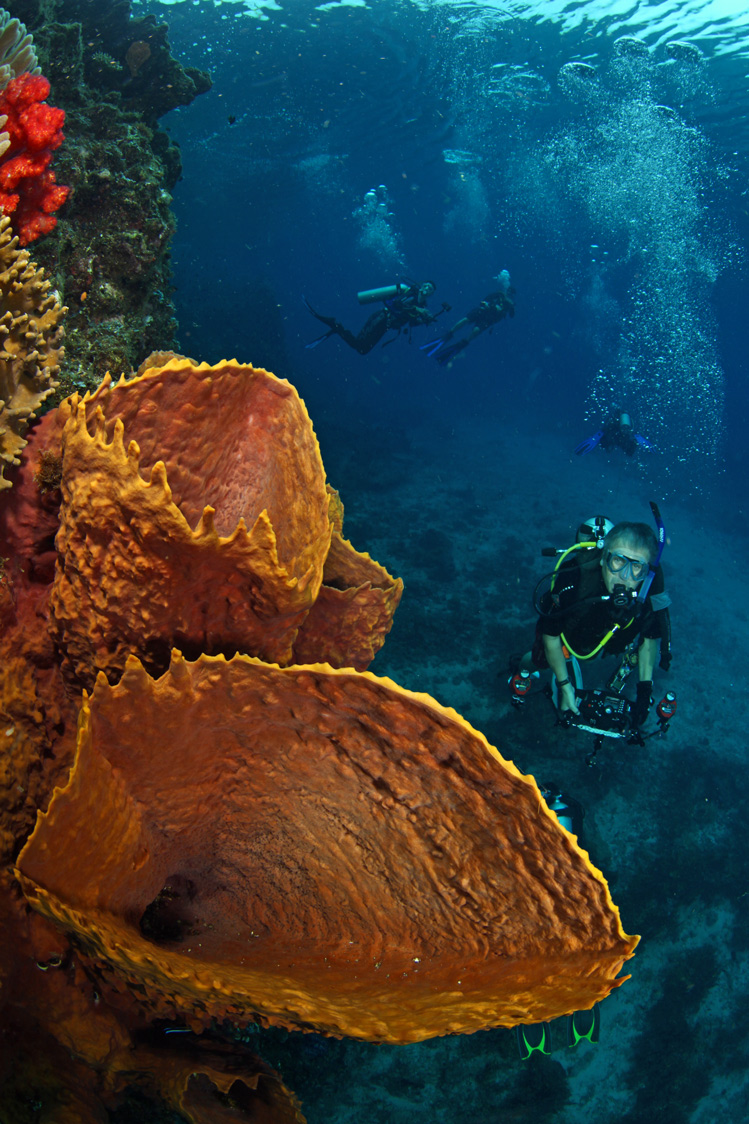
Just arrived back from a 4 week trip through Indoneisa. The first part of the trip was onboard MSY Seahorse for a trip through Cenderawasih Bay in West Papua primarily for the resident Whale Sharks. The rest of the trip included Raja Ampat, Ambon and Bali (wil post these seperately. Here are a few pictures attached. I hope that you enjoy these as much as I did taking them.
Cheers
Matti
A few more pictures from trip.
Matti
Wow, excellent shots! The two night time reflections have to be my favourites.
Nice shots!
We were on board the Seahorse back in 2010 on one of their Raja Ampat itineraries and planning on going again next year. How's she holding up? Did you stay onboard for Raja Ampat too?
No night time photos just early overcast morning. As for Seahorse was a great trip and crew. Few minor issues which were always resolved without a drama. At the time seahorse was doing back to back Cenderawashi charters. So Raja Ampat was land based. I have many other photos from seahorse which still have to go through properly. Fantastic whale shark experiences with multiple sharks for 3-5 hrs a day and no chasing they swim to you.
A few more pictures from Cenderawashi.
I Have gotten around to posting a new gallery onto my website so there are a few more pics from this portion of my trip.






.jpg.857dbbfbdc4d79d9c6ebf7b4ba96ed1b.jpg)

