ATOM 2.0 Dive Computer by Oceanic (NEW WATCH) with wireless transmitter
Price - $295
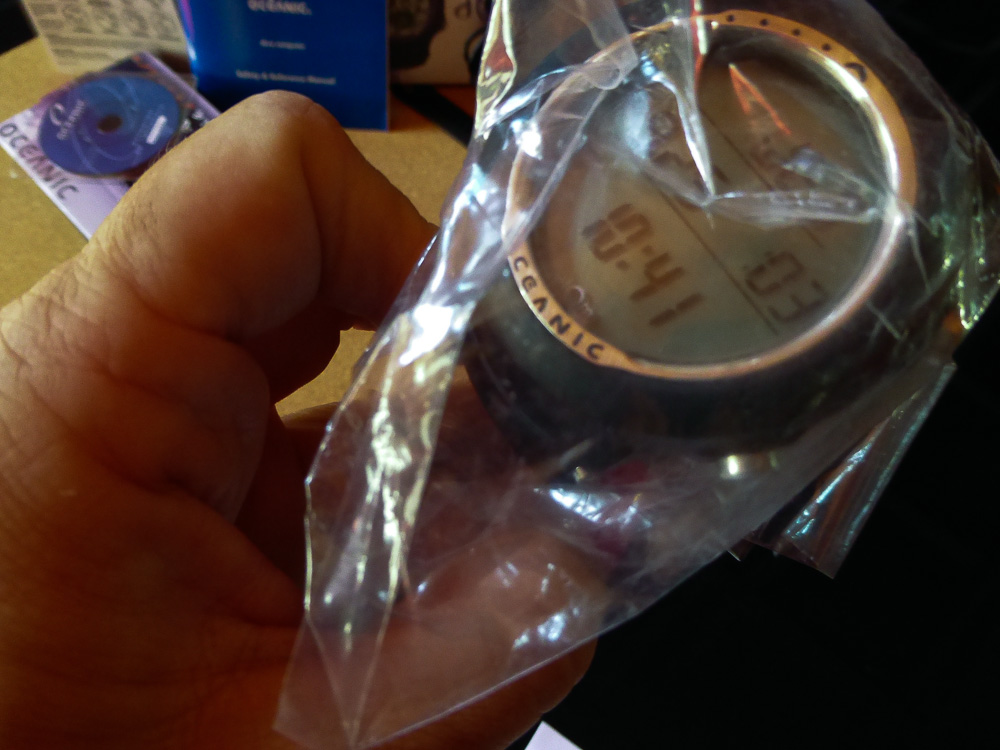
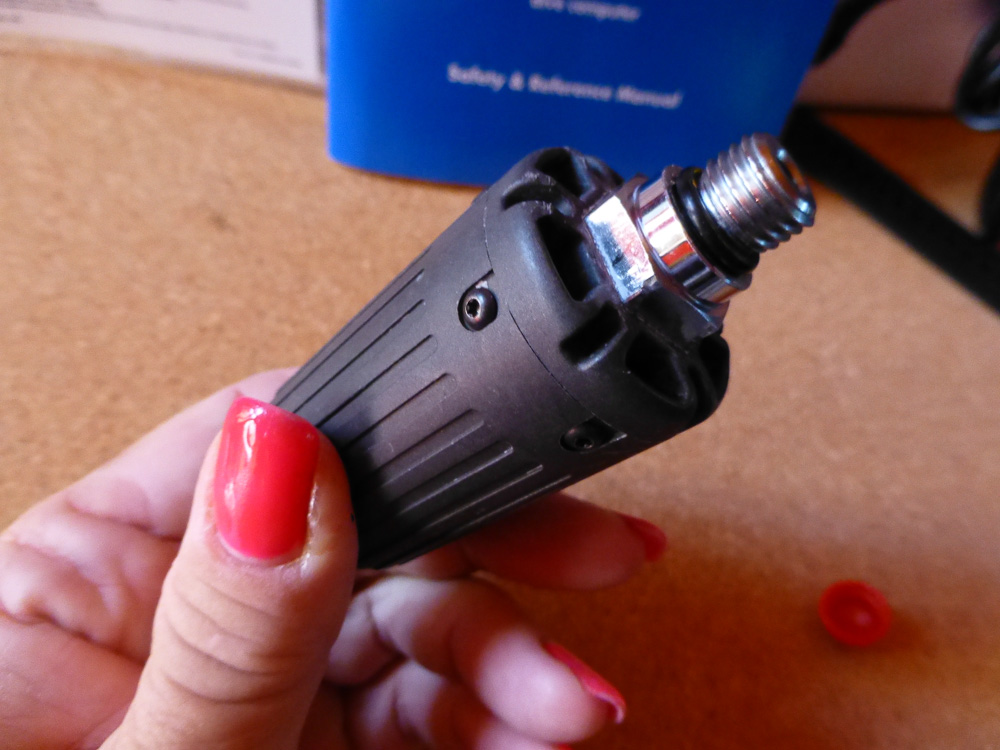
Watch (wrist computer) is brand new (still in original bag from Oceanic), wireless transmitter is used but very clean. Watch is streamlined, low profile and attractive; small enough to wear all the time.
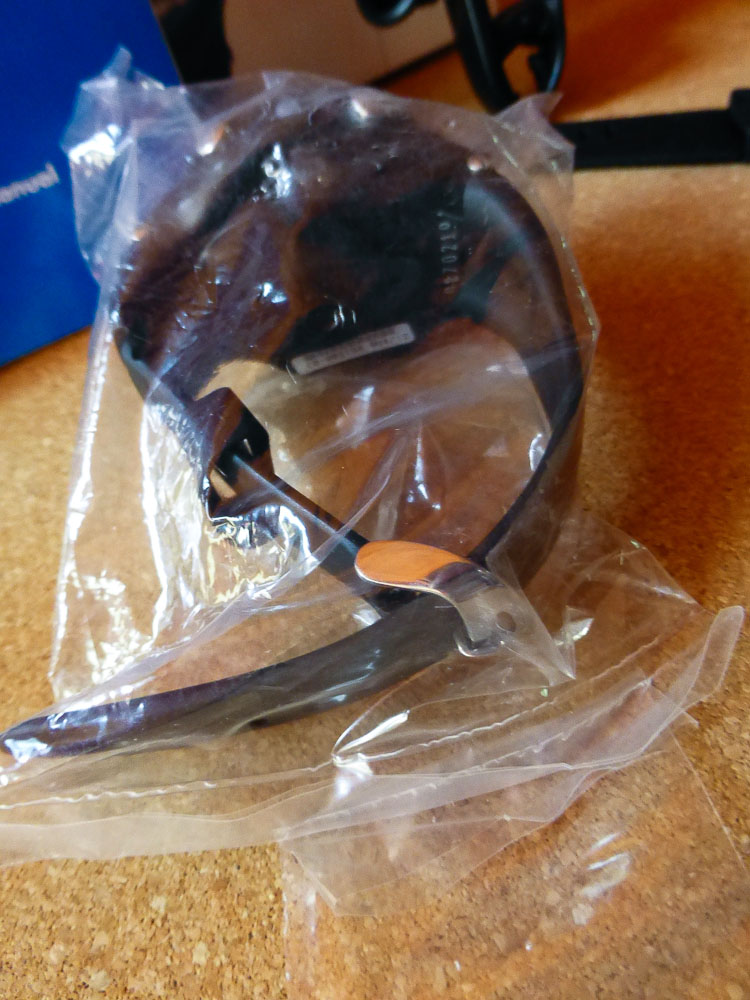
Price includes watch, transceiver, 2 flat face guards, instruction book (with notes :-)extra watch band (one piece), multiple laminated “cheat sheets” and original box. PC upload / down load cable and software available for additional $40.
Features
- Digital Watch/Air/Nitrox/Gauge and Free Dive Modes
- Wireless Air Integrated Technology - Switch between 3 independent transmitters with up to 3 nitrox mixes to 100% O2
- Buddy Pressure Check allows you to receive and monitor your Buddy's air pressure
- Advanced watch functions including alternate time zone/stopwatch/lap timer/daily alarm/and countdown timer
- Alpha-numeric display
- Adjustable safety stop time and depth
- History Mode
- Hoseless air integrated computer may be programmed to link with up to 3 independent transmitters
- User replaceable batteries
- 330 Feet depth rating
- OPTIONAL - OceanLog - PC Download and Settings Upload Software and USB Cable for additional $40
Transmitter alone sells for $400 (new) and is compatible with the following computers:
- Oceanic DataMask HUD
- Oceanic Atom 3 0 & 2 0 Computer
- Oceanic Atom 1 0 Computer
- Oceanic VT4 Computer
- Oceanic VT3 Computer
- Oceanic VT Pro Computer
- Oceanic OC1