Ikelite Single Strobe Kit (One long strobe arm + new TTL sync cord )
Sold as package or separately:
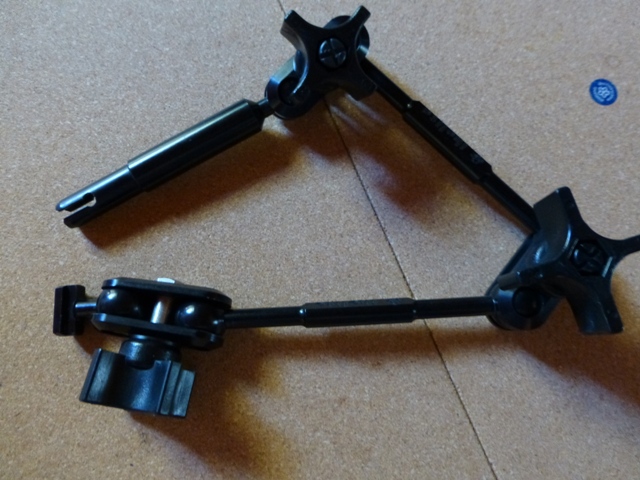
Pre-assembled single strobe arm for Ikelite strobe DS51, DS125, DS160 or DS161. The Ikelite digital TTL sync cord provides both TTL and manual operation when used with a compatible Ikelite system. Includes:
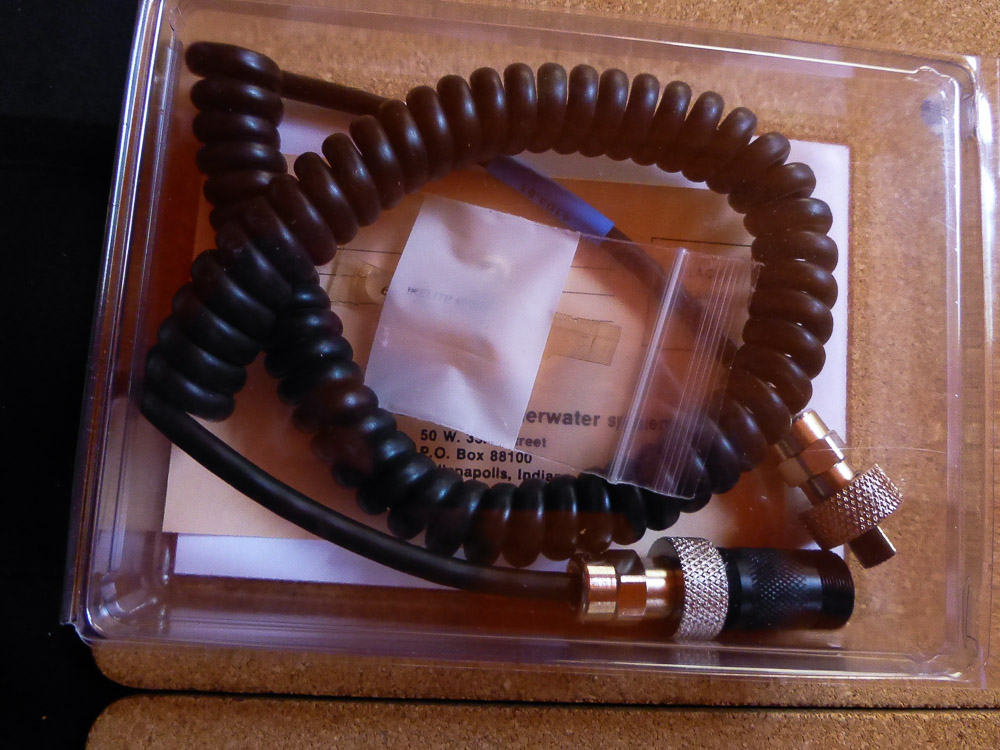
- Ikelite ICS-5 single digital TTL sync cord (part number 4103.51)
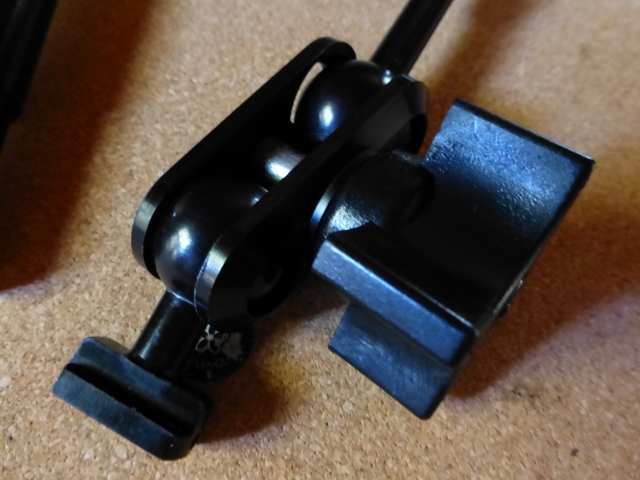
- 4086.61 SA-100 Arm with 1 inch ball components.
- Extra 6” arm - added to extend range
- Kit is Ikelite Product # 4070.01 (plus extra 6” double ball section and ball clamp)
- Kit price: $110
Arm Specifications: Ikelite SA-100 Deluxe 1" Diameter Ball Socket Arm System with two 6" Double Ball Section
- Two - 6" Double Ball Sections
- Release Handle Extender
- Ball Head Adapter for DS51 and DS125 Strobes
- Three- Ball Clamps
- Ikelite Product #4086.61 (plus an extra 6” double ball section and ball clamp)
- Arm only price: $85
Sync Cord (NEW) Specifications:
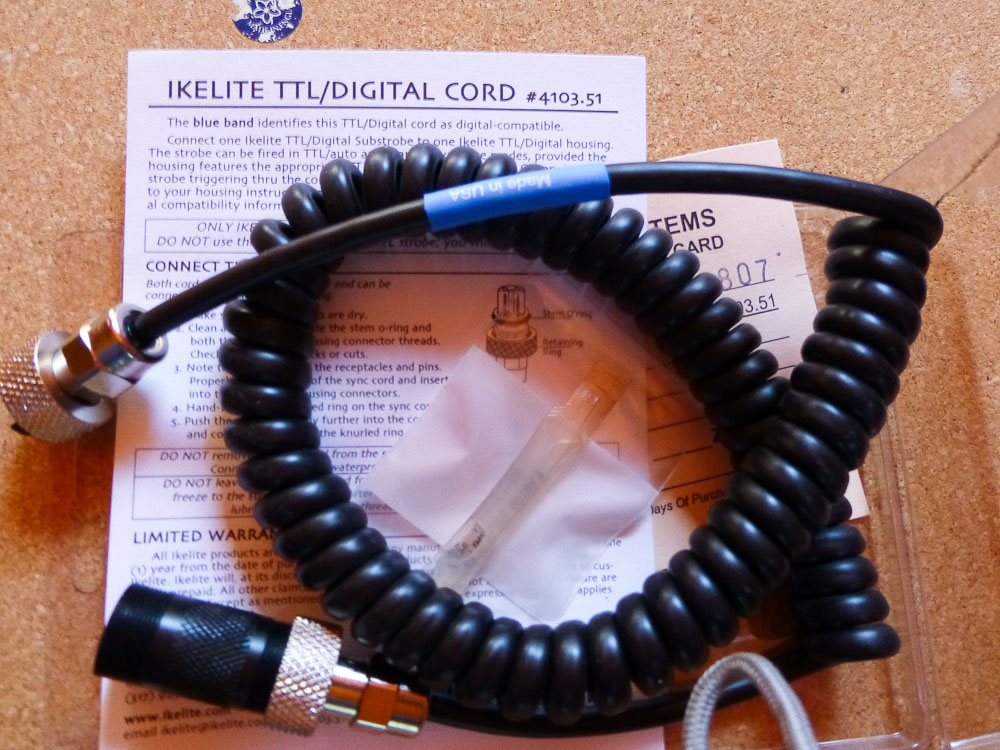
- Sync cord for connecting Ikelite Digital TTL strobe to Ike housing
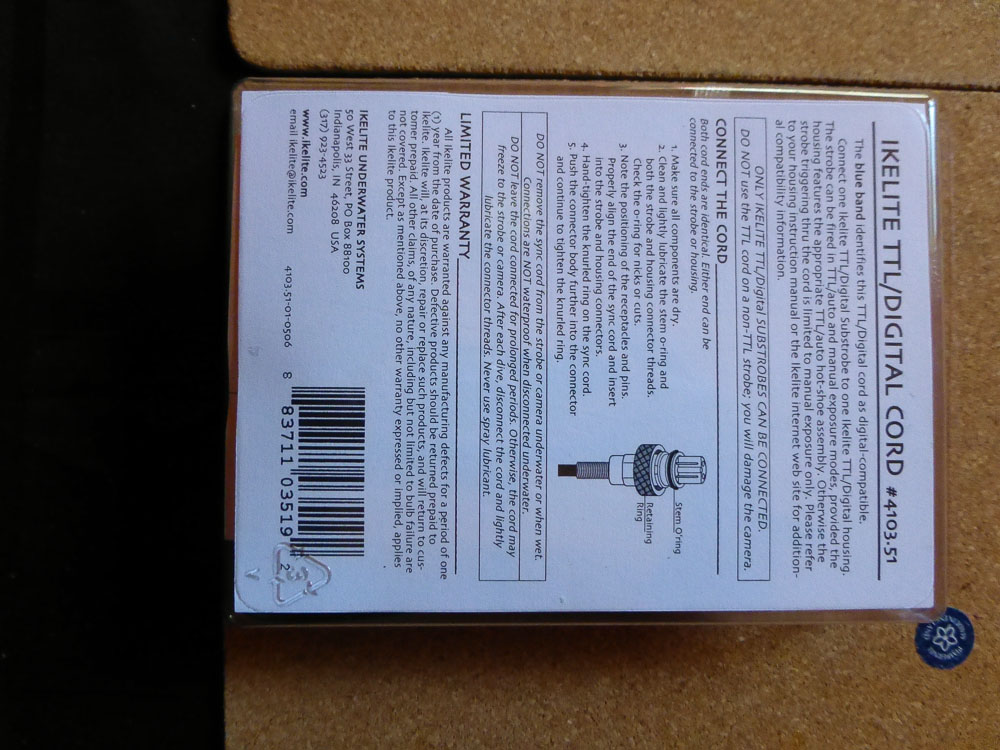
- The blue band identifies this TTL/Digital cord as digital-compatible
- Attaches Strobe to Housing
- Allows TTL/Manual Use of Strobe
- Coiled Cord
- Nickel Plated Brass Bulkheads
- New – in original container
- Ikelite Part Number #4103.51
- Sync cord only price: $50