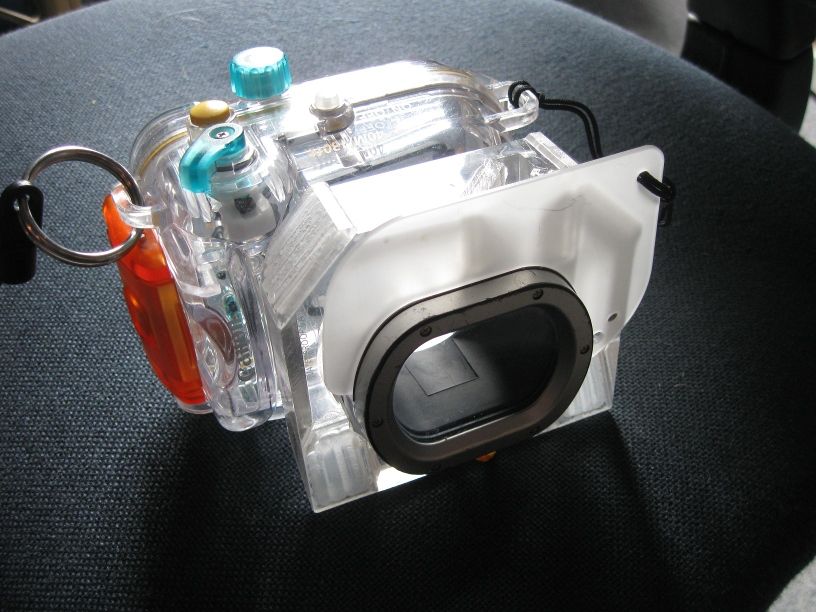
I have played around with acrylic light pipes but as the density of acrylic is close to that of water I reasoned that the effectiveness would be much reduced. My concept is a piece of 20mm acrylic with appropriate edges cut at 45 degrees in prisms to take part of the inbuilt flash output and distribute it to the two bottom corners around the housing. To achive total internal reflection I needed to put small covers over each reflective surface to achieve an acrylic/air face.
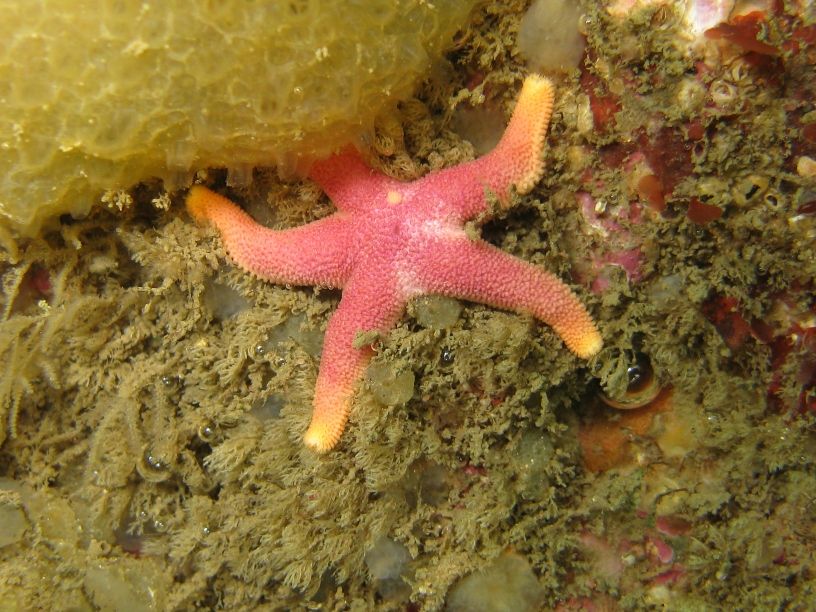
I made this for a friend's housing and only took one underwater photo before handing it over, but am making a second unit for myself which will sit inside a diy housing.
Photos show the unit on and off the camera, and photos with and without the unit. As it is held on by the original diffuser it can be easily fitted and removed underwater and uses the camera's TTL metering.
Rod
That's really interesting work. Well done.
Nice project but how even the light distribution is? In your second UW photo there is not much light on the bottom part of the frame. Would it help to paint the sides and the back (with some reflecting material??)
really neat idea! looks like it works nice for really close up work, it seems to distribute really evenly
Hi,
Can you send me contruction details? Drawing if possible? Wich kind of reflexion materials on the corners? Aluminum perhaps?
I also have a Canon underwater casing exactly like you show.