Skip to content

Classifieds / Archived topic

FS: Tokina 10mm - 17mm Fisheye Lens - Canon Mount

Started by mj3dvfx ·

  • 5Posts
  • 5Replies

Read-only discussion

FS: Tokina 10mm - 17mm Fisheye Lens - Canon Mount

5 posts
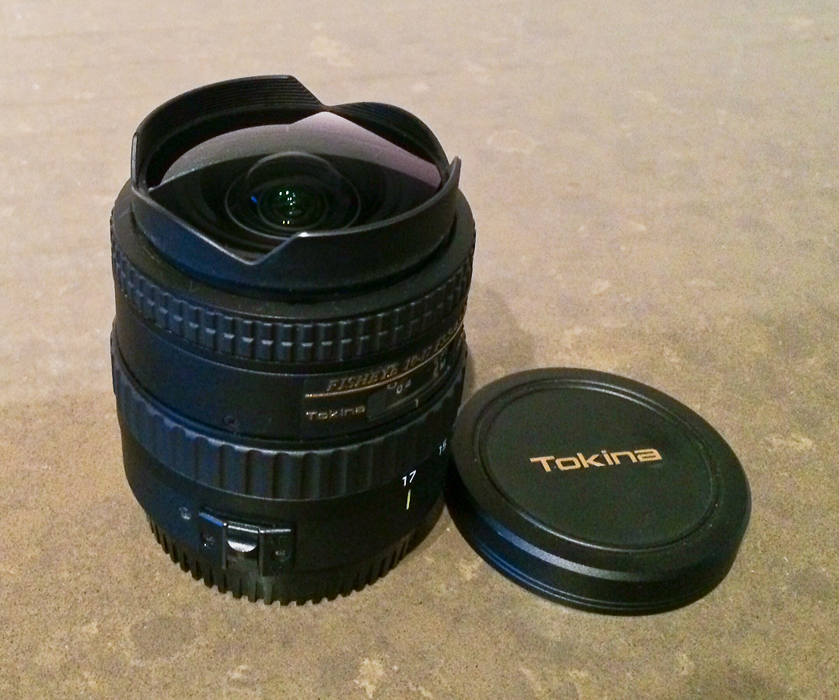
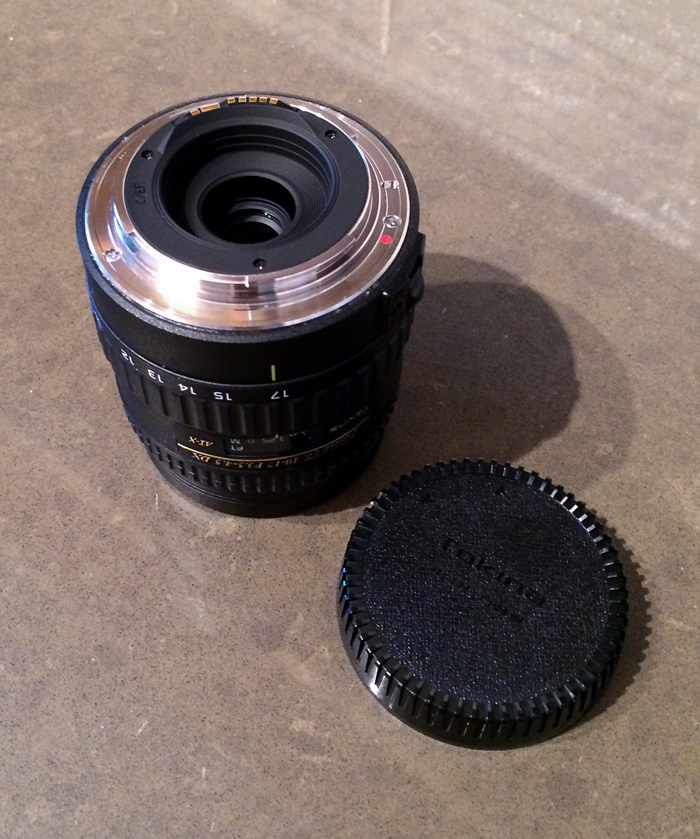
  1. I am selling my slightly used Tokina AT-X DX 10-17mm F3.5-4.5 Fisheye (Canon). This lens has been very well maintained and is still in excellent working condition. #1 choice for cropped-sensor wide angle underwater photography.

    I'm asking $525 (Will ship from California)

    Information on the Tokina:

    Tokina | Digital Eyes - Visionary technology makes a difference you can see

    Tokina 10-17mm fisheye lens|Underwater Photography Guide

    Lens Specifications:
    - Weighs about 377 grams, with the cap.


    • - Dimensions: 71mm x 70mm
    • - Does not take filters
    • - Working distance is about 1 inch from the lens glass, very close!
    • - Minimum aperture is F22 at 10mm and F29 at 17mm.
    • - Diagonal angle of view is 180 at 10mm, 100 degrees at 17mm.

    post-42281-0-35710100-1381703170_thumb.jpg

    post-42281-0-57588800-1381703184_thumb.jpg

    Edited by mj3dvfx
  2. Price drop.


    Now asking $475. (shipping included)

  3. Sea Nettle- I have a canon 5D will this work and what Port size do you use for an Ikelite housing, do you have any underwater pictures you have taken with this you could post??


    Thanks Walleye

  4. Hi Walleye.


    I appreciate you reaching out to me and I aplogize for not getting back sooner. This lens just sold earlier this week.


    To answer your question though, I used a 6" dome and an extension ring with the Aquatica housing I have. Not sure what that translates to with an Ikelite housing.


     

    Hope that helps for future reference.


    Thanks.

  5. SOLD. Thanks everyone.

Backscatter

Account

Navigation

Search

Search

Configure browser push notifications

Chrome (Android)
  1. Tap the lock icon next to the address bar.
  2. Tap Permissions → Notifications.
  3. Adjust your preference.
Chrome (Desktop)
  1. Click the padlock icon in the address bar.
  2. Select Site settings.
  3. Find Notifications and adjust your preference.