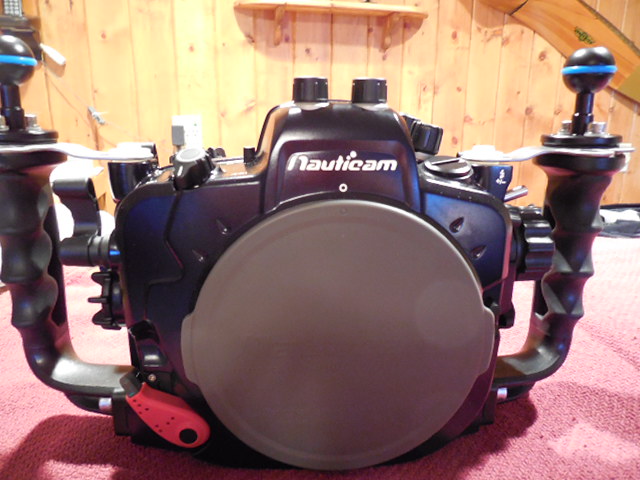
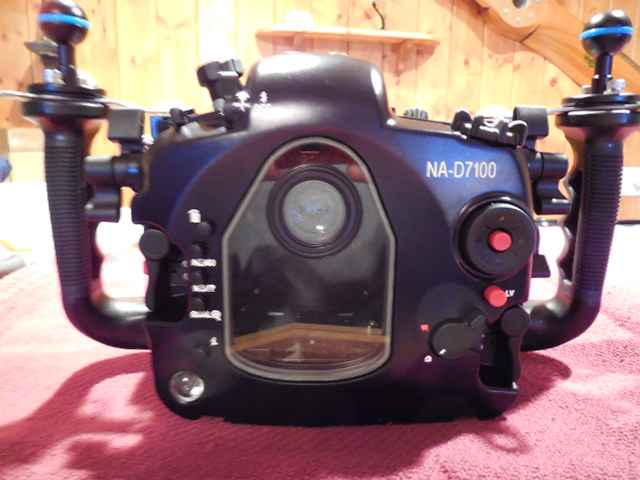
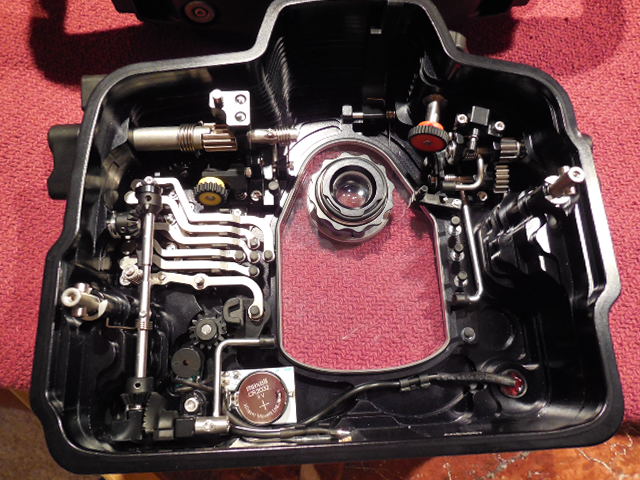
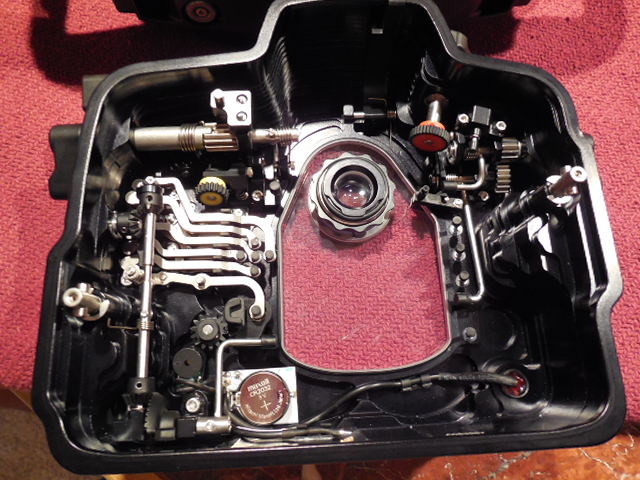
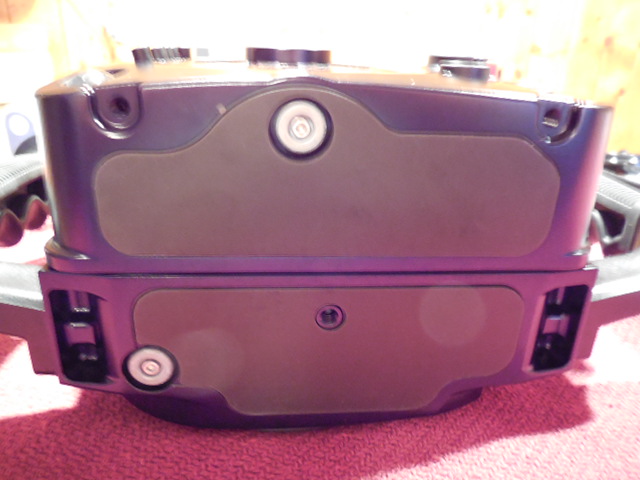
Nauticam NA D7100 available for sale. 10 dives max.
180 Degree viewfinder
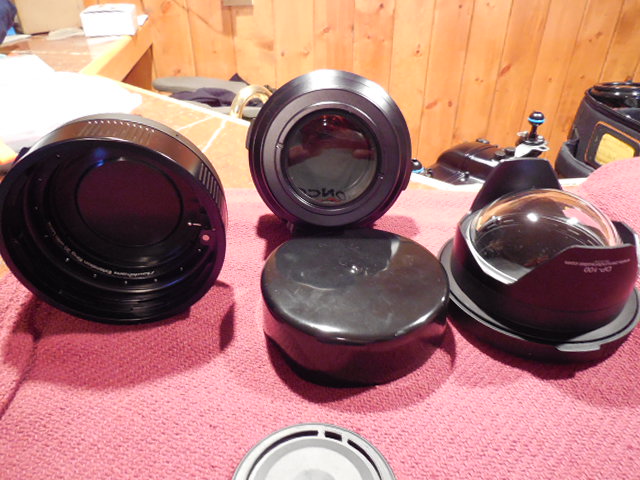
Threaded Port 60 for 60MM
Extension Ring 30 w/lock for 105mm
Zen DP 100 Dome
Tokina 10-17
Zoom Gear for Tokina
All original boxes except for Tokina lens.
$5500 plus shipping
Why are you selling?
Doing more video than stills and going to just transport my L&M system to Raja Ampat and leave this home. Wife says too much $$$$$$$ in the Man Cave.
Have to agree...
Oh yeah forgot to mention the D3 system and glass.........Hope she doesn't find all the other stuff I have down there....
Pending sale
HI will u consider to sell the 180 viewfinder only.
If yes, pls let me know the price, many thx!
Still for sale buyer did not send funds for purchase.
Boxed and ready to ship.
Has it ever flooded? Do you have strobes to go with it?
Has it ever flooded? Do you have strobes to go with it?
No the housing has not been flooded. The set up includes the housing, 180 enhanced viewfinder, 67mm Threaded Macro Port 60, Extension Ring 30 with lock, Zen DP 100 Dome port, housing Nauticam ball mounts with Lanyard and Tokina 10-17mm lens with the Nauticam zoom gear. For now I am not interested in selling the ULCS arm system and Z240's.