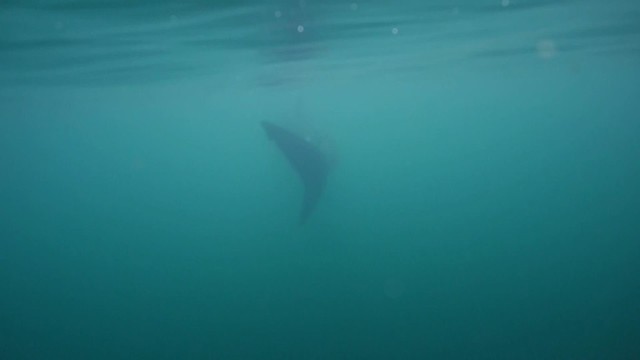
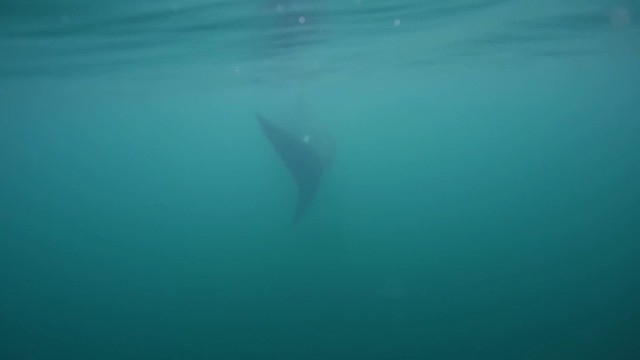
I have some video footage of a whale shark in open blue water. The footage is a bit noisy. So I bought the premiere plug in Neat Video. As it seems to have pretty good reviews.
I applied the neat video effect, and while it does reduce noise, it causes terrible banding in the blue water column. Is this normal? If it is, it seems useless for blue water. Or am I perhaps doing something wrong? Or is there a way to also reduce the banding?
Any help you can provide would be appreciated.
Dustin
I'm assuming you are using 8bit source? Try rendering a few frames in uncompressed codec. If it's clean, then it's the rendering codec you chose as preview and output. If it's not, then you will need to work adding noise (yes counter intuitive, but it sometimes works). Also make sure your sequence is set to maximum bit depth/rendering.
I'm assuming you are using 8bit source? Try rendering a few frames in uncompressed codec. If it's clean, then it's the rendering codec you chose as preview and output. If it's not, then you will need to work adding noise (yes counter intuitive, but it sometimes works). Also make sure your sequence is set to maximum bit depth/rendering.
Thanks Drew. To sound a little dumb...I am not sure what the bit source is?? I am using a Canon 5d mark II. But I am not doing RAW currently.
I have rendered basically a few test shots. the whole shot, not just a few frames. And both on my monitor, and then when I export it to a .mp4 with maximum depth, and playing is on a 65" led, it still has the banding. Wouldn't adding noise back in just put me back where I started?
Dustin
The banding is 8bit 420 compression artifacts. If it's not showing before Neat/color correction, then your post work is too aggressive and causing the 8bit artifacts to flare up.
As I suggested, output a few frames in uncompressed (or maybe DNX220/440) and see if the banding is still there. If it is then it's your post workflow. If it's not, then you can't compress it anymore without banding. Adding grain/noise effect will help a bit.
The banding is 8bit 420 compression artifacts. If it's not showing before Neat/color correction, then your post work is too aggressive and causing the 8bit artifacts to flare up.
As I suggested, output a few frames in uncompressed (or maybe DNX220/440) and see if the banding is still there. If it is then it's your post workflow. If it's not, then you can't compress it anymore without banding. Adding grain/noise effect will help a bit.
Sounds good. Thanks Drew!
Finally have time to do a little test. I used a clip shot by GH2 which has some color banding.
Original
60% luminance noise reduction
100% luminance
100% luminance , 100% sharpening
I think neat video increases color banding by just a little bit. You can browse them in original size here :
Thanks for test. I think the particular clip I am trying it on, is being particularly difficult. But other clips I have tried it on it seems to work pretty good.