PRO LEVEL: Underwater Professional Lighting Kit
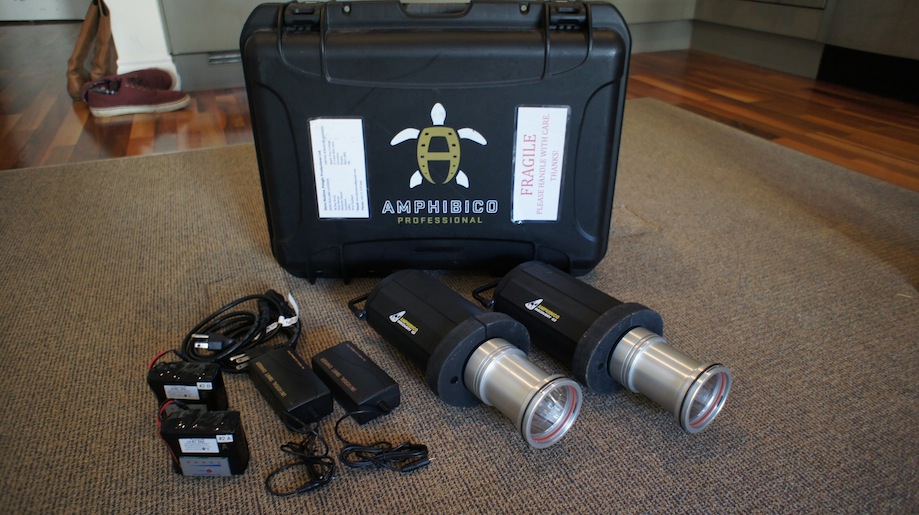
Amphibico G3 PRO 35-50 Watt HID Pro Lighting Kit
Note: This kit does NOT include arms for these lights, suggested arms to purchase additionally from this would be from either TLC or Ultralite.
Includes:
· Amphibico Discovery G3 Lights 35-50Watt 12 volt Arc Lamp adjustable HID’s (High Intensity Discharge)
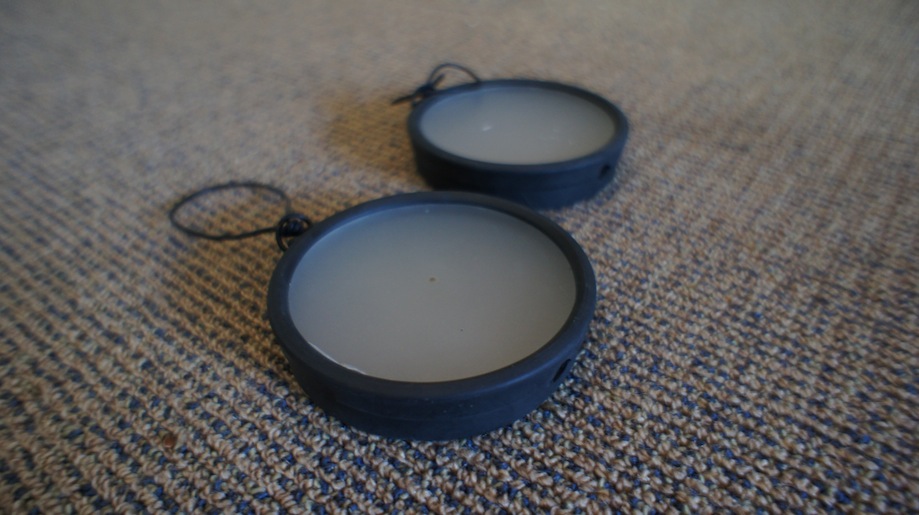
· x2 Detachable Video Light Diffusers
· x2 x Ultra Pro Power Pack Batteries Charger(part# SWBC0302)
· x2 x Lithium Polymer Rechargeable Battery 14.8V 5000mAh
· x1 x Durable Carrying Case (Storm/Pelican style)
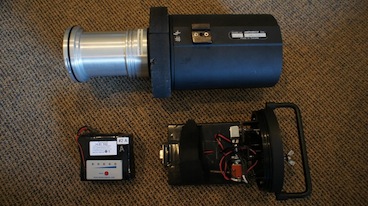
· x2 x 35/50 watt, 12 volt Arc lamp with Electronic Ballast
The Discovery G3 PRO video light, a lightweight, durable set, provides the underwater videographer with an even lighting coverage and a constant output light temperature.
Discovery G3 PRO lets you choose between two levels of lighting power:
o Low at 35 Watt with a run time of approximately 1.40 minutes
o High at 50 Watt with a run time of approximately 1.10 minutes
The Discover’s Electronic Ballast Lamp regulates a perfectly, even and consistent power during the operation of light; resulting in high quality results.
The Ultra Pro Charger chargers the batteries in 2 hours
PRICE: US $2,200 ono