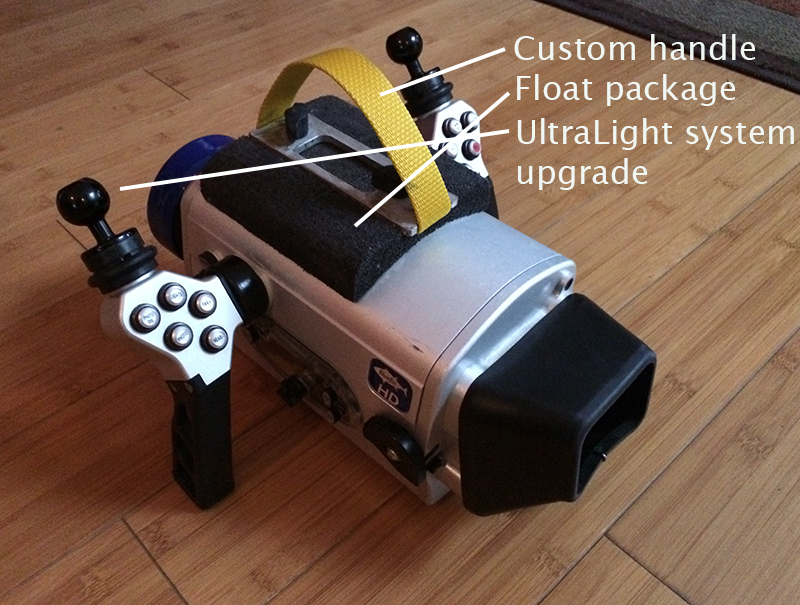
BlueFin HD housing with monitor back, Sony HDR-HC9 High Definition HDV/MiniDV camcorder, Sunray 1000 LED lights, SunRay battery pods (batteries may need to be replaced soon), all charging cords, two lenses, various AV cords, plus extras: custom handle makes transporting the unit extra easy (see pictures), two custom float packs provide excellent neutral buoyancy (large for with, and small for without the lights on the housing), standard video light arms have been upgraded to UltraLights, batteries (Sony NP-FH60 and TWO NP-FH100's), 8 GB Memory Stick Pro. If you don't know this housing, look it up. Many great features! Red flip filter inside, programmable handles, etc. Handle and floats easily removable.Very easy and comfortable to use. Feel free to ask questions! Very good condition, well-cared for, never flooded, serviced 21 dives ago by L&M in Monterey, CA (housing and both lenses).
$1,200 + shipping from California (95039). Shipping weight is about 32 lbs.
Pictures:
1) Housing; note the handle for easy carrying and the small float pack, which provides perfect buoyancy underwater for easy shooting
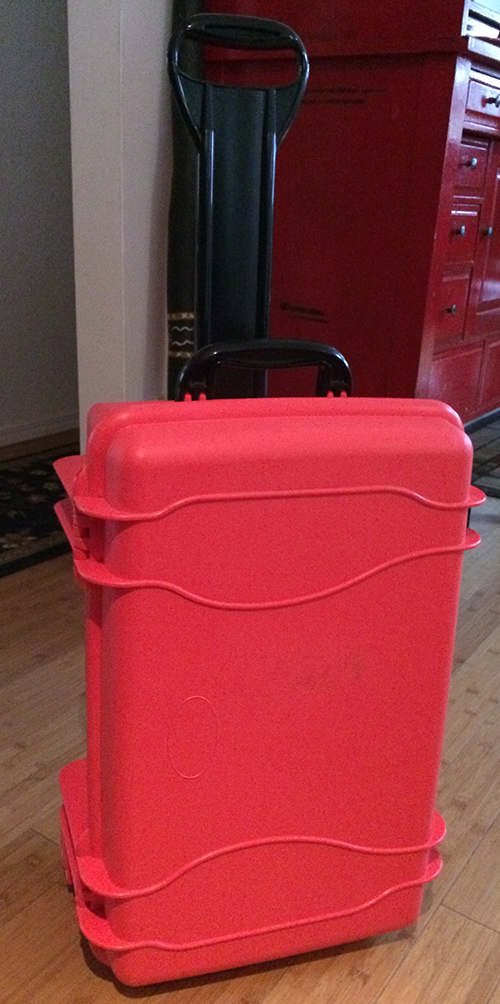
2) Padded rolling case
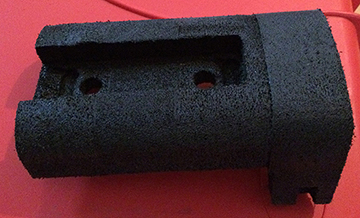
3) Larger float pack for when the lights and light pods are installed