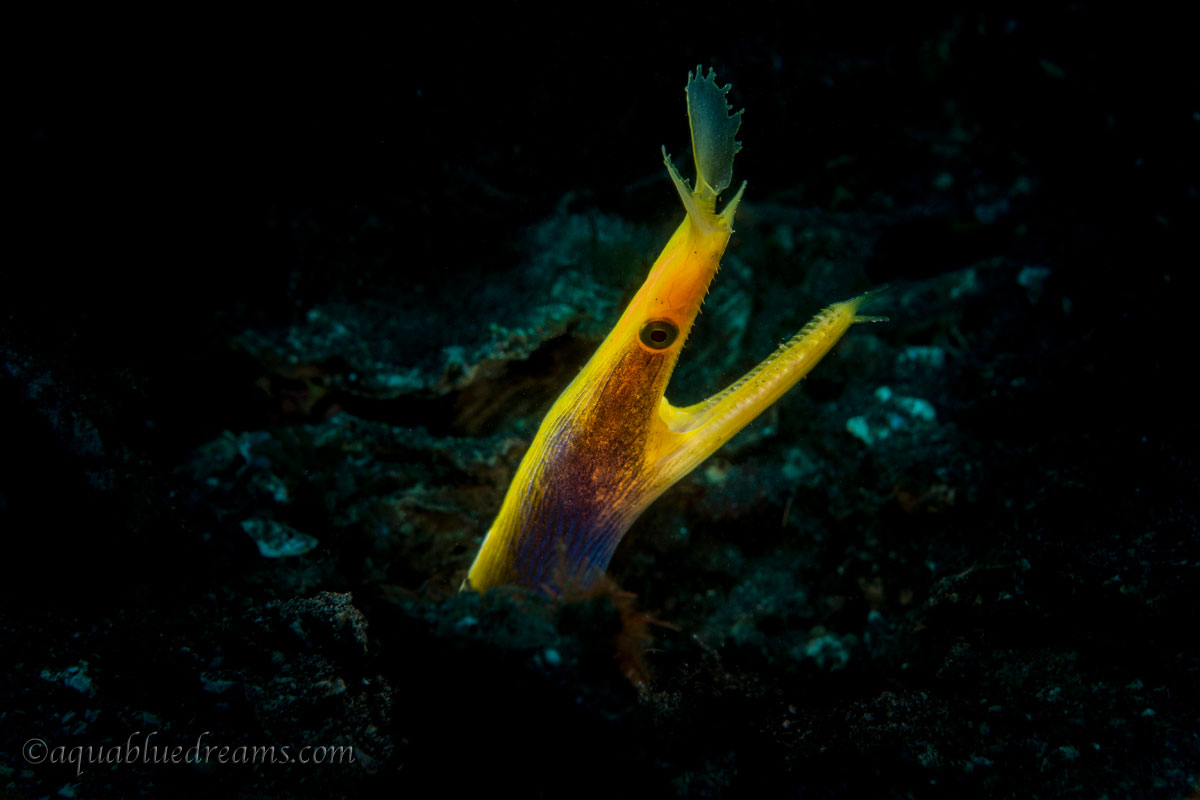
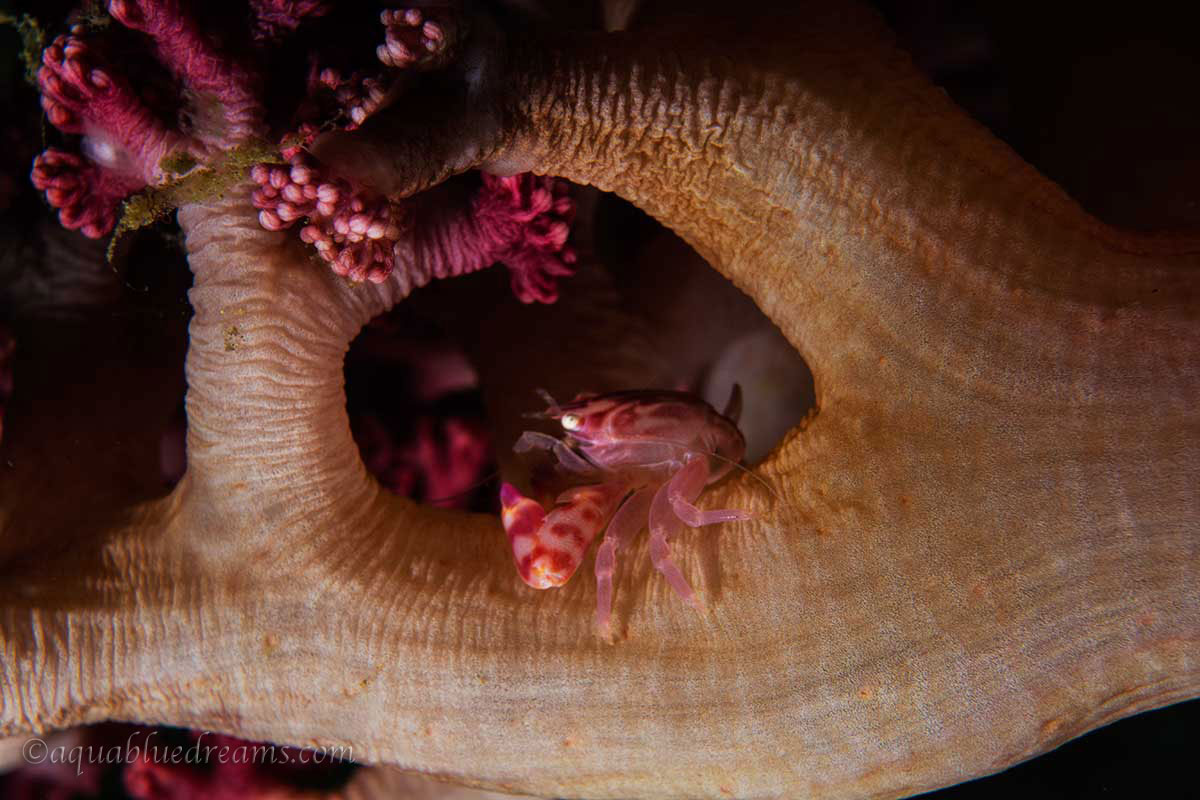
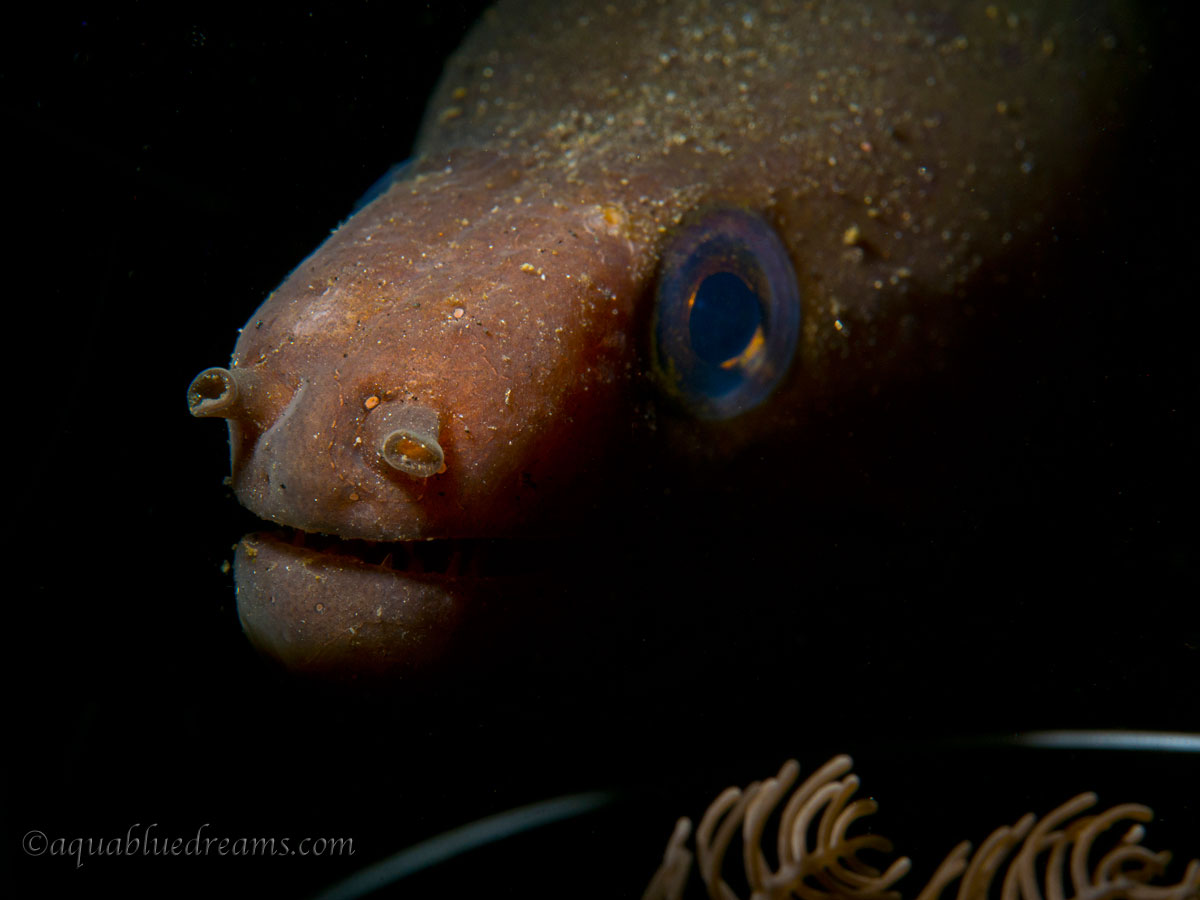
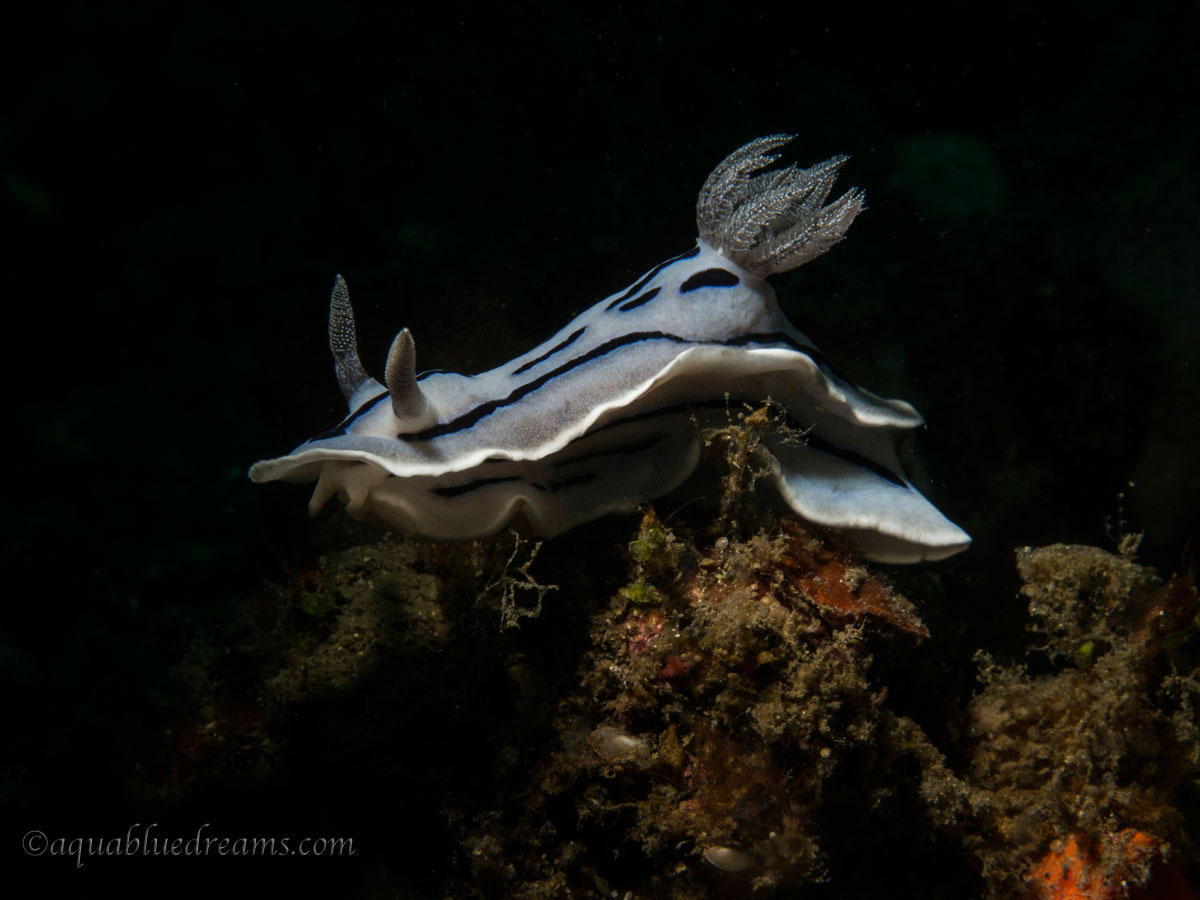
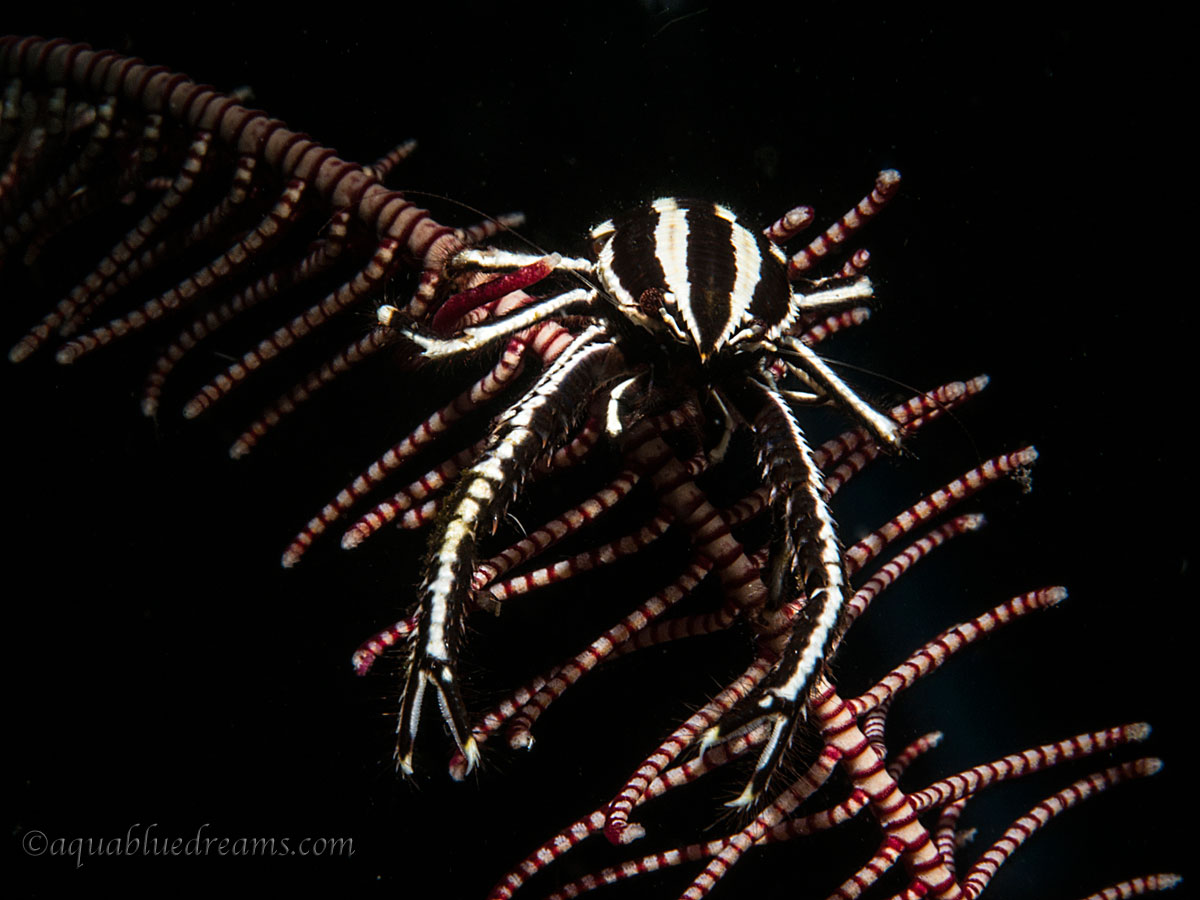
Another great trip to Kasawari in Lembeh http://www.kasawari-lembeh.com. Built for photogs with excellent guides and camera room. The staff is fantastic, the better half ran into some Fire Coral and required a run to the Bitung ER, the Kasawari staff was wonderful as where the good doctors at the local hospital. She was good the next day and back in the water, another story for another forum.
Good to hear Julie is fine. I thought you're shooting with RX100, switching back to M43? I'm waiting and see what the Panasonic GH4 has to offer. Anyway, great photos, do they change their food menu? That's the only thing that bugs me a bit, same menu for the whole week!
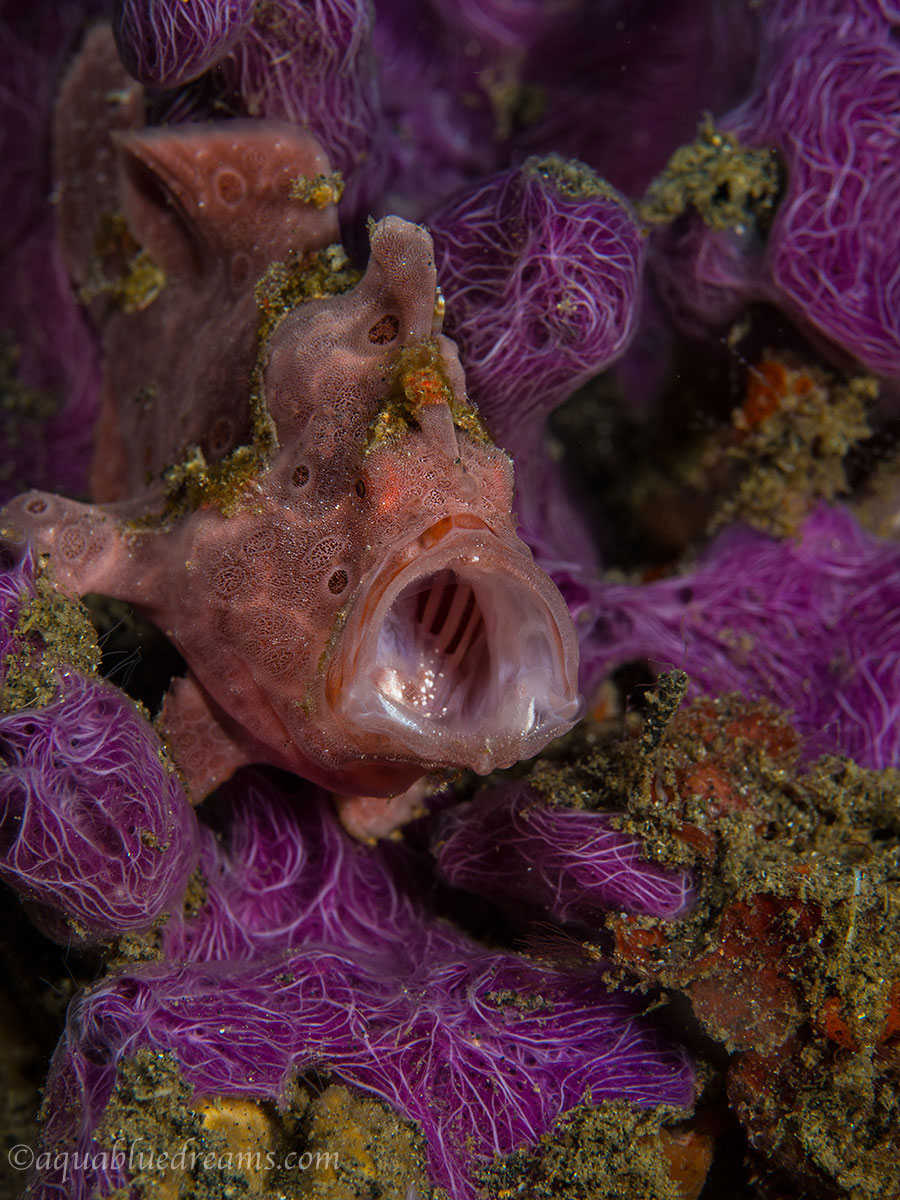
Oh, see any hairy frogfish?
Good to hear Julie is OK.. I wish we were back there with you again..
I will find a way to do it..
Joe
The frogfish yawn photo is terrific!! not only for the timing but also for the amazingly corful background which provides a great tone match with the fish.
This is almost a fashion photo judging by the color and the texture match : winter collection frogfish on a coral catwalk.
Julie had a couple of tough days but I think that will be another post as we learned a couple of good lessons. Regardless Lembeh is great and we will be going back.