Skip to content

Classifieds / Archived topic

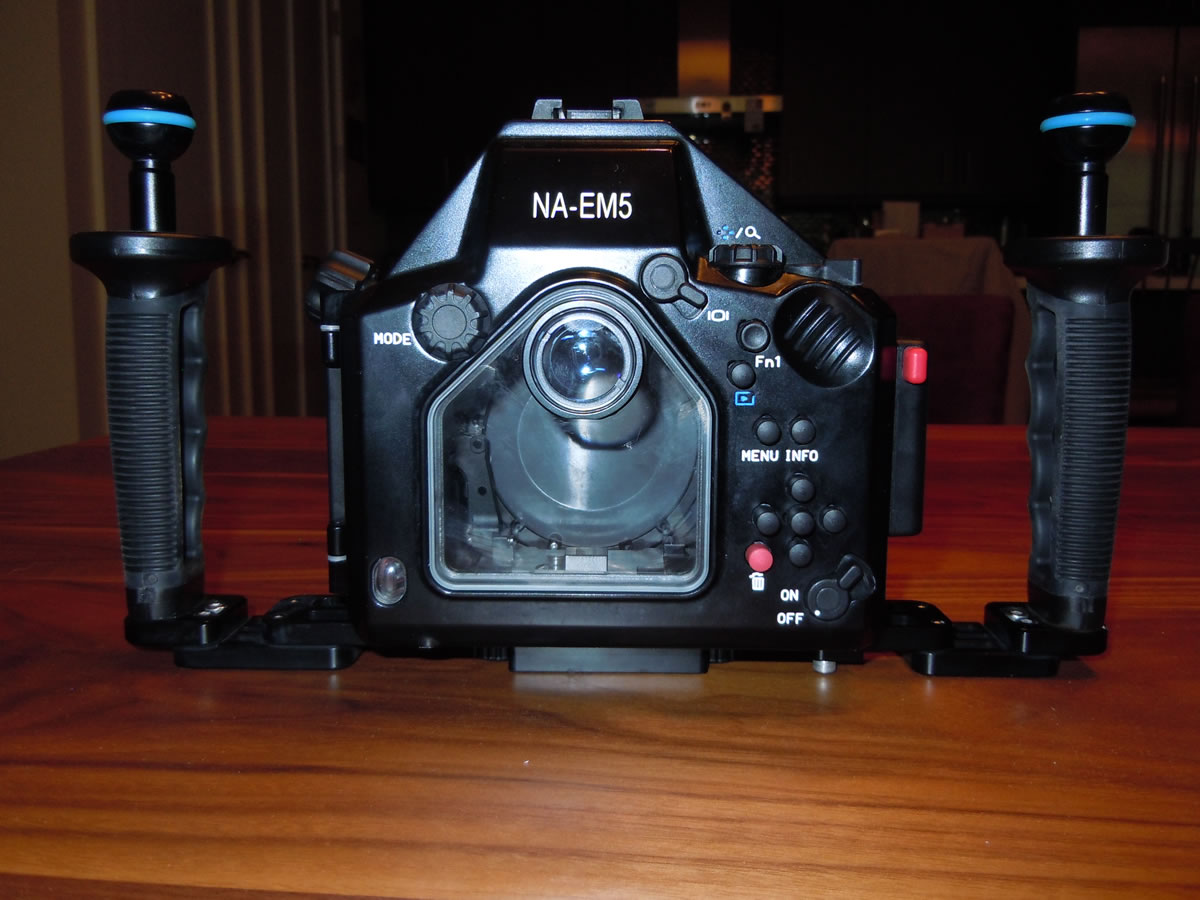
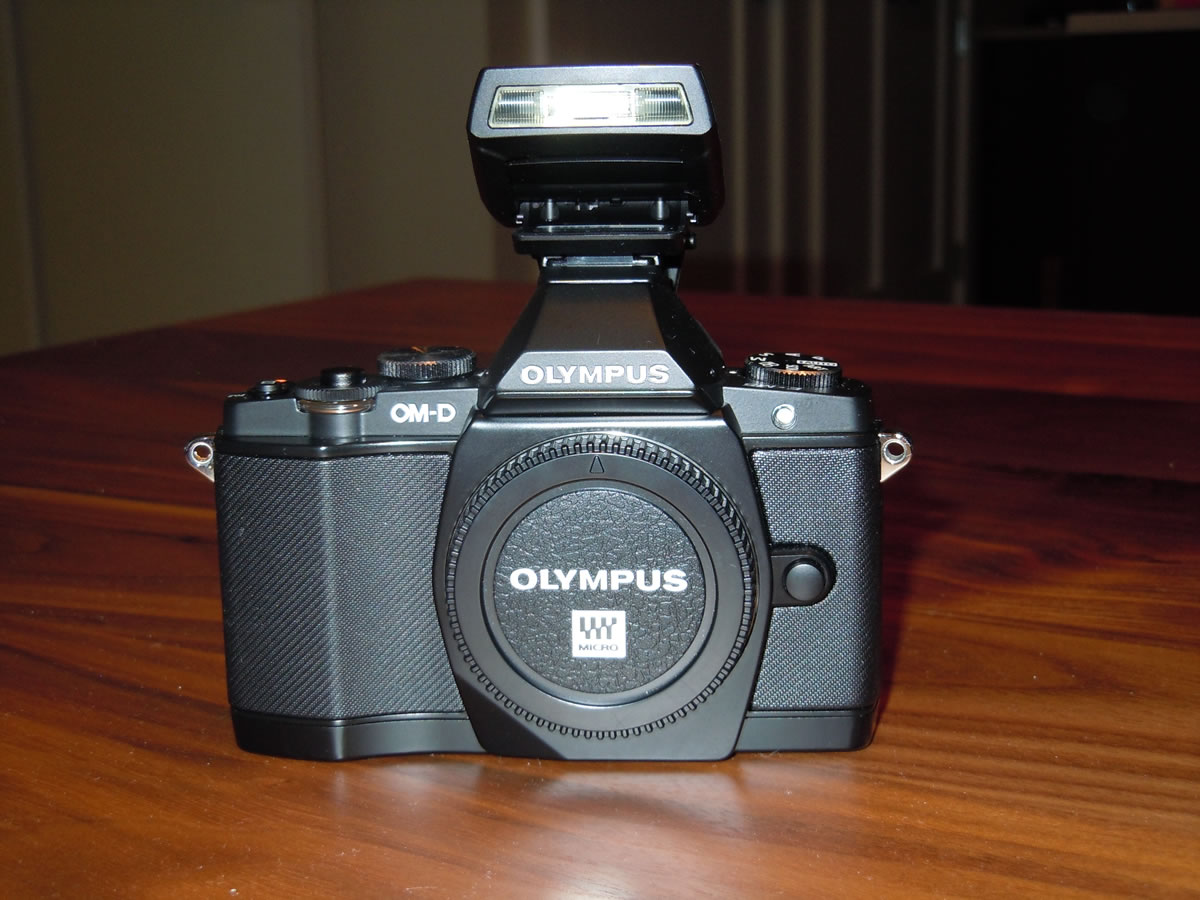
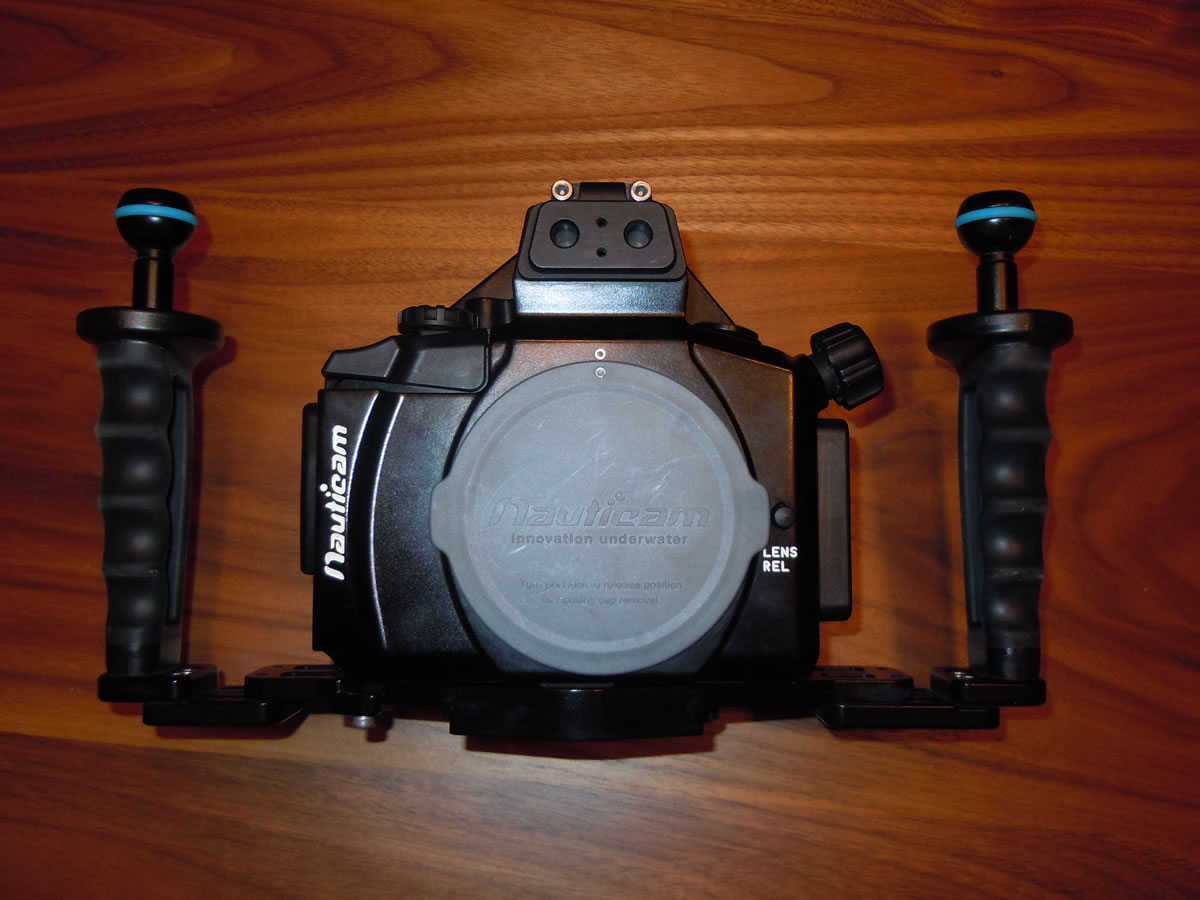
For Sale: Nauticam EM5 Housing and Olympus OM-D E-M5 Camera Body

Started by Tony F ·

  • 3Posts
  • 3Replies

Read-only discussion

For Sale: Nauticam EM5 Housing and Olympus OM-D E-M5 Camera Body

3 posts
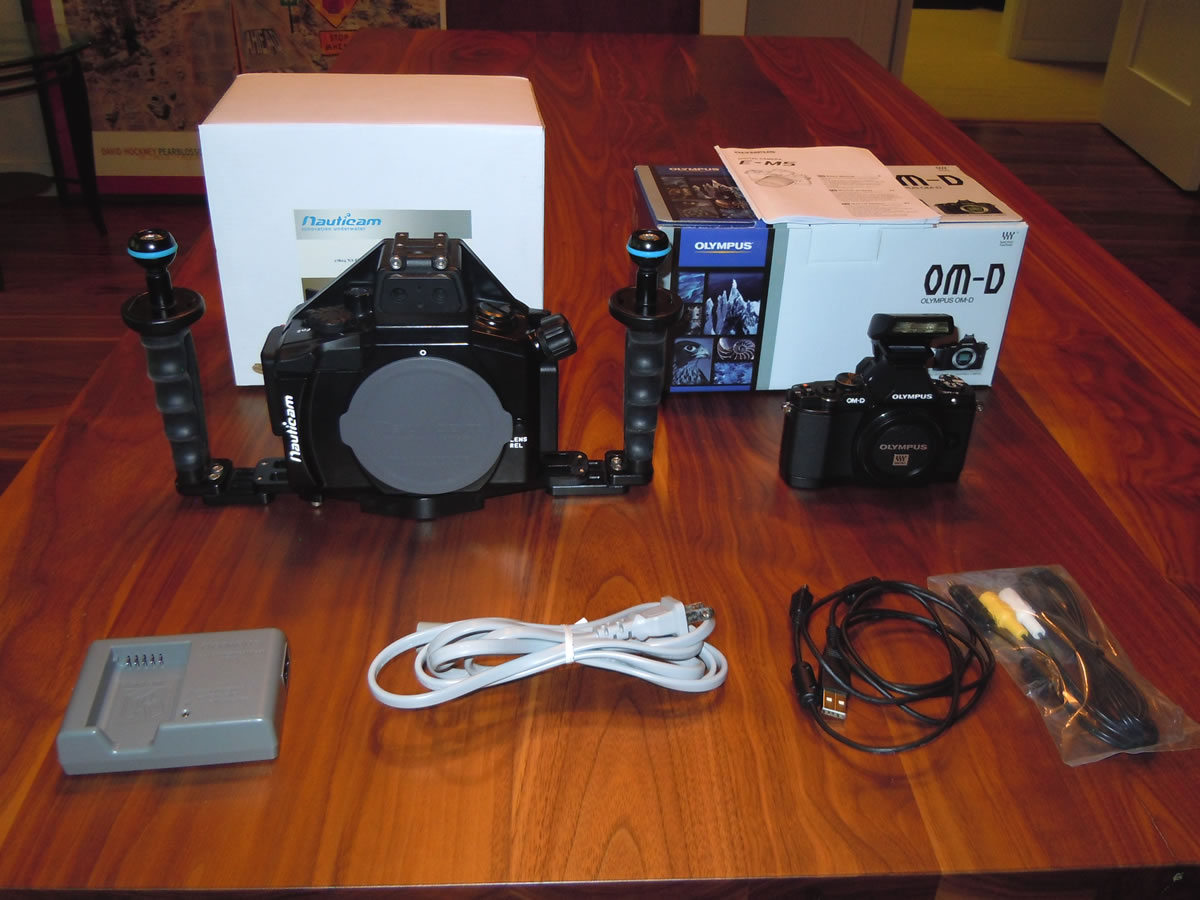
  1. Asking $1700 for the following package:

    • Nauticam EM5 housing with flexitray, left & right handles and ball mounts.
    • Olympus OM-D E-M5 black body.
    • Camera battery with charger.
    • I will throw in a protective case for the camera body and a hand strap for the housing.

    No ports or lenses are included. They are going on my new E-M1! Camera purchased in November 2012 and housing in December 2012. Approximately 120 dives on system. All in perfect working order. Price above includes free shipping within the US.
     

    post-23162-0-58078100-1393291776_thumb.jpg


    post-23162-0-87075500-1393291812_thumb.jpg


    post-23162-0-33803500-1393291830_thumb.jpg


    post-23162-0-39656000-1393291847_thumb.jpg


    I would prefer to sell the above items as a package. If they don't sell in a few weeks, I'm open to selling them separately. Also for sale is the NA-EM5 LCD window for Nauticam enhanced viewfinders. A few minor scratches on it, but not noticeable underwater. Price: $120.
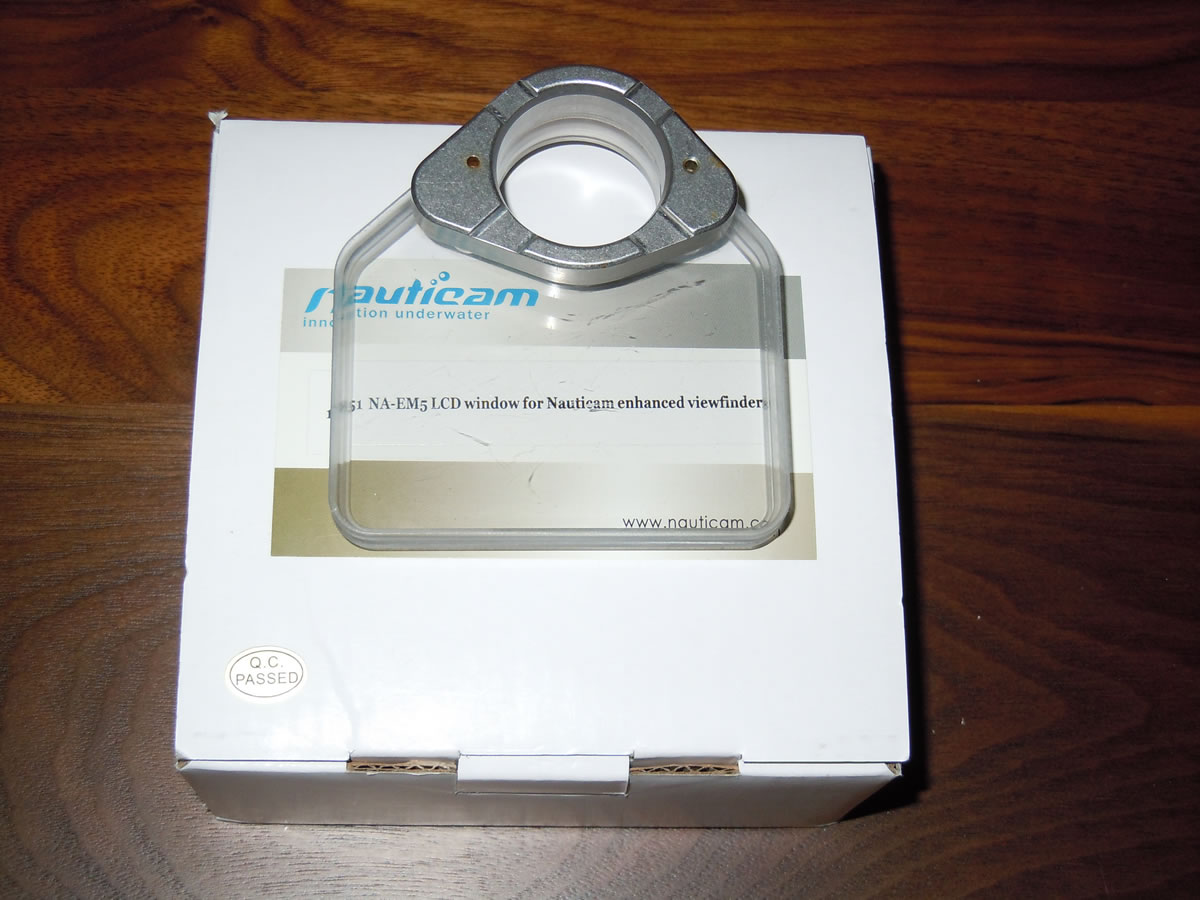
     

    post-23162-0-05052800-1393292054_thumb.jpg


    One more item: Two 8" Nauticam arms with Stix floats. Price $60.
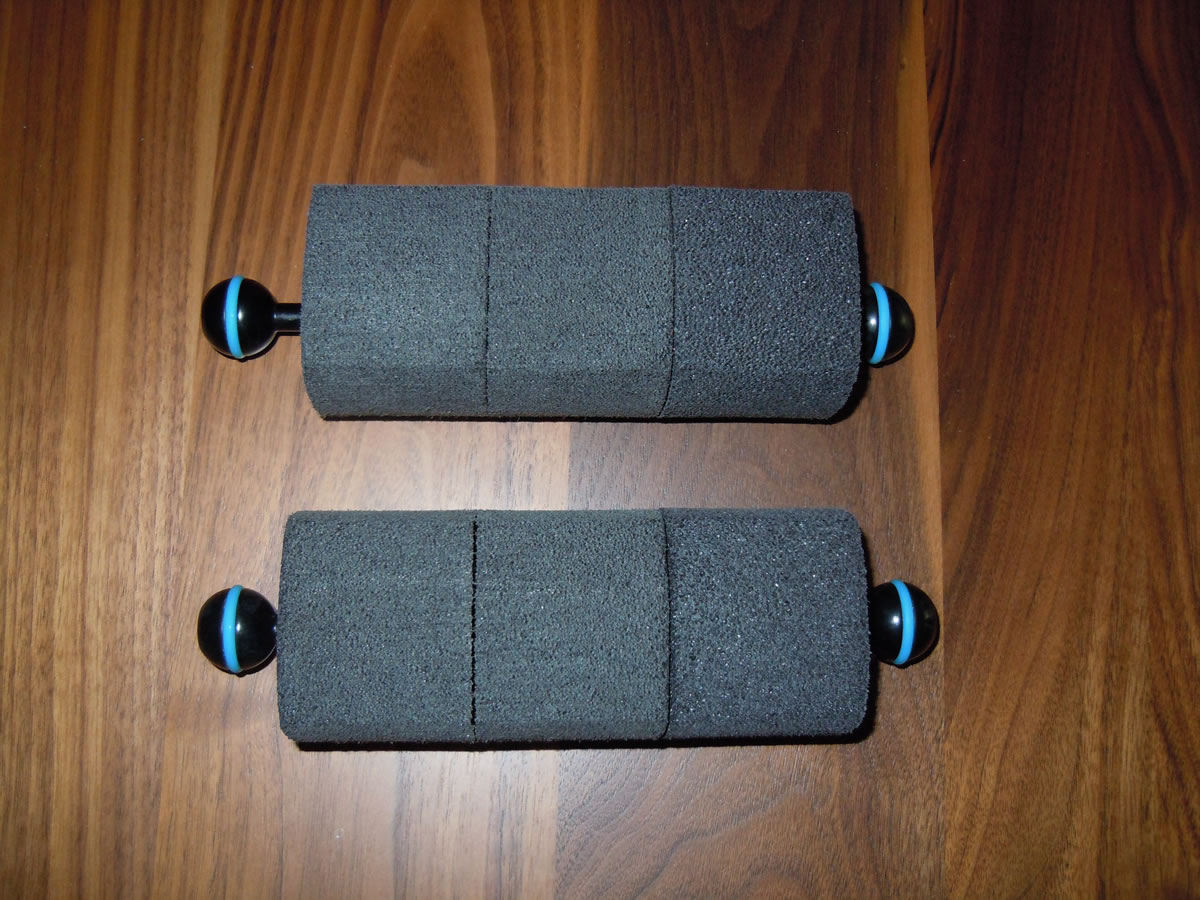
     

    post-23162-0-32191100-1393292110_thumb.jpg

  2. Hello Tony. Am behind u on curve, moving up from EPL-2 and absolute photography novice. Would very much like to buy your housing, little unsre tho, with big trip coming up that it is ideal to buy used camera. This system is also likely the last I will invest in ( am 60+). Based on your experience with this camera, is it workhorse enough to last for 3-5 more years? Very much appreciate your advice.

    Steve

    smcarlton@earthlink.net

  3. SOLD - but the LCD window is still available.

    Edited by Tony F
Keldan

Account

Navigation

Search

Search

Configure browser push notifications

Chrome (Android)
  1. Tap the lock icon next to the address bar.
  2. Tap Permissions → Notifications.
  3. Adjust your preference.
Chrome (Desktop)
  1. Click the padlock icon in the address bar.
  2. Select Site settings.
  3. Find Notifications and adjust your preference.