Skip to content

Classifieds / Archived topic

FS: Sony RX100, Nauticam NA-RX100, 2 wet lens, 2 strobes etc

Started by Daniel_Aus ·

  • 3Posts
  • 3Replies

Read-only discussion

FS: Sony RX100, Nauticam NA-RX100, 2 wet lens, 2 strobes etc

3 posts
  1. Selling my underwater photography setup due to a realisation that as much as I want to, I only dive about half a dozen times a year.

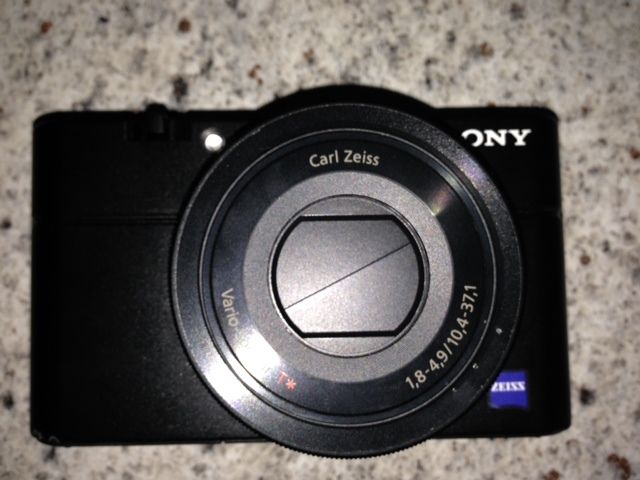
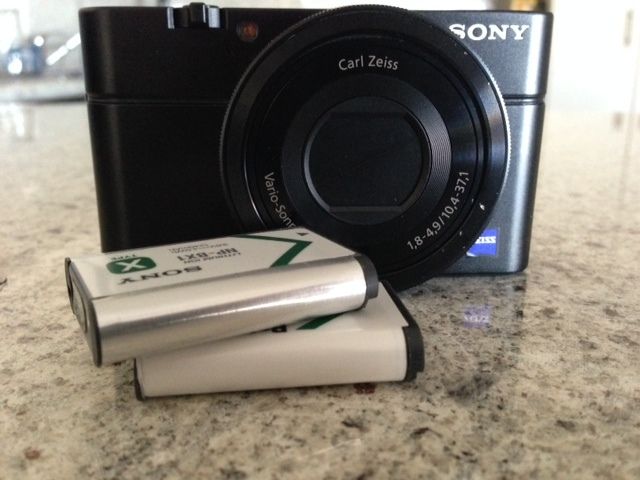
    My system is based on the Sony RX100, which was critically regarded as the leader in the compact camera field for underwater photography.

    The entire setup includes:

    • Sony RX100 with spare battery
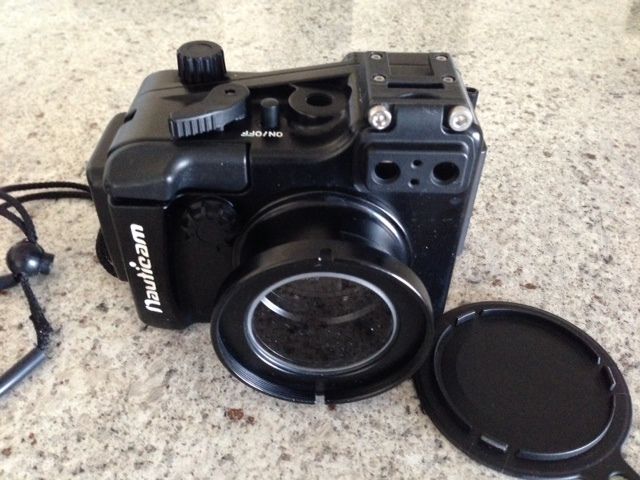
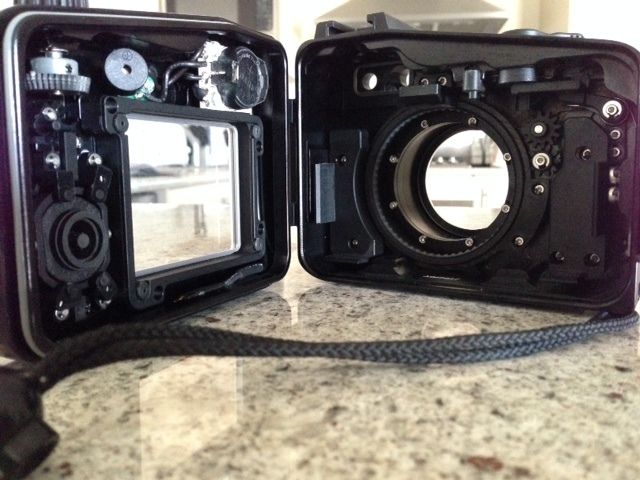
    • Nauticam NA-RX100 housing (100m depth rating)
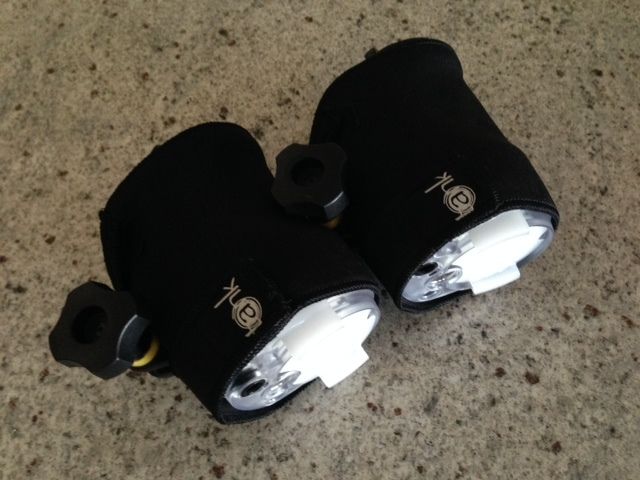
    • 2 x Sea&Sea YS-01 strobes with protective coats
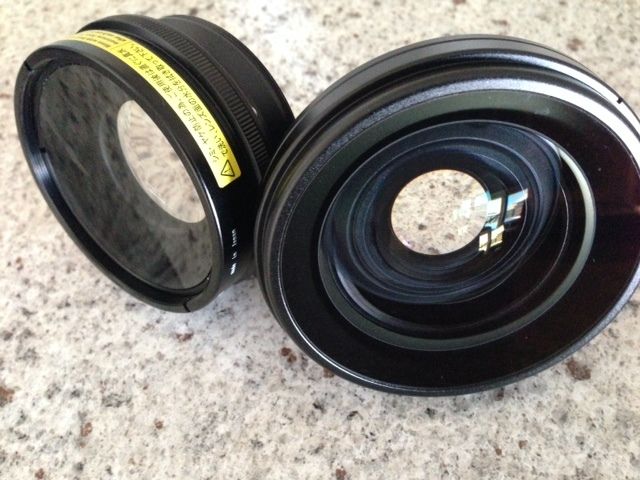
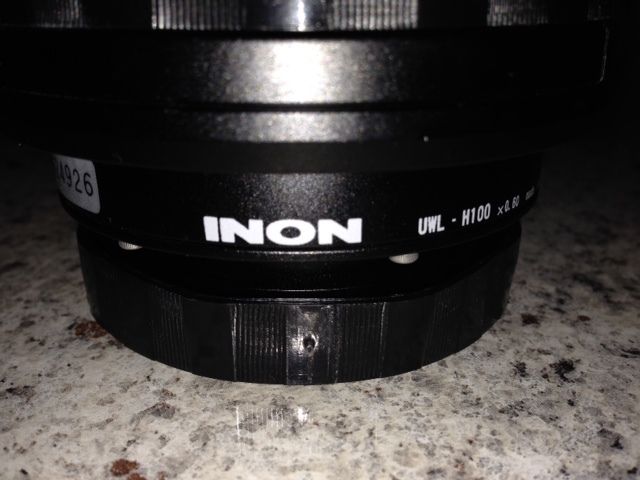
    • Inon UWL-H100 28 M67 Type 2 - 67mm thread wide angle lens (100 degree angle of view)
    • Inon UCL-100 M67 close up lens
    • 67mm double lens holder
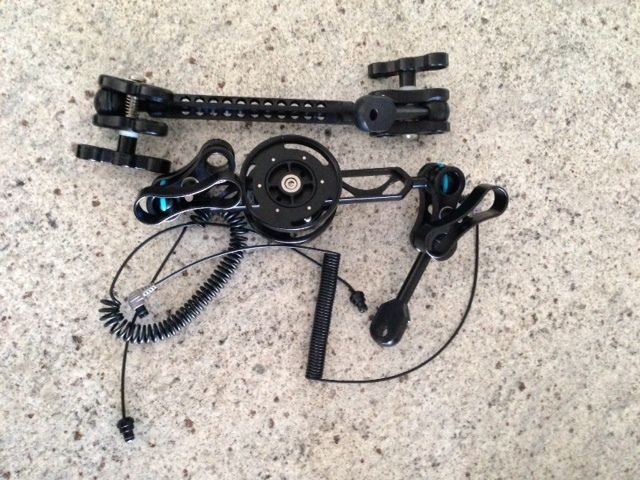
    • 2 x fibre optic cables
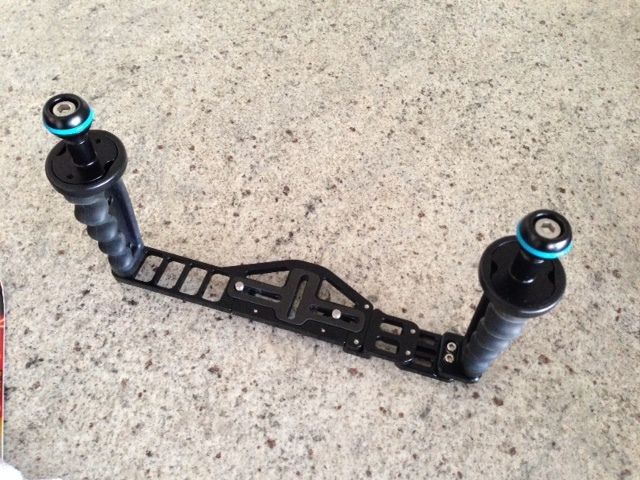
    • Nauticam Flexi-tray with left and right handle, mounting ball, clams, arms

    The total price for all this when purchased was well over $3400.

    Selling package only. Please don't contact me offering to purchase individual items.

    Total price for the package is $2200 (plus postage + insurance).


    Contact: daniel@kana.photography


    post-36169-0-39734500-1394701518_thumb.jpg

    post-36169-0-58925600-1394701530_thumb.jpg

    post-36169-0-60774300-1394701543_thumb.jpg

    post-36169-0-96428200-1394701564_thumb.jpg

    post-36169-0-23217900-1394701599_thumb.jpg

    post-36169-0-35371700-1394701611_thumb.jpg

    post-36169-0-60273700-1394701631_thumb.jpg

    post-36169-0-56141400-1394701646_thumb.jpg

    post-36169-0-34817500-1394701664_thumb.jpg

    Edited by Daniel_Aus
  2. Very interested, located in Brisbane as well. E-mail sent.

  3. Item sold.

Isotta

Account

Navigation

Search

Search

Configure browser push notifications

Chrome (Android)
  1. Tap the lock icon next to the address bar.
  2. Tap Permissions → Notifications.
  3. Adjust your preference.
Chrome (Desktop)
  1. Click the padlock icon in the address bar.
  2. Select Site settings.
  3. Find Notifications and adjust your preference.