



Anyone played with Neat Video and a GH series camera?
Looking at getting it to clean up ISO800 / ISO1600 video from my GH3 - but wondered if its worth it.
How did you setup your profiles - did you create 1 per ISO stop?
Thanks
Photography Gear and Technique / Archived topic
Started by thetrickster ·
Read-only discussion
Anyone played with Neat Video and a GH series camera?
Looking at getting it to clean up ISO800 / ISO1600 video from my GH3 - but wondered if its worth it.
How did you setup your profiles - did you create 1 per ISO stop?
Thanks
Downloaded NeatVideo - and firstly WOW.
Super clean ISO6400. Honestly I'm a convert. Never seen something work on noise so well - yet keep the detail.
Going to proceed to make Profiles for each ISO level - will up load. (Not sure if you can share profiles with difference versions, but I'm using the Pro version for FinalCutProX
I'm a big fan of Neat video, which I use with my hacked GH2. I think the higher bitrate from the hack (or 50/72 Mbps with the GH3) really helps the footage withstand post-processing, especially with "marginal" footage. For example, if you have some potentially good but deep wide angle shots spoiled by noise. If you haven't seen this already, you might be interested in the following tutorial:
Matt
Thanks! That was very useful!!
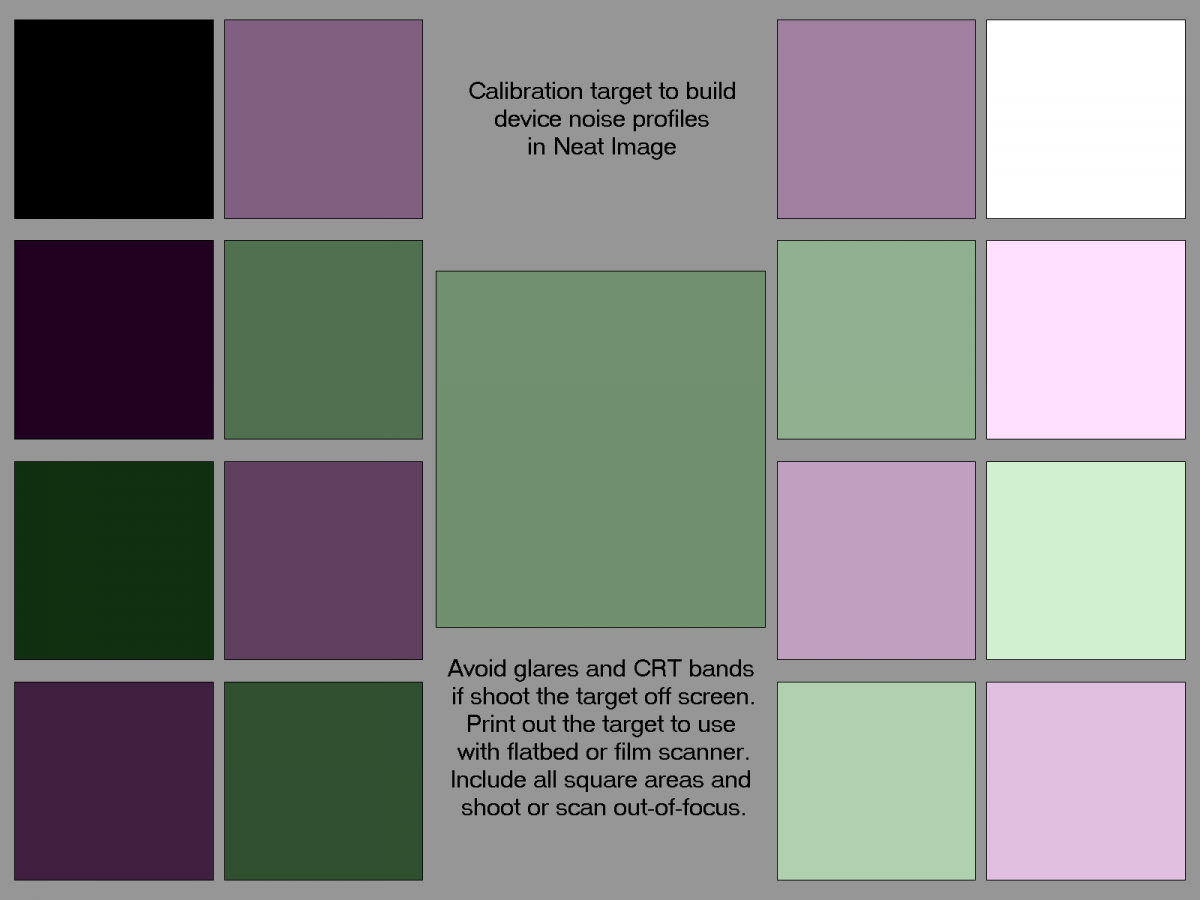
Interesting that he didn't use the NeatImage provided colour chart (attached)
Some more things to try over the weekend! 
.jpg.857dbbfbdc4d79d9c6ebf7b4ba96ed1b.jpg)
Terms of Use Privacy Policy Guidelines We have placed cookies on your device to help make this website better. You can adjust your cookie settings, otherwise we'll assume you're okay to continue.

A worldwide community for underwater imaging.
