Skip to content

Classifieds / Archived topic

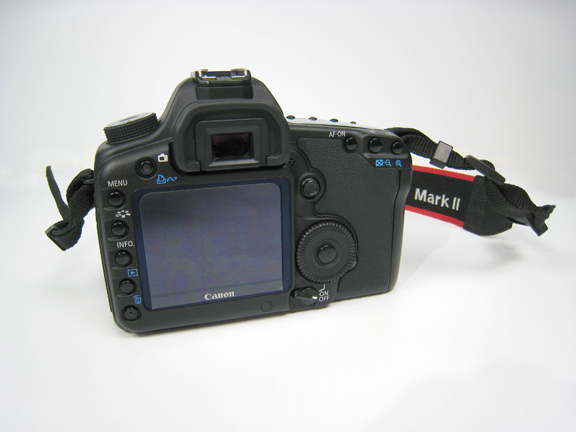
For sale: AQUATICA housing with CANON 5D Mark II (bodies only) IN EXCELLENT CONDITION / LOW PRICE!

Started by EBM ·

  • 4Posts
  • 4Replies

Read-only discussion

For sale: AQUATICA housing with CANON 5D Mark II (bodies only) IN EXCELLENT CONDITION / LOW PRICE!

4 posts
  1. post-46043-0-08961400-1396273297_thumb.jpgpost-46043-0-14233700-1396273158_thumb.jpg

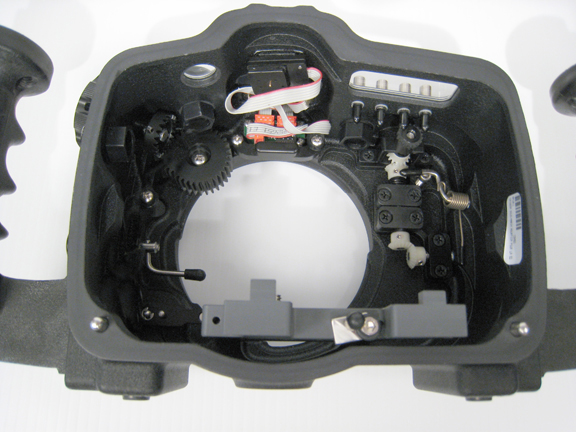
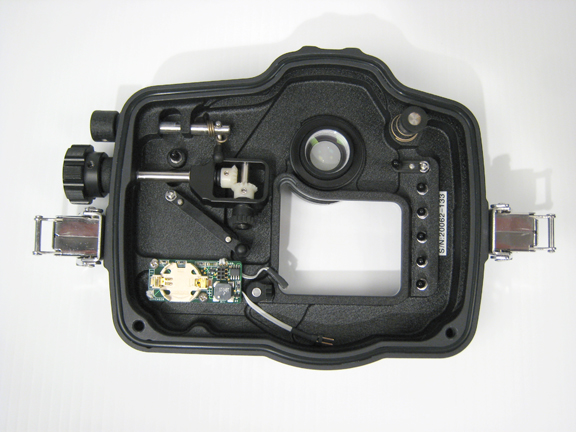
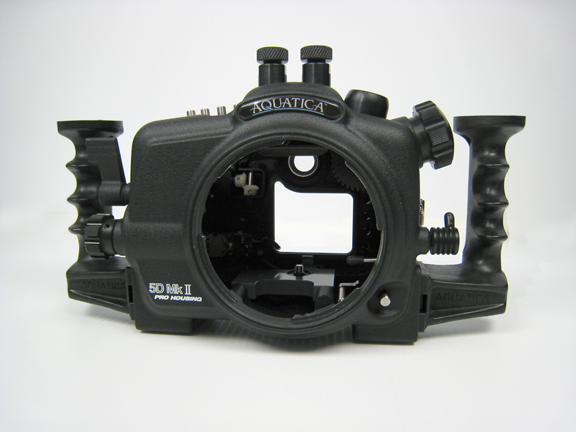
    All items are in perfect working order and in excellent condition!

    (Only about 20 dives on it)

    I don't use anymore as I upgraded to a Canon 5D Mark III.


    INCLUDED IN THIS PACKAGE:

    • Aquatica housing for Canon 5D Mark II (Body Only)​
    • 2x Grips, (left and right hand), 2x Hexagonal head bolts (to fix the handles) & Hexagonal (Allen) key
    • Battery #2032 (for water leak detector)
    • 3x small Hexagonal (Allen) keys (for adjustments)
    • Container of O-ring lubricant
    • No hydrophone included.

    ​

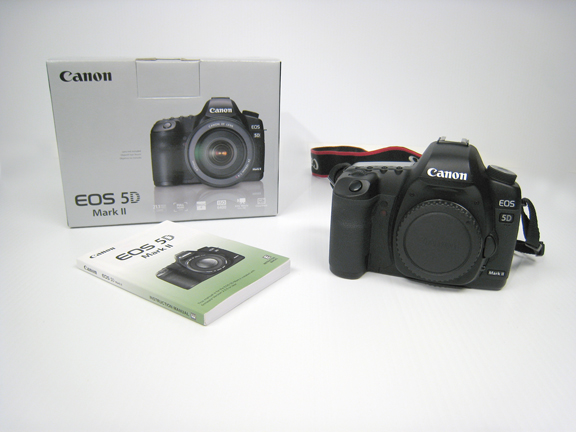
    • Canon EOS 5D Mark II 21.1 MP Digital SLR Camera - Black (Body Only)
    • body cap
    • Canon battery with cover
    • Canon charger
    • manual
    • neck strap
    • USB cable
    • warranty card
    • original box


    PRICE: CAD$ 3000 for all items.

    plus taxes (only in Canada).

    plus shipping (at cost).

    Contact: Emmanuel / Emmanuel@aquamedias.com
    post-46043-0-29472200-1396273265_thumb.jpgpost-46043-0-19641700-1396273310_thumb.jpgpost-46043-0-06802700-1396273333_thumb.jpgpost-46043-0-62339200-1396273346_thumb.jpg

  2. Hi Emmanuel


    I emailed you at your email address. I was wondering if you still have this 5D MK-II set-up for sale ??

  3. I answered to your email address...

  4. Was wondering if you still have this for sale? Also would you sell the housing by itself?

Turtle

Account

Navigation

Search

Search

Configure browser push notifications

Chrome (Android)
  1. Tap the lock icon next to the address bar.
  2. Tap Permissions → Notifications.
  3. Adjust your preference.
Chrome (Desktop)
  1. Click the padlock icon in the address bar.
  2. Select Site settings.
  3. Find Notifications and adjust your preference.