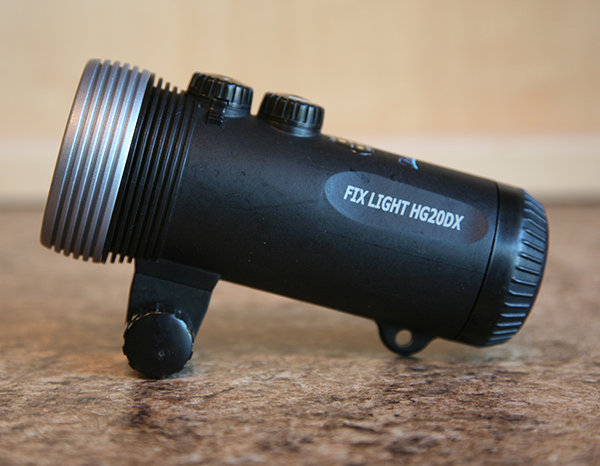
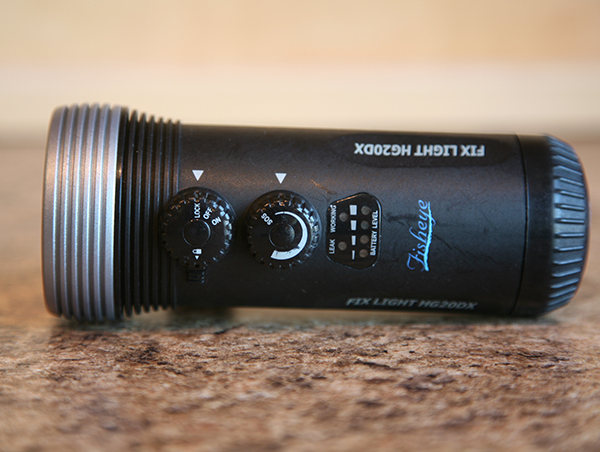
FS Fisheye HG20DX Photo Light in excellent condition, the batteries will run at full power for up to 50 minutes. Variable light level is controlled by a dial on top of the light with a flashing SOS position, battery level is displayed with a lighted bar graph.
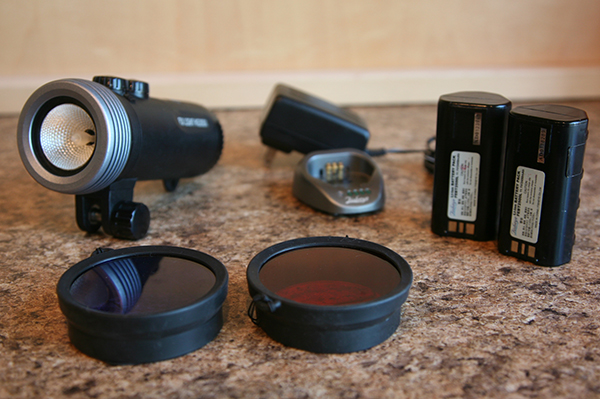
Includes two good Lithium-Ion batteries, charger, red and blue snap on filters, spare bulbs and o-rings, all original packaging and documentation.
$165.00 including shipping within the continental US. Will accept PayPal or peronal check.
I have this light with a non-functioning battery. Do you still have this for sale? Any idea where I can get replacement batteries?
John
Hi ,
I just noticed your post. I still have this light and two good batteries. I don't use it any longer. Because the batteries are LIthium-Ion I don't think you can ship them. Where do you live?
Best,
Dan
I have used Backscatter for replacement batteries. Also send them your batteries ans charger so they can check function. I had to buy a new charger as my old one was not working prpoerly even though all the led's were working
I had similar problems with chargers and experienced a bad battery several years ago. All were covered by Backscatter under warranty. If you can find a way to ship the batteries, I'll send them to you. They have been in my closet since that light was posted in 2014! It is a good light, I'd like to see someone get some use out of it.