Skip to content

Classifieds / Archived topic

Panasonic HVX200 & Gates Housing

Started by Pete L ·

  • 9Posts
  • 9Replies

Read-only discussion

Panasonic HVX200 & Gates Housing

9 posts
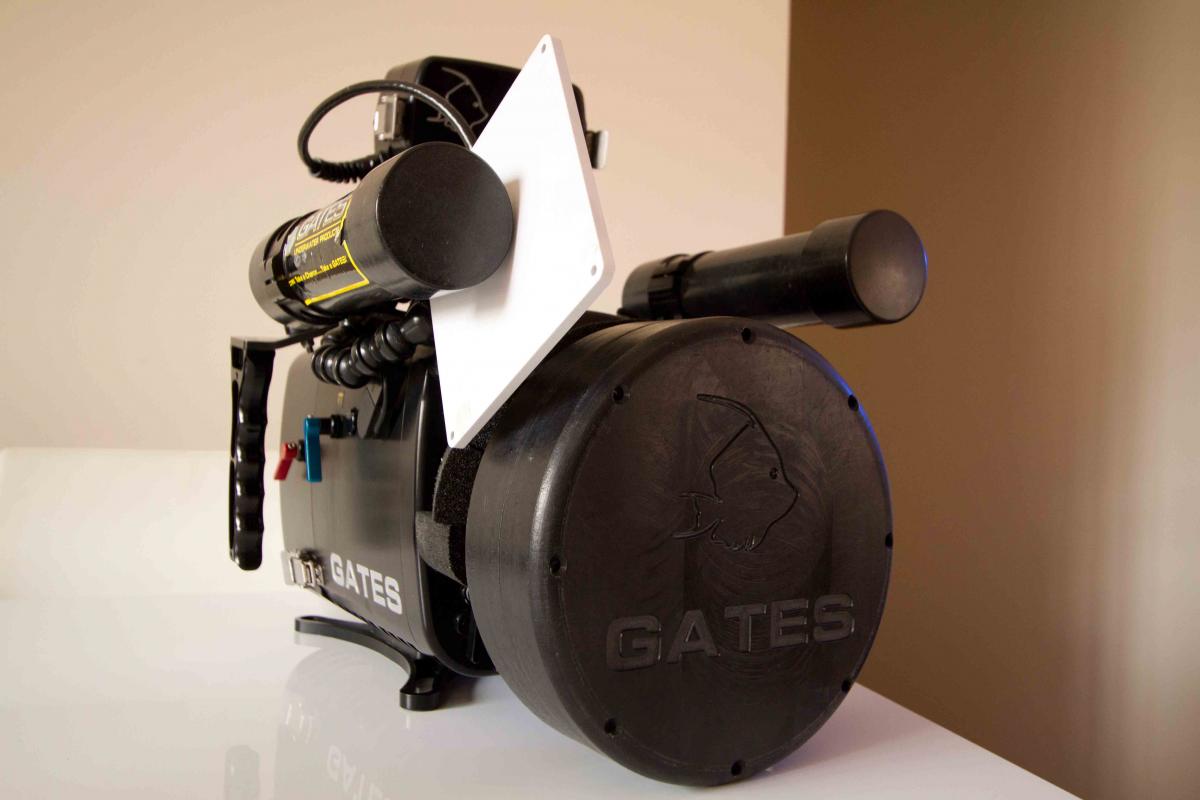
  1. Time to sell my Panasonic HVX200 & Gates Housing.

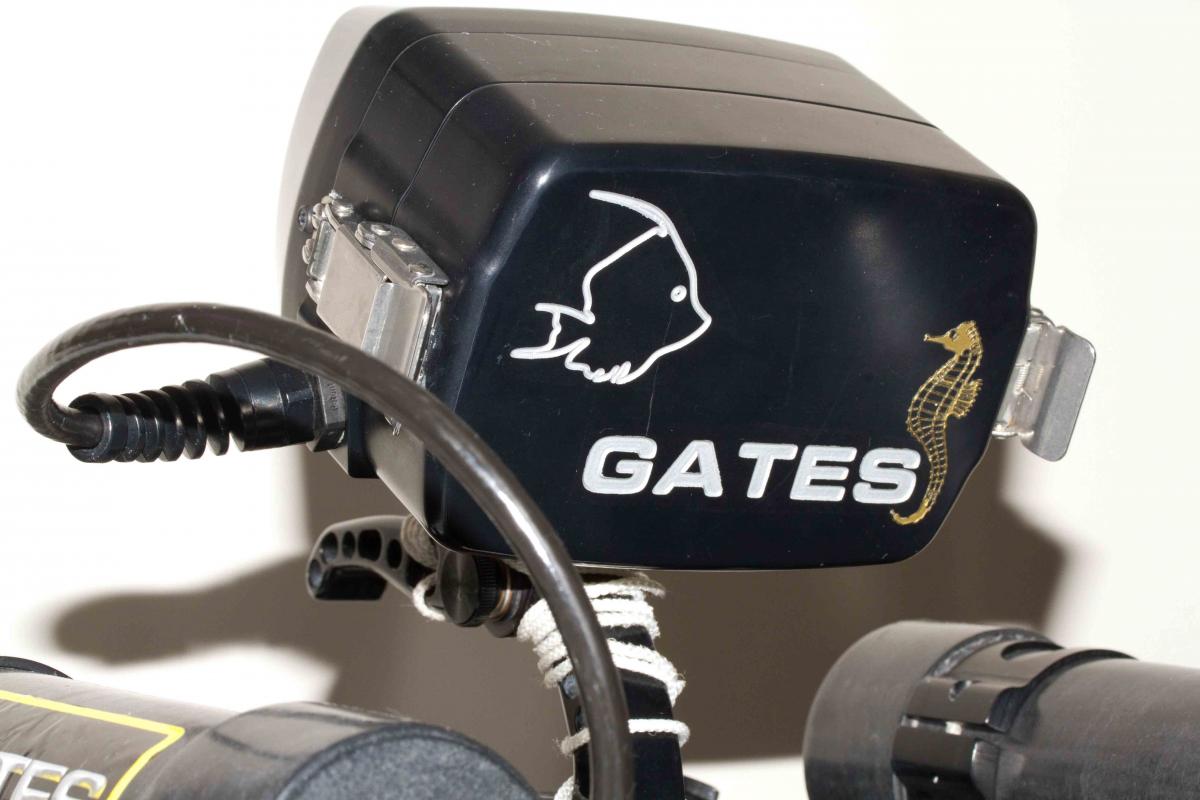
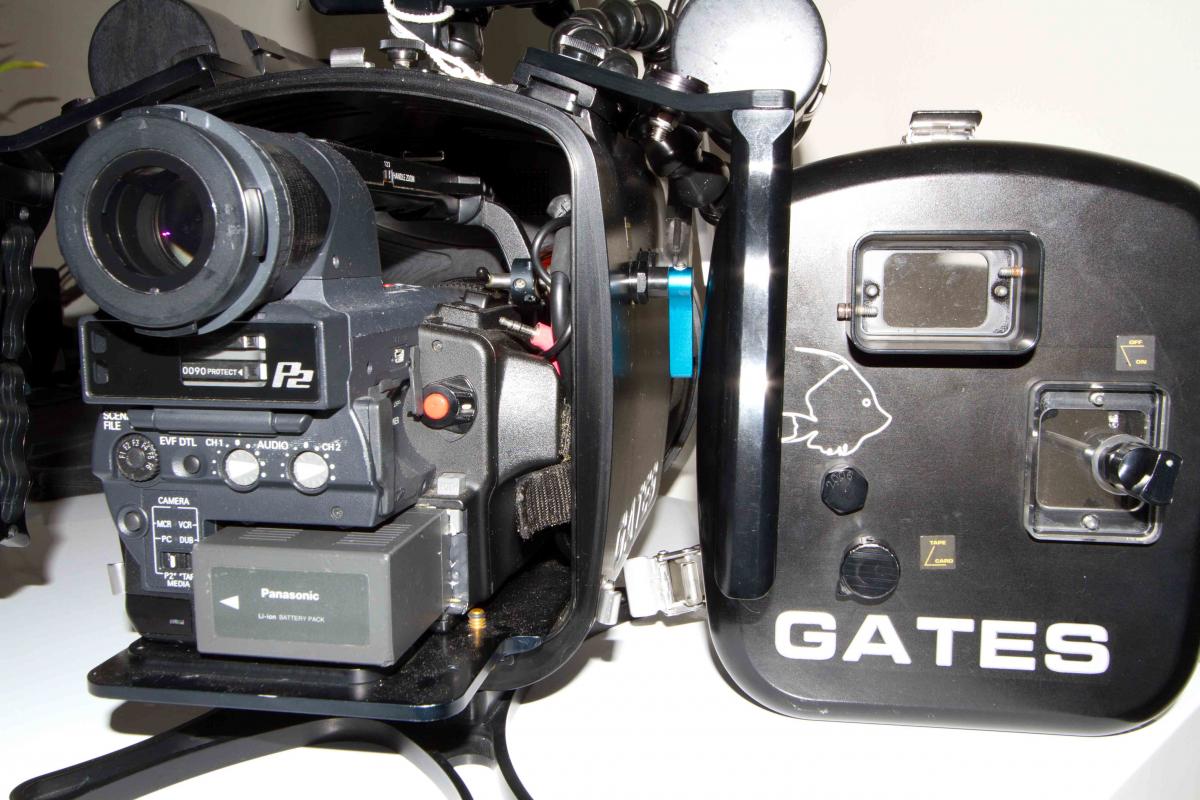
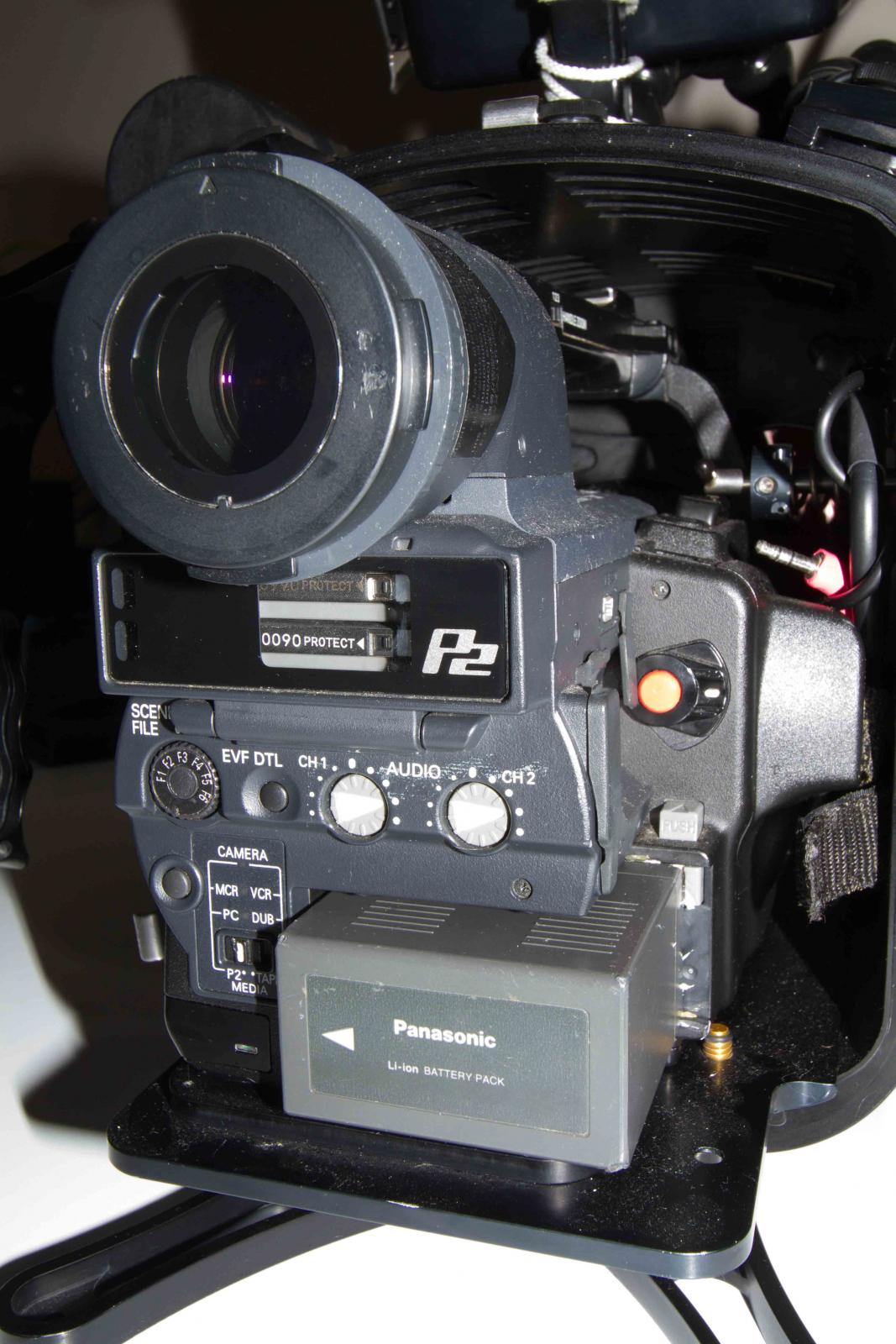
    This is a complete ready to go Full HD Video Camera setup.

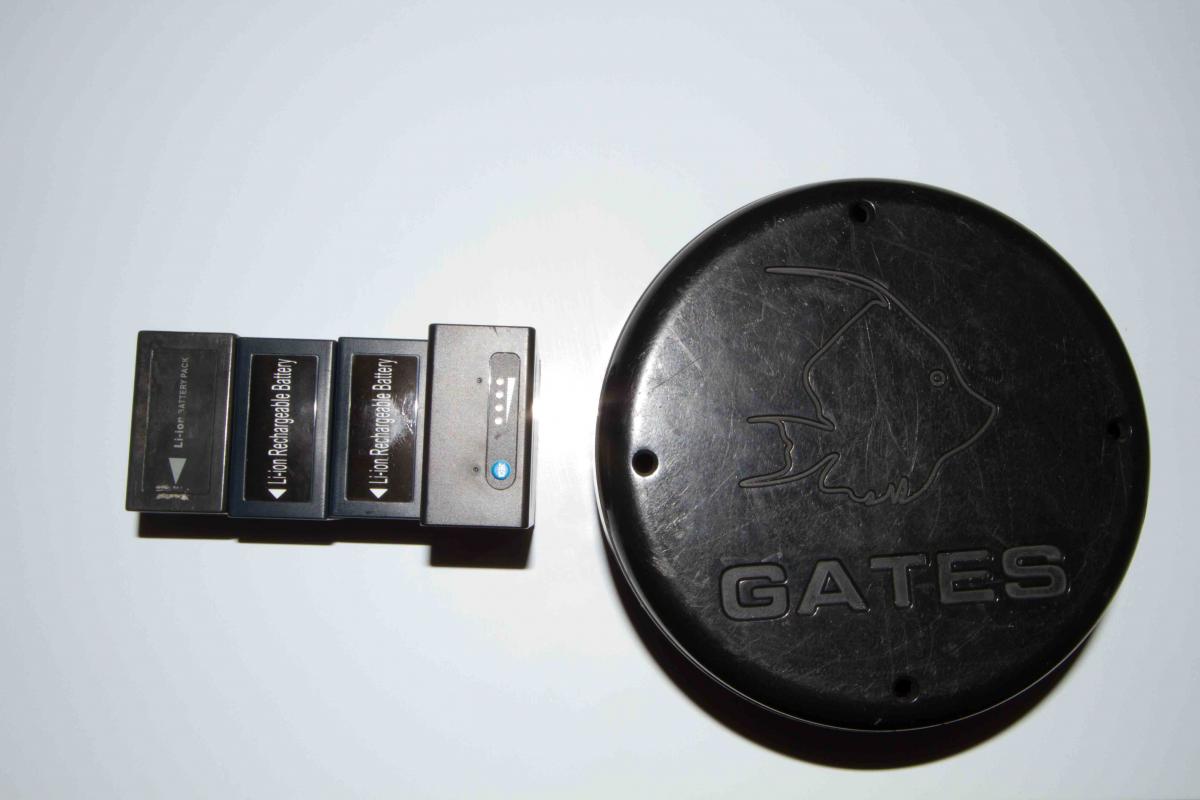
    Included is a Panasonic HVX200 Video Camera, 2x 64GB P2 Cards, Gates Housing to suit, SWP44 Wide Angle Lens, Flat Port, EM43 Monitor, several batteries & charger, white balance slate.

    The camera will record 1920x1080 up to 30fps Progressive, it will also record 60i.

    It records 10bit 422 colour at up to 100mbps & has a manual one touch white balance for simple white balancing underwater.

    This has been a great camera but I am moving onto 4K now so no longer need this setup.

    Located in Sydney but willing to ship at buyers expense.

    If paying with paypal, buyer is responsible for paypal fees.

    Asking $8000.

    Some footage from this camera can be seen here:

    vimeo.com/89218461

    vimeo.com/88322913

    vimeo.com/60362792

    vimeo.com/69367570
    post-30537-0-63579100-1398563586_thumb.jpg

    post-30537-0-05971200-1398563657_thumb.jpg

    post-30537-0-13830300-1398563770_thumb.jpg

    post-30537-0-37038000-1398563817_thumb.jpg

    post-30537-0-12400200-1398563865_thumb.jpg

    post-30537-0-88988500-1398563912_thumb.jpg

    Edited by Pete L
  2. I wonder if you are interested in selling the flat port seperatly?

  3. I would rather keep it all together at this stage.

    Cheers Pete.

  4. I would rather keep it all together at this stage.

    Cheers Pete.

    I understand, keep ,me informed if you are willing to break up the set.


    Marcel

  5. Pete is a great guy and looks after his gear, buy with confidence

  6. Still available.

  7. Hi Pete, is this still available?

  8. Sure is :)

  9. is this sold yet

Scuba.com

Account

Navigation

Search

Search

Configure browser push notifications

Chrome (Android)
  1. Tap the lock icon next to the address bar.
  2. Tap Permissions → Notifications.
  3. Adjust your preference.
Chrome (Desktop)
  1. Click the padlock icon in the address bar.
  2. Select Site settings.
  3. Find Notifications and adjust your preference.