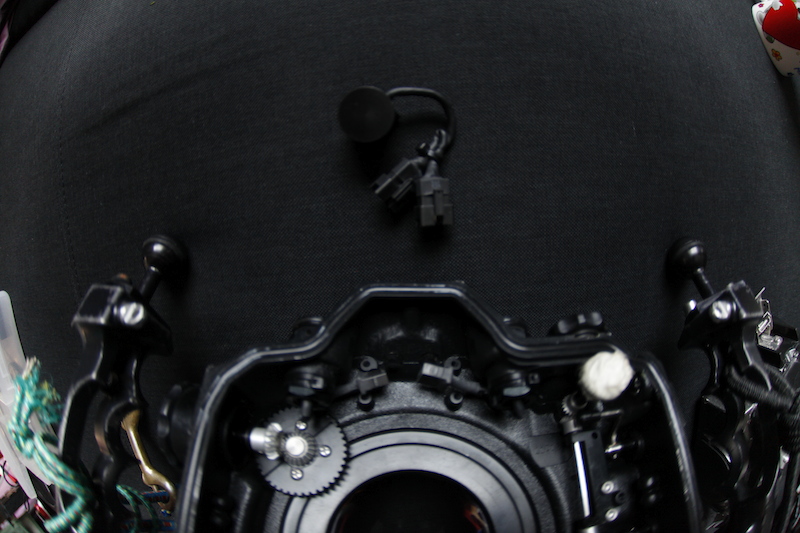
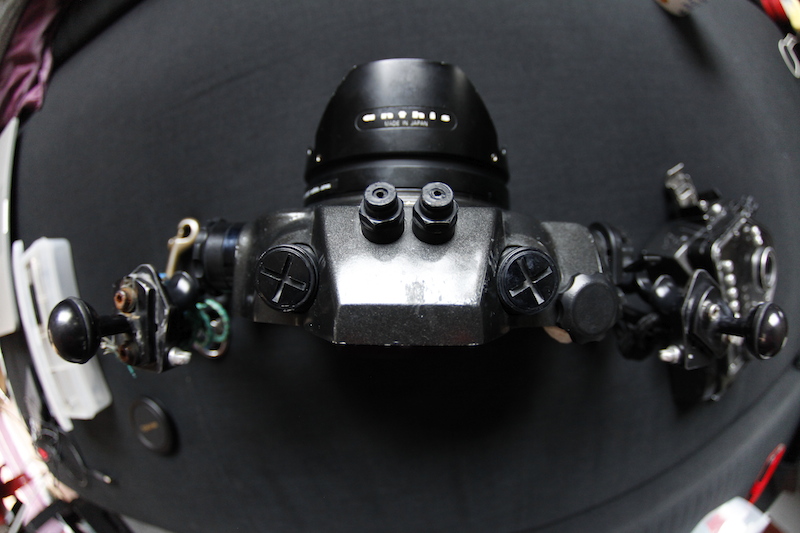
Hi
I would like to change my video stuff, I need to go deeper, this hausing is for ca. 70m. This is good old dslr not much used, I run on it Magic Latern soft which can record video hd (h265 and raw) or shoot timelapses under water ;-).
In pack you have:
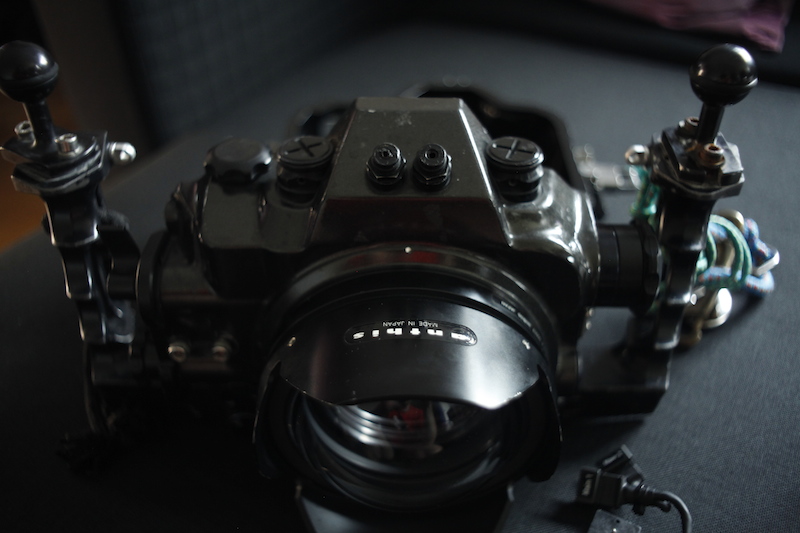
-hausing http://www.anthisnexus.com/index.php...&product_id=84
-travel like peli box on weels
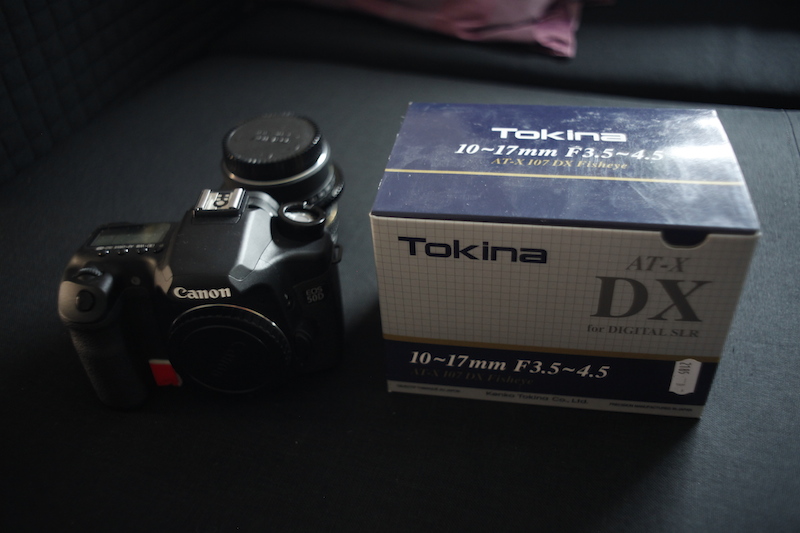
-dslr canon 50d, shutter count 4500!!!
-lens tokina 10-17
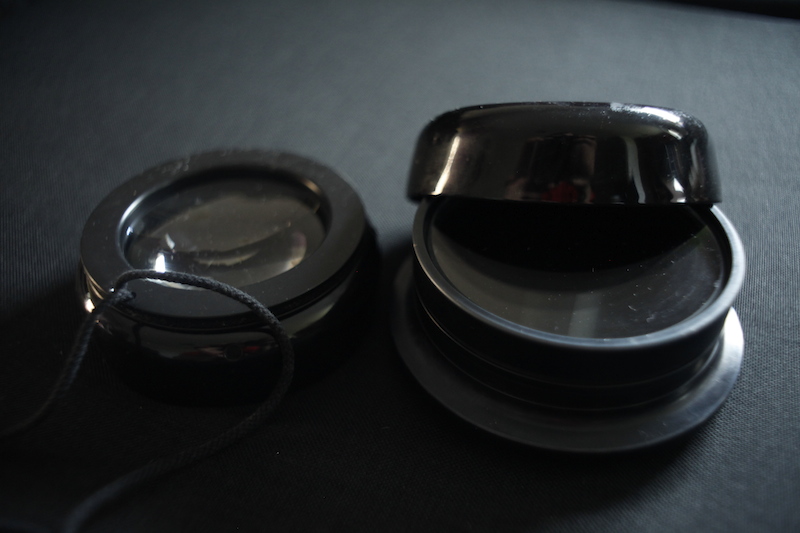
-zoom port http://www.anthisnexus.com/index.php...ct_id=953-grip extremly small
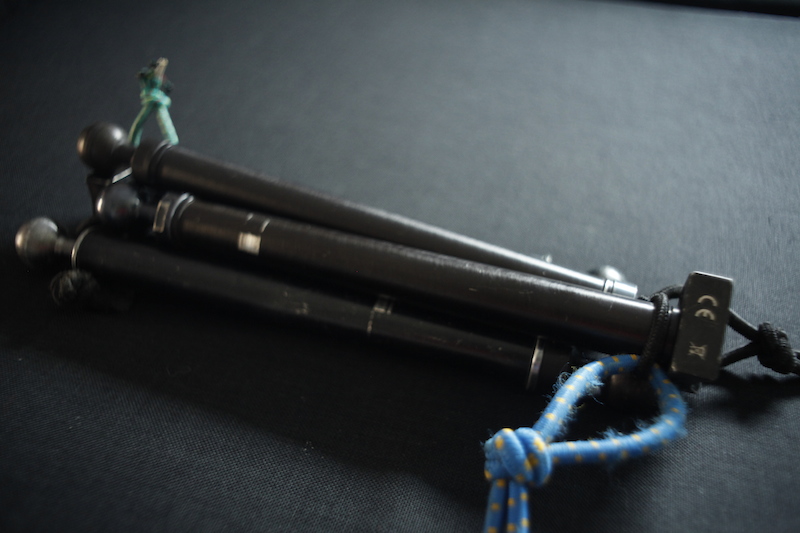
-arms
-flat macro port
-more photo stuff
pack ready to go underwater, samples:
https://vimeo.com/96584646
time 3.30sec you can see me with this cam ;-)
https://vimeo.com/90397327
I would have about 1800E + shipping
pics by mail, I can ship worldwide.
Jarek
Classifieds / Archived topic
Canon 50d nexus/anthins hausing full pack ready to dive
Started by kurek ·
- 6Posts
- 6Replies
Read-only discussion
Canon 50d nexus/anthins hausing full pack ready to dive
6 posts
-
-
hi,
any chance for some photos of the gear ?
also, what strobes were you using it with? (assume they are not included?)
m
-
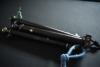
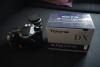
hope is ok
-
thanks!
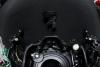
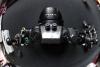
does the housing have fiber optic ports ? (think i can see them but not sure...)
also, what about the strobes ?
Cheers.
m
-
No strobes, I did not use it with strobes at all.
please see on pics
-
wanted to wish you like with selling the housing and say thank you, seeing your post reminded me to setup magic lantern on my 50D =)