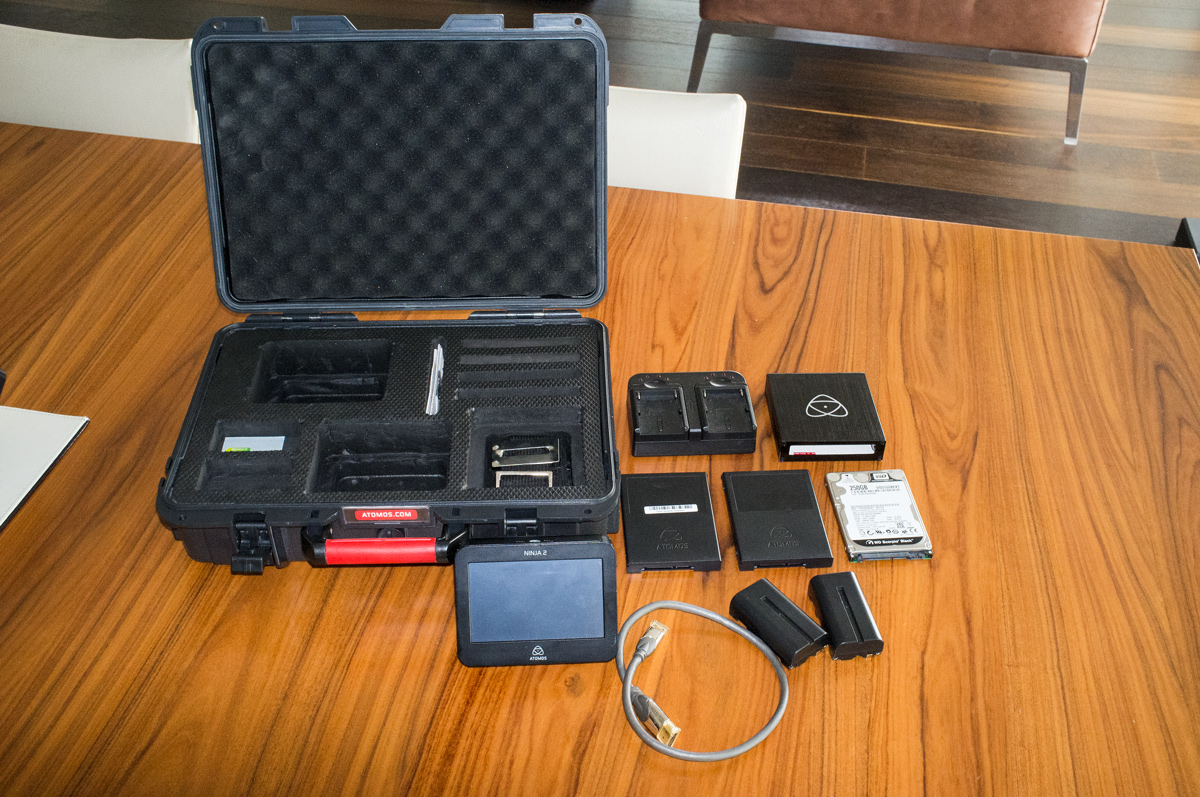
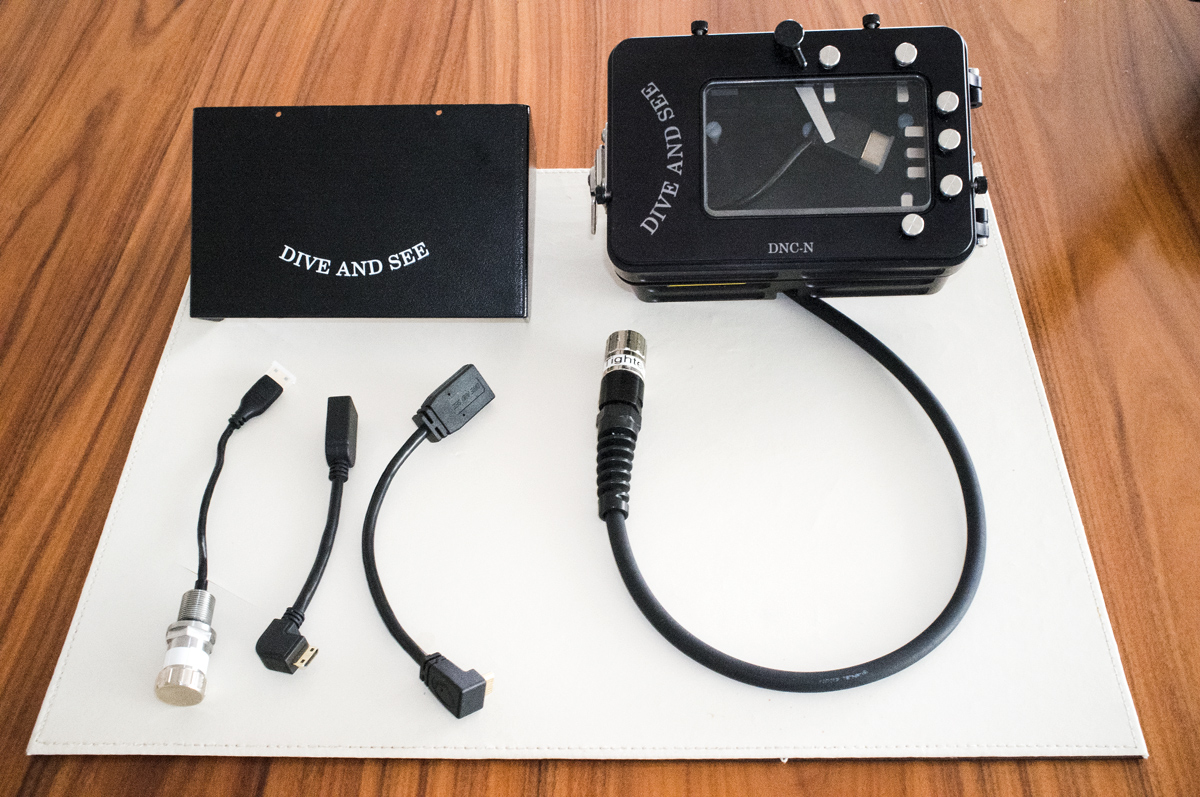
I am selling my relative new combo of a Atomos Ninja2 external 10Bit 4:2:2 recorder and video monitor with the dedicated Underwater Housing DNC-N from Dive and See (bought it in 2013). The recorder and the housing is in mink condition, never flooded and used only around 5 times. The bulkhead diameter is M14 and usable for Subal housings and others with same diameters (other bulkhead diameters can be bought separately from the manufacturer).
Item specs and content all as per the manufacturer listing:
http://diveandsee.com/products/underwater-monitors/1
Additionally DNC-N comes with 2 internal hdmi right angle cables and monitor shade.
Atomos Ninja 2 comes with full package including the original carry-on box. 2 batteries, charger, 2 disk holders, disk reader. Additionally, I am giving in for free 1 short HDMI cable, a 500 GB fast SSD from OCZ and a 250 GB WD Scorpio Black HDD (value approx. $500). The recorder is equipped with Apple ProRes and Avid DNxHD up to 220 Mbits.
Although the video quality of the external recording is impressive I am selling these items now. The huge data handling in post did not match with my workflow. I will record video from my DSLR internally in the future abeith in lower quality and with less comfort (i.e. without external monitor and therefore no focus peaking, zebra and falls color etc).
Today's new sales price of the combo is around $2'300, I am asking for $1'400 plus shipping (worldwide shipping with decent cost is available).
PM or email me on info@jvpictures.com.